

설명
Easy Content Slider
Easy Content Slider plugin is a wordpress plugin designed to create interactive content slider functionality with category into your wordpress website with responsive.and with use thumbnail navigation with using move option.
Easy Content Slider plugin can be linked with very easy and with no hard understanding.
We are inclue new slider type which is use for create new Horizontal Logo Slider. you can user Post feature image for logo slider.
We added new slider layout for Post Carousel Slider with thumbnail with many option.
Shortcode
[easy_slider category_id=1 limit=3 listPosition=left intervalDuration=2000 displayControls=true adaptiveDuration=200 transitionDuration=500 slidertype=default]
[easy_slider category_id=1 limit=10 slidertype=slick display-dots='no' display-arrows='yes' slides_to_show=3 slides_to_scroll=3]
Plugin Features
- Easy use and customization post content slider plugin.
- Add post into slider with using feature image.
- Responsive
- you can easily manage intervalDuration, displayControls, adaptiveDuration and transitionDuration time with Shortcode.
- also you can manage navigation controll with displayControls option.If yous set displayControls=true then display navigation controll on slider.
- If you can use Horizontal Logo Slider then change slidertype value is : horizontal_logo. like: slidertype=horizontal_logo
- If you can user Carousel Slider then change slidertype value is : slick. like: slidertype=slick
- If you disable arrows then change display-arrows=’no’
- If you display dots then change display-dots=’yes’
스크린샷

Overview List Of Easy content slider are shows and also can manage content slider category. 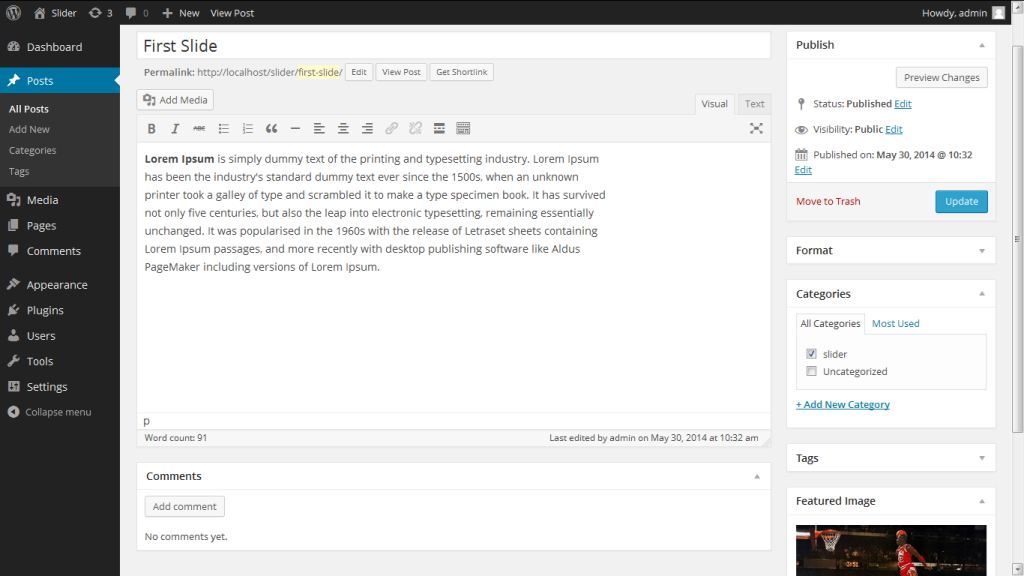
Adding New Category. 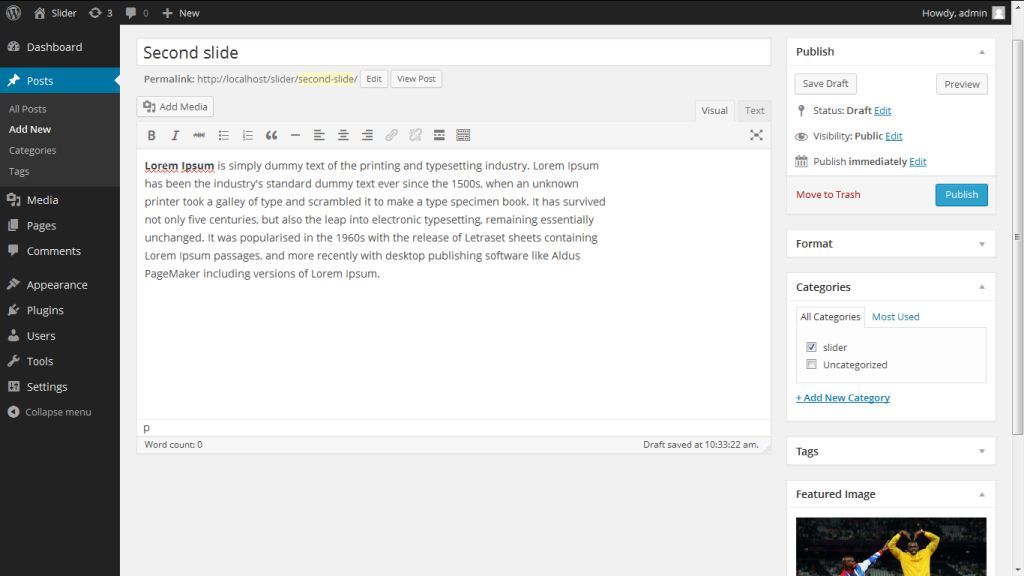
Adding New Many Post with feature image into slider category. 
If you want to move navigation left to right or right to left you can use listPosition=left or listPosition=right.if you not define this option then get default navigation is “right” 
This is use to listPosition=left in shortcode like :[easy_slider category_id=21 listPosition=left] 
This is for Horizontal Logo Slider Example. 
This is for Post Carousel Slider.
설치
- Visit Plugins->Add New in the admin.
- Click Upload from the horizontal list of options below the page title.
- Select the location of your easy-content-slider.zip in the file uploader input.
- Click Upload, and the plugin will be uploaded and installed for you quickly and easily.
- You will now be asked if you want to activate the plugin, choose yes.
FAQ
Please use Support tab OR use this link https://wordpress.org/support/plugin/easy-content-slider
후기

2018년 7월 15일
답글 2개
added plugin and enabled, nothing is working

2017년 12월 12일
답글 1개
i have used this plugin it is responsive and very easy to implement and very fast in loading

2017년 4월 24일
Easy and powerful. Just what I needed! It also has a good support. Thank you very much.

2017년 2월 8일
It works as advertised, and it would have been perfect if it was 2010. However, nowadays, where almost any decent theme is responsive (free or premium), a plugin like this is obsolete from the get go.
If it gets updated and becomes responsive, this plugin is definitely a 4 or even 5 star plugin in my book. And it does not deserve a 1 or even 2 star rating, since it delivers what it promised, hence my 3 star rating.
기여자 & 개발자

변경이력
1.7
- Improvement : Manage smooth perfomance and solve CSS issue.
1.6
- Add New Slider layout : You can add Post Carousel Slider with many option.
1.5
- Add New Slider Type : You can create New Horizontal Logo Slider using slidertype=horizontal_logo shortcode param.
1.4
- Solved listPosition issue, make smooth slide.
1.3
- Add Slide Time controlls : intervalDuration, displayControls, adaptiveDuration and transitionDuration
1.2
- Move Navigation
1.1
- Responsive slider
1.0
- Initial release