

აღწერა
Simply enable the plugin and go to the WP Live Debug tab to see your debug.log. The view is refreshed every 3 seconds.
ეკრანული სურათები
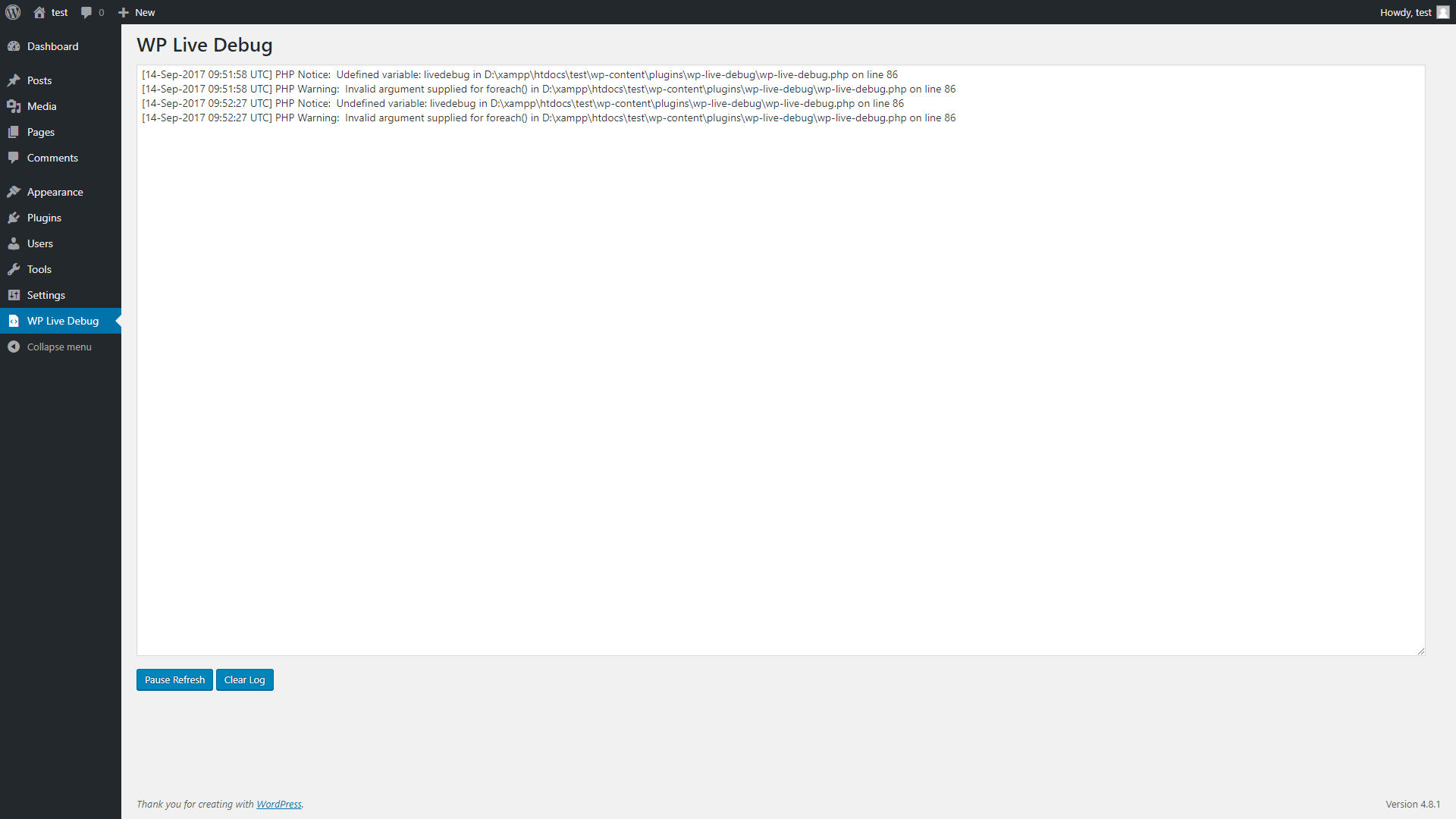
WP Live Debug
დაყენება
From within WordPress
- Visit Plugins > Add New
- Search for WP Live Debug
- Click the Install Now button to install the plugin
- Click the Activate button to activate the plugin
Manually
- Unzip the downloaded package
- Upload
wp-live-debugdirectory to the /wp-content/plugins/ directory - Activate the plugin through the ‘Plugins’ menu in WordPress
ხდკ
- Installation Instructions
-
From within WordPress
- Visit Plugins > Add New
- Search for WP Live Debug
- Click the Install Now button to install the plugin
- Click the Activate button to activate the plugin
Manually
- Unzip the downloaded package
- Upload
wp-live-debugdirectory to the /wp-content/plugins/ directory - Activate the plugin through the ‘Plugins’ menu in WordPress
მიმოხილვები
There are no reviews for this plugin.
მონაწილეები & დეველოპერები
“WP Live Debug” ღია პროგრამული უზრუნველყოფაა. შემდეგმა ადამიანებმა წვილი შეიტანეს მის განვითარებაში.
მონაწილეები
გადათარგმნეთ WP Live Debug თქვენს ენაზე.
დაინტერესებული ხართ დეველოპმენტით?
დაათვალიერეთ კოდი, შეამოწმეთ SVN რეპო, ან გამოიწერეთ შექმნის ჟურნალი : RSS.
ცვლილებები
4.9.4.2
- Update required PHP to 5.3.
- Update required WordPress version to 4.8.
4.9.4.1
- Fixed removing ‘n’ from the debug view.
4.9.4
- Code refactoring.
- Minor fixes.
4.9.2.1
- Fixed faulty Plugin URI.
4.9.2
- Checks if file exists first to avoid errors.
- Bumping version to follow WordPress releases.
1.0.1
- Fixed
No such file or directorywarning
1.0.0
- Initial Release