jvider1.8.1
Publisher Description
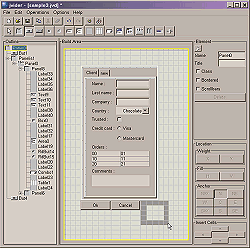
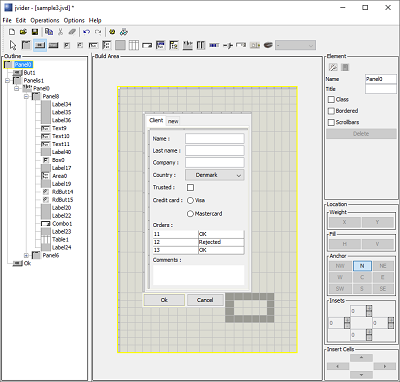
GUI builder tool for Java Swing applications. With jvider you can easily design graphical user interfaces for Java applets and applications.
jvider features:
- standard Java Swing components are used;
- gridBagLayout is used for layout (no absolute positioning);
- interactive UI design with drag & resize features;
- testing UI on the fly without compiling;
- ability to save/load your designs;
- view and export produced Java source code as Frame or Applet;
- intuitive interface. Easy to understand and comprihend;
- Custom JavaBeans supported;
- easy to get started with tutorial and samples provided;
- JavaBeans support.
jvider supports these components :
JPanel, JButton, JToggleButton, JCheckBox, JRadioButton, JTextField, JTextArea, JLabel, JTable , JComboBox, JList, JTabbedPane, JProgressBar, JSlider, JTree, JSplitPane.
This tool is platform independent and runs on all environments that support JavaTM Virtual Machine (VM).
About jvider
This program is available in English. It was last updated on 22 February, 2026. jvider is compatible with the following operating systems: Other.
The company that develops jvider is Midpoint systems, UAB. The latest version released by its developer is 1.8.1. This version was rated by 1 users of our site and has an average rating of 5.0.
The download we have available for jvider has a file size of N/A. Just click the green Download button above to start the downloading process. The program is listed on our website since 2016-01-15 and was downloaded 377 times. We have already checked if the download link is safe, however for your own protection we recommend that you scan the downloaded software with your antivirus. Your antivirus may detect the jvider as malware if the download link is broken.
How to install jvider on your Windows device:
- Click on the Download button on our website. This will start the download from the website of the developer.
- Once the jvider is downloaded click on it to start the setup process (assuming you are on a desktop computer).
- When the installation is finished you should be able to see and run the program.
