
説明
WP Responsive FAQ, with multiple categories FAQ system allows you to add, manage and display Categories and FAQs on your website.
You can create as many catagories you want and allot as many FAQs to a category. There is no need of extra configurations for WP Responsive FAQs.The saved FAQs will be displayed in the website.
Now with Sortable FAQs you can sort you FAQs in any order you want to.
Note:- If you are updating this plugin to its latest version, please deactive the plugin and then activate the plugin again.
Few shortcodes are needed to create a faq page of you wordpress website.
Shortcode :
1) Default ( All categories and FAQs )
[wp_responsive_faq]
2) With Title ( All categories and FAQs ):
[wp_responsive_faq title=”Our FAQs”]
3) With Title ( Specific Categories ):
[wp_responsive_faq title=”My FAQ’s” categories=”news,sports,science”]
4) With Title ( One category ):
[wp_responsive_faq title=”My FAQ’s” category=”news”]
Features Included :
a) WP Responsive FAQ Plugin.
b) Unlimited Categorioes.
c) Unlimited FAQ storage.
d) Responsive design.
e) Ajax Powered.
f) FAQ filter according to typed words.
g) Very basic and simple admin section.
h) Sortable FAQs
スクリーンショット
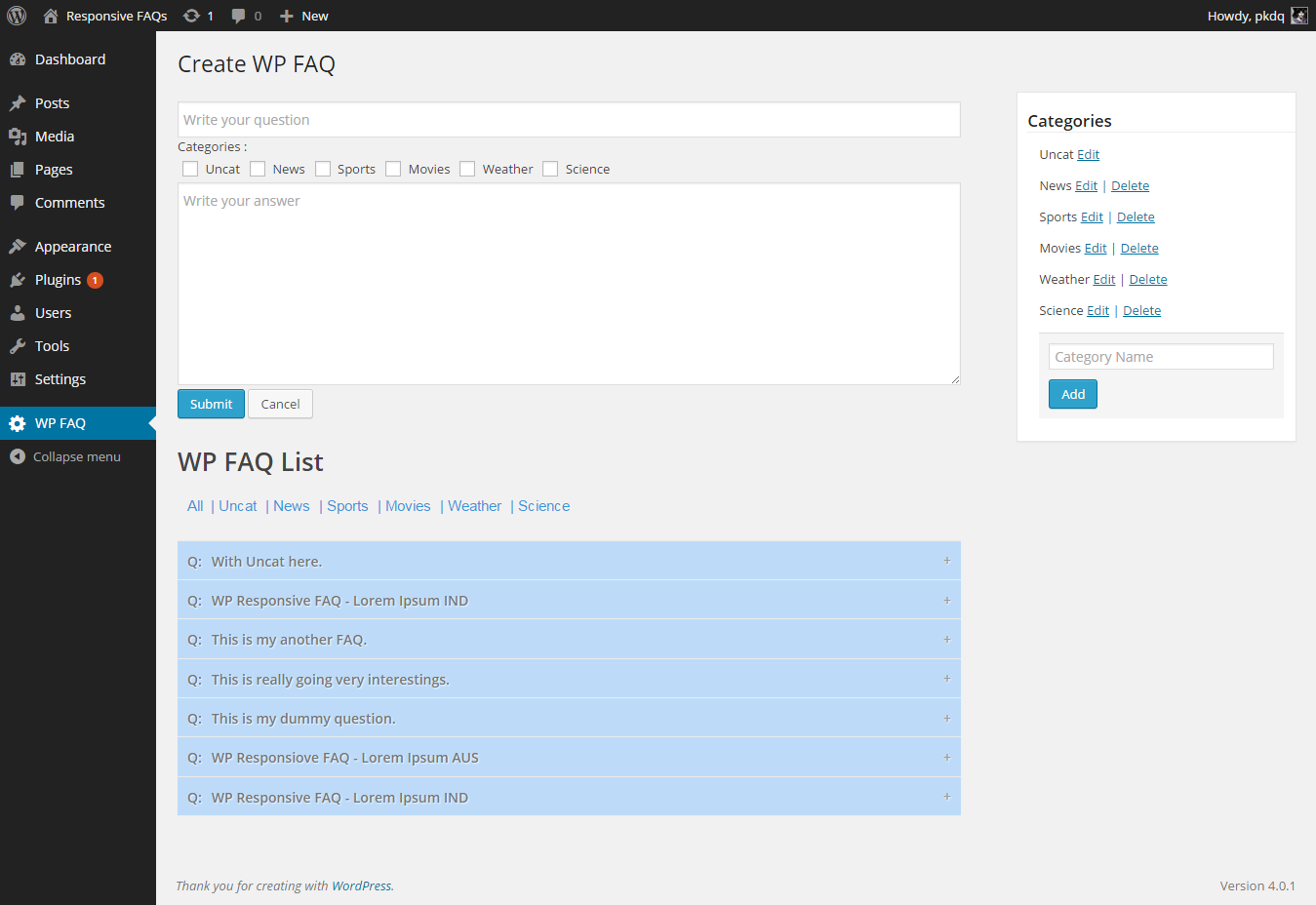
WP Responsive FAQ – Admin 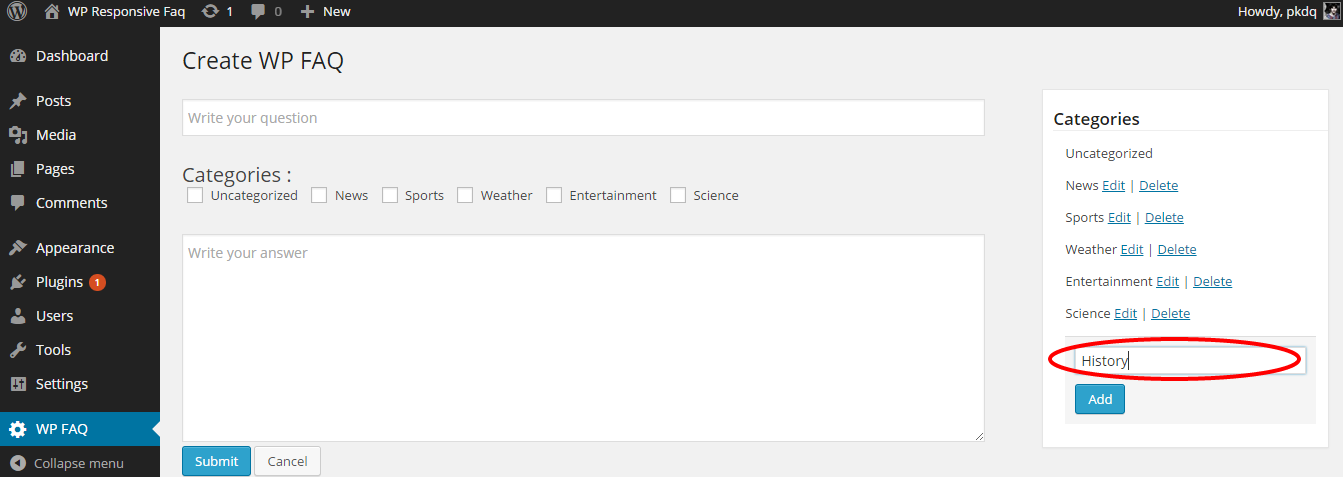
WP Responsive FAQ – Create Category 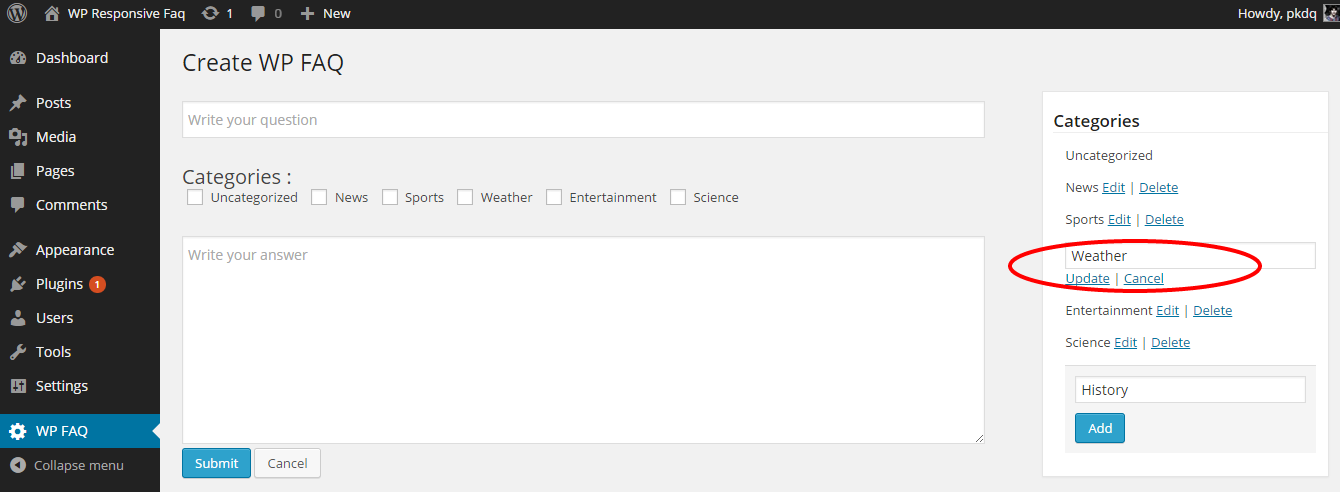
WP Responsive FAQ – Edit/Delete Category 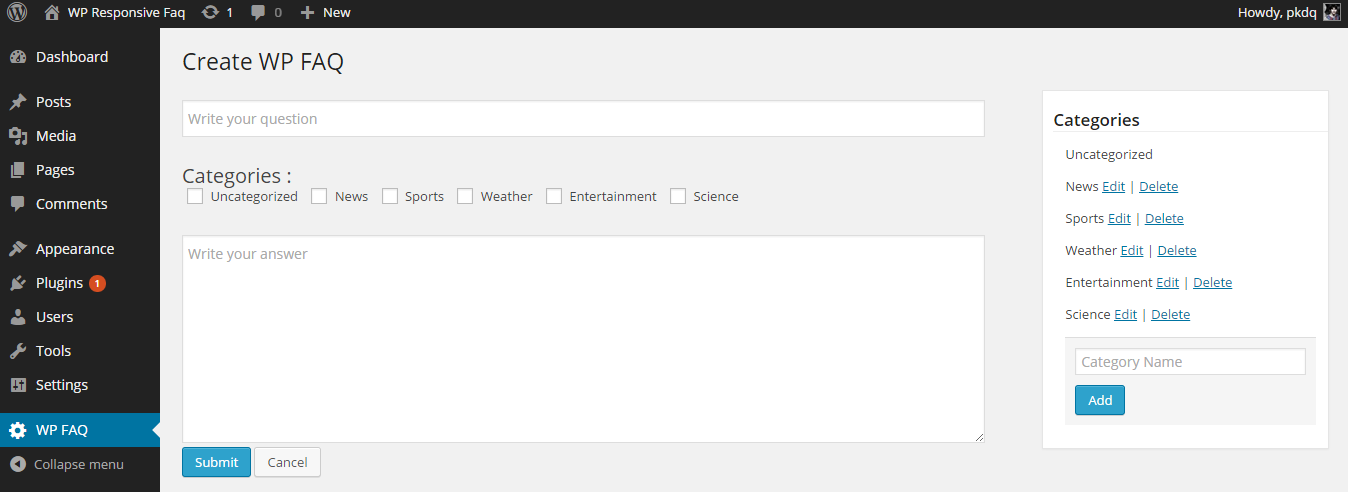
WP Responsive FAQ – New FAQ 
WP Responsive FAQ – FAQ List Admin 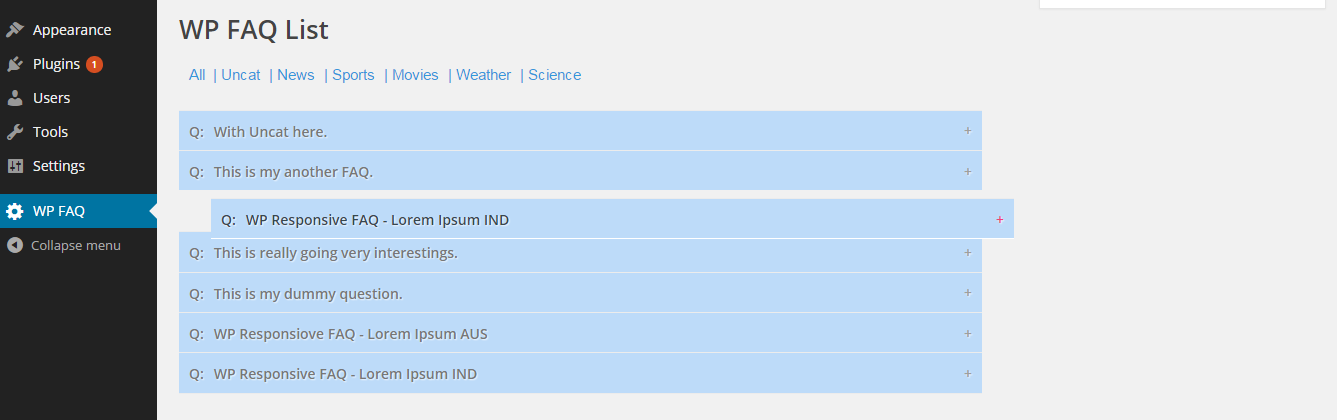
WP Responsive FAQ – Sortable FAQs 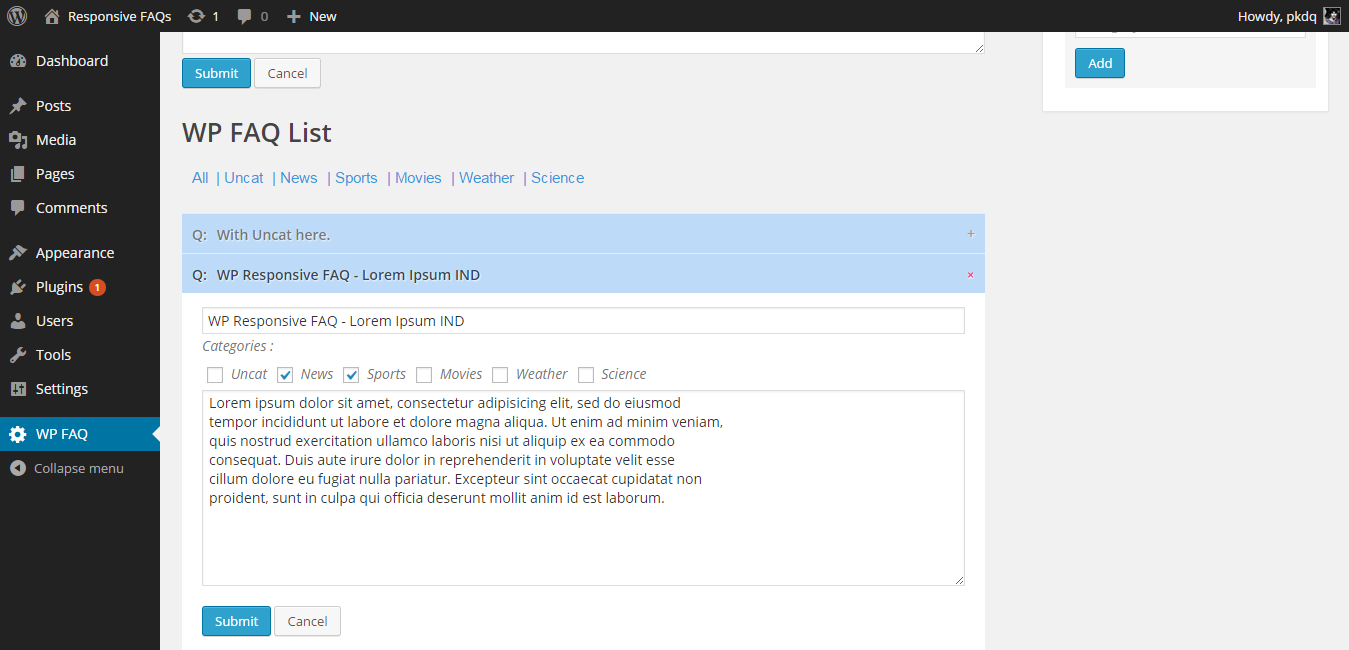
WP Responsive FAQ – FAQ Edit/Delete 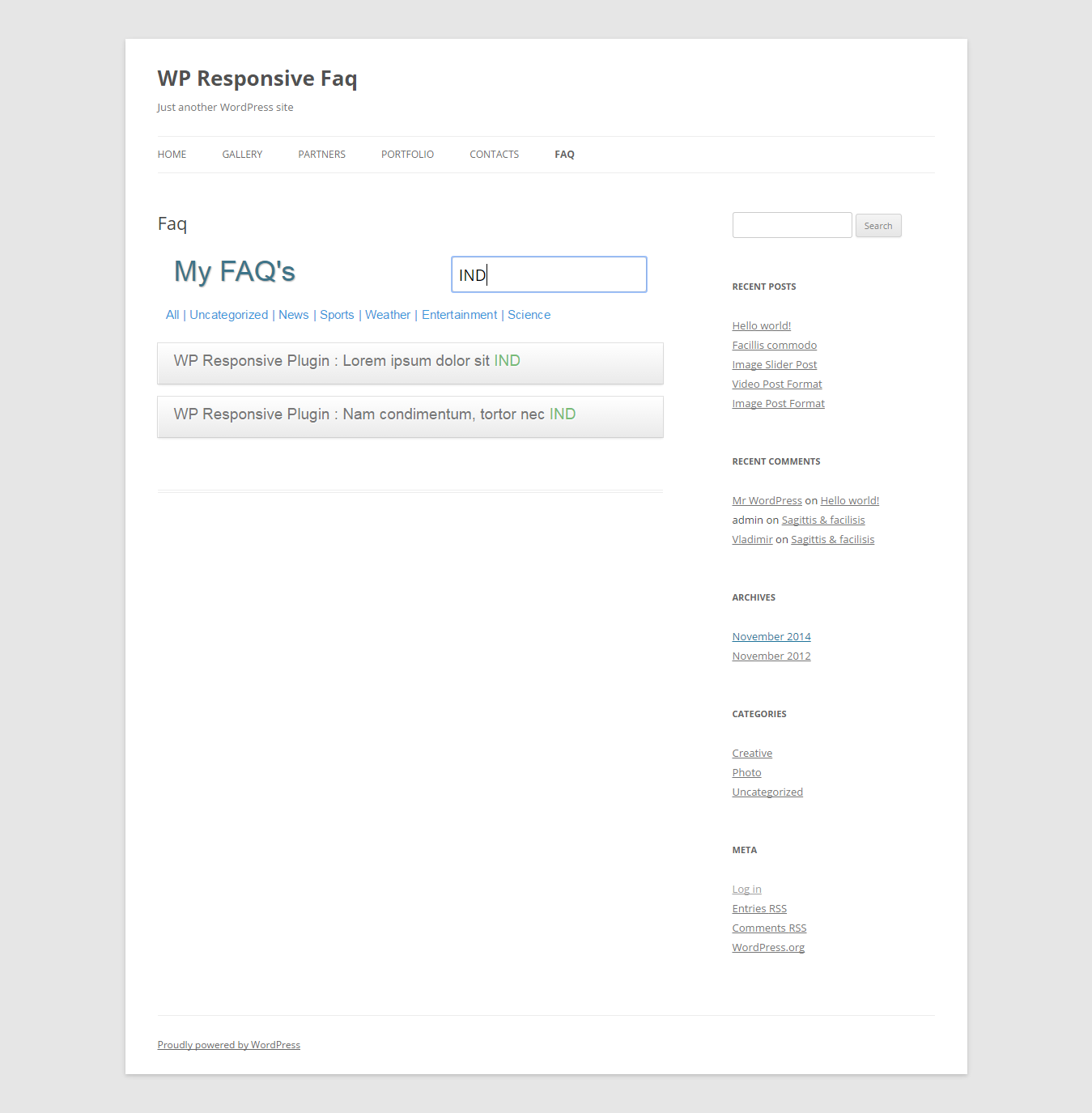
WP Responsive FAQ – FAQ List On Website
インストール
- Upload the ‘WPResponsiveFaq’ folder to the ‘/wp-content/plugins/’ directory.
- Activate the ‘WP Responsive Faq’ list plugin through the ‘Plugins’ menu in WordPress.
- Add a new page and add this short code
1) Default ( All categories and FAQs )
[wp_responsive_faq]
2) With Title ( All categories and FAQs ):
[wp_responsive_faq title=”Our FAQs”]
3) With Title ( Specific Categories ):
[wp_responsive_faq title=”My FAQ’s” categories=”news,sports,science”]
4) With Title ( One category ):
[wp_responsive_faq title=”My FAQ’s” category=”news”]
評価


貢献者と開発者

変更履歴
1.3
- Several Bug Fixes
- Updated Shortcode Bugs
- Updated Readme
- Required: WP >= V3.8
1.2
- Added drag and drop sorting of FAQs
- Initital FAQs displayed In Oldest First order
- Filters accodging to categories in Admin Panel
- Several Bug Fixes
- Updated Readme
- Required: WP >= V3.8
1.1
- Added Multiple Categories
- Several bug fixes
- Required : php v5.4
1.0
- Initial Release