Canva flipbooks, made with Issuu
Turn standout designs into a wide range of pixel-perfect content with the seamless integration between Canva and Issuu. Tap into the full potential of your creative work and bring it to life with one-click publishing, easy sharing, and real-time tracking. With Canva’s expansive library of templates and Issuu’s user-friendly digital publishing platform, creating a Flipbook in Canva – along with Social Posts and GIFs – takes minutes. End-to-end design and publishing has never been easier.

Get discovered and grow your audience
Amplify the reach and impact of your Canva designs with the integrated distribution and audience growth potential of publishing on Issuu. Whether it’s a catalog, magazine, brochure, or presentation, our platform transforms it. Go from Canva to Flipbook instantly, and let Fullscreen sharing links and no-code embedding help your content get discovered faster. Then, share highlights with engaging Social Posts and grab attention with unique GIFs.
Track your success with straightforward statistics
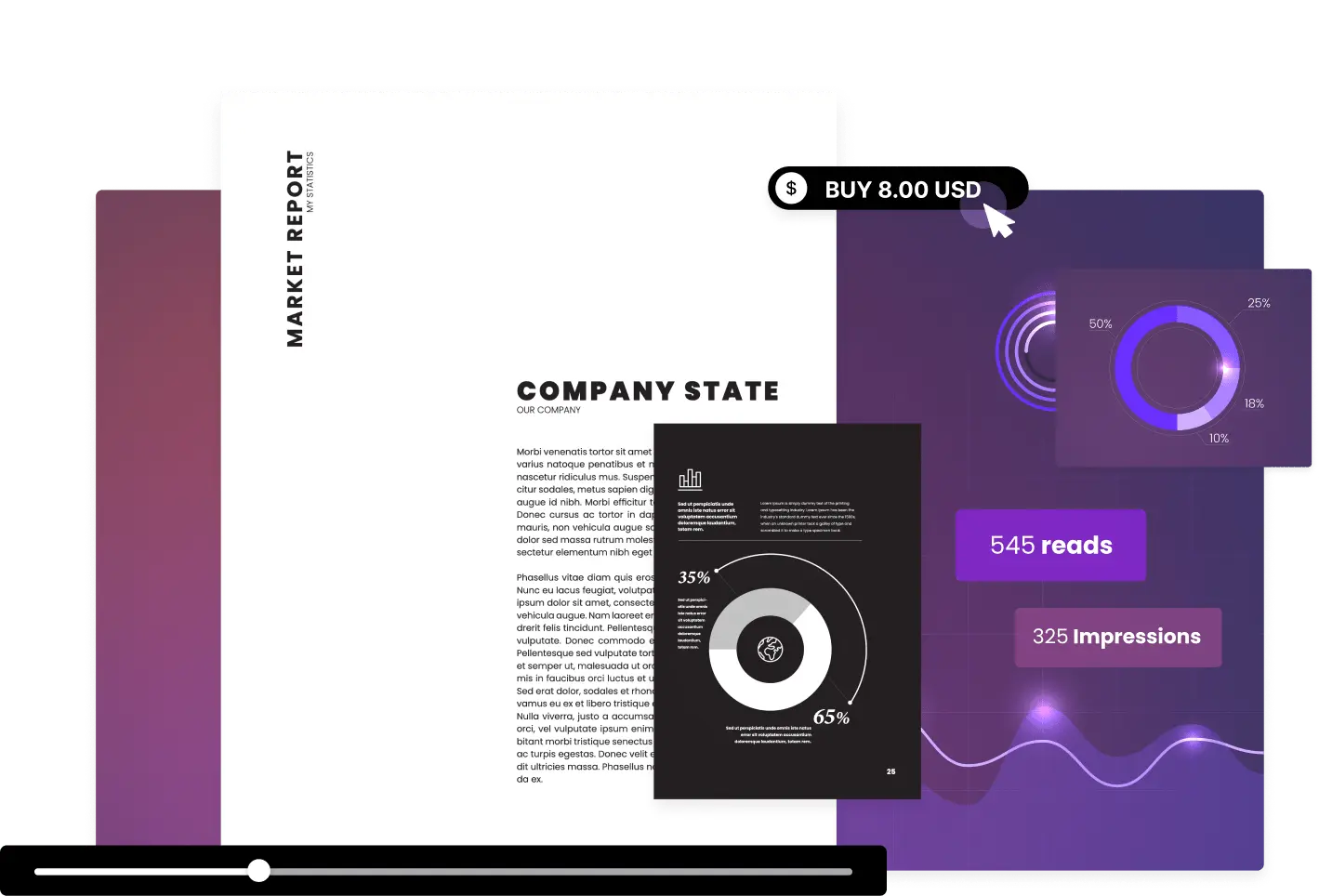
Gain valuable insights into your content's performance directly within your Canva workspace using Issuu’s Statistics. Monitor metrics like impressions, reads, clicks, and read time. Make data-driven decisions to optimize your content’s impact across channels and turn insights into action as you refine your designs with your audience in mind.
How to create a flipbook in Canva:
Log in to Canva, select “Apps” from the left-hand toolbar to access Canva’s apps marketplace, and search for “Issuu.” Connect your Issuu account or sign up for free with our Basic plan.
After connecting the Issuu app, you’ll see the Issuu icon in the lower left corner of your Canva workspace.
Once you’re done, click on the Issuu icon, and select “Export draft to Issuu” to publish directly. Go to Issuu to add interactive elements, like links and videos, and generate more formats.
Monitor your content’s performance, see and edit previous Issuu flipbooks, and much more right within your Canva workspace.
Explore features to elevate your content
With a wide range of features at your fingertips, Issuu helps you create unique and connected reading experiences.














Get Started
"Apps like Issuu provide incredible value to Canva users, seamlessly serving as the next step in their design process for digital publishing, content distribution, and analytics," said Warren Chen, Head of Ecosystem Partnerships at Canva. "The integration with Issuu allows our users to effortlessly transform their designs into engaging formats for hosting and sharing, extending the reach and impact of their content. This collaboration exemplifies how our developer program enables seamless connectivity to powerful tools that enhance the overall Canva experience, delivering significant value to our community."- Warren Chen, SaaS Ecosystem and Platform Leader at Canva
See why people love Issuu
Issuu is the platform of choice for individual creators and companies everywhere.
“"With Issuu, we've taken our marketing materials to the next level. The platform's user-friendly interface and beautiful, interactive presentation format have transformed our property catalogs and guides into engaging digital publications. Issuu's seamless integration with Canva and easy sharing options have enabled us to reach a wider audience and provide clients with an enhanced viewing experience. The analytics feature is particularly valuable in helping us tailor our content more effectively."”
Bosshardt Realty Services
“”
Abstract House
“"Issuu's integration with Canva has been a significant upgrade for us. It used to be a two-step process: downloading the PDF and then uploading it to Issuu. But now, I can publish directly to Issuu in a single click. This integration has been an absolute game-changer."”
Metabolic Support UK