

Deskripsi
Adds new Addons & Widgets that are specifically designed to be used in conjunction with the Elementor Page Builder.
Buttons like primary, brand, secondary, sucess, danger, light also button style included square, rounded, outline etc..
Tangkapan Layar
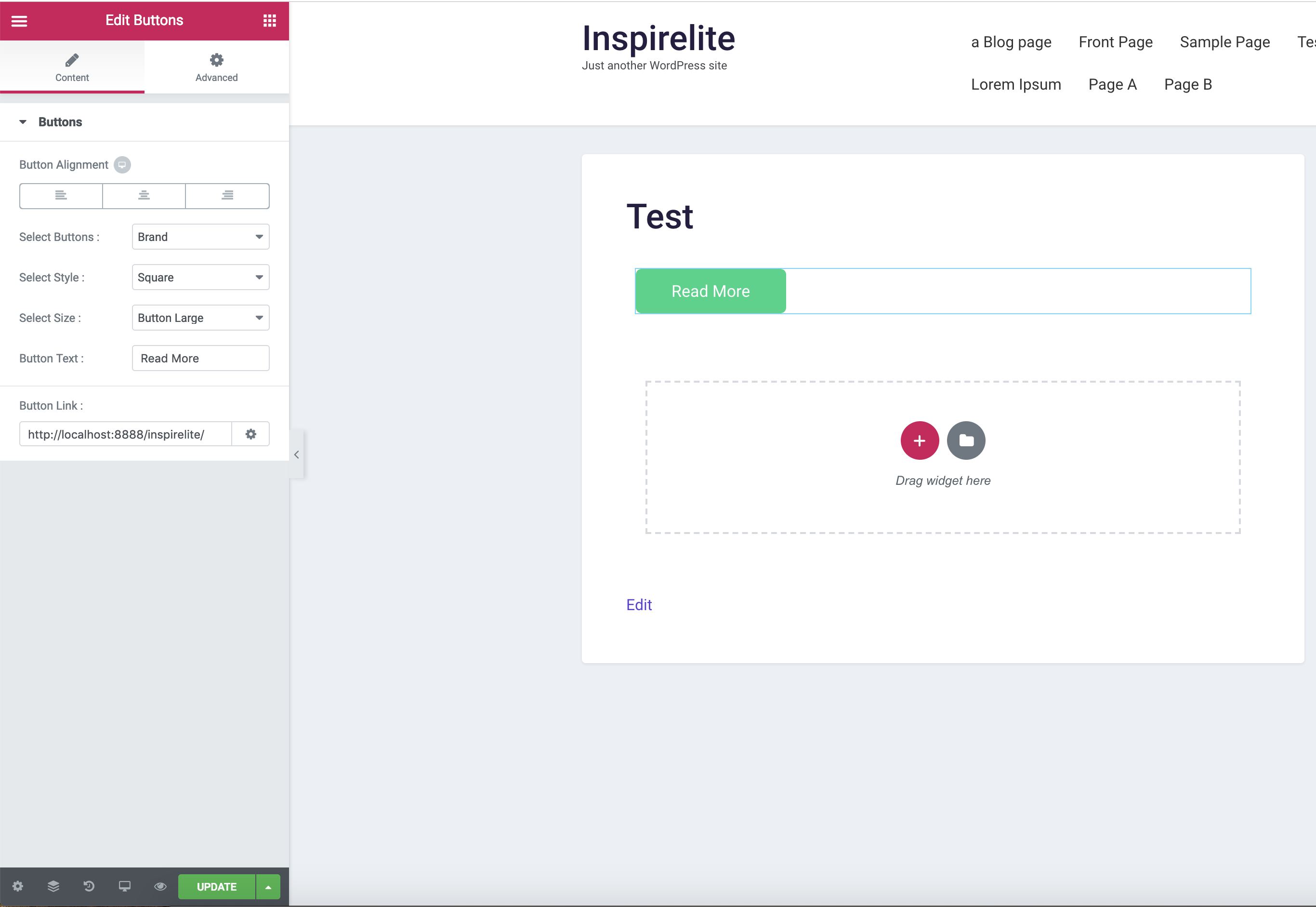
Widgets Panel 
Editor View 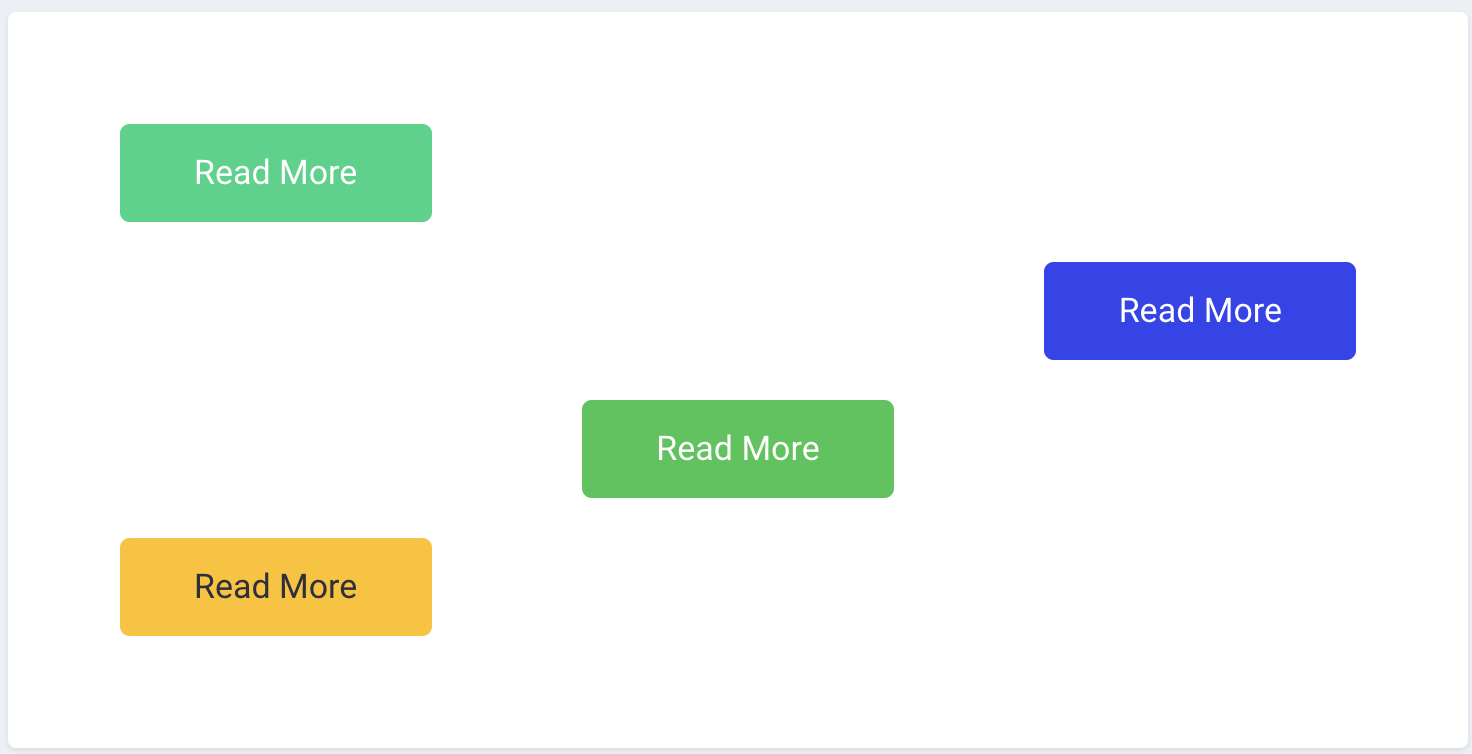
Design View
Instalasi
- Install using the WordPress built-in Plugin installer, or Extract the zip file and drop the contents in the
wp-content/plugins/directory of your WordPress installation. - Activate the plugin through the \’Plugins\’ menu in WordPress.
- Go to Pages > Add New
- Press the \’Edit with Elementor\’ button.
- Scroll down the left pane to the WordPress section and you should see the new widgets that you can drag and drop on to your page.
Ulasan
Belum ada ulasan untuk plugin ini.
Kontributor & Pengembang
“Inspirelite Addons For Elementor” adalah perangkat lunak open source. Berikut ini mereka yang sudah berkontribusi pada plugin ini.
Kontributor

Terjemahkan “Inspirelite Addons For Elementor” dalam bahasa Anda.
Tertarik mengembangkan?
Lihat kode, periksa repositori SVN , atau mendaftar ke log pengembangan melalui RSS.
Log Perubahan
1.0.0
- Initial release.