

Deskripsi
Cyclos WordPress Plugin
This plugin enables you to add a Cyclos login form and/or show Cyclos users in a list or map on your WordPress website.
Tangkapan Layar

Login form (in a page). 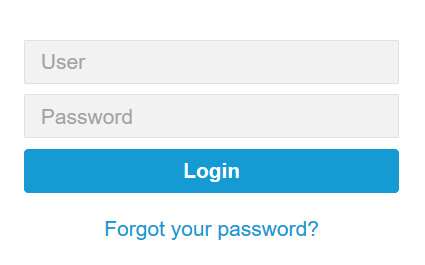
Login form (closeup). 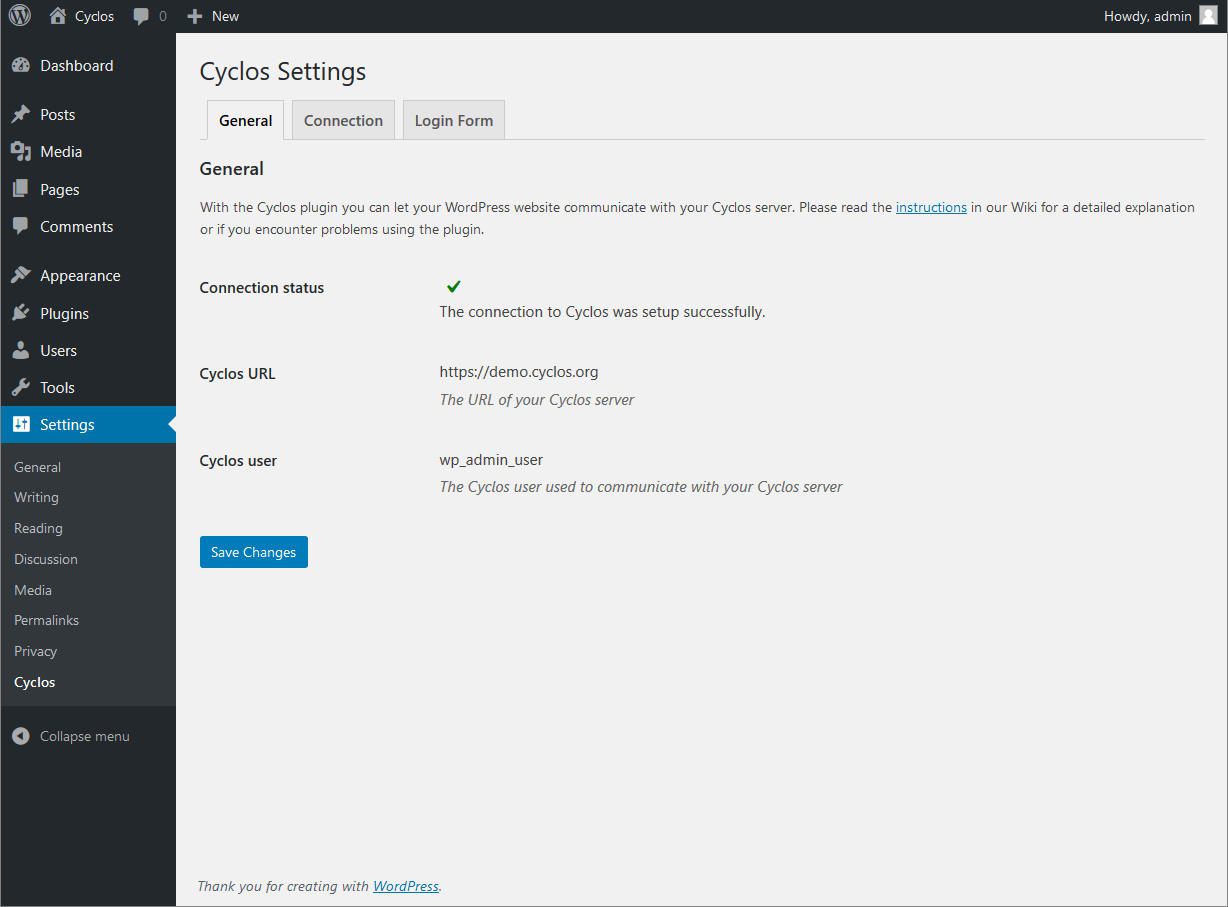
Cyclos plugin settings. 
Customizing labels of the form. 
User list example with filter option.
Instalasi
Either from within WordPress:
- Go to ‘Plugins’ and click ‘Add New’.
- Search for ‘Cyclos’.
- Click ‘Install Now’ near the ‘Cyclos’ plugin.
or manually:
- Download the Cyclos plugin from the WordPress plugin page and store the zip file on your computer.
- Unpack the contents of the zip file on your computer. This should be a folder called ‘cyclos’.
- Upload the ‘cyclos’ folder to the ‘/wp-content/plugins/’ directory of your WordPress website.
And next:
- Activate the Cyclos plugin through the ‘Plugins’ menu in WordPress.
- Configure the plugin by going to ‘Cyclos’ under the ‘Settings’ menu.
Detailed instructions for the configuration of both Cyclos and WordPress settings are available in our Wiki.
Tanya Jawab
-
What does the plugin do?
-
With the plugin you can allow your Cyclos users to login to Cyclos using a WordPress front-end site. And/or you can show your Cyclos users in a list or map in your WordPress site.
-
What is Cyclos?
-
Cyclos is a payment platform used by banks, mfi’s, barters, for remittances and complementary currency systems. For more information please visit: www.cyclos.org.
-
Where can I find more information?
-
Please read the dedicated page in our Wiki about this plugin.
Ulasan
Belum ada ulasan untuk plugin ini.
Kontributor & Pengembang
“Cyclos” adalah perangkat lunak open source. Berikut ini mereka yang sudah berkontribusi pada plugin ini.
Kontributor


“Cyclos” telah diterjemahkan dalam 7 bahasa. Terima kasih kepada para penerjemah untuk kontribusi-nya.
Terjemahkan “Cyclos” dalam bahasa Anda.
Tertarik mengembangkan?
Lihat kode, periksa repositori SVN , atau mendaftar ke log pengembangan melalui RSS.
Log Perubahan
Please see the Changelog in our Wiki.