
Leírás
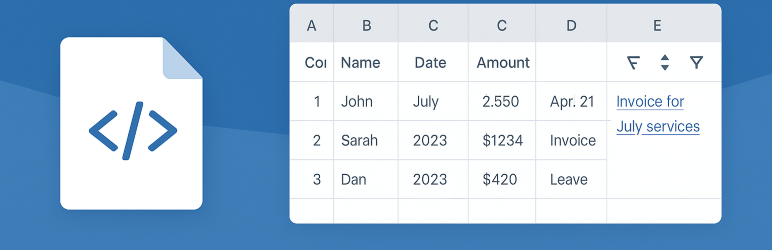
Embed Spreadsheet Viewer lets you easily embed data from shared Excel .xlsx files into your WordPress posts and pages.
✨ Key features:
– Connect to any public Excel .xlsx URL (Dropbox, Google Drive direct link, etc.).
– Choose worksheet, rows, and columns to display.
– Apply custom headers and formatting (numbers, dates, currency).
– Enable sorting, filtering, and pagination.
– Admin tools to preview and refresh cached data.
– Optional public refresh button for end users.
Perfect for sharing live data tables like work orders, price lists, schedules, and reports.
License
This plugin is licensed under GPLv2 or later.
Képernyőmentések

Admin spreadsheet creation screen.
Telepítés
- Upload the plugin ZIP file via Plugins Add New.
- Activate the plugin.
- Go to Spreadsheets in the WordPress admin menu.
- Add a new Spreadsheet entry:
- Set a unique Table ID.
- Provide the public Excel file URL.
- Specify the worksheet name.
- Insert the shortcode into your content:
GYIK
-
What URLs are supported?
-
Any public Excel
.xlsxfile, including Dropbox and Google Drive (with a direct download link). -
Does it work with Google Sheets?
-
No, it only works with
.xlsxfiles. -
Can site visitors refresh the data?
-
Yes — if you enable the Show Refresh Button option in the spreadsheet settings.
-
Does it support formulas?
-
Flattened files strip formulas and keep only visible values, similar to „Paste Special Values” in Excel.
Vélemények
Nincsenek értékelések erről a bővítményről.
Közreműködők és fejlesztők
“Embed Spreadsheet Viewer” egy nyílt forráskódú szoftver. A bővítményhez a következő személyek járultak hozzá:
Közreműködők
“Embed Spreadsheet Viewer” fordítása a saját nyelvünkre.
Érdekeltek vagyunk a fejlesztésben?
Browse the code, check out the SVN repository, or subscribe to the development log by RSS.
Változási napló
1.0
- Initial release
GitHub Repository: https://github.com/mattellenburg/embed-spreadsheet-viewer