

Opis
Cyclos WordPress Plugin
This plugin enables you to add a Cyclos login form and/or show Cyclos users in a list or map on your WordPress website.
Snimke zaslona

Login form (in a page). 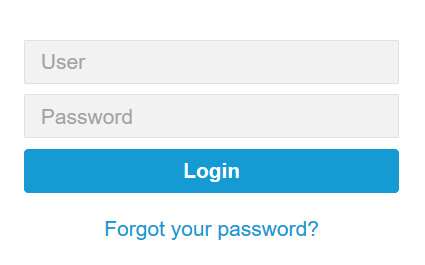
Login form (closeup). 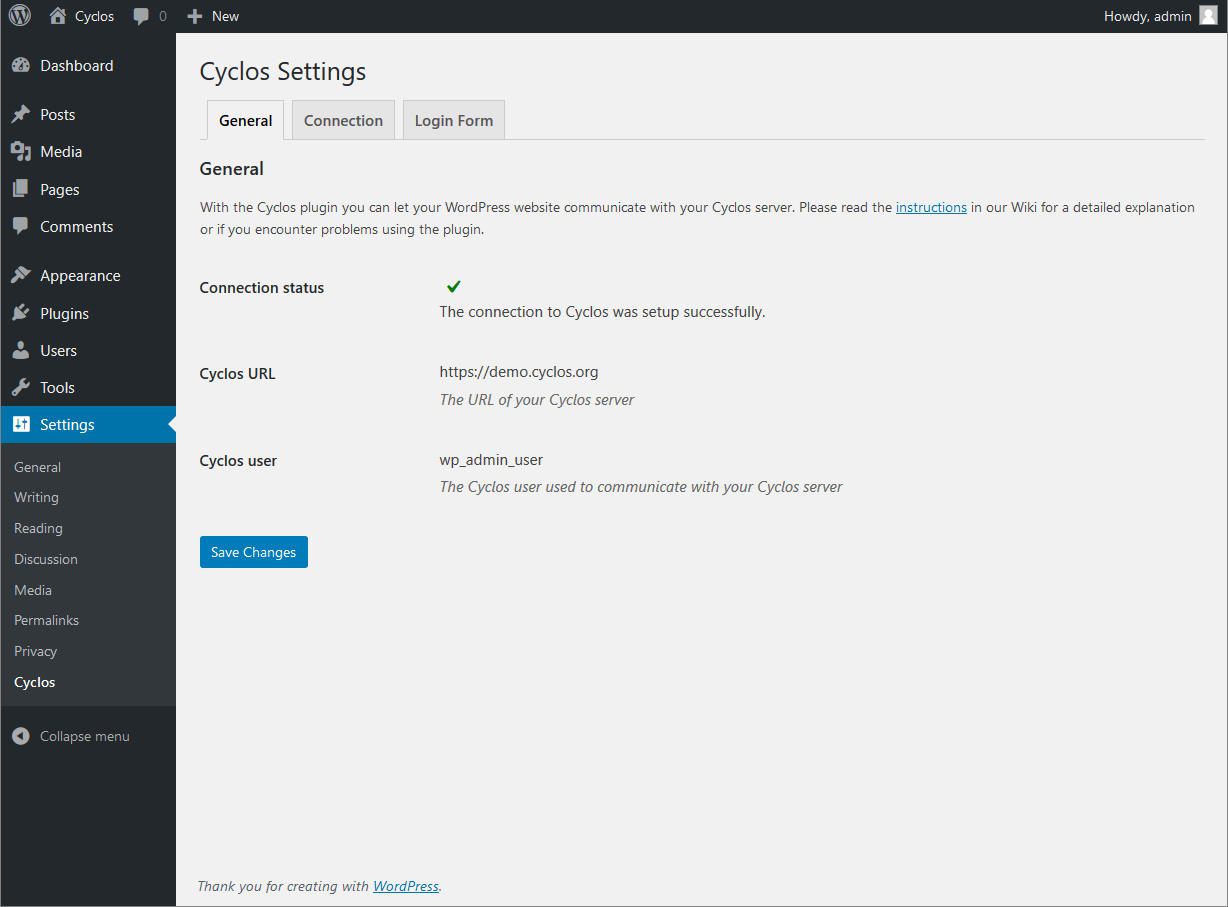
Cyclos plugin settings. 
Customizing labels of the form. 
User list example with filter option.
Instalacija
Either from within WordPress:
- Go to ‘Plugins’ and click ‘Add New’.
- Search for ‘Cyclos’.
- Click ‘Install Now’ near the ‘Cyclos’ plugin.
or manually:
- Download the Cyclos plugin from the WordPress plugin page and store the zip file on your computer.
- Unpack the contents of the zip file on your computer. This should be a folder called ‘cyclos’.
- Upload the ‘cyclos’ folder to the ‘/wp-content/plugins/’ directory of your WordPress website.
And next:
- Activate the Cyclos plugin through the ‘Plugins’ menu in WordPress.
- Configure the plugin by going to ‘Cyclos’ under the ‘Settings’ menu.
Detailed instructions for the configuration of both Cyclos and WordPress settings are available in our Wiki.
ČPP
-
What does the plugin do?
-
With the plugin you can allow your Cyclos users to login to Cyclos using a WordPress front-end site. And/or you can show your Cyclos users in a list or map in your WordPress site.
-
What is Cyclos?
-
Cyclos is a payment platform used by banks, mfi’s, barters, for remittances and complementary currency systems. For more information please visit: www.cyclos.org.
-
Where can I find more information?
-
Please read the dedicated page in our Wiki about this plugin.
Recenzije
Nema recenzija za ovaj dodatak.
Suradnici i Programeri
“Cyclos” je softver otvorenog koda. Sljedeće osobe su doprinijele ovom dodatku.
Suradnici


“Cyclos” je preveden na 7 jezika. Zahvala prevoditeljima za njihov doprinos.
Prevedite “Cyclos” na svoj jezik.
Zainteresirani ste za razvoj?
Pregledajte kôd, pogledajte SVN spremišteili se pretplatite na dnevnik razvoja od RSS.
Dnevnik promjena
Please see the Changelog in our Wiki.