
How to Check Your Email – Simple Version

  1. Home
  2. Email
  3. How to Check Your Email – Simple Version

Would you like to learn how to check your Appnet created email?
check your email

1. Your credentials will be sent from an Appnet Support member

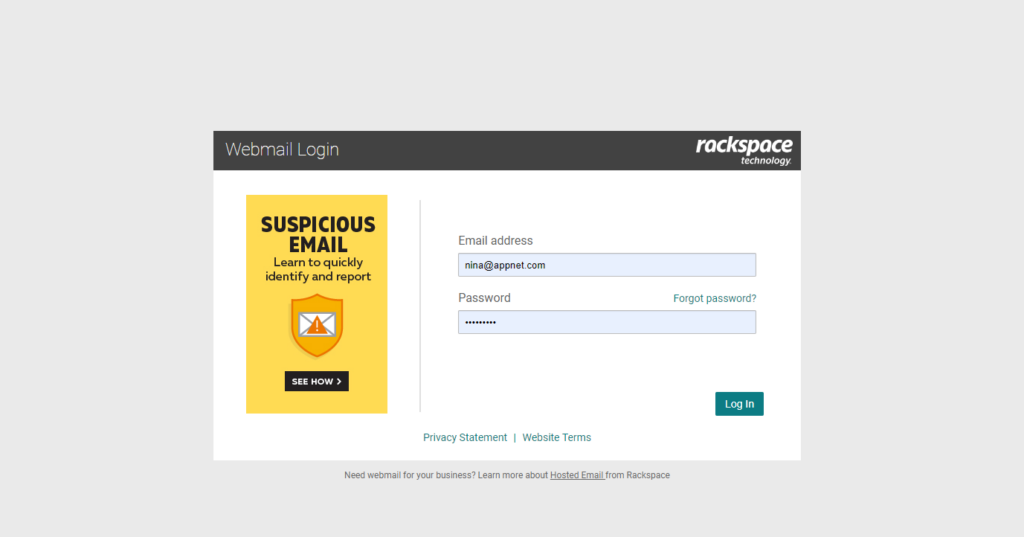
The easiest way to check your email is by going to apps.rackspace.com. Then enter in your email address fully. For example, [email protected]. Then input your password.

check your email

You May Be Interested In…

How to Safelist

Occasionally legitimate emails can be blocked or rejected by spam filtering rules. If you are expecting messages from a specific…

How to Set Up Email in Outlook

Your username and password credentials will be sent from an Appnet Support member. Make sure to check your current email!Step…

Search by Topic

Share This

Next Post
How to Set up a Forward on your Email