

תיאור
This plugin creates an XML sitemap with all posts, pages, categories, archives and tag pages, regardless of whether they are excluded from search engine indexing or not.
The advantage over a normal sitemap is that no pages are excluded from the sitemap. You can specify the XML cache sitemap in your cache plugin, such as LiteSpeed Cache, to fully warm up your website cache.
צילומי מסך
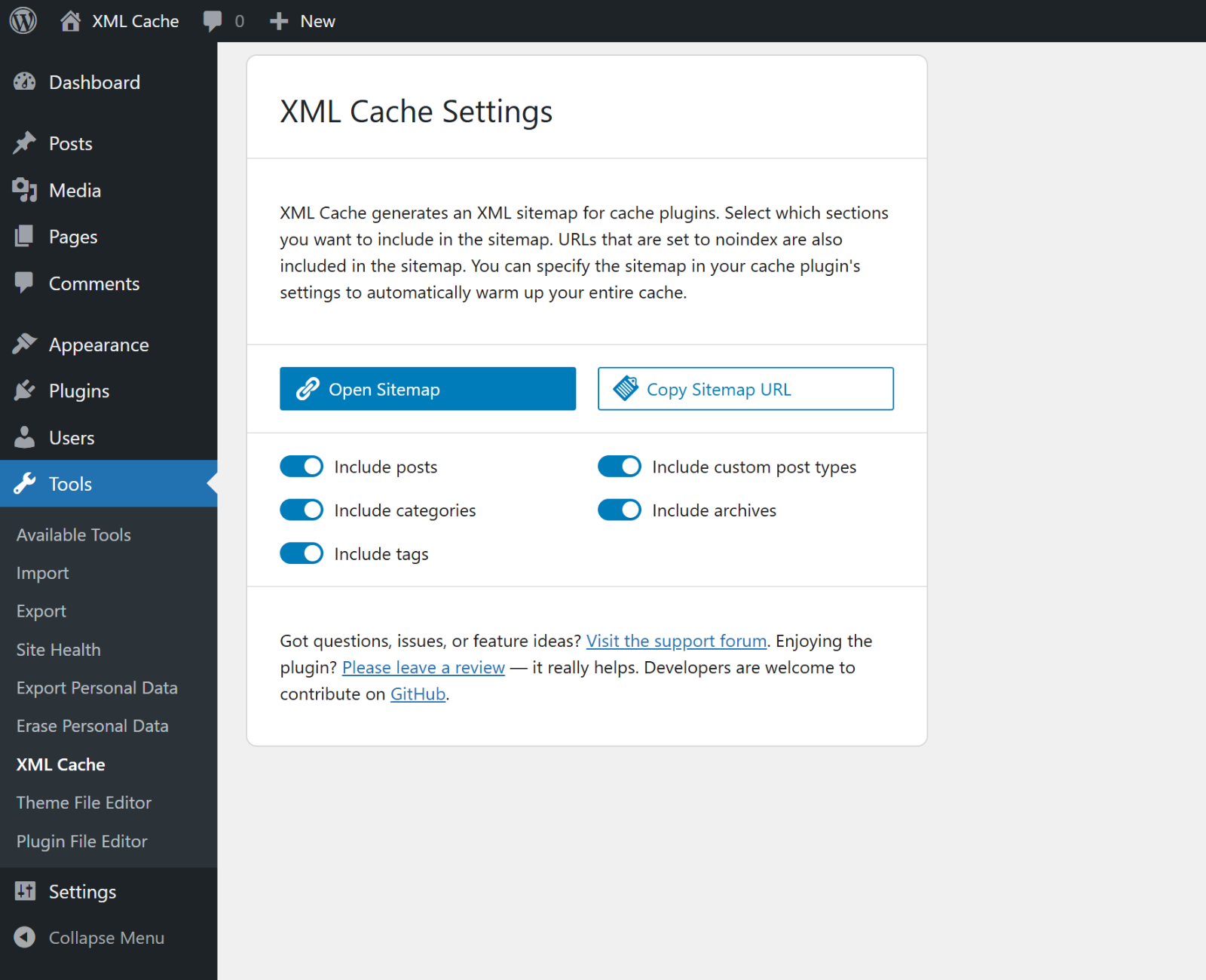
XML Cache Menu & Settings. 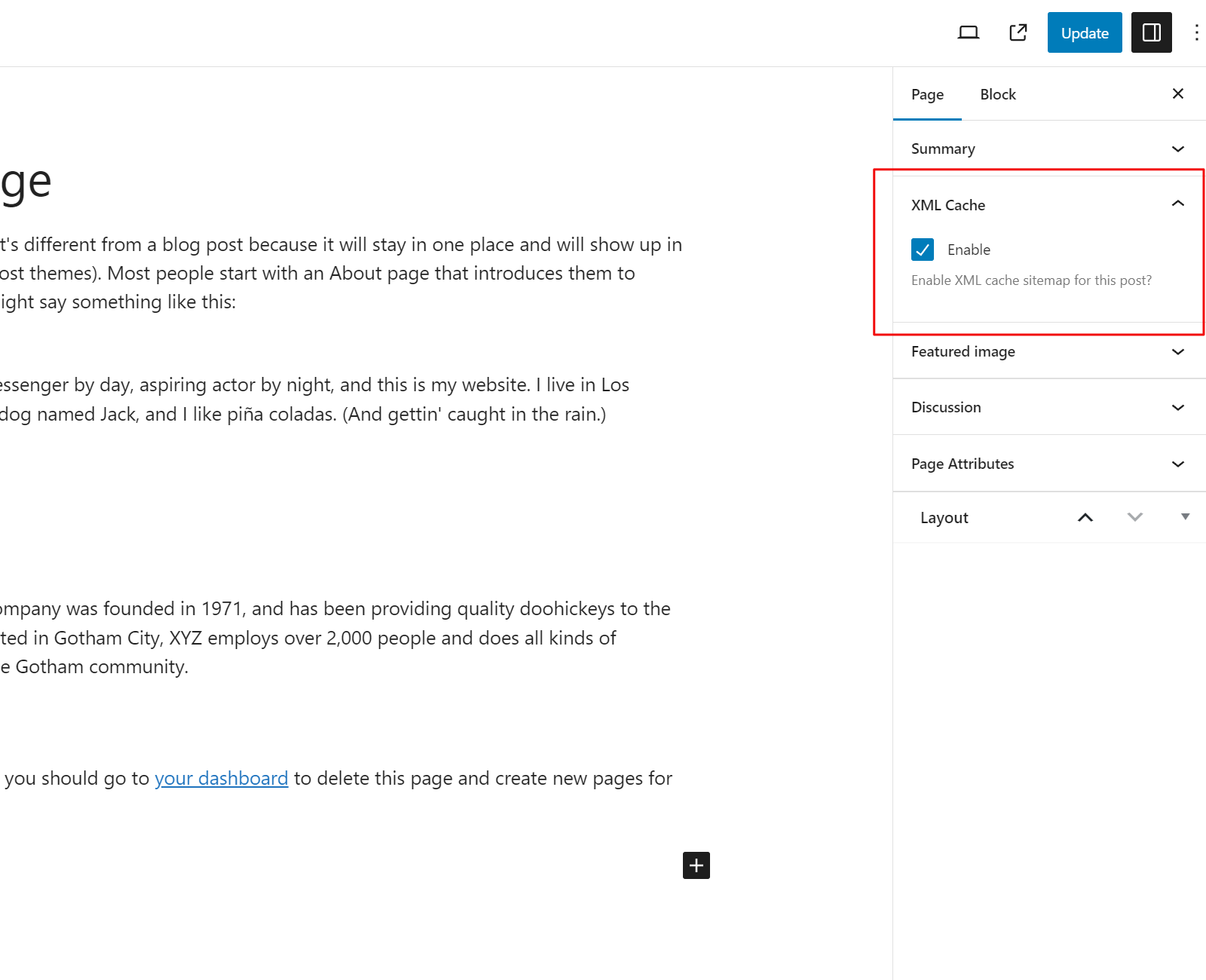
Enable or disable XML cache for a specific post or page.
התקנה
The easiest way to install XML Cache is by visiting your Plugins > Add New menu. Search for "XML Cache" and install the first result you see there.
To install with the zip file downloaded from this page:
- Login to your WordPress dashboard
- Visit the Plugins > Add New menu
- Click the Upload Plugin button at the top
- In the upload form that appears, click the Choose file button and select the xml-cache.zip file you downloaded here
- Click the Install Now button
- Once the page reloads, click the blue Activate link
- Done.
שאלות נפוצות
-
What is the URL to the sitemap?
-
The sitemap can be accessed at /cache.xml. You can also simply click on the "Open Sitemap" button in the settings to open the sitemap and copy the URL from the browser address bar.
-
How can I exclude posts and pages from the sitemap?
-
Open the post or page you want to exclude. You will find the option to disable the XML cache on the right.
סקירות
There are no reviews for this plugin.
מפתחים

“XML Cache” תורגם לשפה 1. תודה רבה למתרגמים על תרומתם.
ניתן לתרגם את "XML Cache" לשפה שלך.
מעוניינים בפיתוח?
עיינו בקוד, ראו את הקוד ב-SVN repository, או הירשמו ללוג פיתוח באמצעות RSS.
שינויים
2.0.0
- ### Highlights
-
- Custom Post Types: Add support for public CPTs, toggleable in settings.
-
- Sitemap: Refined URL collection and pagination; category/tag/archive/blog/front-page pagination aligned with permalink structure.
-
- Admin UI: Refactored settings screen; copy sitemap URL action; improved UX and error handling.
-
- Code quality: Major WPCS compliance (docblocks, sanitization/escaping, Yoda conditions); standardized strict_types formatting.
-
- Architecture: Migrated to Composer with PSR-4 under src; introduced Symfony DI/Config; normalized API namespace casing (V1).
-
- CI/CD: Added WordPress.org deploy workflow and plugin assets.
- ### Requirements
-
- WordPress 6.0+
-
- PHP 8.2+ (due to Symfony 7.x dependencies)
- ### Upgrade notes
-
- PHP 8.2 is now required.
-
- New setting
custom_post_types_enableddefaults to enabled; adjust under Settings XML Cache if you don’t want CPTs included.
- New setting