
תיאור
An extension that helps you make a new tag for Contact Form 7 to add Taiwan address.
This plugin is based on the wonderful work of Denny Kuo on the GitHub.
צילומי מסך

Click address button to add a new address tag. 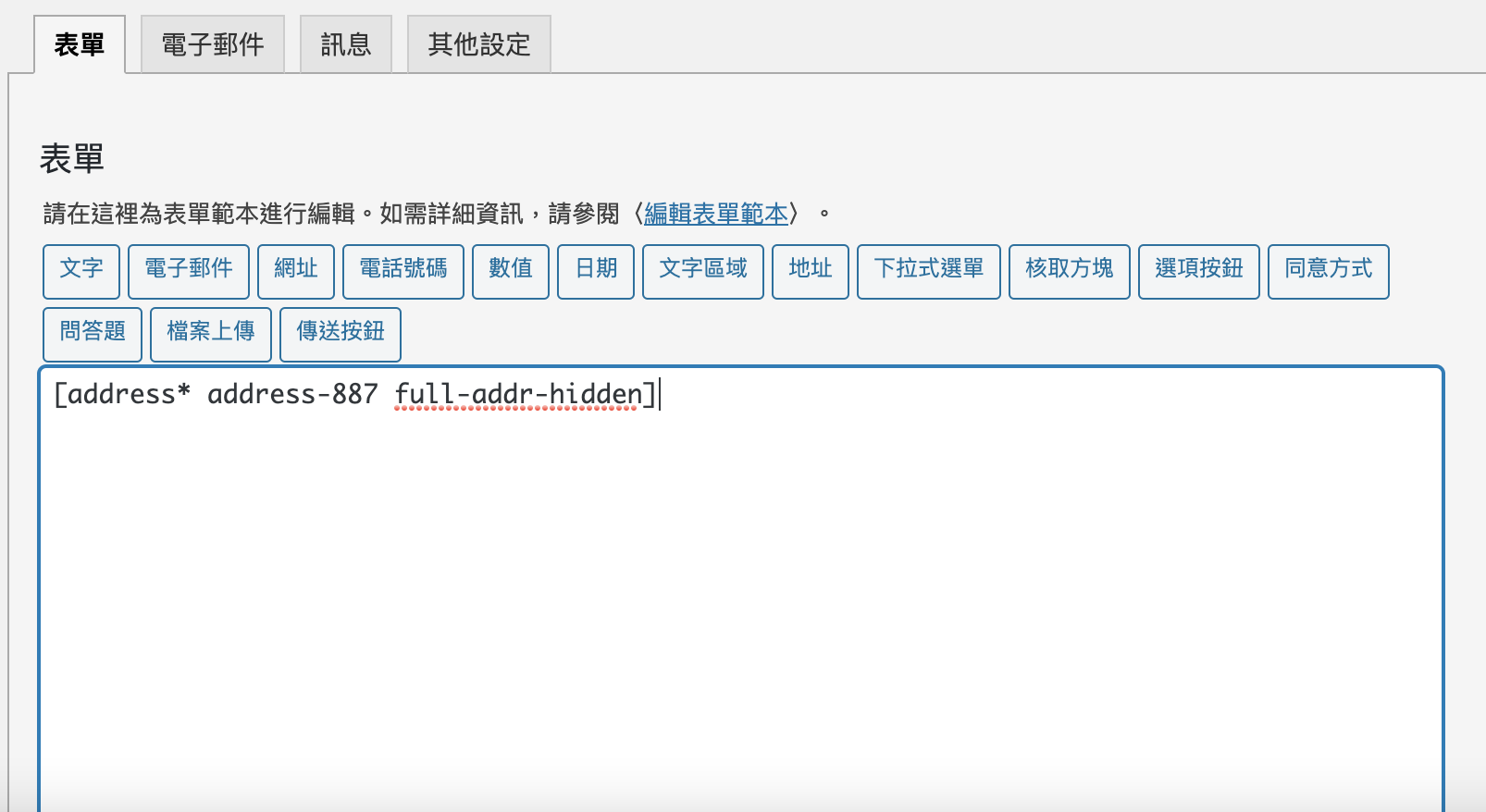
The tag will be put into the contact form automatically. 
The new fields will be displayed in the form. 
Use Location Range to limit the options of the dropdown menu. 
Use Location Excluded to exclude the options of the dropdown menu.
התקנה
- Upload the entire
wpcf7-twaddressfolder to the/wp-content/plugins/directory. - Activate the plugin through the Plugins screen (Plugins > Installed Plugins).
You will find address button when you edit your contact forms via Contact Form 7.

מפתחים
"Taiwan Address Selector Extension for Contact Form 7" הוא תוסף קוד פתוח. האנשים הבאים תרמו ליצירת התוסף הזה.
תורמים
“Taiwan Address Selector Extension for Contact Form 7” תורגם לשפה 1. תודה רבה למתרגמים על תרומתם.
ניתן לתרגם את "Taiwan Address Selector Extension for Contact Form 7" לשפה שלך.
מעוניינים בפיתוח?
עיינו בקוד, ראו את הקוד ב-SVN repository, או הירשמו ללוג פיתוח באמצעות RSS.
שינויים
1.1.1
- Fixed: The error that loads address-tag-generator.js when it's not in CF7 page.
1.1.0
- Added: The support to exclude/limit the districts.
- Added: The support to hide districts and streets.
- Enhanced: Removed unused variables.
1.0.0
- Added: Added tag generators on Contact Form 7 UI.
- Added: Added text domain supports.
- Added: Warning message in admin when Contact Form 7 is not activated.
- Fixed: Revised tcs-init.js to fit the coding standard.
- Fixed: Used class selector rather than id selector for multiple-tag situations.