

תיאור
This plugin allows you to easily open and close your website and display a custom message or HTML page when closed.
- Simple yes/no toggle to open/close your website.
- Display your own closed.php within your theme.
- Display your own custom HTML markup, pasted directly into the plugin settings.
- Display a basic message informing your visitors that your website is closed.
- Set paths which bypass the closed page entirely.
- Set a bypass GET parameter which will allow anyone you give the URL to to browse the website as normal while the site is closed.
- Automatically clears any caches for W3 Total Cache and WP Super Cache.
צילומי מסך

The admin interface. 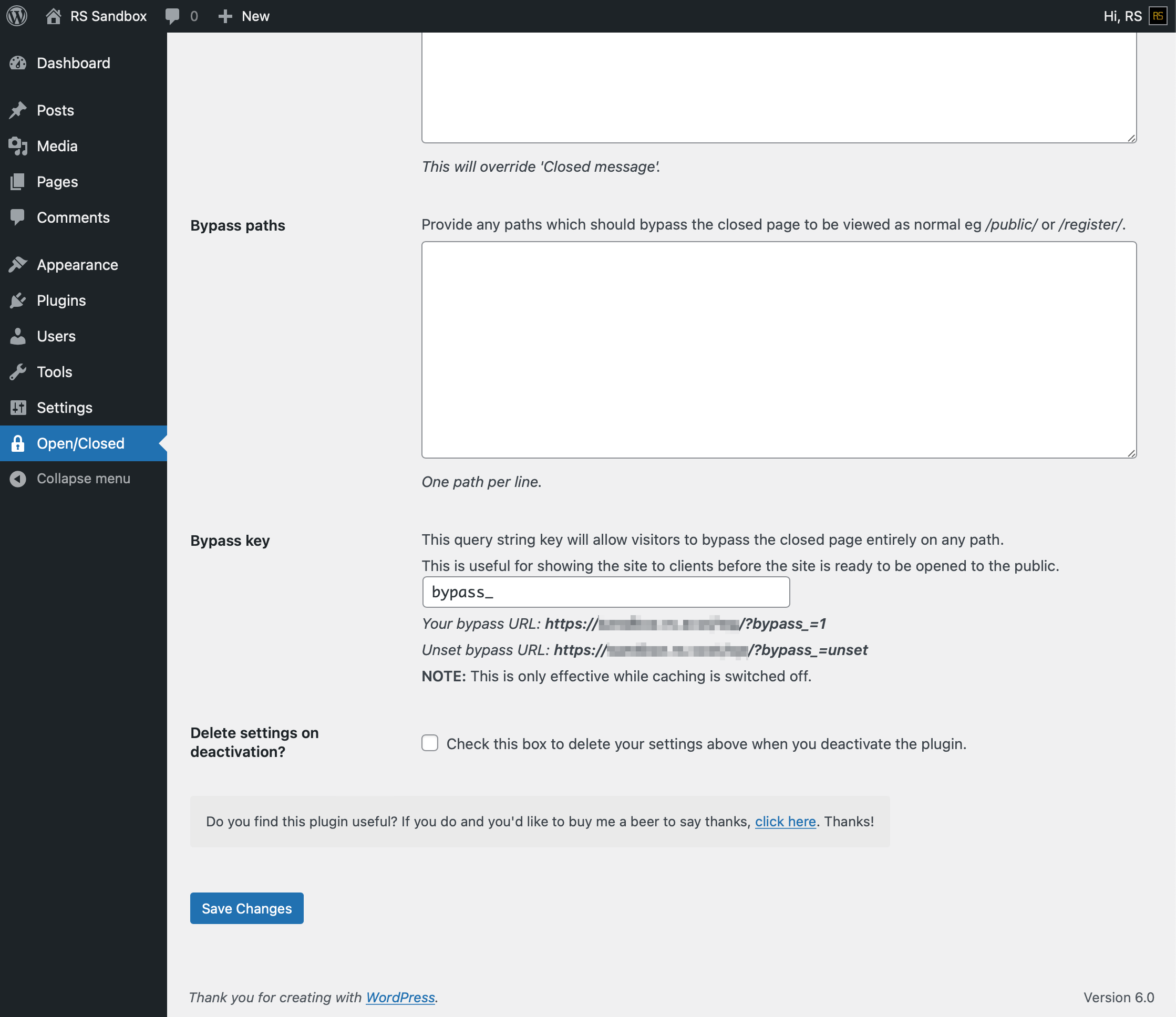
A basic 'closed' message. 
התקנה
- Download the zip file and decompress it.
- Upload "website-openclosed-toggle" to the "/wp-content/plugins/" directory.
- הפעילו את התוסף.
- Click Open/Closed in the admin menu.
שאלות נפוצות
No questions asked yet. I'll update this once I've had some feedback.
סקירות

12 בפברואר 2022
[WP 5.9]
Very easy to setup. You can choose between a simple 'Stay away' one liner or a complete handmade HTML page with some 'I am so sorry stickers' or whatever. No problems with 5.9 so far.
מפתחים
"Website Open/Closed Toggle" הוא תוסף קוד פתוח. האנשים הבאים תרמו ליצירת התוסף הזה.
תורמים

ניתן לתרגם את "Website Open/Closed Toggle" לשפה שלך.
מעוניינים בפיתוח?
עיינו בקוד, ראו את הקוד ב-SVN repository, או הירשמו ללוג פיתוח באמצעות RSS.
שינויים
0.3.9.1
- Bug fixing.
0.3.9
- Testing with WordPress 6.4.2.
0.3.8
- Testing with WordPress 6.0.
0.3.7
- Testing with WordPress 5.3.
0.3.6
- Testing with WordPress 5.1.
0.3.5
- Testing with WordPress 4.7.2.
0.3.4
- Added a redirect option.
0.3.3
- Adding nonce to settings update.
0.3.2
- Various tidying up fixes.
0.3.1
- CSS Bug fixes.
0.3
- תיקון תקלות.
0.2
- Tidying up.
0.1
- גרסה ראשונית.