

વર્ણન
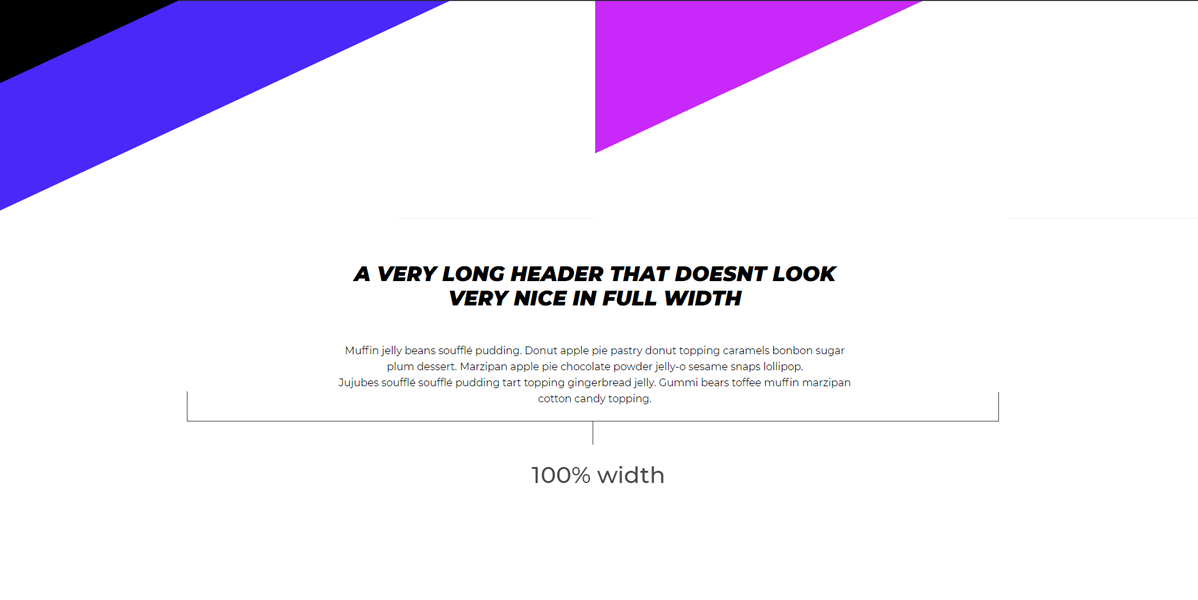
Surely you know the feeling, when your text looks silly in a 100% width layout. “Max With Container” let’s you set a max-width, making your text fit nicely within the design of your page. This plugin creates a new Gutenberg block in the layout category, which allows you yo create a container with an adjustable maximun width, giving your perfect control over the layout.
સ્ક્રીનશોટ
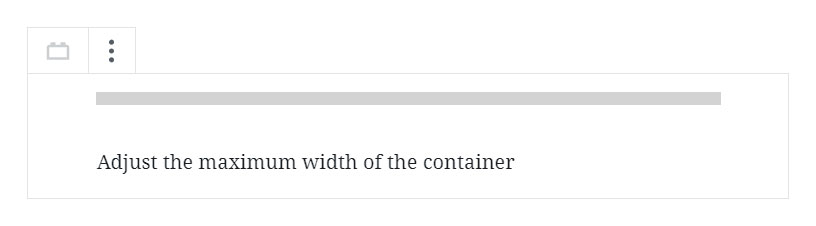
Gutenberg editor
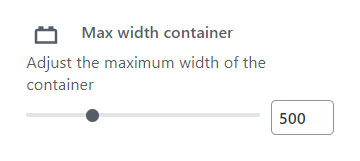
Block controls

બ્લોક્સ
આ પ્લગિન 2 બ્લોક્સ આપે છે.
- gutenberg-blocks/width-container
- Max width container
સ્થાપન
- Upload the plugin files to the
/wp-content/plugins/plugin-namedirectory, or install the plugin through the WordPress plugins screen directly.
એફએક્યુ (FAQ)
- No questions yet
સમીક્ષાઓ

સપ્ટેમ્બર 6, 2020
Awesome way to standardize widths, which isn’t native to wordpress. I think this has probably saved me over an hour of dev time, which I am always thankful for.
ફાળો આપનાર & ડેવલપર્સ

“Max width container” નું 3 ભાષામાં અનુવાદ કરવામાં આવ્યું છે. તેમના યોગદાન માટે અનુવાદકો આપનો આભાર.
“Max width container” ને તમારી ભાષામાં અનુવાદ કરો.
વિકાસમાં રસ ધરાવો છો?
કોડ બ્રાઉઝ કરો, જોવોઅસ્વીએન રેપોઝિટરીમાંથી,અથવા સબ્સ્ક્રાઇબ કરોડેવલપમેન્ટ દ્વારાઆરઅસઅસ.
ચેન્જલૉગ
1.0.0
- Release
1.1
- Content is properly centered on the page by modifying the CSS class name