

Descrición
Easily save and export information submitted by users through your website’s forms.
This plugin allows you to store and view information submitted by users through forms created with Jupiter X in the WordPress admin panel.
You can also export the information to a CSV file, which can be imported into Excel or other formats to process the data received through your website’s forms.
Capturas
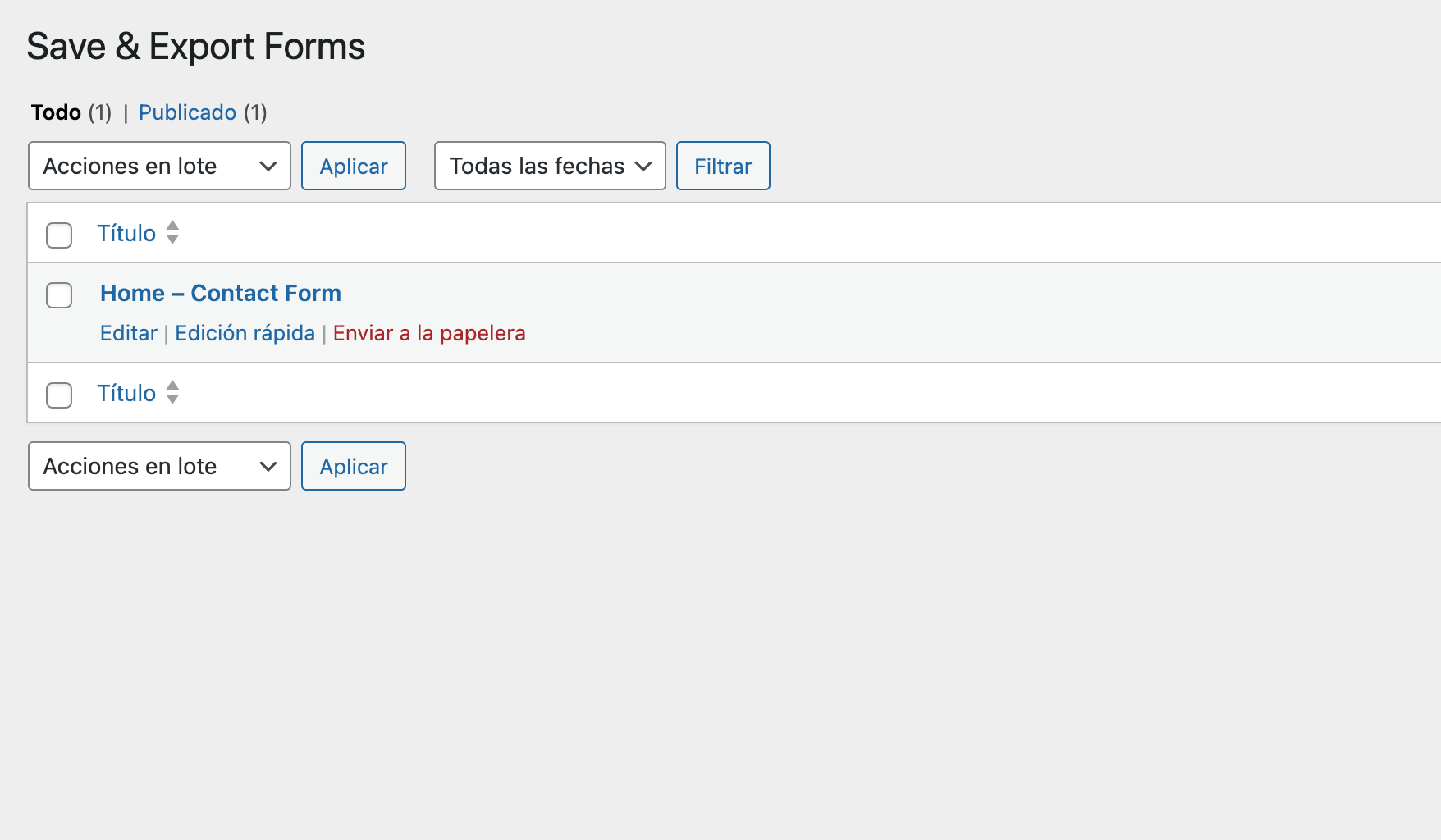
screenshot-1.png 
screenshot-2.png 
screenshot-3.png
Instalación
How to Install
Installing the plugin is very easy:
- Go to the WordPress admin of the website where you want to install it
- Select the “Plugins -> Add New” option from the left sidebar menu
- Search for ‘Save Forms for Jupiter X’
- Click the “Install Now” button
- Once installed, click the “Activate” button.
Once the plugin is installed, the option named Save & Export Forms will appear in the WordPress admin menu:
Clicking on this option will take you to the list of forms you have added.
How to Use
To add a form to save the information submitted by users, follow these steps:
- Select the Jupiter X form where you want to save the data
- You will see a new action called “Local Save”
- Apply the action and save the page
Comentarios
Non hai recensións para este plugin.
Colaboradores e desenvolvedores
“Save & Export Forms for Jupiter X” é un software de código aberto. As seguintes persoas colaboraron con este plugin.
Colaboradores
Traduce “Save & Export Forms for Jupiter X” ao teu idioma.
Interesado no desenvolvemento?
Revisa o código, bota unha ollada aorepositorio SVN, ou subscríbete ao log de desenvolvemento por RSS.