
Descrición
The best way to design an administration theme for WordPress is to make a plugin. As a plugin, Almar includes a function that will instruct WordPress to use a new stylesheet for displaying the Admin Panel. A distinct advantage to making a plugin is that if you ever want to revert back to the default style, all you have to do is deactivate the plugin.
Almar is a very clean metro style WordPress admin theme with two color variations (Grey and Blue). To activate Almar upload Almar files to the wordpress plugins directory and then activate the plugin through the Plugins menu in WordPress.
To Do
- add more options on settings page
Capturas
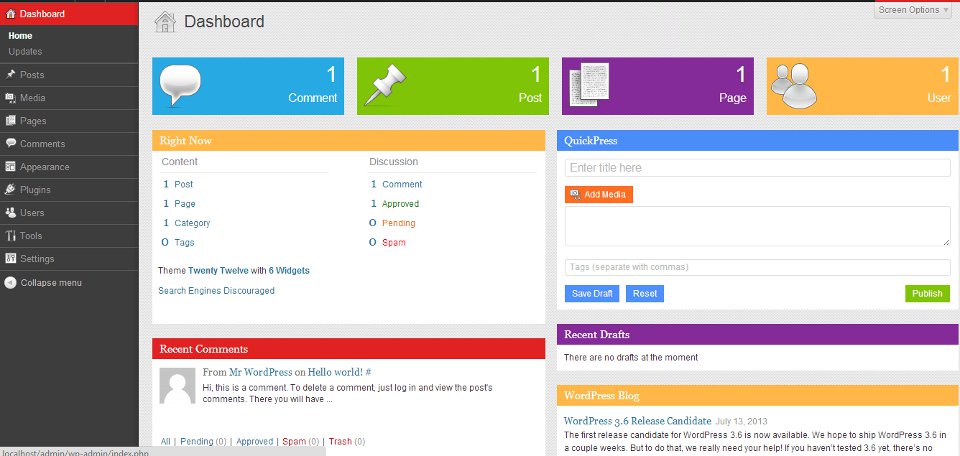
Dashboard 
Post Edit 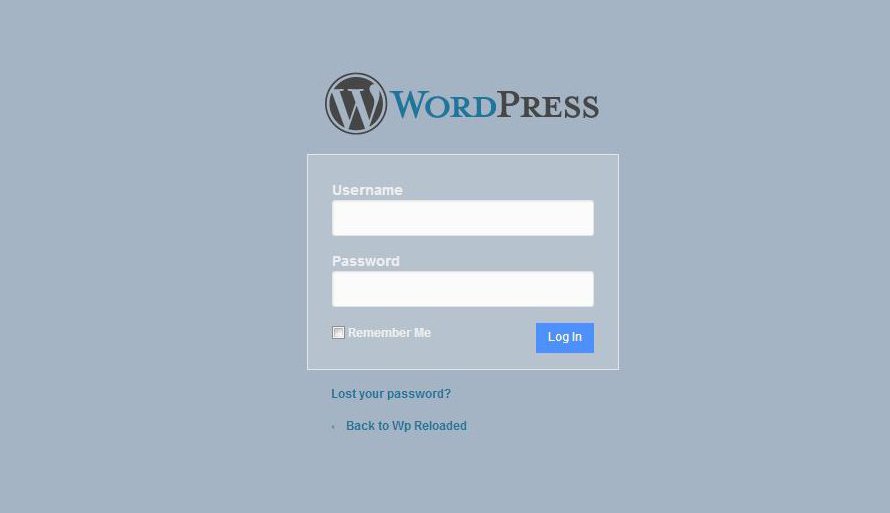
Login Page
Instalación
- Upload the almar folder to the
/wp-content/plugins/directory - Activate the plugin through the ‘Plugins’ menu in WordPress
- After plugin installation go to Appearance > Admin Theme Options, take a look through available options and set the prefer options. Also you can modify options at any time later.
Comentarios
Non hai recensións para este plugin.
Colaboradores e desenvolvedores
“Almar” é un software de código aberto. As seguintes persoas colaboraron con este plugin.
Colaboradores
Traduce “Almar” ao teu idioma.
Interesado no desenvolvemento?
Revisa o código, bota unha ollada aorepositorio SVN, ou subscríbete ao log de desenvolvemento por RSS.
Rexistro de cambios
1.0
Initial Release