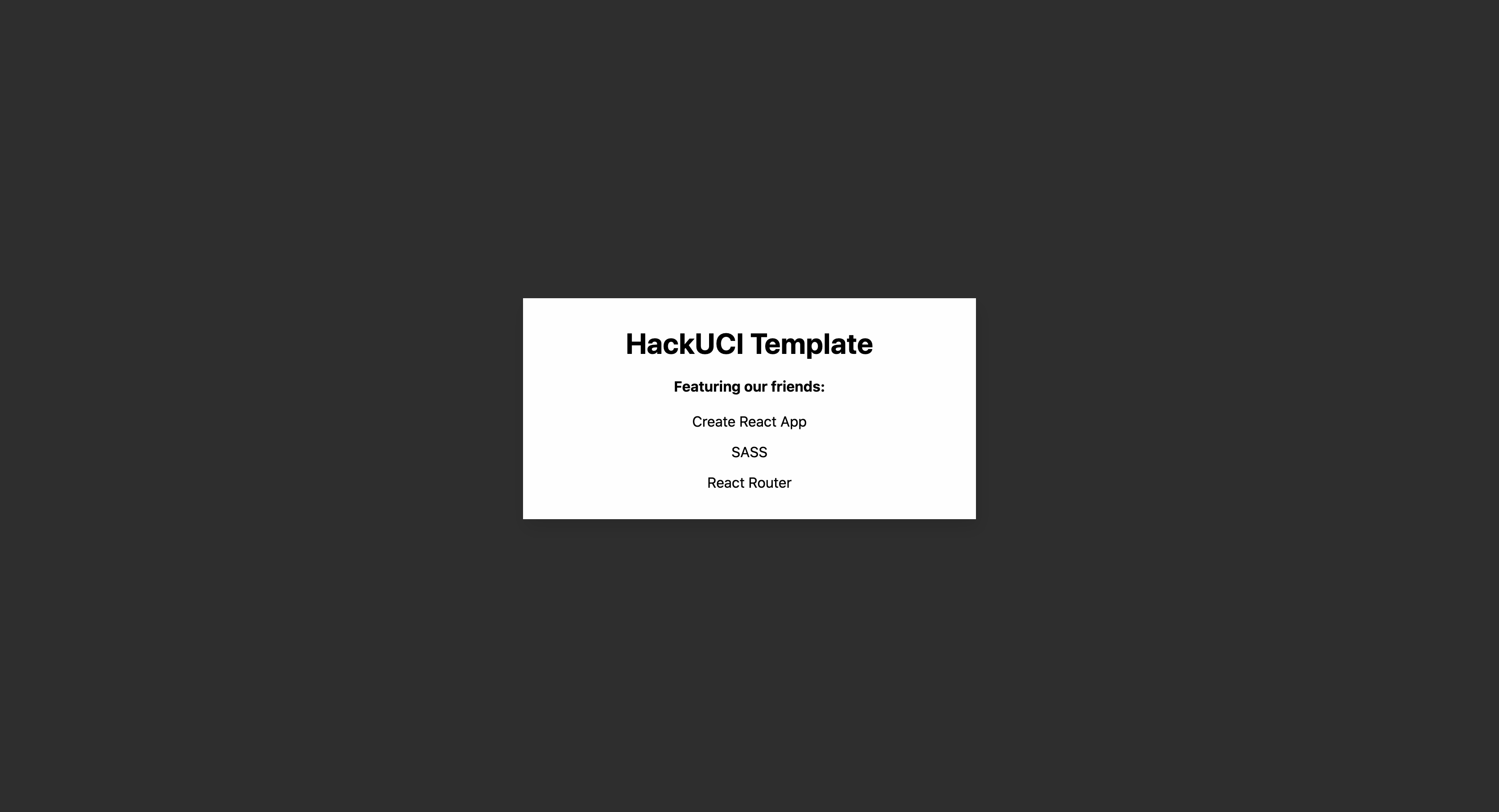
Runs the app in the development mode.
Open http://localhost:3000 to view it in the browser.
cd backendpython3 -m venv envorpy -m venv env(Windows)source env/bin/activateor.\env\Scripts\activatepip3 install -r requirements.txt- Make a
.envfile in the directory and put this line in there:MONGO_URI_MASTER="mongodb+srv://hacker:[email protected]/zothacks2020?retryWrites=true&w=majority"NOTE: REMOVE URI FROM README BEFORE MAKING REPO PUBLIC python3 app.py
cd backendpython3 app.py
This is HackUCI's updated Create React App template, including functionality for SASS, directory organization, and helpful global files to ensure that your ReactJS repository is as clean as the Anteater Learning Pavilion floor.
This project was bootstrapped with Create React App.
In the project directory, you can run:
Runs the app in the development mode.
Open http://localhost:3000 to view it in the browser.
Launches the test runner in the interactive watch mode.
See the section about running tests for more information.
Builds the app for production to the build folder.
It correctly bundles React in production mode and optimizes the build for the best performance.
The build is minified and the filenames include the hashes.
Your app is ready to be deployed!
See the section about deployment for more information.
This section has moved here: https://facebook.github.io/create-react-app/docs/deployment