
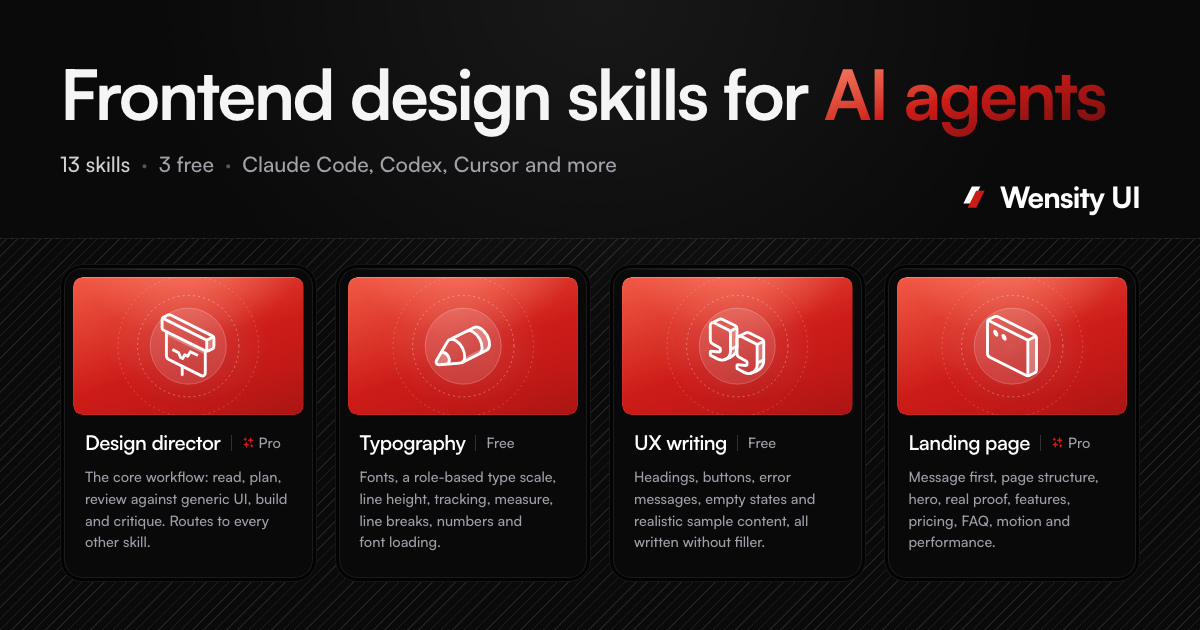
Free Claude Code skills that make AI coding agents better at interface design:
typography, layout and spacing, and UX writing. Each one is a folder
with a SKILL.md in the open Agent Skills format, so it works in
Claude Code, Codex, Cursor, GitHub Copilot, Windsurf, Gemini CLI and OpenCode.
The full pack has 13 skills. The 3 free ones live here, and 10 more come with Wensity Pro. See Pro skills.
Skills guide · Wensity UI · Free React components · wensity.com
| Skill | Name | What it covers |
|---|---|---|
| Typography | wensity-typography |
Fonts, a role-based type scale, line height, tracking, measure, line breaks, numbers and font loading. |
| Layout and spacing | wensity-layout |
A 4px spacing scale, grouping by distance, alignment, containers, grids and responsive structure. |
| UX writing | wensity-ui-copy |
Headings, buttons, error messages, empty states and realistic sample content, all written without filler. |
Every skill here:
npx skills add wensity/skillsJust one:
npx skills add wensity/skills --skill wensity-typographyNo account is needed for these skills. The CLI finds the agents your project uses, records what it installed, and never overwrites a file you edited:
npx wensity@latest skills add typography layout ui-copy
npx wensity@latest skills updateCopy a folder from skills/ to where your agent reads skills:
| Agent | This project | Every project |
|---|---|---|
| Claude Code | .claude/skills/<name>/ |
~/.claude/skills/<name>/ |
| Codex, Cursor, Copilot, Windsurf, Gemini CLI, OpenCode | .agents/skills/<name>/ |
~/.agents/skills/<name>/ |
Restart the agent, or start a new session, after installing.
/plugin marketplace add wensity/skills
/plugin install wensity-design-skills@wensity
You do not call a skill by name. Each SKILL.md starts with a description of
when it applies, and the agent loads the skill on its own when your request
matches, for example when you ask it to build a page or fix how one reads.
The skills work in any React, Next.js, Tailwind CSS or plain CSS project and
keep a design system you already have.
wensity-typography · SKILL.md · Guide
A free typography skill that teaches your AI coding agent, from Claude Code to Cursor, to set type with a system: named text roles, clear size steps, line height, measure and fonts that load without a jump.
What it covers
- Choosing families. One sans with a real weight range, and a second family only for a job the first cannot do, picked from what the product looks like in print.
- Seven text roles. Display, title, heading, body, label, caption and code, with values for marketing pages and for dense app UI, wired into Tailwind CSS.
- Line height and tracking. Line height drops as text grows, and large text is tracked tighter while body text is left alone.
- Measure and line breaks. Paragraphs held to 60 to 75 characters, balanced headings, pretty-wrapped paragraphs and truncation only as a last resort.
- Numbers, code and links. Tabular figures for anything that counts or lines up, code sized to match the text around it, and underlined links in running text.
- Font loading. next/font in Next.js, or self-hosted WOFF2 with a matched fallback elsewhere, so the page does not jump when the font arrives.
Try asking
- "The typography on this page looks off and is hard to read. Fix it."
- "Set up fonts and a type scale for this Next.js app."
- "The headings feel generic. Make them look designed."
wensity-layout · SKILL.md · Guide
A free skill that teaches Claude Code, Codex, Cursor and other AI coding agents to space and align UI on purpose: a 4px spacing scale, grouping by distance, grids and layouts that hold from a 320px phone to a wide desktop.
What it covers
- The spacing scale. One 4px scale where each step has a job, so values like 13px never show up.
- Grouping and rhythm. Related things sit close and groups sit apart, with more space above a heading than below it, and sections that do not all share one gap.
- Alignment and containers. One start edge per section, numbers aligned at the end, gutters that grow with the screen and text that never runs full width.
- Grids. Card grids that fill the space they get, tracks allowed to shrink, bento grids with one gap, and subgrid for rows of cards.
- Responsive structure. Breakpoints set by the content, layouts that restructure instead of shrinking, container queries, dvh units and safe areas.
- Tables, density and touch. Row heights by density, sticky headers, wide tables that scroll in their own frame, and 44px touch targets.
Try asking
- "This dashboard feels cramped and breaks on phones. Fix the layout and spacing."
- "The spacing on the pricing section looks random."
- "Make this settings page work on mobile."
wensity-ui-copy · SKILL.md · Guide
A free UX writing skill for your AI coding agent: headings, buttons, error messages, empty states and sample content, written plainly in Claude Code, Codex or Cursor so they do not sound generated.
What it covers
- Voice. Plain, short and calm, in the user's words and in sentence case everywhere.
- Words that sound generated. The words and sentence shapes that give AI copy away, with what to write instead.
- Headings, buttons and links. Headings that state the point, buttons that start with a verb and name the result, and link text that makes sense on its own.
- Forms and errors. Labels above fields, placeholders that show a format, and errors that say what went wrong and how to fix it.
- Empty, loading and success. Empty states that say what to do next, messages for slow work, toasts in the past tense and Undo in place of a confirm dialog.
- Numbers and sample content. Consistent dates and units, and realistic names and data instead of lorem ipsum.
Try asking
- "The copy on this landing page sounds like an AI wrote it. Rewrite it."
- "Write better error messages for the sign-up form."
- "Fill this new dashboard with realistic sample data."
The full Wensity Design Skills pack adds 10 more skills, and they come with Wensity Pro. Each card opens that skill's guide.
Design director The core workflow: read, plan, review against generic UI, build and critique. Routes to every other skill. |
Motion and animation When to animate, six duration tiers, four curves, springs without overshoot, reduced motion and 18 recipes. |
Color and dark mode OKLCH role tokens, true neutral greys, one accent, both themes, and a script that checks contrast and gamut. |
Surfaces and depth A four-level depth ladder, shadows, hairlines, radius, buttons, inputs, icons, glass and image frames. |
Accessibility and UI states Every interaction and data state, plus keyboard, touch, zoom, forced colors and screen readers. |
Landing page Message first, page structure, hero, real proof, features, pricing, FAQ, motion and performance. |
Dashboard and app UI App shells, data tables, settings, dashboards, charts, detail panels, command menus and keyboard shortcuts. |
UI review and polish A tag-aware code scanner and a rendered review across 12 categories, ranked P0 to P2, with a full checklist. |
DESIGN.md generator Pulls a project's real design system into DESIGN.md, or starts from four contrast-checked starter systems. |
Wensity components Searches the live Wensity catalog, installs with the CLI or MCP, and composes items without breaking them. |
Sign in once with your Wensity account, then add every skill your plan includes:
npx wensity@latest login
npx wensity@latest skills add --allThis repository is generated from Wensity's source on every release, so edits made here directly are replaced. Open an issue with what your agent did and what you expected, and we will fold the fix into the next release.
MIT. See LICENSE.