Repository navigation
m365.cloud.microsoft - site is not usable #216861
Description

URL: https://m365.cloud.microsoft/chat/
Browser / Version: Firefox 149.0
Operating System: Windows 10
Tested Another Browser: No
Problem type: Site is not usable
Description: Page not loading correctly
Steps to Reproduce:
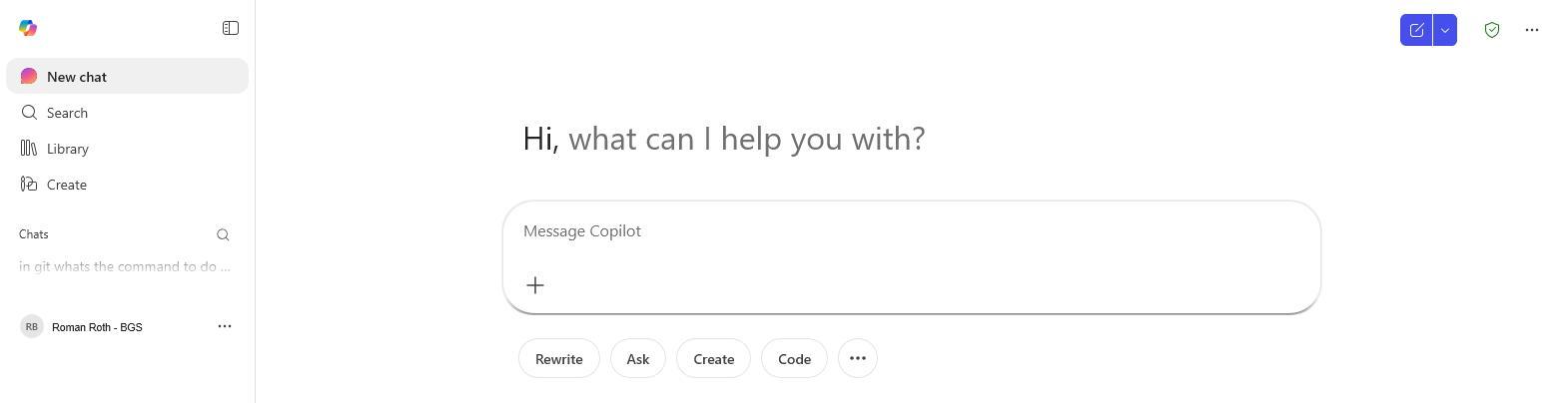
Typing in text and hitting enter does not submit the text to copilot, it just adds a newline. Clicking various buttons does not work.
The console gives the following errors:
Content-Security-Policy: The page’s settings blocked an inline script (script-src-elem) from being executed because it violates the following directive: “script-src 'nonce-hbm6D4zHezSYY9temwhBug==' 'strict-dynamic' 'report-sample' https: blob: 'wasm-unsafe-eval'”. Consider using a hash ('sha256-P7hSC5so7Y66m/caI//Rn+mpvhZW/T6ccGxc5HNWYHw=') or a nonce. 40b2aa8f-ebf6-4fcc-b563-6c2dca75f113:73:13
Uncaught InternalError: too much recursion
Navigated to https://m365.cloud.microsoft/chat/
Content-Security-Policy: The page’s settings blocked an inline script (script-src-elem) from being executed because it violates the following directive: “script-src 'nonce-UbxzNI+XwwvHAtrzdRkLYA==' 'strict-dynamic' 'report-sample' https: blob: 'wasm-unsafe-eval'”. Consider using a hash ('sha256-P7hSC5so7Y66m/caI//Rn+mpvhZW/T6ccGxc5HNWYHw=') or a nonce. chat:73:13
Uncaught InternalError: too much recursion
View the screenshot
Browser Configuration
- blockList: basic
- channel: release
- defaultUserAgent: Mozilla/5.0 (Windows NT 10.0; Win64; x64; rv:149.0) Gecko/20100101 Firefox/149.0
- gfx.webrender.software: false
- hasTouchScreen: false
- frameworks: {'fastclick': False, 'marfeel': False, 'mobify': False}
- mixed active content blocked: false
- mixed passive content blocked: false
- tracking content blocked: false
- btp has purged site: false
From webcompat.com with ❤️
Activity
[-]In the moderation queue.[/-][+]m365.cloud.microsoft - site is not usable[/+]softvision-raul-bucata commentedon Apr 20, 2026
We appreciate your report. I was not able to reproduce the issue following the steps to reproduce
Tested with:
Browser / Version: Firefox Release 149.0.2 (64-bit)/ Firefox Nightly 151.0a1 (2026-04-16)
Operating System: Windows 10
Suggestion: Try updating the browser (if applicable), clearing cache/data/cookies, disabling add-ons and Ad-blocker (if available) and extensions or use a clean profile, and check again? If there are any changes made to the default settings of the browser (e.g. in
about:config) please revert to the default settings and try again. Also, have the required cookies been accepted for this page?[qa_16/2026]