Describe the new feature
We often use DB Browser to introduce students to SQL in classes. When demoing DB Browser in person, it's quite easy to zoom in on the UI (as via macOS's built-in Accessibility controls) so that students can see aspects of the UI more easily on a projector screen.
But for online classes (both now and also before the pandemic), it's harder for students to see aspects of the UI, particularly, even when sharing just DB Browser's window via, e.g., Zoom. If an instructor zooms in on the UI on their machine (as via macOS's same built-in Accessibility controls), the zooming only happens on their side; what students see via the shared screen is unchanged. A workaround is for the instructor to change their resolution (e.g., to 720p or even lower), but that then sacrifices quite a bit of screen real estate on their end.
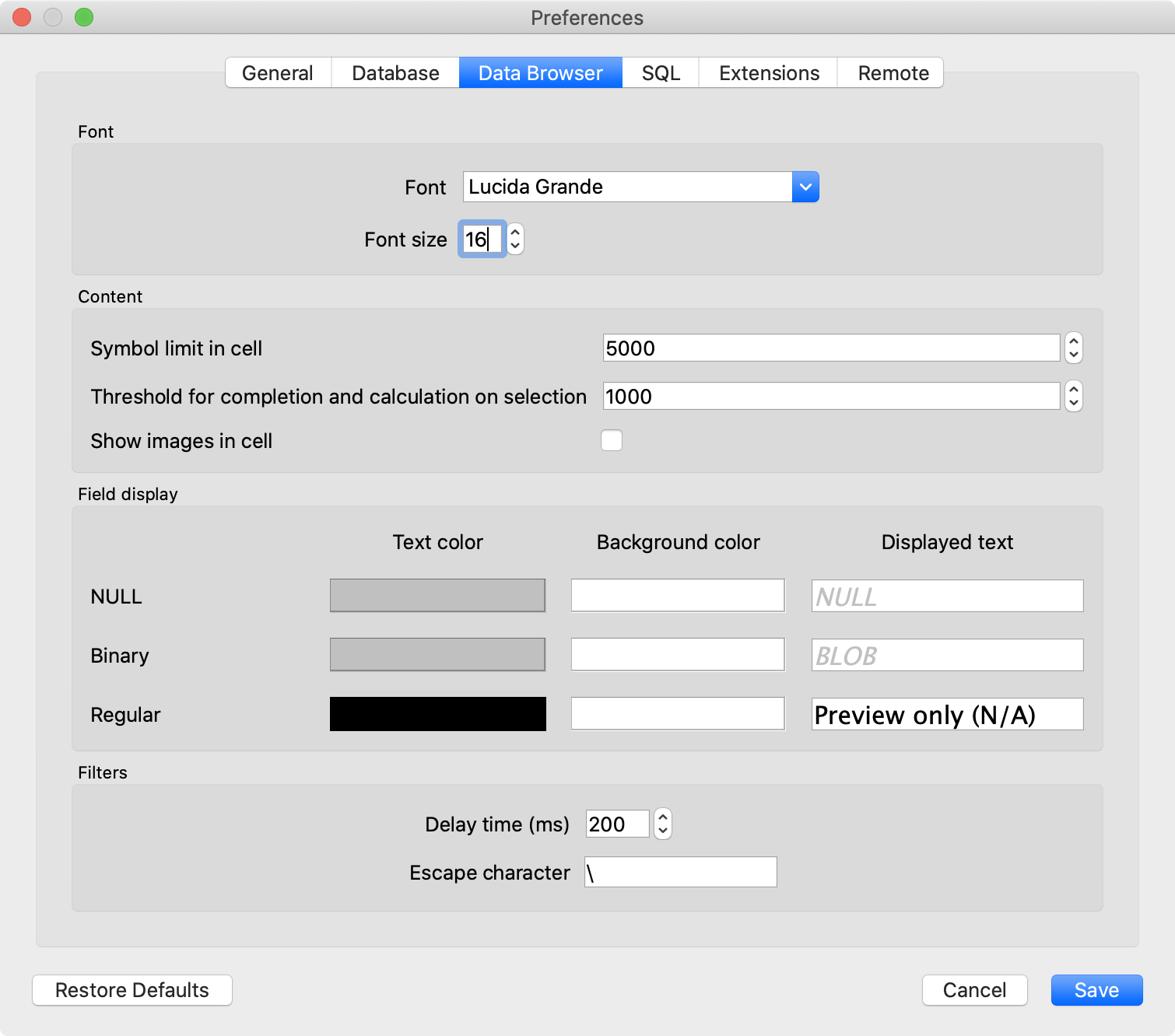
We do mitigate this somewhat by increasing DB Browser's font size, but that only seems to affect the cells under Browse Data. The Database Structure tab (where we spend a good amount of time in class) remains unchanged. By contrast, browsers make it quite easy to grow all UI elements at once, as via command-minus or -plus.
I suspect this is easier said than done UI-wise, given DB Browser's cross-platform design, but if there were a mechanism to magnify the size of all UI elements, that would be terrific for class. Alternatively, even just allowing users to increase the font size of the text in the Database Structure tab would be a big help.
Thank you for a wonderful teaching tool!
Additional info
Please answer these questions before submitting your feature request.
Is your feature request related to an issue? Please include the issue number.
Similar in spirit to #2016 but a more generalized idea.
Does this feature exist in another product or project?
E.g., Chrome.
Do you have a screenshot? Please add screenshots to help explain your idea.
default font size


with font size increased


Describe the new feature
We often use DB Browser to introduce students to SQL in classes. When demoing DB Browser in person, it's quite easy to zoom in on the UI (as via macOS's built-in Accessibility controls) so that students can see aspects of the UI more easily on a projector screen.
But for online classes (both now and also before the pandemic), it's harder for students to see aspects of the UI, particularly, even when sharing just DB Browser's window via, e.g., Zoom. If an instructor zooms in on the UI on their machine (as via macOS's same built-in Accessibility controls), the zooming only happens on their side; what students see via the shared screen is unchanged. A workaround is for the instructor to change their resolution (e.g., to 720p or even lower), but that then sacrifices quite a bit of screen real estate on their end.
We do mitigate this somewhat by increasing DB Browser's font size, but that only seems to affect the cells under Browse Data. The Database Structure tab (where we spend a good amount of time in class) remains unchanged. By contrast, browsers make it quite easy to grow all UI elements at once, as via command-minus or -plus.
I suspect this is easier said than done UI-wise, given DB Browser's cross-platform design, but if there were a mechanism to magnify the size of all UI elements, that would be terrific for class. Alternatively, even just allowing users to increase the font size of the text in the Database Structure tab would be a big help.
Thank you for a wonderful teaching tool!
Additional info
Please answer these questions before submitting your feature request.
Is your feature request related to an issue? Please include the issue number.
Similar in spirit to #2016 but a more generalized idea.
Does this feature exist in another product or project?
E.g., Chrome.
Do you have a screenshot? Please add screenshots to help explain your idea.
default font size
with font size increased