Fix formatting and rendering issues in the autoreport#643
Conversation


 mahendrark
changed the title
mahendrark
changed the title

|
So at the moment, the tables are being rendered sometimes and not sometimes. It seems to be very random :/ |
mahendrark
force-pushed
the
fix/autoreport_issues
branch
from
29fe380 to
b7df1d1
Compare

We can fix this in Right now the pdf creator waits to see the div with the id To fix this you can try to change for the div of a table in the line which has run the report's dash app with |
|
First, I changed the parameter to the ID of the last table. I found that by doing inspect element. But this always fails. Next, I tried this. I changed the parameter to:
I just inserted a div element around the last make_dash_table function call and gave it the id "dash_data_tables". The PDF is generated, but no tables again |
You have to provide id to a datatable via Dash component and use this, or take the id a component within a dashtable, if you add an empty div, this one is going to get rendered very fast. We can also select classes by replacing |
|
this one goes on forever I tried a lot of other ways, but none seem to guarantee that the images will be displayed every time. I selected the .tableplay class and tried with that, but no, does not work. |
This worked for me (there is sill the problem of the asset folder somehow not being found, but at least the tables get printed to the pdf) |
|
I will fix the energy demands issue in another PR Please review this and let me know if the rendering and formatting appear good in your computer |


 Bachibouzouk
left a comment
Bachibouzouk
left a comment
Bachibouzouk
left a comment
There was a problem hiding this comment.
It worked for me. I would like to let someone with windows trying it as well
| ) | ||
| await page.waitForSelector("#main-div") | ||
| await page.waitForSelector( | ||
| ".dash-cell", {"visible": "true",}, |
There was a problem hiding this comment.
this is the important part, you might want to explain what happens here, and maybe add a full entry for it in the changelog

|
Mhm, interessant... ich muss noch irgendwas falsch gemacht haben mit dem setup: ... ich denke dass ich mal das MVS neu einrichten sollte. Vielleicht löst sich dann das Problem. |
|
Ahja, mit Note: You also address #535 (eventhough you dont fix all) Here are my installed packages: Notes on the dash app:
Notes on pdf report:
|


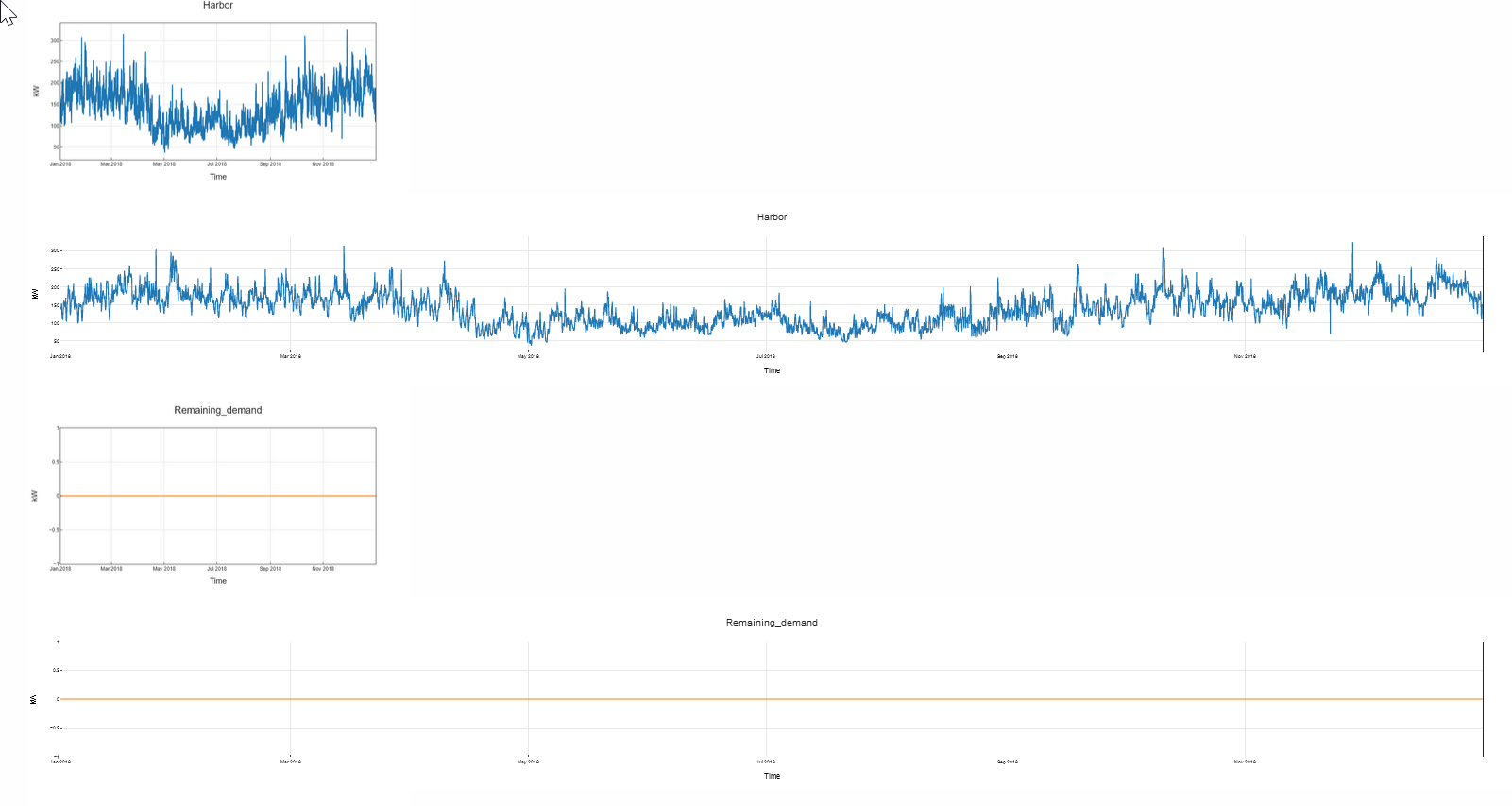

This is all the same origin, it seems that the asset folder is not accessible to you on windows, therefore no logo and no styles from .css file, this should be fixed in #608 |

 smartie2076
left a comment
smartie2076
left a comment
smartie2076
left a comment
There was a problem hiding this comment.
Okay, it were installation issues on my side. Everything good now!

Co-authored-by: smartie2076 <[email protected]>
3 participants


Fix #634
Changes proposed in this pull request:
The following steps were realized, as well (if applies):
black . --exclude docs/)EXECUTE_TESTS_ON=master pytest)Please mark above checkboxes as following:
❌ Check not applicable to this PR
For more information on how to contribute check the CONTRIBUTING.md.