


richcatis acatcommand decorated by rich which is Python library.- Working on Python.

| Markdown | CSV | Jupyter Notebook |
|---|---|---|
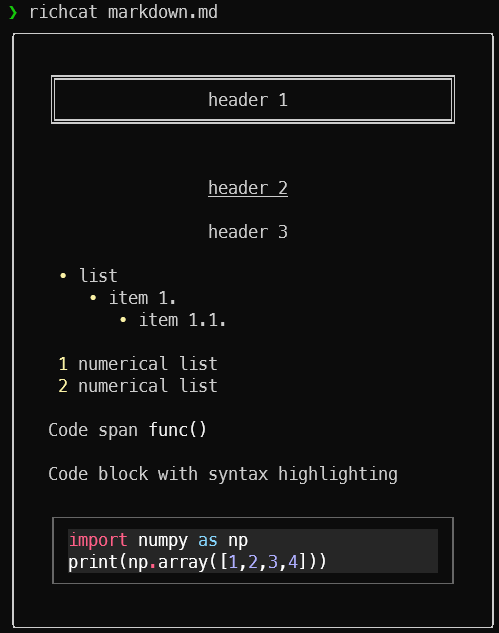 |
 |
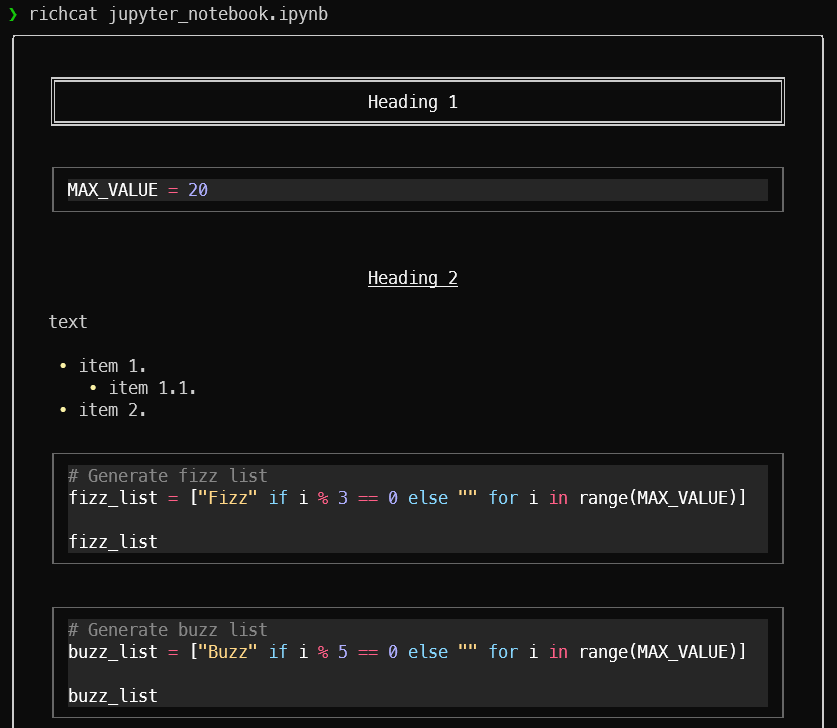 |
By default, richcat pipes its own output to a pager. If you wouldn't rather pager, use --style=nopager option.
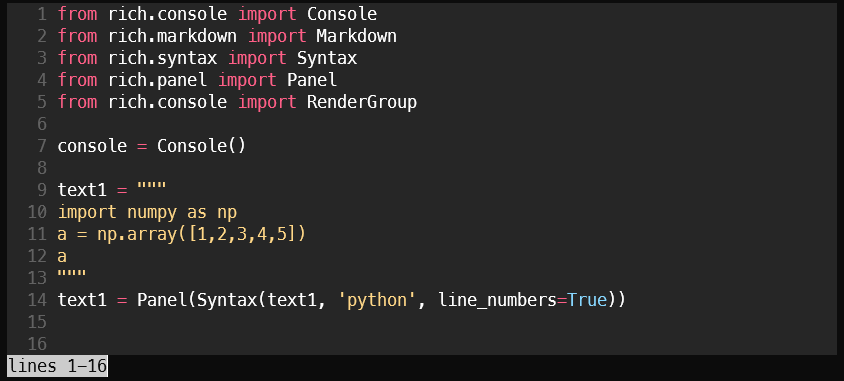
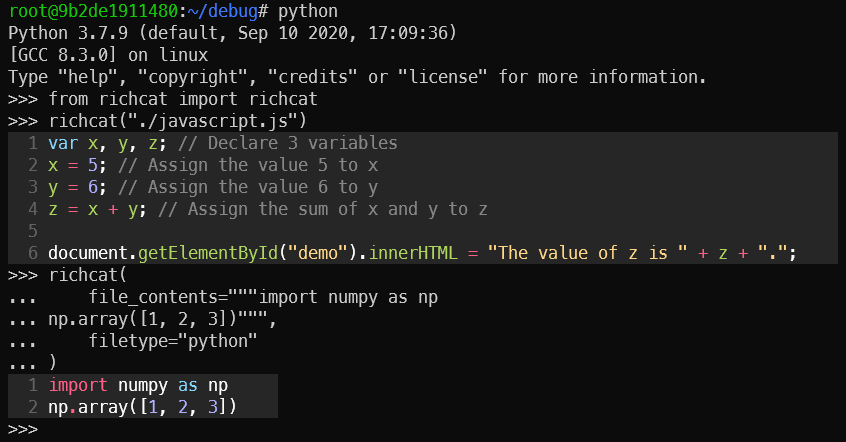
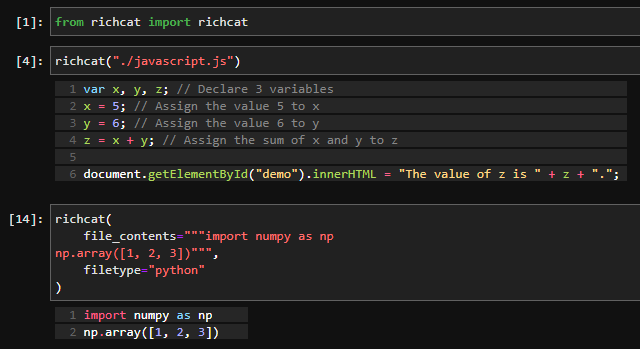
Import on Python console:
Import on Jupyter Lab:
pip install richcat
Display a file contents on the terminal.
example:
richcat table.csv
Use -t option, you can choose highlight.
example:
richcat table.csv -t text
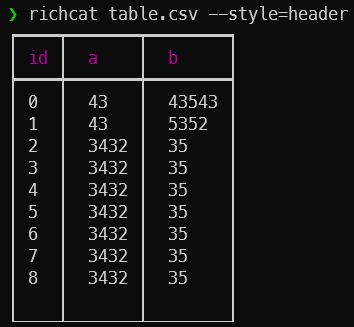
Use --style=header option if you use the header in a CSV file.
example:
richcat table.csv --style=header--style=noheader (default) |
--style=header |
|---|---|
 |
 |
If you want to use richcat in Python, you can use the following example.
example:
>>> from richcat import richcat
>>> richcat("table.csv")The options that can be specified in richcat are as follows:
| option | explanation | example |
|---|---|---|
-h, --help |
Show help in English. | |
-V, --version |
Show version. | |
-t, --filetype <STRING> |
Specify file type. | --filetype python |
-w, --width <INT or FLOAT> |
Set print width. If width>1, set print width direct. If width<1, set print width percent.' |
--width 80, --width 0.5 |
-c, --color-system <STRING> |
Choose color system. ['standard', '256', 'truecolor', 'windows'] |
|
--style <STRING> |
Set styles. ['[no]header', '[no]pager'] |
--style=header,nopager |
If you want to develop richcat, please follow the steps below.
- Build the development environment.
$ git clone [email protected]:richcat-dev/richcat.git
$ docker-compose build
- Start the development environment.
$ docker-compose up -d
- Go inside the launched Docker container to develop.
$ docker exec -it <CONTAINER_ID> /bin/bash
You can view the API document of richcat under development at the following URL.
You can update richcat API documentation with the following command.
$ cd ~
$ make sphinx-apidoc
- @yamamoto-yuta (Maintainer, main contributor!)
- @ShotaroKataoka (Maintainer)