
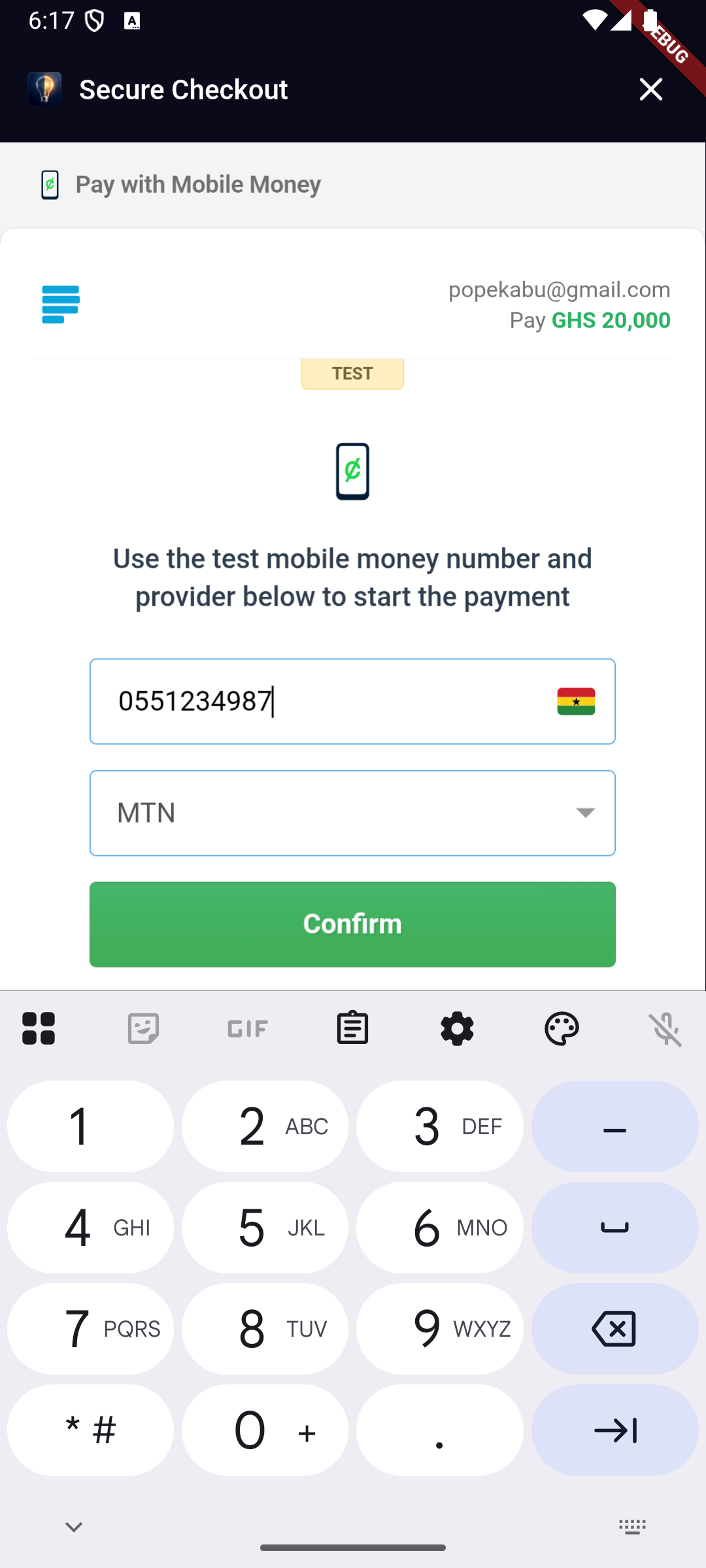
- Mobile Money
- VISA / Mastercard / Verve
- Bank
- Bank Transfer
- USSD
- QR
- EFT
| Platform | Status | How it works |
|---|---|---|
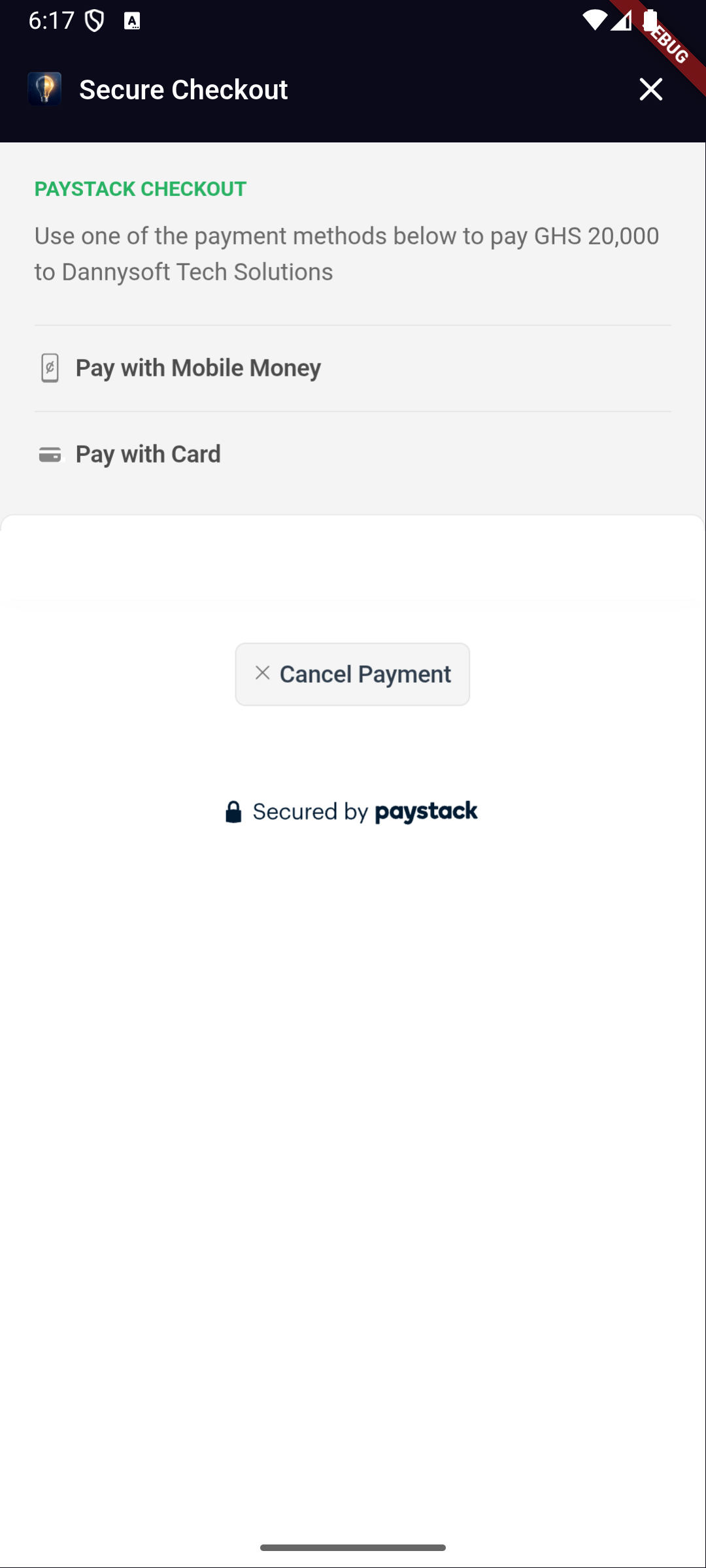
| Android | ✅ | Paystack Inline Popup in a WebView |
| iOS | ✅ | Paystack Inline Popup in a WebView |
| Web | ✅ | Opens Paystack hosted checkout in a new browser tab |
| macOS / Windows / Linux | ✅ | Opens Paystack hosted checkout via url_launcher |
v2.0.0 is a breaking change that addresses Issue #23 — the package no longer requires or uses the Paystack secret key (sk_…) in client code.
1. Replace secretKey with publicKey:
// In PaystackConfig:
- PaystackConfig(secretKey: 'sk_live_xxxx')
+ PaystackConfig(publicKey: 'pk_live_xxxx')

// In PayWithPayStack().now():
- PayWithPayStack().now(secretKey: 'sk_live_xxxx', ...)
+ PayWithPayStack().now(publicKey: 'pk_live_xxxx', ...)
2. Add server-side verification:
In v1.x the plugin verified payments client-side using your secret key. In v2.0.0, your backend must verify payments. When checkout completes, send data.reference to your server and call:
GET https://api.paystack.co/transaction/verify/:reference
Authorization: Bearer sk_live_xxxx   ← secret key stays on your server only
3. Backend-only methods are now @Deprecated:
chargeAuthorization(), bulkCharge(), and related methods now show a compile-time deprecation warning reminding you to move them to a secure server.
Update android/app/build.gradle:
android {
    compileSdkVersion 34  // use latest

    defaultConfig {
        minSdkVersion 19
    }
}No extra configuration required.
This package uses only the Paystack public key (
pk_…) — the secret key (sk_…) is never required or used in client code.Embedding a secret key in a mobile or web app is a serious security vulnerability. Secret keys can be extracted via decompilation or network inspection and grant full API access (refunds, transfers, subaccount management, etc.).
Transaction verification must be done server-side. When checkout completes, your backend at
callbackUrlreceives the reference and should callGET /transaction/verify/:refwith the secret key to confirm the payment.
Call PayWithPayStack.configure() once at app startup to set shared defaults so you
don't have to repeat publicKey, currency, and callbackUrl on every call:
import 'package:flutter/foundation.dart';
import 'package:pay_with_paystack/pay_with_paystack.dart';

void main() {
  PayWithPayStack.configure(PaystackConfig(
    publicKey: 'pk_live_xxxxxxxxxxxxxxxxxxxx', // ← public key only (pk_…)
    currency: 'GHS',
    callbackUrl: 'https://my-app.com/payment/callback',
    enableLogging: kDebugMode, // logs in debug, silent in release
    timeout: const Duration(seconds: 30),
  ));
  runApp(const MyApp());
}
Once configured, the three fields can be omitted on individual calls:
await PayWithPayStack().now(
  context: context,
  customerEmail: '[email protected]',
  reference: PayWithPayStack().generateUuidV4(),
  amount: 50.00,
  transactionCompleted: (data) => print('Paid!'),
  transactionNotCompleted: (reason) => print('Failed: $reason'),
);| PaystackConfig field | Type | Default | Description |
|---|---|---|---|
publicKey |
String |
— | Your Paystack public key (pk_…) |
currency |
String? |
null |
ISO 4217 currency code |
callbackUrl |
String? |
null |
Backend URL Paystack redirects to after checkout |
enableLogging |
bool |
false |
Print request/response to console (debug only) |
timeout |
Duration |
30s |
Max wait time for Paystack API |
import 'package:pay_with_paystack/pay_with_paystack.dart';

final ref = PayWithPayStack().generateUuidV4();

await PayWithPayStack().now(
  context: context,
  publicKey: 'pk_live_XXXXXXXXXXXXXXXXXXXXX', // ← public key (pk_…), never secret key
  customerEmail: '[email protected]',
  reference: ref,
  currency: 'GHS',
  amount: 50.00,          // GHS 50.00 — converted to pesewas automatically
  callbackUrl: 'https://your-backend.com/verify',
  transactionCompleted: (PaymentData data) {
    print('[OK] Payment callback received for: ${data.reference}');
    // Your backend at callbackUrl verifies this server-side using the secret key.
  },
  transactionNotCompleted: (String reason) {
    print('[FAIL] Payment not completed: $reason');
  },
  transactionCancelled: () {
    print('[CANCELLED] User closed checkout without paying');
  },
);Use the PaystackChannel enum instead of raw strings:
channels: [
  PaystackChannel.card,
  PaystackChannel.mobileMoney,
  PaystackChannel.bankTransfer,
],| Enum value | API string |
|---|---|
PaystackChannel.card |
card |
PaystackChannel.bank |
bank |
PaystackChannel.ussd |
ussd |
PaystackChannel.qr |
qr |
PaystackChannel.mobileMoney |
mobile_money |
PaystackChannel.bankTransfer |
bank_transfer |
PaystackChannel.eft |
eft |
Use the PaystackCurrency enum to avoid typos in currency codes:
await PayWithPayStack().now(
  // ...
  currency: PaystackCurrency.ghs.value, // 'GHS'
);| Enum value | ISO code | Currency |
|---|---|---|
PaystackCurrency.ngn |
NGN |
Nigerian Naira |
PaystackCurrency.ghs |
GHS |
Ghanaian Cedi |
PaystackCurrency.zar |
ZAR |
South African Rand |
PaystackCurrency.usd |
USD |
United States Dollar |
PaystackCurrency.kes |
KES |
Kenyan Shilling |
PaystackCurrency.xof |
XOF |
West African CFA Franc |
PaystackCurrency.egp |
EGP |
Egyptian Pound |
PaystackCurrency.rwf |
RWF |
Rwandan Franc |
Pre-fill the customer's name and phone on the checkout form so they don't have to type it themselves:
PayWithPayStack().now(
  // ...
  customerFirstName: 'Daniel',
  customerLastName: 'Asare',
  customerPhone: '+233244000000',
);
These are automatically added as custom_fields in the transaction metadata so
they also appear on your Paystack Dashboard.
Attach a typed list of cart line items to the transaction. These appear in the transaction metadata on your Paystack Dashboard:
PayWithPayStack().now(
  // ...
  cartItems: [
    PaystackCartItem(name: 'Wireless Headphones', amount: 15.00, quantity: 1),
    PaystackCartItem(name: 'Phone Case', amount: 2.50, quantity: 2),
    PaystackCartItem(name: 'Charging Cable', amount: 5.00),
  ],
);
Amounts are in the major currency unit (e.g. GHS 15.00). The plugin converts to pesewas / kobo automatically.
Add custom fields that appear on the Paystack Dashboard when viewing the transaction:
PayWithPayStack().now(
  // ...
  customFields: [
    PaystackCustomField(
      displayName: 'Order ID',
      variableName: 'order_id',
      value: '#ORD-1234',
    ),
    PaystackCustomField(
      displayName: 'Delivery Zone',
      variableName: 'delivery_zone',
      value: 'Accra Central',
    ),
  ],
);Route a portion of a payment to a subaccount or a pre-defined split group.
PayWithPayStack().now(
  // ...
  subaccount: 'ACCT_xxxxxxxxxx',   // your subaccount code
  bearer: PaystackBearer.account,  // main account bears fees (default)
);PayWithPayStack().now(
// ...
subaccount: 'ACCT_xxxxxxxxxx',
transactionCharge: 5.00, // GHS 5.00 flat fee goes to main account
bearer: PaystackBearer.subaccount, // subaccount bears Paystack fees
);PayWithPayStack().now(
// ...
splitCode: 'SPL_xxxxxxxxxx',
);| Parameter | Type | Description |
|---|---|---|
subaccount |
String? |
Subaccount code (ACCT_xxx) to split payment |
splitCode |
String? |
Pre-defined split group code (SPL_xxx) |
transactionCharge |
double? |
Flat fee (major unit) for main account |
bearer |
PaystackBearer? |
Who bears Paystack fees |
PayWithPayStack().now(
  // ...
  plan: 'PLN_xxxxxxxxxx',
  invoiceLimit: 12,  // charge 12 times then stop
);Distinct from transactionNotCompleted, the transactionCancelled callback fires
when the user explicitly closes the checkout WebView without attempting any
payment:
PayWithPayStack().now(
  // ...
  transactionCancelled: () {
    // e.g. log the abandonment or show a nudge
    print('User closed checkout without paying');
  },
);Control timeouts and request logging per call (or set defaults via PaystackConfig):
PayWithPayStack().now(
  // ...
  timeout: const Duration(seconds: 15),  // override the 30s default
  enableLogging: true,                   // print request/response to console
  onTimeout: () {
    // called instead of transactionNotCompleted when the request times out
    ScaffoldMessenger.of(context).showSnackBar(
      const SnackBar(content: Text('Request timed out. Please try again.')),
    );
  },
);| Parameter | Type | Default | Description |
|---|---|---|---|
timeout |
Duration? |
30s |
Max wait time for Paystack API |
enableLogging |
bool? |
false |
Log requests/responses via debugPrint |
onTimeout |
VoidCallback? |
null |
Called on timeout; if null, transactionNotCompleted('timeout') is called |
Customize the look, colors, and display texts of your checkout (especially on Flutter Web where the full checkout waiting state is rendered within your app UI):
PayWithPayStack().now(
  context: context,
  // ...
  showAppBar: true,
  appBarTitle: 'Pay Now',
  appBarColor: const Color(0xFF0A0A1A),
  appBarTextColor: Colors.white,

  // Accent color for loading spinner, progress bar, and "Try Again" button
  progressColor: const Color(0xFF00C386),
  progressBackgroundColor: const Color(0xFF1E1E2E),

  // Web background and card containers customisation
  backgroundColor: const Color(0xFF07071A),
  cardBackgroundColor: const Color(0xFF0F0F24),
  cardBorderColor: const Color(0xFF1E1E38),
  primaryTextColor: Colors.white,
  secondaryTextColor: Colors.white70,
  buttonTextColor: Colors.black,

  // Web text overrides
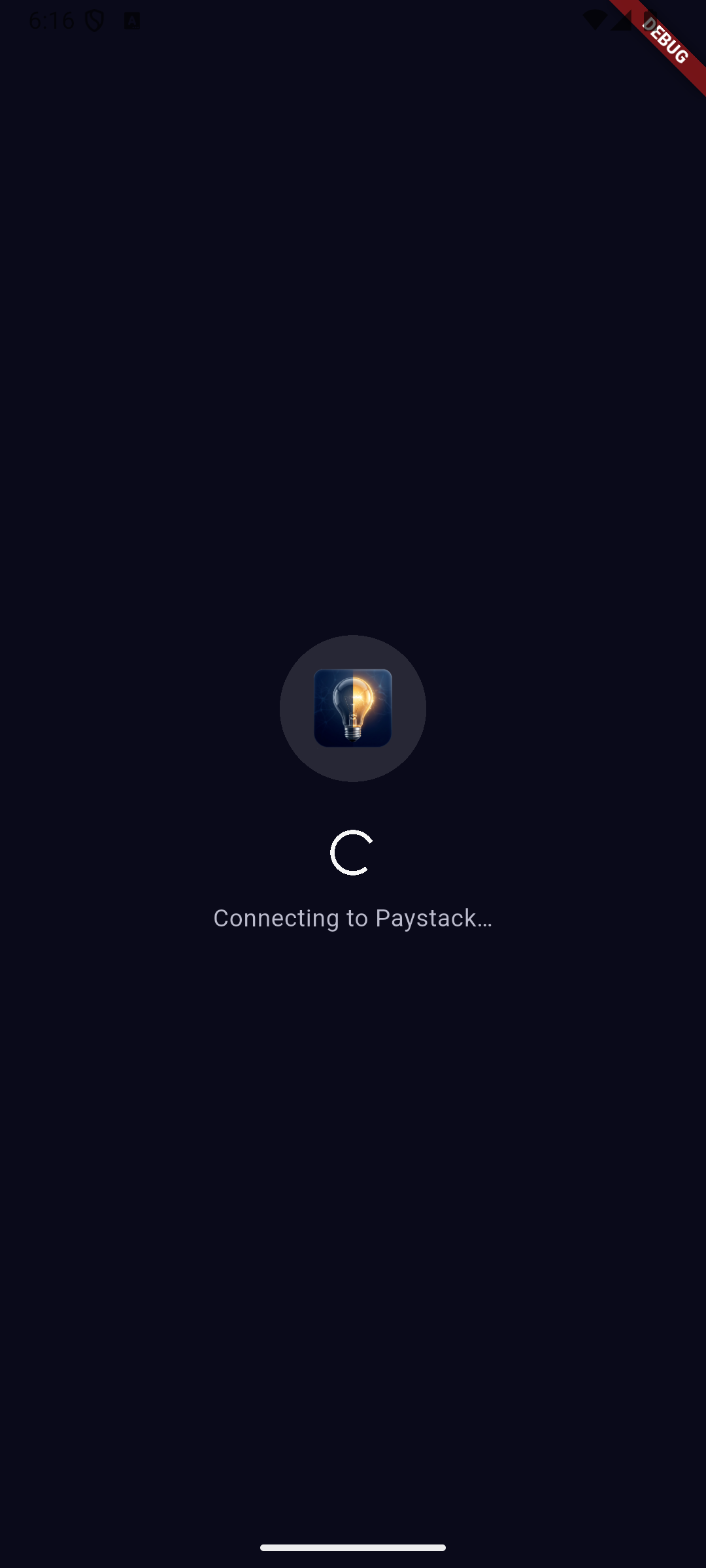
  connectingText: 'Connecting to Paystack...',
  waitingTitleText: 'Complete your payment',
  waitingSubtitleText: 'A checkout page has opened in a new tab.',
  step1Text: 'Complete payment in the new tab',
  step2Text: 'Return here when done',
  step3Text: 'Tap the confirmation button below',
  completedButtonText: "I've completed payment",
  reopenButtonText: 'Reopen payment tab',
  cancelButtonText: 'Cancel payment',
  verifyingText: 'Confirming your payment...',
  verifyingSubtitleText: 'Please wait while we verify your transaction.',

  // Custom logo widget (replaces deprecated logoUrl to support CORS-safe image assets or icons)
  logoWidget: Image.asset('assets/images/logo.png'),

  // Custom loading screen (replaces default pulsing loader)
  loadingWidget: const Center(
    child: CircularProgressIndicator(color: Colors.green),
  ),

  // Custom error screen with retry
  errorWidget: (String error, VoidCallback retry) => Center(
    child: Column(
      mainAxisSize: MainAxisSize.min,
      children: [
        Text(error),
        ElevatedButton(onPressed: retry, child: const Text('Retry')),
      ],
    ),
  ),
);Attach any extra key-value data to the transaction:
metadata: {
  'cart_id': '12345',
  'custom_fields': [
    {
      'display_name': 'Promo Code',
      'variable_name': 'promo_code',
      'value': 'SAVE10',
    },
  ],
},
⚠️ Backend use only.chargeAuthorizationcalls Paystack'sPOST /transaction/charge_authorizationendpoint which requires a secret key. This method is deprecated for direct client-app use. Move this call to a secure backend endpoint and invoke it from your server.
If you are calling this from a server-side Dart/Flutter backend:
// Only reusable authorizations can be recharged:
if (previousPaymentData.authorization?.reusable == true) {
  // ignore: deprecated_member_use
  await PayWithPayStack().chargeAuthorization(
    authorizationCode: previousPaymentData.authorization!.authorizationCode!,
    customerEmail: '[email protected]',
    amount: 50.00,
    currency: 'GHS',
    secretKey: 'sk_live_xxxx', // ← only safe on a server, never in a client app
    reference: PayWithPayStack().generateUuidV4(),
    transactionCompleted: (data) => print('Recharged: ${data.reference}'),
    transactionNotCompleted: (reason) => print('Failed: $reason'),
  );
}
⚠️ Backend use only. All bulk charge methods require a secret key and are deprecated for direct client-app use. Move these calls to your secure backend.
chargeAuthorization throws a PaystackException when the API returns a
non-200 status code. It is also available for your own error-handling logic:
try {
  await PayWithPayStack().chargeAuthorization(/* ... */);
} on PaystackException catch (e) {
  print(e.message);      // human-readable error
  print(e.statusCode);   // HTTP status code
  print(e.responseBody); // raw Paystack response body
}| Parameter | Type | Required | Default |
|---|---|---|---|
context |
BuildContext |
✅ | — |
customerEmail |
String |
✅ | — |
reference |
String |
✅ | — |
amount |
double |
✅ | — |
transactionCompleted |
Function(PaymentData) |
✅ | — |
transactionNotCompleted |
Function(String) |
✅ | — |
publicKey |
String? |
❌* | global config |
currency |
String? |
❌* | global config |
callbackUrl |
String? |
❌* | global config |
transactionCancelled |
VoidCallback? |
❌ | null |
channels |
List<PaystackChannel>? |
❌ | all channels |
plan |
String? |
❌ | null |
invoiceLimit |
int? |
❌ | null |
subaccount |
String? |
❌ | null |
splitCode |
String? |
❌ | null |
transactionCharge |
double? |
❌ | null |
bearer |
PaystackBearer? |
❌ | null |
customerFirstName |
String? |
❌ | null |
customerLastName |
String? |
❌ | null |
customerPhone |
String? |
❌ | null |
customFields |
List<PaystackCustomField>? |
❌ | null |
cartItems |
List<PaystackCartItem>? |
❌ | null |
metadata |
Map<String, dynamic>? |
❌ | null |
timeout |
Duration? |
❌ | 30s (or config) |
enableLogging |
bool? |
❌ | false (or config) |
onTimeout |
VoidCallback? |
❌ | null |
showAppBar |
bool |
❌ | true |
appBarTitle |
String |
❌ | "Secure Checkout" |
appBarColor |
Color? |
❌ | dark theme default |
appBarTextColor |
Color? |
❌ | Colors.white |
progressColor |
Color? |
❌ | Paystack green #00C386 |
progressBackgroundColor |
Color? |
❌ | Color(0xFF1E1E2E) |
loadingWidget |
Widget? |
❌ | branded loader |
errorWidget |
Widget Function(String, VoidCallback)? |
❌ | branded error UI |
logoWidget |
Widget? |
❌ | null |
backgroundColor |
Color? |
❌ | Color(0xFF07071A) |
cardBackgroundColor |
Color? |
❌ | Color(0xFF0F0F24) |
cardBorderColor |
Color? |
❌ | Color(0xFF1E1E38) |
primaryTextColor |
Color? |
❌ | Colors.white |
secondaryTextColor |
Color? |
❌ | Colors.white70 |
buttonTextColor |
Color? |
❌ | Colors.black |
connectingText |
String? |
❌ | 'Connecting to Paystack…' |
waitingTitleText |
String? |
❌ | 'Complete your payment' |
waitingSubtitleText |
String? |
❌ | 'A Paystack checkout page has opened in a new tab.' |
step1Text |
String? |
❌ | 'Complete payment in the Paystack tab' |
step2Text |
String? |
❌ | 'Return to this tab when done' |
step3Text |
String? |
❌ | 'Tap "I\'ve completed payment" below' |
completedButtonText |
String? |
❌ | 'I\'ve completed payment' |
reopenButtonText |
String? |
❌ | 'Reopen checkout tab' |
cancelButtonText |
String? |
❌ | 'Cancel payment' |
verifyingText |
String? |
❌ | 'Verifying transaction…' |
verifyingSubtitleText |
String? |
❌ | 'Please wait while we confirm your payment with Paystack.' |
* Required if no global config has been set via PayWithPayStack.configure().
| Field | Type | Description |
|---|---|---|
id |
int? |
Transaction ID |
status |
String? |
"success", "failed", etc. |
reference |
String? |
Transaction reference |
domain |
String? |
Paystack domain (live / test) |
amount |
int? |
Amount in smallest unit (kobo/pesewas) |
requestedAmount |
int? |
Originally requested amount in smallest unit |
currency |
String? |
Currency code |
channel |
String? |
Payment channel used |
fees |
int? |
Fees in smallest unit |
feesSplit |
dynamic |
Fee split details (if applicable) |
paidAt |
String? |
Payment timestamp |
createdAt |
String? |
Transaction creation timestamp |
gatewayResponse |
String? |
Gateway message |
message |
String? |
Paystack API message |
receiptNumber |
String? |
Receipt number |
orderId |
String? |
Order ID |
ipAddress |
String? |
Customer IP address |
customer |
Customer? |
Customer details |
authorization |
Authorization? |
Card/auth details |
isSuccessful |
bool |
true when status == "success" |
amountInMajorUnit |
double? |
amount / 100 |
requestedAmountInMajorUnit |
double? |
requestedAmount / 100 |
feesInMajorUnit |
double? |
fees / 100 |



For bug reports and feature requests, open an issue on GitHub.
A big thank you to all contributors:
- @joelarmah
- @pat64j
- @keezysilencer
- @Princewil
- @richprince23
- @VhiktorBrown
Feel free to contribute — the project is open to the public!
Submit a detailed report here.
Buy me a coffee: here. Thank you for your support!