Android-Support to AndroidX Upgrade#1856
Conversation


|
I will investigate this unit test error. |
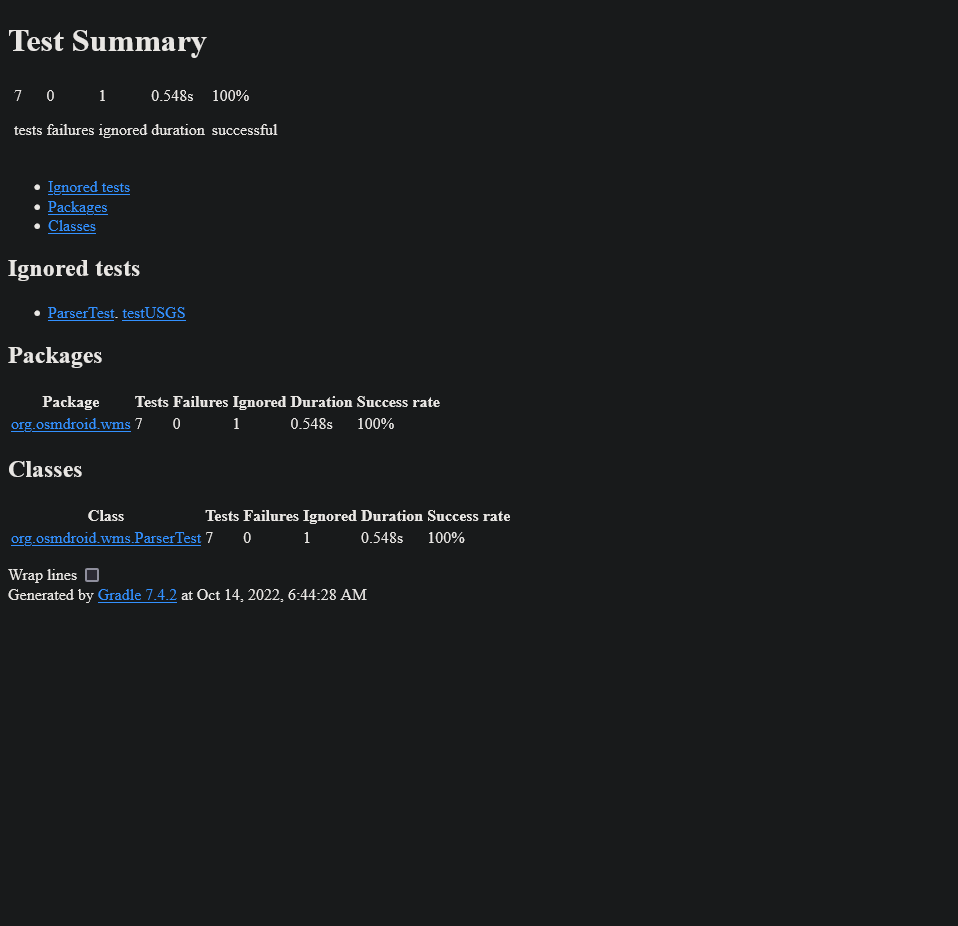
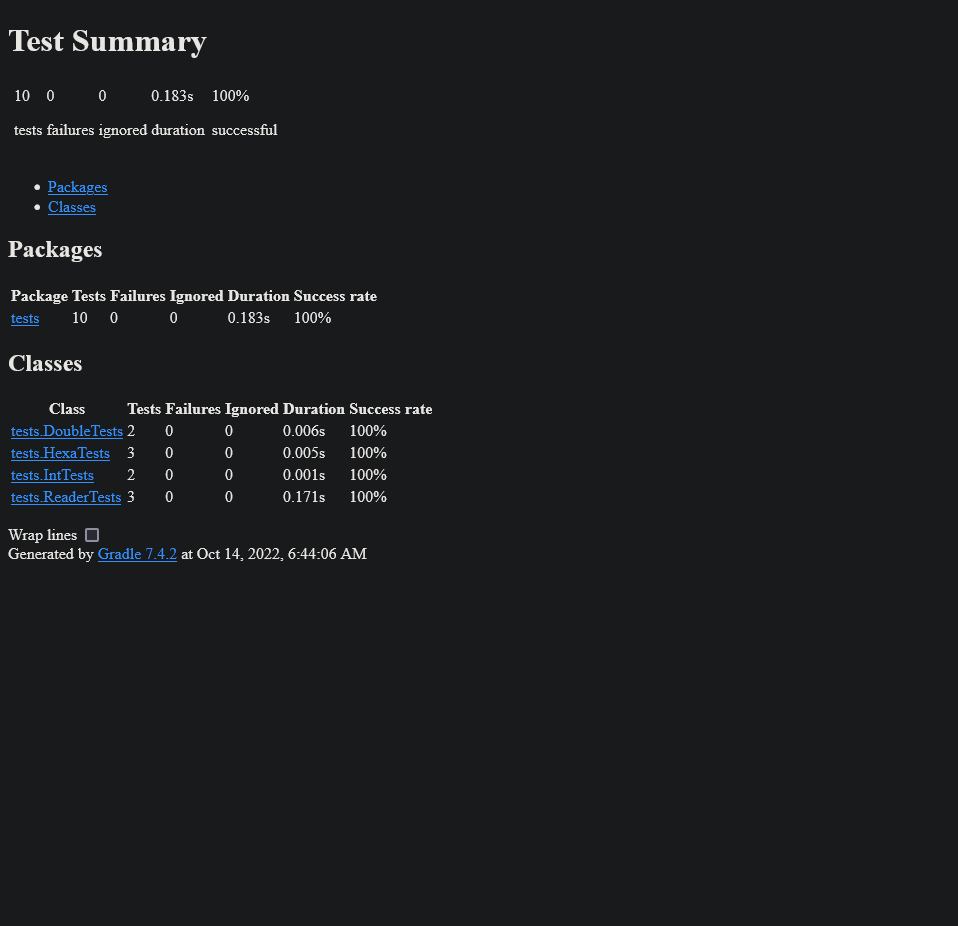
It looks like all the tests are passing. There is one test skipped in the WMS parser but that module is still in beta so I don't see an issue with it skipping. Says to look at
|

 PWRxPSYCHO
changed the title
PWRxPSYCHO
changed the title
|
@spyhunter99 @MKergall @neilboyd @kurtzmarc @monsieurtanuki @eclectice - I was looking to try and setup a discussion about this PR or at least get some information on the path forward with this in relation to the project. If these changes are already planned for the next release of OSMDroid we can delete this PR and hold off with the NGAGeopackage PR until the AndroidX upgrade has been completed. The Meshtastic Android App just recently started to use OSMDroid as their main mapping tool and this PR would help solve loading external map files. Thank you for your work on this awesome project and contributions to the open source community. 😄 |

 monsieurtanuki
left a comment
monsieurtanuki
left a comment
monsieurtanuki
left a comment
There was a problem hiding this comment.
Hi @PWRxPSYCHO!
From what I read, this PR looks good to me.
The thing is that I have no idea what the impact of that migration would be on legacy apps.
I assume that in 2022 that should be OK, as long as the min sdk is not changed.
@monsieurtanuki I did my best to maintain legacy mappings so they should be 1-1 and cause no breaking changes as far as legacy apps are concerned. The min sdk has not been touched. I did go through all the versions of the dependencies to make sure everything was still compatible. |

|
What is the status of this pull request, and when will it be merged into the master branch? I'd like to write a simple app in Kotlin that makes use of ViewPager2. Only the osmdroid:master branch (6.1.15?) has been tested with the Android Gradle plugin (AGP) 7.5.1, which requires a Java 11 JVM, and it works flawlessly. The broken Simple Map app in this OsmDroid project continues to puzzle me; I remain of the opinion that having the OpenStreetMapViewer app built is adequate. To resolve the bug, I changed: activity_main.xml (osmdroid-simple-map)
<?xml version="1.0" encoding="utf-8"?>
<LinearLayout xmlns:android="http://schemas.android.com/apk/res/android"
    android:layout_width="match_parent"
    android:layout_height="match_parent"
    xmlns:app="http://schemas.android.com/apk/res-auto"
    android:orientation="vertical" >
  <androidx.appcompat.widget.Toolbar
      android:id="@+id/my_toolbar"
      app:popupTheme="@style/ThemeOverlay.AppCompat.Light"
      style="@style/ToolbarStyle"/>
  <org.osmdroid.views.MapView android:id="@+id/mapView"
      android:layout_width="match_parent"
      android:layout_height="match_parent"/>
</LinearLayout>
AndroidManifest.xml (osmdroid-simple-map)
<manifest xmlns:android="http://schemas.android.com/apk/res/android"
    xmlns:tools="http://schemas.android.com/tools"
    package="org.osmdroid.simplemap">

    <!-- PROTECTION_NORMAL permissions, automatically granted -->
    <uses-permission android:name="android.permission.ACCESS_NETWORK_STATE" />
    <uses-permission android:name="android.permission.ACCESS_WIFI_STATE" />
    <uses-permission android:name="android.permission.INTERNET" />

    <!-- DANGEROUS PERMISSIONS, must request -->
    <uses-permission android:name="android.permission.ACCESS_COARSE_LOCATION" />
    <uses-permission android:name="android.permission.ACCESS_FINE_LOCATION" />
    <uses-permission android:name="android.permission.WRITE_EXTERNAL_STORAGE" />

    <application
        android:theme="@style/AppTheme"
        android:allowBackup="false"
        android:icon="@drawable/icon"
        android:label="@string/app_name"
        tools:ignore="GoogleAppIndexingWarning">
        <activity android:name="org.osmdroid.sample.MapActivity">
        <intent-filter>
            <action android:name="android.intent.action.MAIN" />
            <category android:name="android.intent.category.LAUNCHER" />
        </intent-filter>
        </activity>
    </application>
</manifest>
MapActivity.java (osmdroid-simple-map)
public class MapActivity extends AppCompatActivity {
    private MapView mapView = null;

    @Override
    public void onCreate(Bundle savedInstance) {
        super.onCreate(savedInstance);
        Configuration.getInstance().load(getApplicationContext(),
                PreferenceManager.getDefaultSharedPreferences(getApplicationContext()));
        //TODO check permissions
        setContentView(R.layout.activity_main);
        mapView = findViewById(R.id.mapView);
        androidx.appcompat.widget.Toolbar myToolbar = findViewById(R.id.my_toolbar);
        setSupportActionBar(myToolbar);
    }
   //...
}
These modifications are compatible with both Android 7.0 and Android 11. I don't have a device running Android 13 to test. On the other hand, did you encounter any prepareKotlinBuildScriptModel error when building OpenStreetMapViewer taken from osmdroid:master branch with Android Studio (Android Studio Dolphin | 2021.3.1 | Build #AI-213.7172.25.2113.9014738)? To remove the error, I need to include this Gradle groovy snippet in OpenStreetMapViewer's build.gradle: tasks.register("prepareKotlinBuildScriptModel"){} |

|
@spyhunter99 It's probably time to grant merge or/and admin privileges (whatever they're called in github) to contributors that have skills, time and motivation, like @eclectice. |

|
invite sent |

Thank you for the invitation, but I will KIV it for the time being because I am still unfamiliar with git and the GitHub versioning system; I am more familiar with the Subversion system. @spyhunter99 I pulled your merge, but when I tested it on a physical Android 11 device, it had a lot of issues (specifically Samsung Galaxy Tab S7 FE SM-T733). Even for simple things like accessing shared preferences, getting a system service context, calling Toast.makeText(), and so on, the OpenStreetMapViewer app receives a lot of StrictMode disk read/write violations. To reduce them, I use StrictMode.allowThreadDiskWrites() whenever possible. StrictMode.ThreadPolicy oldPolicy = null;
if (Build.VERSION.SDK_INT >= Build.VERSION_CODES.GINGERBREAD) {
oldPolicy = StrictMode.allowThreadDiskWrites();
}
try {
mSensorManager = (SensorManager) context.getSystemService(Context.SENSOR_SERVICE);
} finally {
if (Build.VERSION.SDK_INT >= Build.VERSION_CODES.GINGERBREAD) {
StrictMode.setThreadPolicy(oldPolicy);
}
}I'm also implementing various permission checks for code that requires runtime permissions. Because there are cleartext network traffic errors when accessing some OpenStreetMap links, I'm adding them to the app's network configuration file. My work is still in progress. I will keep you informed when it is done. |
|
When running any sample demo that uses the GpsMyLocationProvider on an Android 11 device, it appears that the sample demo receives a leak notification from Leak Canary. Following further investigation, it appears that the Location Service obtains its context from the activity rather than the application context. This is well explained in this article: https://dev.to/pyricau/beware-packagemanager-leaks-223g. As a result, I changed the majority of the system services in the sample demos to use the application context rather than the activity context, with the exception of Context.LAYOUT_INFLATER_SERVICE, which requires the activity context. However, I skipped the sample demos in the Bug Drivers section. |
4 participants


After looking into upgrading NGA-Geopackage, it seems that there are too many clashing dependencies from android.support and androidx. I saw there was a feature request to update the older libraries to the newer libraries.
PR: #1853 - should be done after this to resolve the duplicate file issues
Issue: #1453
I followed this guide: https://developer.android.com/jetpack/androidx/migrate/artifact-mappings to update all legacy mappings to the equivalent AndroidX