Guidelines for extensions contributing entries to the remote indicator:
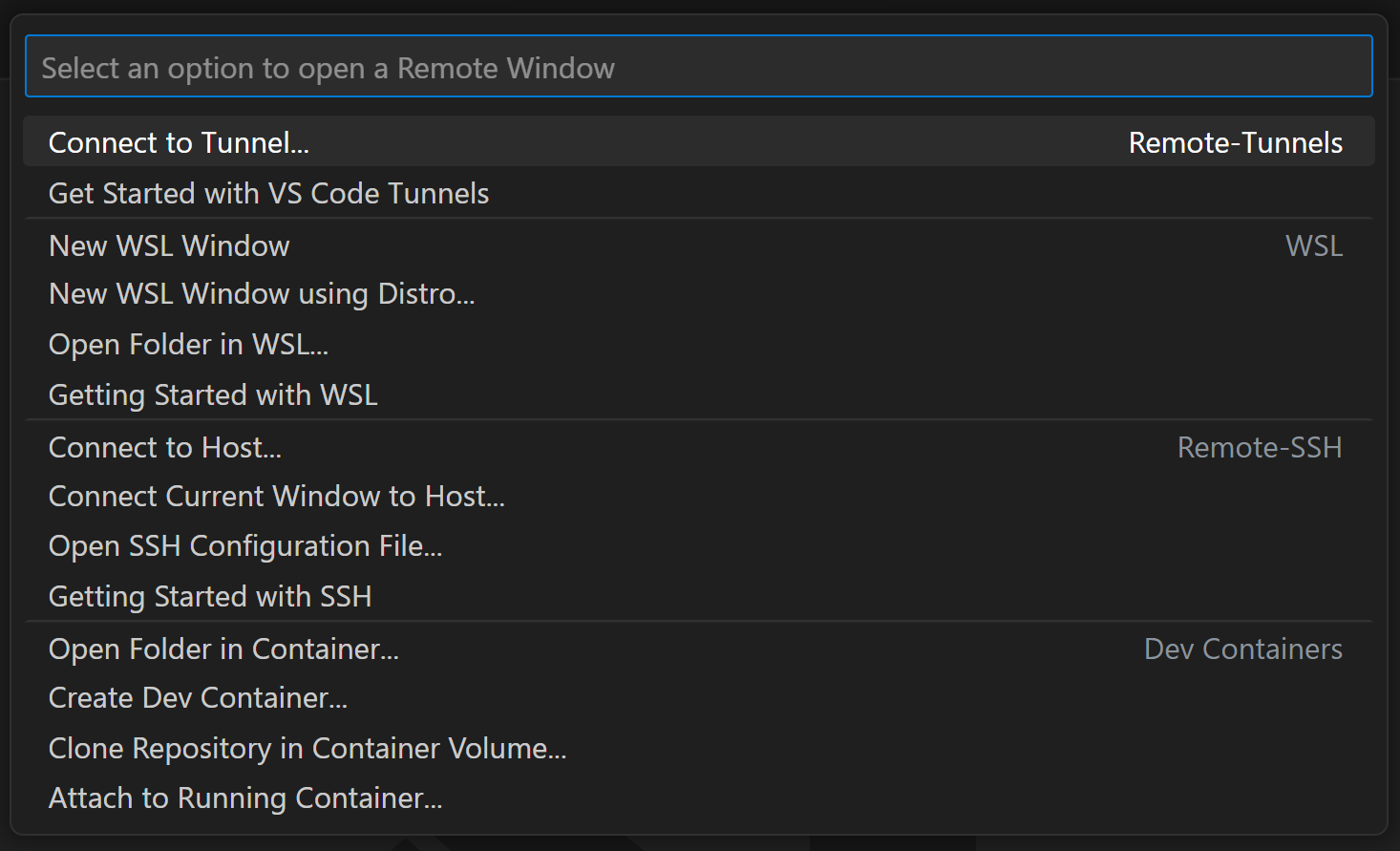
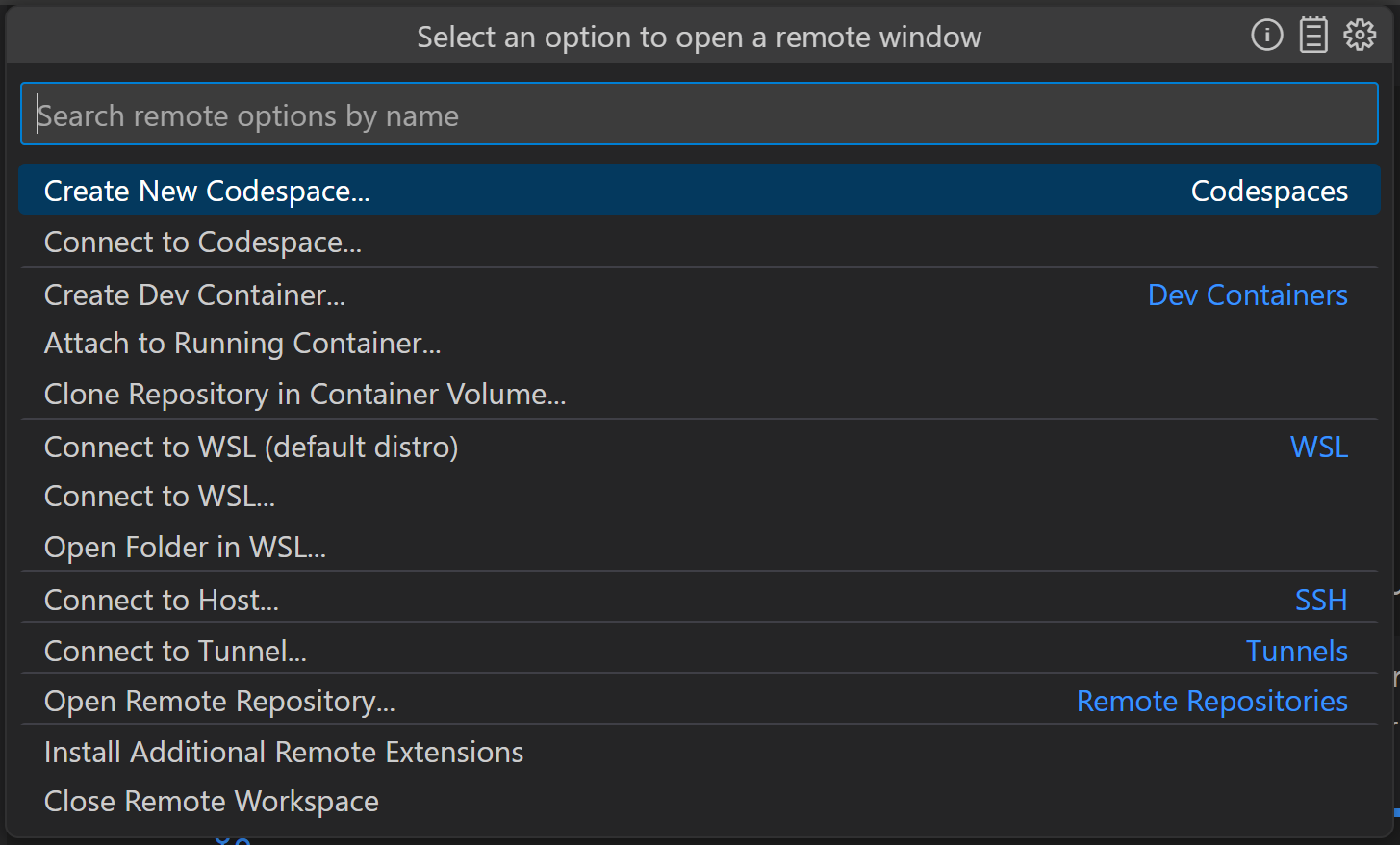
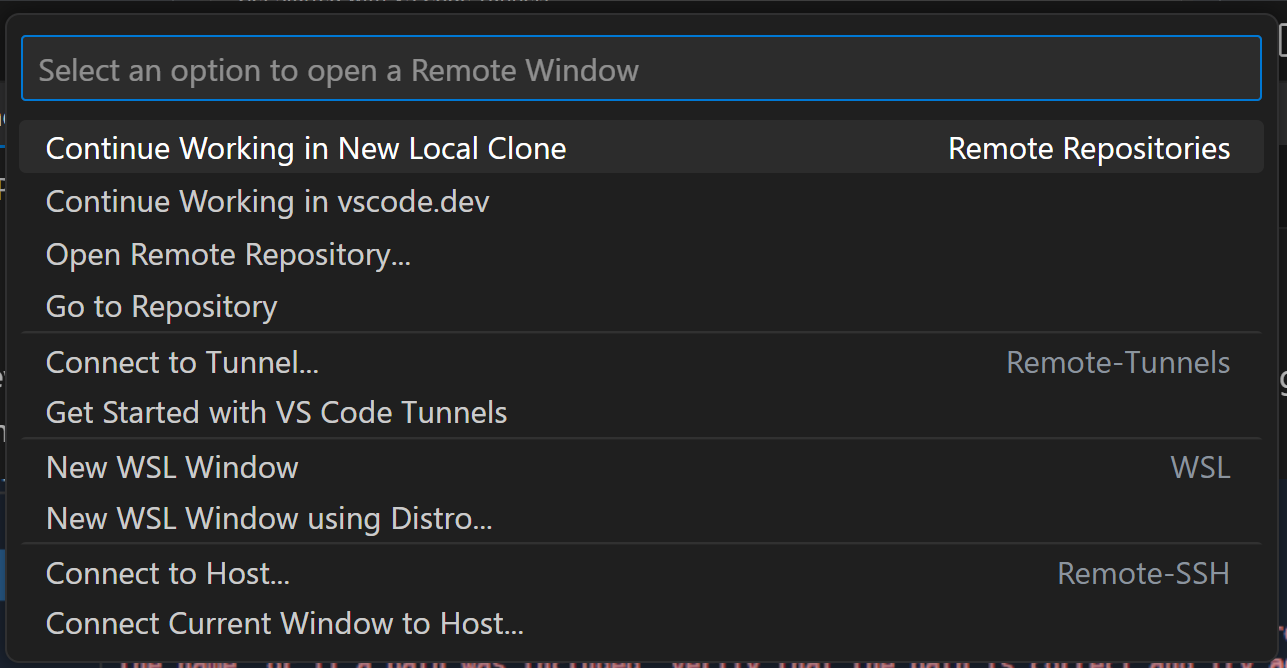
- Reduce the total number of actions contributed per remote, in order to ensure that as many remotes' actions are visible at a glance as possible
- When in a local window there should be at most 3 actions per remote
- When in a remote window, the relevant remote category should remain sorted to the top, and there should be at most 5 actions per remote
- Remote names should be consistent where possible
- Where it makes sense, remotes should use consistent verbs ('Connect', 'Create' etc)
- Remote indicator actions should be suffixed with
... when they will trigger a multistep flow
- Getting Started and Configure actions for each remote shall be surfaced as quickpick buttons instead of being listed as quickpick items to save space in the list, we will introduce API for this
- Getting Started actions should ideally open each remote's walkthrough in-product instead of redirecting to docs
- Remotes which have separate commands like 'Connect to _' and 'Connect to _ in New Window' should consolidate these actions and respect
"window.openFoldersInNewWindow", or we can add support for alt modifiers to open in a new window
| Window |
Current remote indicator contents |
Proposed remote indicator contents |
| Local empty window |
 |
 |
| Local folder |
 |
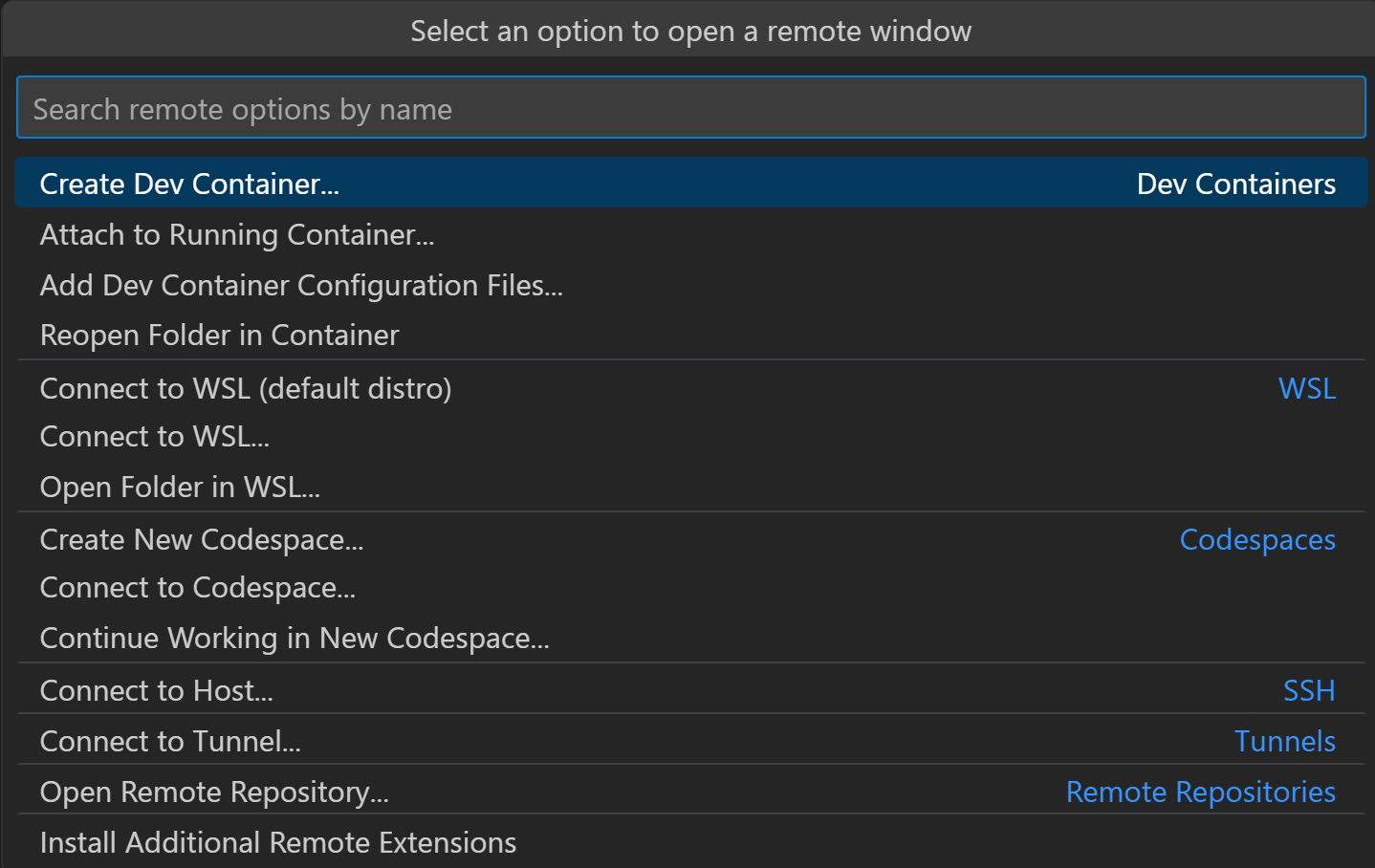 |
| Dev container |
 |
 (Additional offscreen items: Install Additional Remote Extensions, Close Remote Workspace) (Additional offscreen items: Install Additional Remote Extensions, Close Remote Workspace) |
| Codespaces |
 |
 |
| Remote Repositories |
 |
 (Additional offscreen items: Connect to Host..., Open SSH Configuration File... Connect to Tunnel, Install Additional Remote Extensions, Close Remote Workspace) (Additional offscreen items: Connect to Host..., Open SSH Configuration File... Connect to Tunnel, Install Additional Remote Extensions, Close Remote Workspace) |
| WSL |
 |
 (Additional offscreen items: Install Additional Remote Extensions, Close Remote Workspace) (Additional offscreen items: Install Additional Remote Extensions, Close Remote Workspace) |
| Tunnels |
 |
 (Additional offscreen items: Close Remote Workspace) (Additional offscreen items: Close Remote Workspace) |
| SSH |
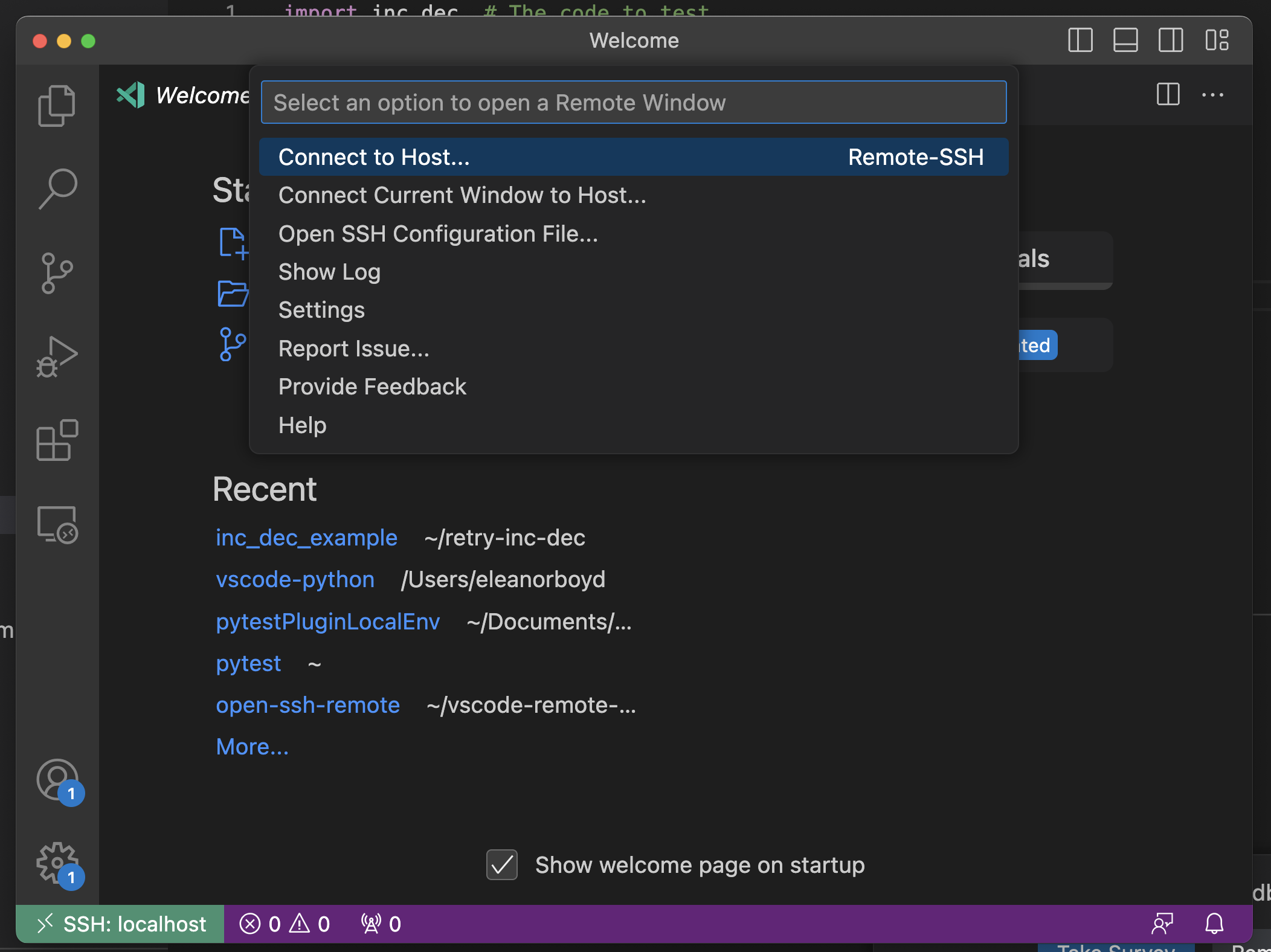 |
 |

Guidelines for extensions contributing entries to the remote indicator:
...when they will trigger a multistep flow"window.openFoldersInNewWindow", or we can add support for alt modifiers to open in a new window