Next terminal is not focused when a shell process dies on its own (then terminalFocus doesn't act as expected) #15103


Description

- VSCode Version: 1.7.1
- OS Version: macOS Sierra 10.12.1 (16B2555)
Steps to Reproduce for "open":
- Toggle terminal pane
- Start a second terminal (via shortcut or click on '+')
- Try using a set shortcut for workbench.action.terminal.focusNext / workbench.action.terminal.focusPrevious
- At this point, the values of setting
terminal.integrated.commandsToSkipShellget ignored, shortcuts don't work and the pressed key reaches the terminal - Toggling terminal pane twice to ensure that terminalFocus ist set and everything works as expected.
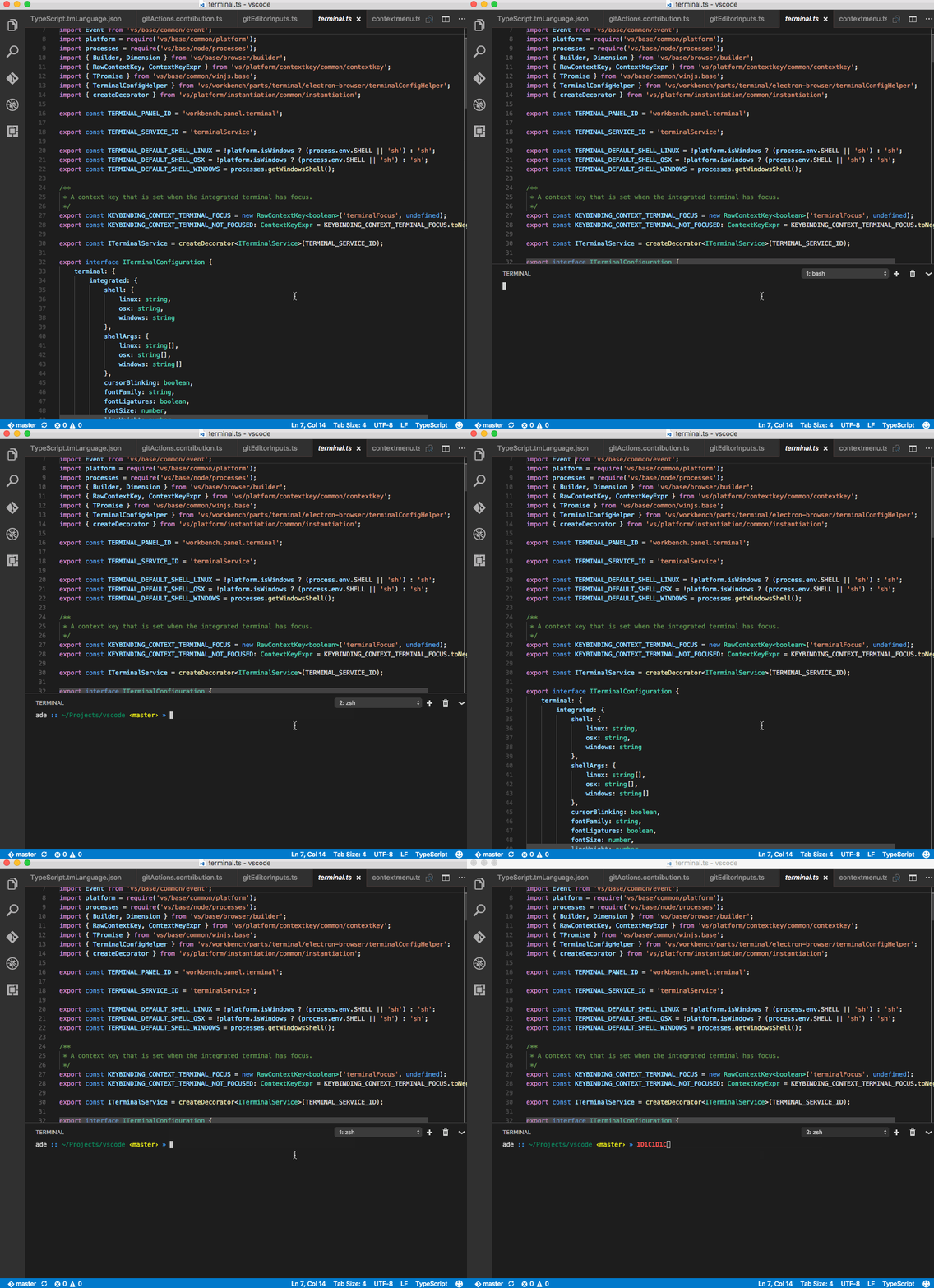
Steps to Reproduces for "close":
- Open a terminal pane with 2+ terminals
- Close a terminal (by typing "exit" or "ctrl-d")
- terminalFocus is is lost and shortcuts get send to the editor instead (shortcuts for switching terminals in the animated screenshot are set to the same as next/previous tab)
- Notice that the cursor in the terminal even shows that it has no focus - unlike in the first example, where the cursor stays the same!
- Toggle terminal pane twice to make everything work again

PS: Yes, --disable-extensions was used ;)