We're not sizing the drag handle correctly all the time; it cuts off parts of the window sometimes #4166


Description

Environment
Windows Version: 10.0.19041.0 ("slow ring" is enabled)

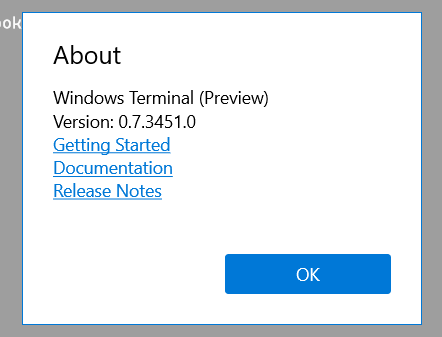
Terminal Version (0.7.3451.0); from the Windows Store
Native resolution: 2560 x 1440 (14" Lenovo X1 Carbon); scaling set at 125% (changed from 150% during this issue).
Steps to reproduce
Change the scaling ratio on your screen.
Expected behavior
Terminal window scales / adjusts automatically (which happens), but the controls for minimizing / maximizing disappear.
Honestly, not sure what is the expected behavior as many apps don't adjust properly, but after opening a new window, existing window at random starts showing the controls is why I raised this issue.
Actual behavior
(two instances I had open, when I changed the scaling ratio)

After opening a new window, randomly, the first window starts showing the minimize/maximize controls.
