In High-Contrast mode, the Title Bar should change color when the window is inactive #441

Description

Describe the bug
As indicated here: https://docs.microsoft.com/en-us/windows/uwp/design/shell/title-bar
Do make is obvious when your window is active or inactive. At a minimum, change the color of the text, icons, and buttons in your title bar.
This is even more true when High-Contrast is activated to improve accessibility.
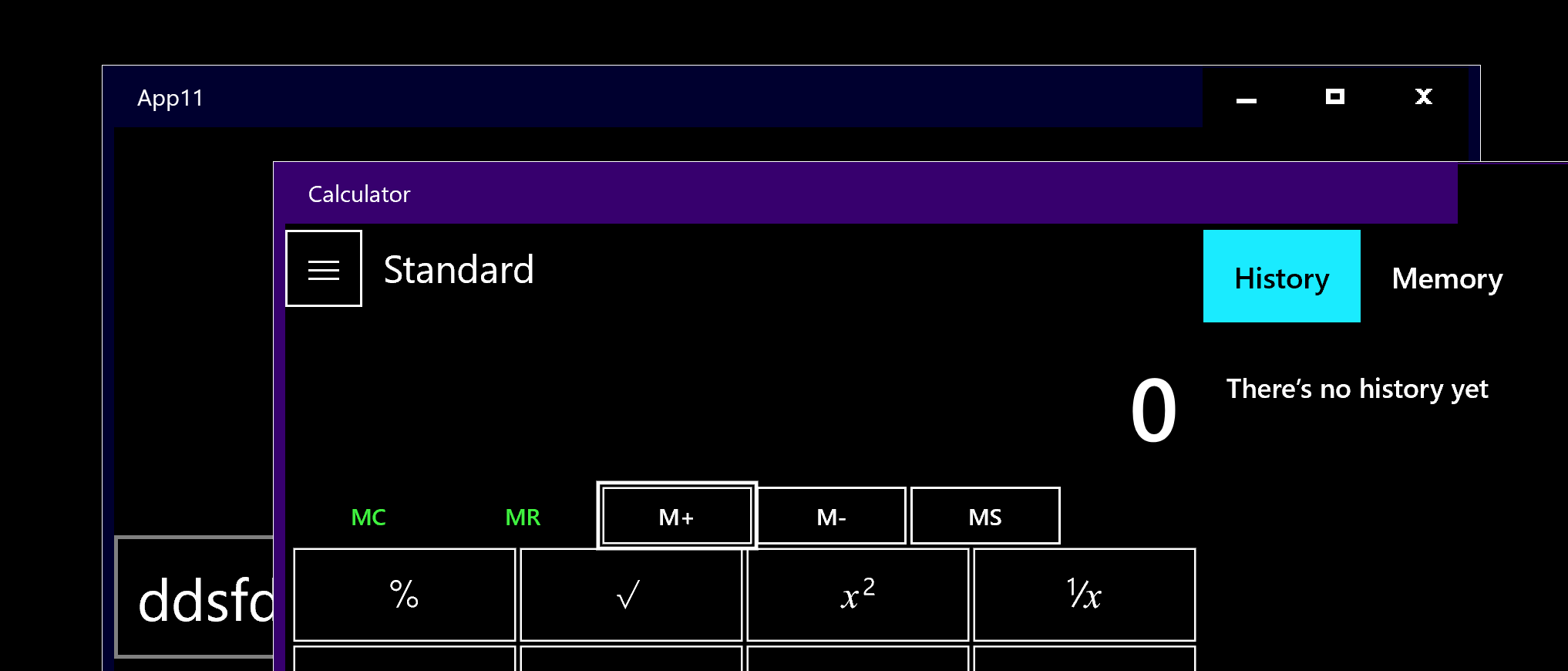
The Calculator currently uses the same color when the window is active and inactive.
Steps To Reproduce
- Activate High-Contrast
- Launch the Calculator
- Switch between applications
--> the Title bar color doesn't change.
Expected behavior
- the title bar should change color
Screenshots

Device and Application Information (please complete the following information):
- OS Build: 10.0.18362.0
- Architecture: X64
- Application Version: 10.1812.10048.0