Adding the scene reorientation functionality#10100
Conversation


…leFeaturesPanel for Examples Hub to include reorient functionality.

|
Need help: Currently, it does not give content proper z offset from the user since it uses camera position. |


 cre8ivepark
requested review from
CDiaz-MS,
david-c-kline and
julenka
as code owners
cre8ivepark
requested review from
CDiaz-MS,
david-c-kline and
julenka
as code owners
|
@RogPodge Wanted to maintain proper z-position as well. Something like this: |
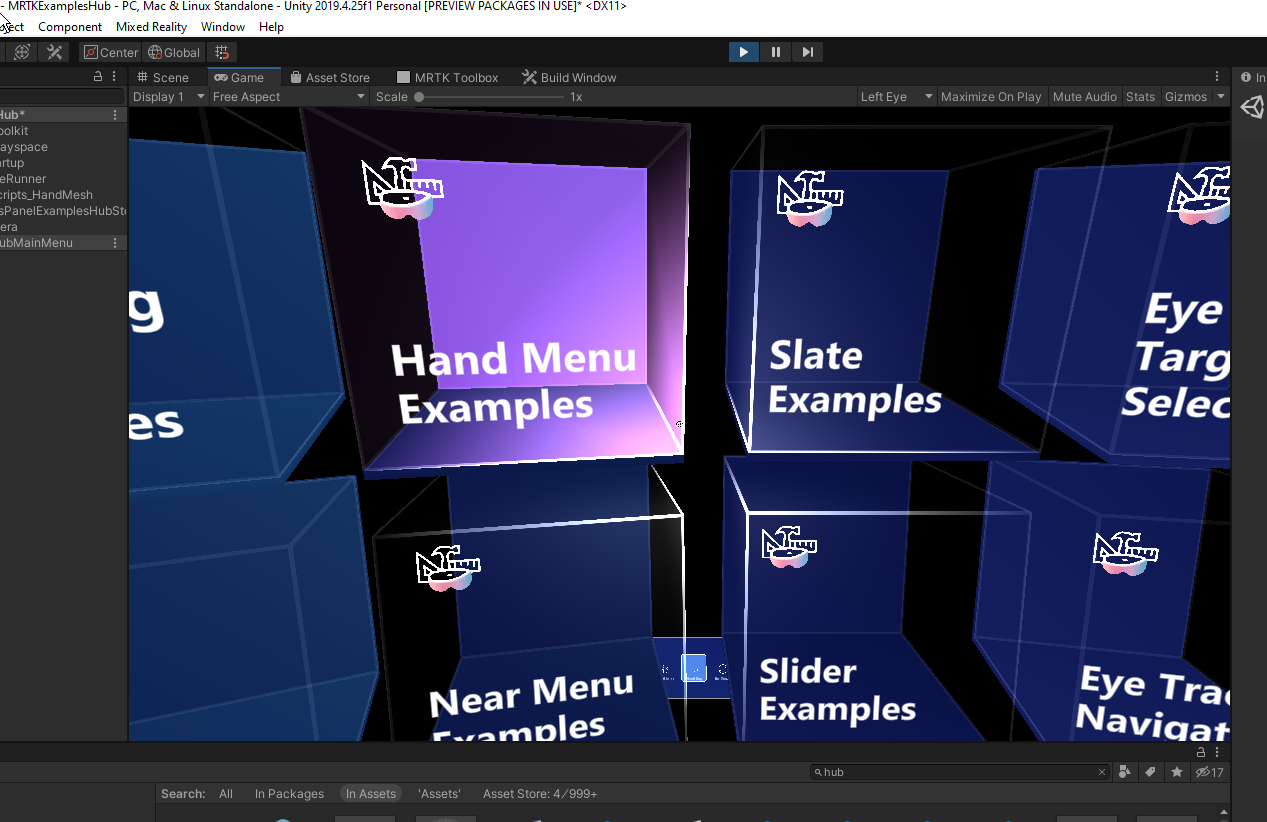
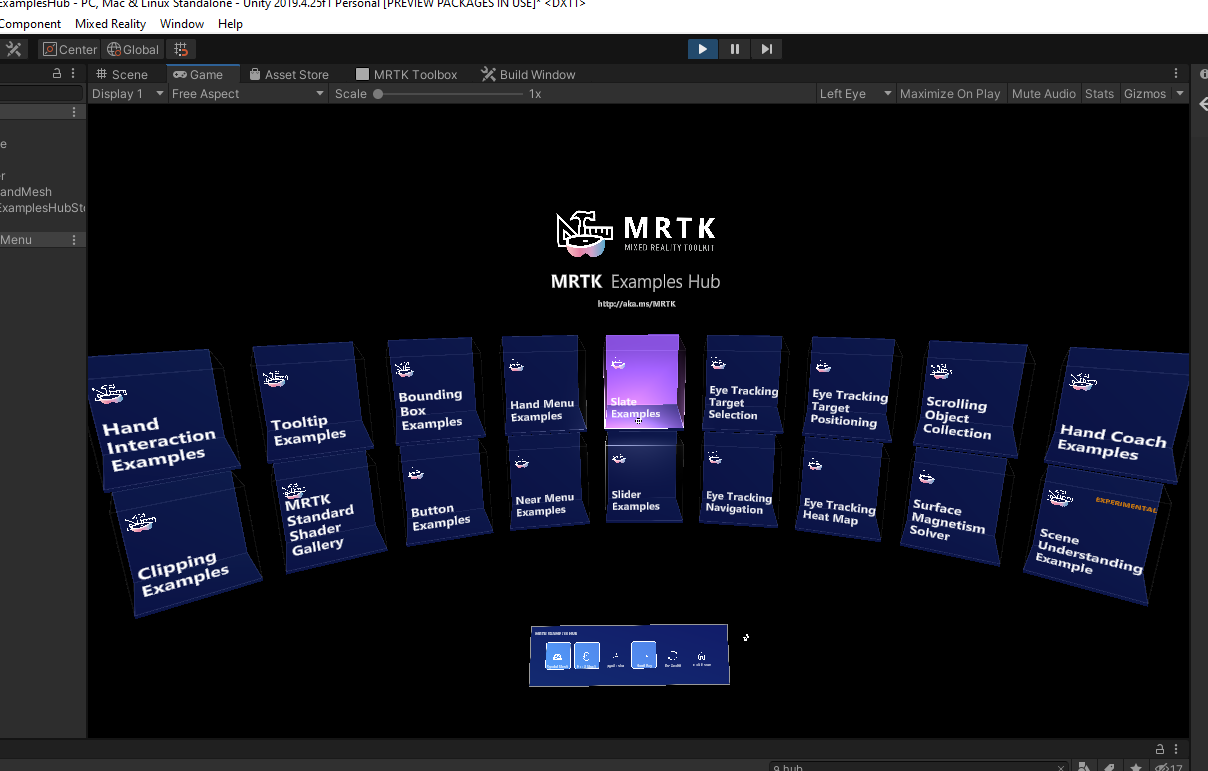
|
It works well! I just tested with HandInteractionExample scene with Align with Head Pose option and it works well even after Hub Menu was reoriented. Thanks @RogPodge ! |
…t with (0,0,0) position and set Alignment Type 'Align with head pose'
WORK-IN-PROGRESSUpdating example scenes to have proper MixedRealitySceneContent object with (0,0,0) position and set Alignment Type 'Align with head pose' |
|
@RogPodge Somehow, reorientation does not work in the device. Not sure if there is any non-device specific code for reorientation? |


|
@RogPodge, can you sync with @cre8ivepark and see if you can push it over the finish line? Thx! |


|
FInally vetted it all and it looks good, will merge as soon as it passes CI |
|
/azp run |

|
Azure Pipelines successfully started running 2 pipeline(s). |

|
/azp run |
|
Azure Pipelines successfully started running 2 pipeline(s). |
3 participants


Overview
Based on the feedback, adding re-center functionality to MRTK Examples Hub.
How to test
Run MRTKExamplesHub scene. Use the 'Re-Center' button on the floating menu to test reorientation.
Changes