

Find the audience behind the idea.
A Meta ad-interest search desk for the moment before a campaign brief exists.
Search interest names and audience ranges, keep a shortlist, export the evidence, and ask the same question over MCP.
Bring your own Graph token or configure one on the server. No fake results are bundled.


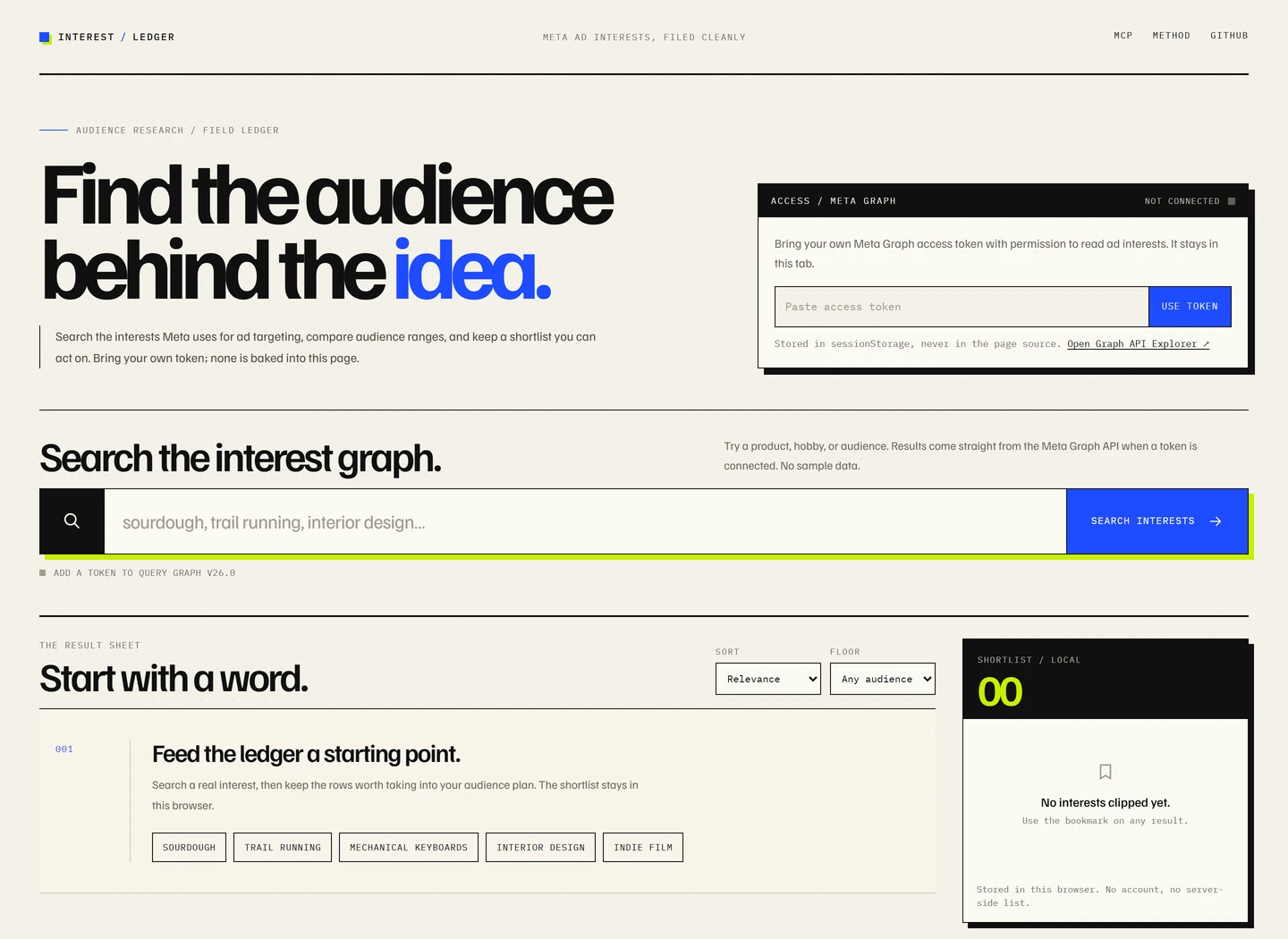
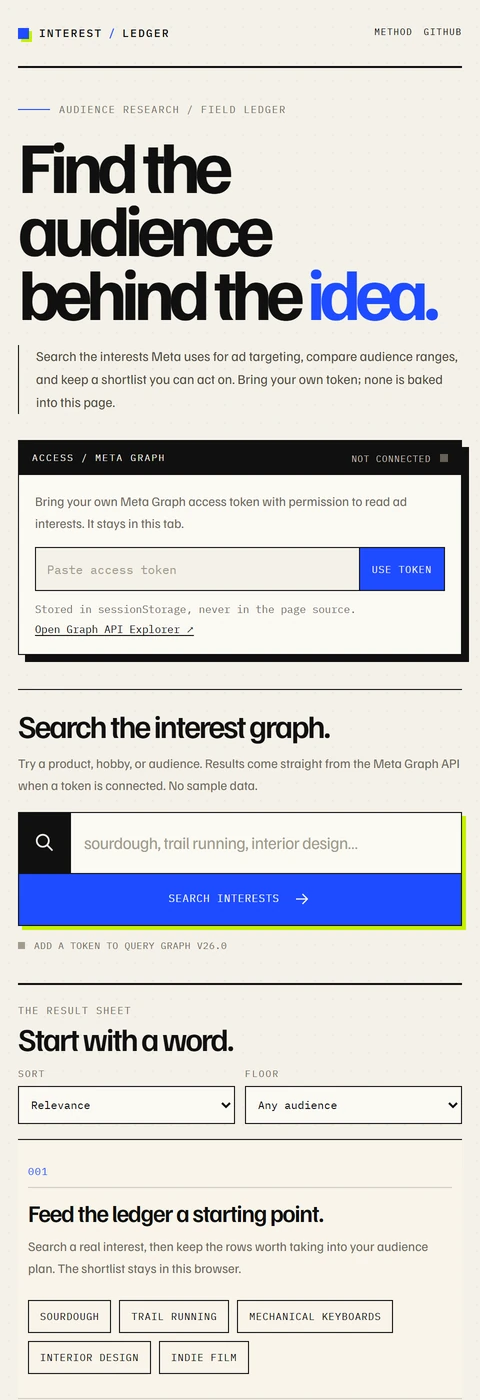
The live app before a Graph token is added. The empty state is honest: no search data is bundled.
Meta's ad-interest graph is useful when you have a rough audience in mind but not yet a campaign structure. The names and audience bounds are buried in a permissioned Graph API, and the surrounding tools often turn a rough search into a black box.
Interest Ledger keeps the desk simple:
- Search a word or phrase.
- Read the interest name, hierarchy path, and audience range.
- Keep the useful rows in a shortlist.
- Export the shortlist as CSV, or call the same search through MCP.
It is a research aid, not a prediction machine. Audience bounds are the estimates Meta returns; they are not a promise of reach, targeting eligibility, or campaign performance.
- Search Meta interests with the Graph API
adinterestsearch. - Read the context: name, path, numeric interest ID, and audience lower/upper bounds.
- Sort and filter by relevance, name, or audience; filter to a minimum audience size.
- Build a shortlist that persists in the browser's
localStorageon that device. - Export CSV for a brief, a media plan, or a spreadsheet; copy visible IDs in one click.
- Paginate through Graph results with a cursor.
- Ask over MCP at
/mcpwith asearch_meta_intereststool for agent workflows. - Choose an access mode: a token entered for the current tab, or a server-side
META_TOKENconfigured in Pages.
npm install
npm run dev
The Vite server is enough to work on the interface. To exercise /api/* and /mcp, use the Vercel CLI:
npm install
npx vercel dev
vercel dev serves the Vite app, the api/ functions, and the /mcp rewrite. Copy .env.example to .env.local and add META_TOKEN if you want to test server-token mode locally. The same build also runs on the optional Cloudflare Pages runtime:
npm run build
npx wrangler pages dev dist
Open the local URL printed by the CLI. The access panel reports whether the runtime has a server token.
Paste a Meta Graph access token into the access panel and choose Use token. It is stored in sessionStorage for that browser tab, sent only to this app's own /api/interests function, and forwarded to Meta. It is not written to a cookie, localStorage, a log, or the repository.
When Meta rejects the token, the app clears it and asks for another one. The token is never rendered into the page's HTML.
If the deployment has a META_TOKEN environment variable, the access panel reports a server token and the browser does not need to send one.
For Vercel, add META_TOKEN under Project Settings → Environment Variables for Production, Preview, and Development, then redeploy. For the optional Cloudflare mirror:
npx wrangler pages secret put META_TOKEN --project-name meta-interest-finderThe server token is never sent to the browser. A public deployment using a server token lets any visitor search with that token, so add access control or rate limiting if that is not the desired policy. The existing Vercel project can keep using Vercel Authentication or its own access rules.
A token needs Graph API access to the ad interest search. Permissions and app review rules are controlled by Meta and can change. If a token is missing or lacks access, the app shows the error instead of inventing results.
| Method | Path | Purpose |
|---|---|---|
GET |
/api/status |
Reports whether a server token is configured and which Graph version is used. |
GET |
/api/interests?q=sourdough&limit=50&after=... |
Searches the Graph API. Uses META_TOKEN if present, otherwise X-Meta-Token. |
POST |
/mcp |
Stateless JSON-RPC 2.0 endpoint with initialize, tools/list, and tools/call. |
curl -s 'https://meta-interest-finder.pages.dev/api/interests?q=sourdough&limit=5' \
-H "x-meta-token: $META_TOKEN"curl -s https://meta-interest-finder.pages.dev/mcp \
-H 'content-type: application/json' \
-d '{
"jsonrpc": "2.0",
"id": 1,
"method": "tools/call",
"params": {
"name": "search_meta_interests",
"arguments": { "q": "sourdough", "limit": 5 }
}
}' \
-H "x-meta-token: $META_TOKEN"Omit X-Meta-Token when the server secret is configured. The MCP endpoint is intended for server-side clients; it does not ship a browser session or an access token of its own.
- Frontend: React + Vite, with a deliberately editorial search sheet, a token panel, and a shortlist rail. Shortlist state is local to the browser.
- Vercel Functions:
api/interests.jsvalidates the query and token, callshttps://graph.facebook.com/v26.0/searchwithtype=adinterest, and normalizes the response.api/status.jsreportsserverTokenwithout exposing the secret, andapi/mcp.jsimplements the JSON-RPC methods. - Cloudflare Pages Functions:
functions/mirrors the same endpoints for the optional Cloudflare deployment. - Routing:
vercel.jsonrewrites/mcpto/api/mcp; the static build is served fromdist/. - Graph helper: the request and normalization logic lives in
api/_lib.jsfor Vercel andfunctions/_lib.tsfor Cloudflare.
The Graph token is only used in the function or the request header. The browser never receives a server token.
- Import the repository into Vercel. The included
vercel.jsonsets the build command, output directory, and/mcprewrite. - Add
META_TOKENas an environment variable if you want server-token mode. Leave it unset for BYOK-only. - Deploy. Vercel serves the Vite build and the
api/functions on the same domain.
The public demo badge points at the active Cloudflare Pages deployment. The Vercel project can be redeployed from the same repository when you want the Vercel URL to serve this build.
npm run build
npx wrangler pages deploy dist --project-name meta-interest-finder
Set META_TOKEN as a Pages secret if you want server-token mode. The functions/ directory is picked up automatically. The Cloudflare deployment is useful when you want a public, unprotected demo; the Vercel project can keep its existing access settings.
- No account system, analytics, or server-side interest database.
- Browser tokens live in
sessionStoragefor the tab; closing the tab clears them. - Server tokens belong in Vercel environment variables or Cloudflare Pages secrets, never in
vercel.json,wrangler.toml,.envfiles, or commits. - The Graph API receives the search query and token over HTTPS.
- The interface uses Google Fonts; the font request is the only third-party browser request in the default app.
- If you run a public server-token deployment, protect it as you would any public API. A token can be abused even when it is not visible in the browser.
- Meta controls the Graph API version, permissions, rate limits, and the meaning of audience bounds.
- Results depend entirely on the token's access. There is no fallback dataset.
- The app does not save searches or create campaigns; it is a research surface.
- Audience values are estimates and should not be treated as exact reach.
v26.0is pinned inapi/_lib.jsandfunctions/_lib.ts; update both deliberately when Meta deprecates a version.
Small, focused improvements are welcome. Please read CONTRIBUTING.md and SECURITY.md first.
The useful checks are:
npm ci
npm run build
npm run check:api
Never commit a real Meta token, a screenshot containing one, or a request log with an unredacted token.
GPL-3.0-or-later. See LICENSE.