Repository navigation
another stab at confining images to page width - #8062
Conversation


|
ping @jdfreder, @ellisonbg, @erccarls, @rsmith31415 for testing Images are confined to width by default; double-click restores the 'native' size of the image. The |

|
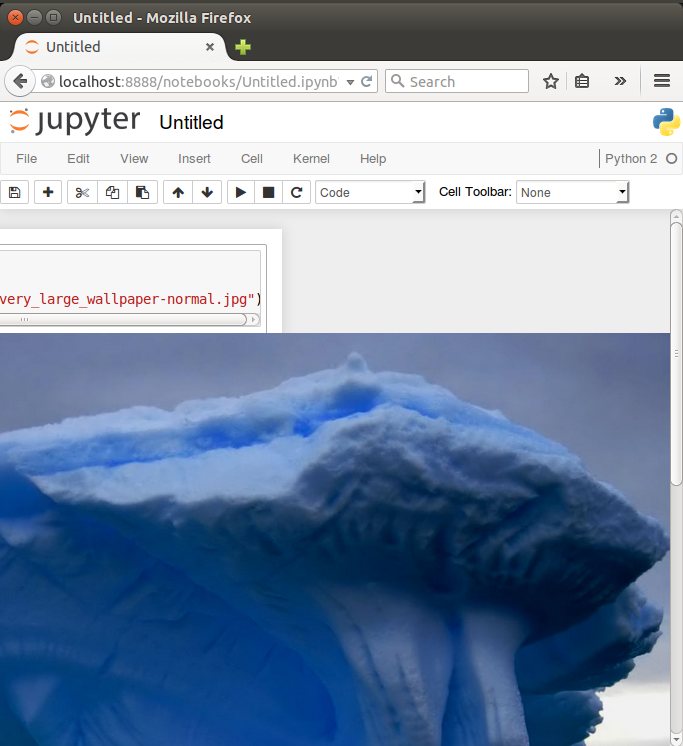
Are you sure it is working in Firefox? In Chrome, works fine using Firefox:
Chrome:
I noticed another issue in Firefox. When I click on the div with class
|
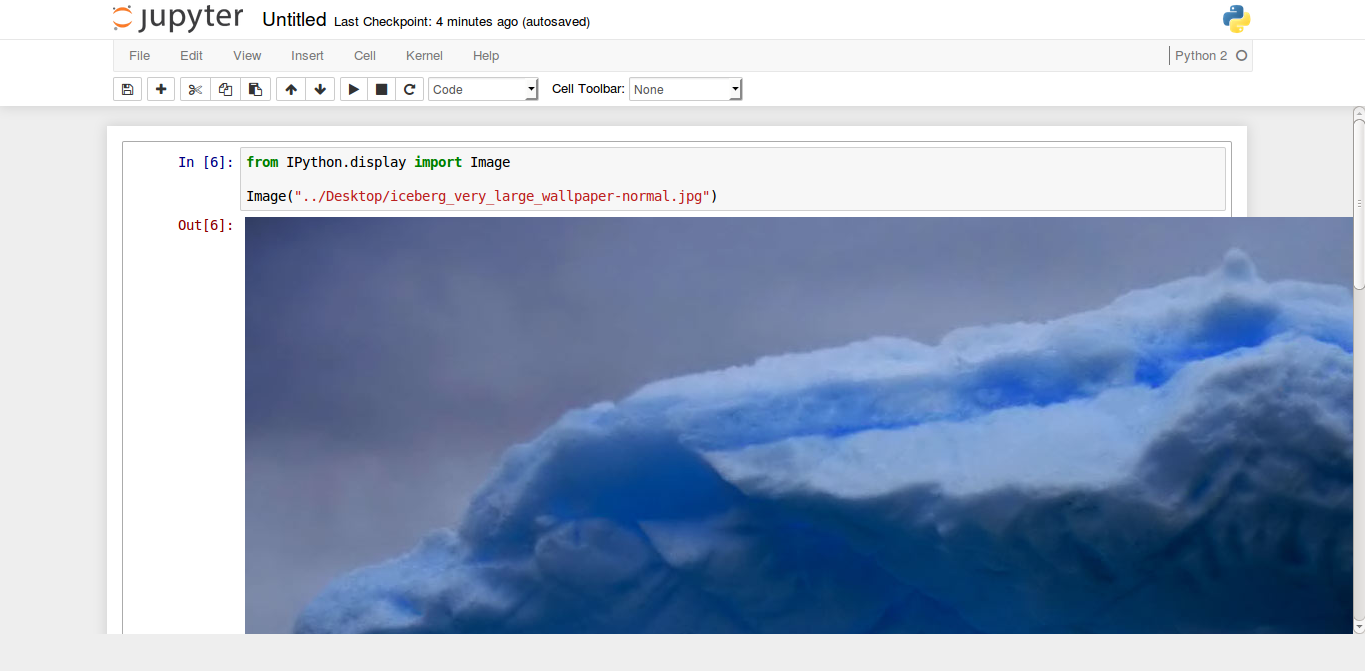

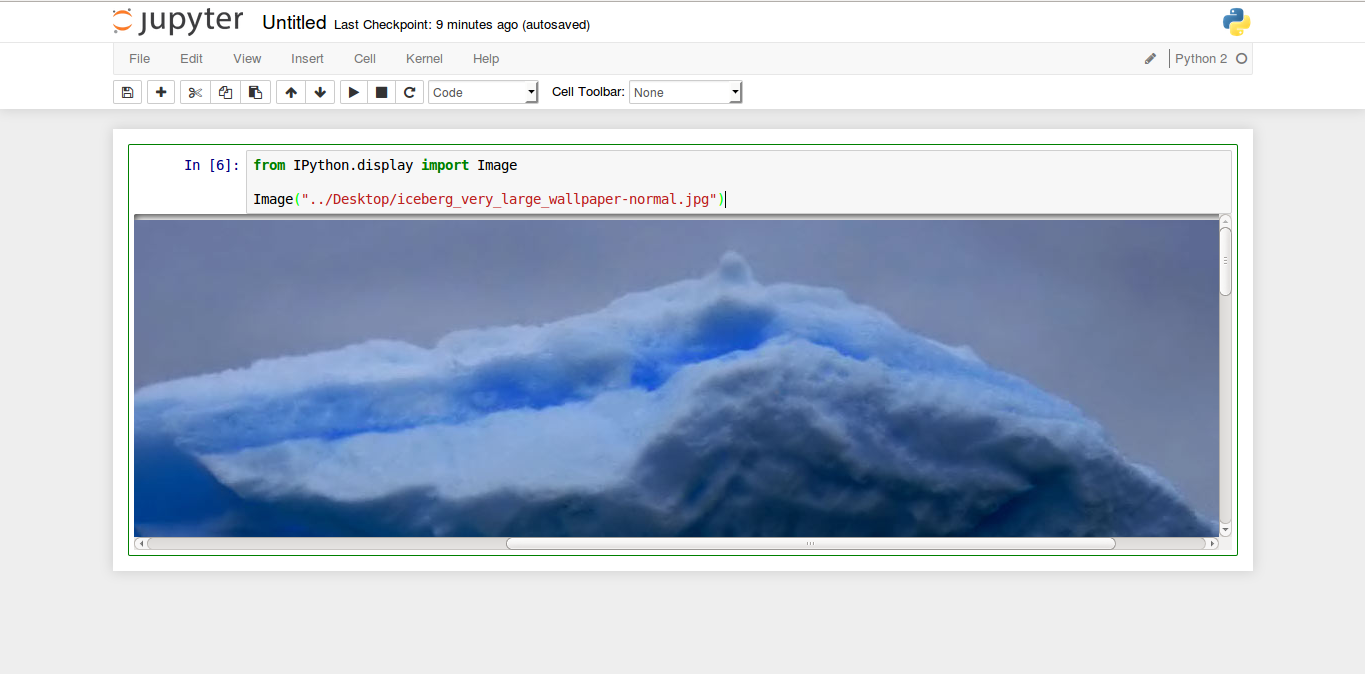
|
@rsmith31415 thanks for testing, I'm never sure if anything works in Firefox. That looks wrong in all kinds of ways. |
|
Okay, pushed a small additional max-width, and now it seems to work fine on both FF and Chrome (here, at least). I wasn't able to reproduce the weird overlay you saw, though. |
|
Correct. The second issue has been fixed. Unfortunately, the image (1200x1600, by the way) still overflows in Firefox. |
|
Interesting! I wasn't able to reproduce the second issue, but the first issue was fixed by the recent change for me. I'm at a loss if it still doesn't work on other machines. |
|
You mean the opposite, right? You can't reproduce the first issue (the image overflowing the right side of the notebook) but you fixed the second issue (image overlapping By the way, I'm using Firefox 36.0.1 on Ubuntu 14.10. |
|
@rsmith31415 no. I can reproduce the image overflowing to the right, and the latest commit fixed it. I have not seen the image overlapping the prompt overlay. |
|
I think there was a happy coincidence. After you fixed the image overflowing to the right, the overlapping was fixed. The problem is that the overflowing still remains in Firefox. However, there is no overflowing if I use markdown instead of |


|
The image appears to be constrained to 100% width in Firefox with the latest commit, but it still overflows to the right, because it's offset by the width of the
Maybe we can use |
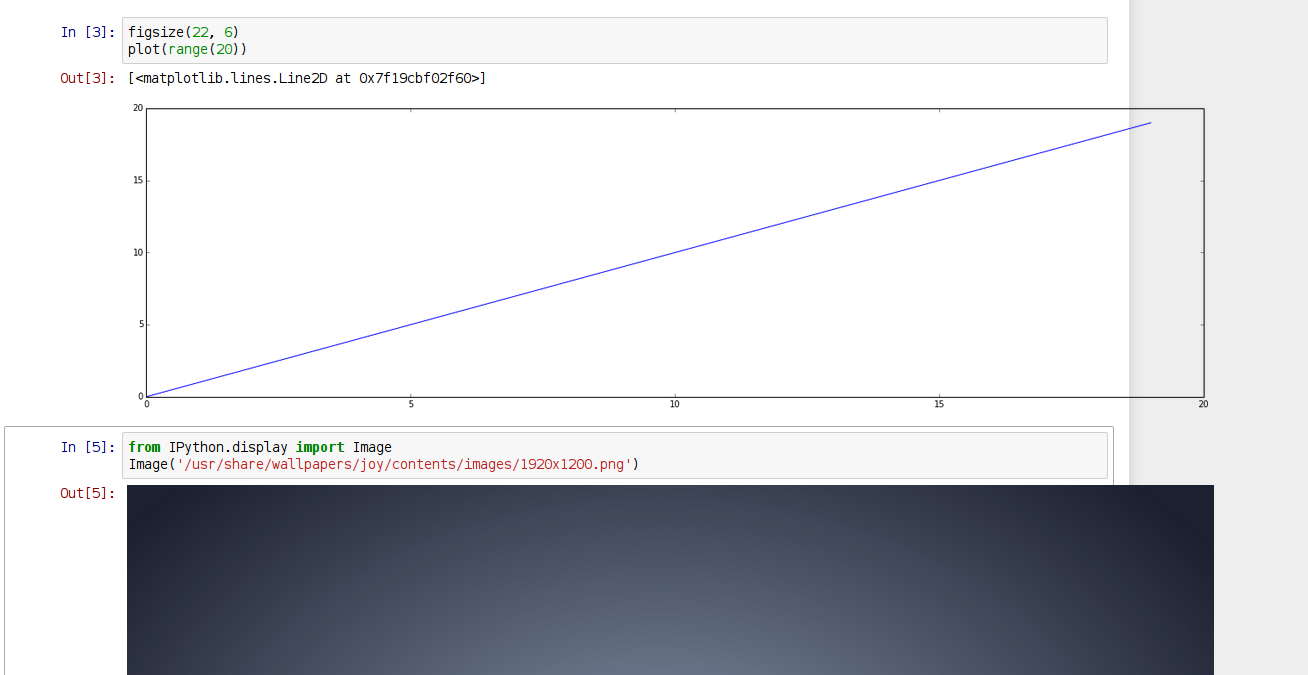
|
Double click to switch between width constrained and 1:1 seems to work, and images in markdown cells are correctly constrained to the notebook width. |
|
I noticed that there are different HTML elements (with different classes) being injected depending on the source (e.g.
|
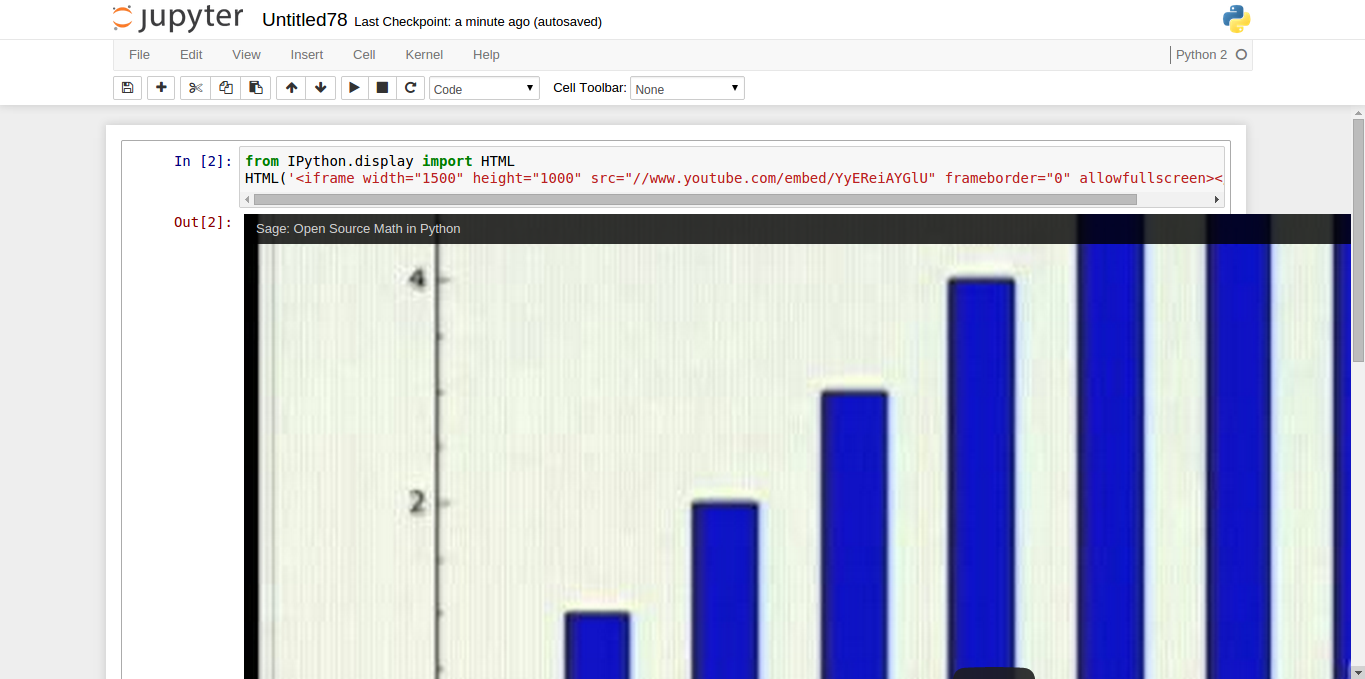
|
In that case, you're explicitly setting width/height in a tag in the HTML. I'm not sure there's much we can/should do about that. |
|
I applied the max-width behavior to img, svg in particular, but perhaps it should be applied to the outer element, or all children of output. It is not clear to me whether raw HTML output (e.g. iframes) be restricted, or left alone. Perhaps a combination of this and #7718 should be used. For the moment, I'm inclined to only confine images. The reason being that we already have the double-click to expand behavior on images (I only changed slightly what expand means in this PR), but not on the output area as a whole. That means that right now, there's an easy way to expand larger images to their native size, but not an easy way to expand other HTML elements. Perhaps we should go that way ultimately, but I like to take these things one step at a time. @takluyver thanks for pointing that out, yes calc should fix it in the latest commit. I thought it was behaving correctly because of my custom css changes the right margin. I should really remember to test CSS PRs without custom CSS. |
max-width takes effect when |
|
@takluyver I don't think it should be different to set widths and heights in an iframe than importing an image of arbitrary size. The container should constraint the output's dimensions under any circumstance. Actually, if you change the iframe to have
@minrk I think the double click (and single click) behavior is working correctly in other HTML elements (actually, in the case of a table, the double click works but single click has no effect.) The main problem are not the parent elements. The problem is that the HTML tags that are injected need to have proper styling to fit their parents. |

|
@rsmith31415 I assume you are referring to the scrolling behavior triggered by clicking on the prompt area, because I was referring to the double-click event we only bind to images. If we combine this with #7718, then all output will be confined to the area. Arbitrary HTML will overflow in with a scrollbar, and images will shrink to fit. It would also mean that expanding images will not expand them onto the entire page, but rather into a scrolling view that still fits within the width of the notebook. It would make it impossible for images to extend beyond the bounds of the notebook area. |
|
@minrk You're right. I was referring to the prompt because in the last commit, I'm seeing again the image overlapping over the prompt, but this time I find it very hard to reproduce consistently. There is another issue. If you click twice on the prompt (without double clicking), initially the image remains constrained. But if you double click on the image to let it expand and then click twice again on the prompt, the behavior of clicking on the prompt changes between constraining the image and expanding the image. Last issue: After reducing the browser, all elements are re-positioned accordingly except the image:
|
|
Images are now the correct size for me. @rsmith31415 , I'm not sure what you mean about the behaviour of clicking the prompt area after double clicking an image. In my brief tests, it's working as expected. |
|
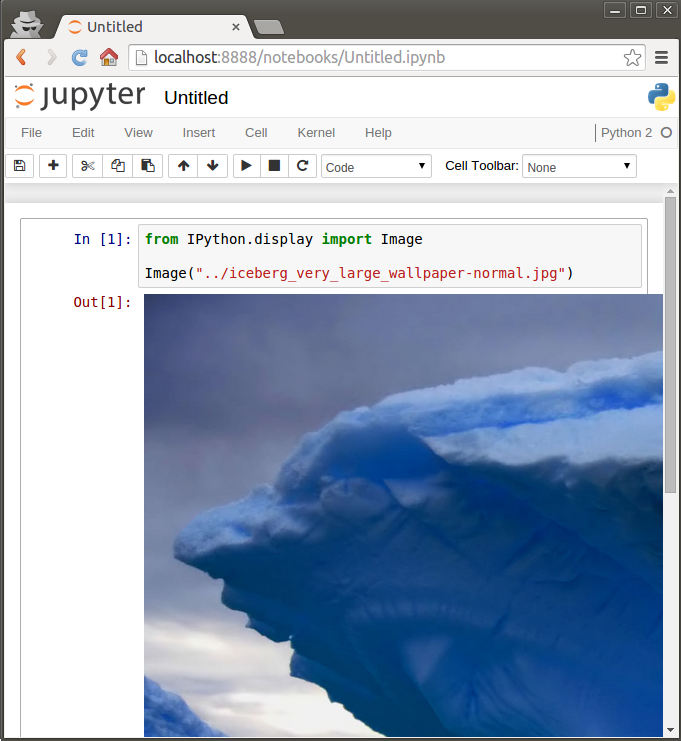
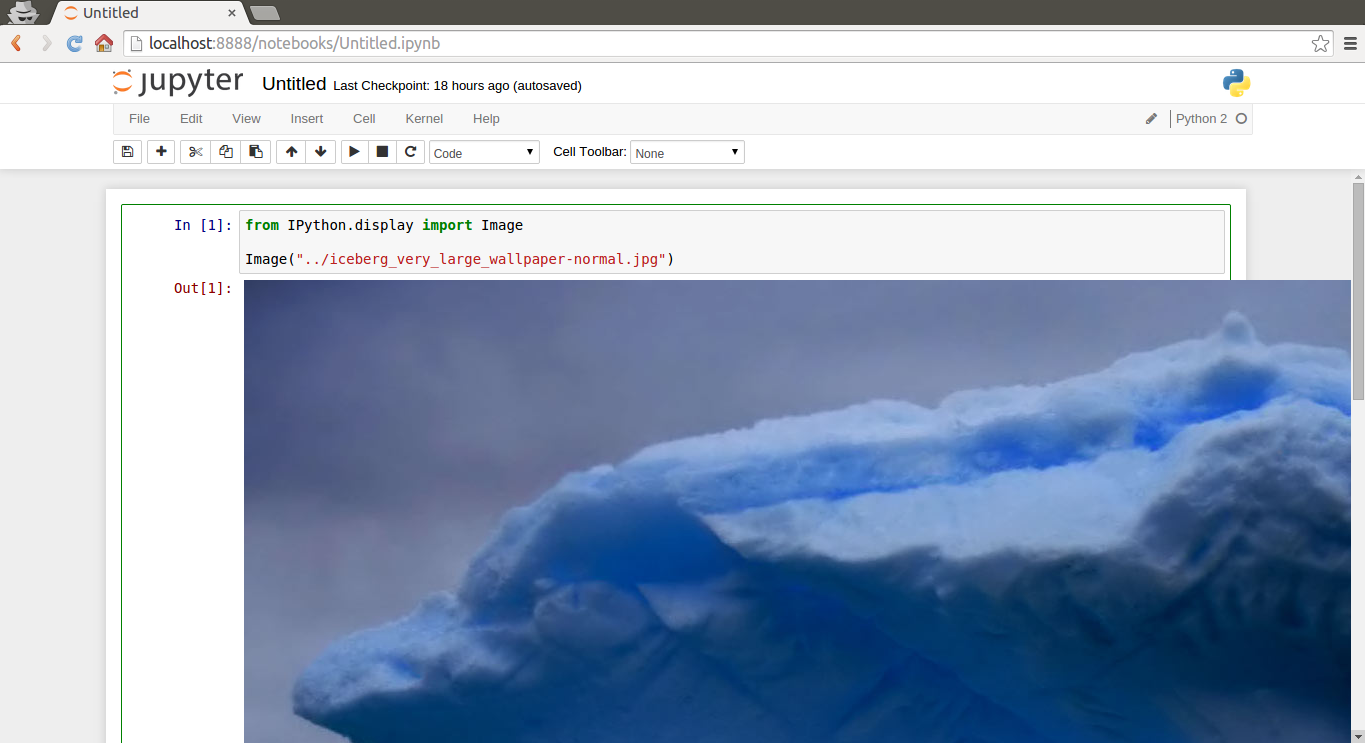
@takluyver Yes, sorry. I forgot to describe one crucial step to reproduce this issue. Furthermore, now I see that the issue is not really in the prompt but in resizing the browser. Steps:
3 . Double click on the image to expand it.
5 . Click twice on the prompt. The first click works as expected. The second click returns to the image overflowing. |
|
I seem to be seeing the same things as you, but I'm not sure why you think it's wrong. There are two separate toggles: image constrained/expanded and output open/scrollboxed. When you switch the output to scrollboxed and back, that doesn't change the image size, so if the image was overflowing before, switching the output area state twice will bring it back to overflowing. I do see another problem, though. When resizing the window with the image constrained to max width, its size doesn't update as the notebook width updates. I can make it resize in width if I set |
|
Yes, I see what you mean. I think I find confusing the feature of expanding the image outside the notebook. There is also the case in which the output is scrollboxed and you double-click to expand within the scrollbox. I think that is very reasonable. Although the image doesn't seem to preserve its dimensions, it seems like a middle ground between the expanded image and the scrollboxed image. By the way, what is the purpose of allowing the image to increase to its original size? The problem you described is the same I was mentioning before, right? The image is not responsive to resizing the window. |
|
I finally understood the thing that is causing problems. It is the This is setting a width and height in pixels to the element
Therefore, when we resize the window, the old width and height remain. This is also adding a class I was wondering whether we really need that feature. I didn't even know it existed. |


|
I am fine without images being resizable in the UI. On Thu, Mar 19, 2015 at 6:59 PM, rsmith31415 [email protected]
Brian E. Granger |
|
If removing
|

|
Thanks for investigating this. Let's see what others think and spend time testing it out. Sent from my iPhone
|
|
I'm fine with removing resize |
|
@rsmith31415 do you want to submit a PR to this PR with your proposed changes to get rid of the resizing? |
I think you would expect images using markdown and
Well, it is working under the hood but not working from the user's perspective. I'm not sure what to do about it.
Actually, you describe there another aspect. Right now, I think I found something very strange. After double clicking to expand the image, the menu to copy the image URL is disabled. It is also disabled when the image is constrained to 100%. This doesn't happen in a markdown cell. By the way, I think I asked this before but now that I'm testing this feature, I'm wondering again what is the purpose of allowing to scroll the raw image? I like the part when the image is constrained with |
I can prevent the event from bubbling up. I just need to move the functionality to a common place shared by text cell rendering and output areas.
If the user's perspective is that their width, height should always be respected, regardless of whether it fits in the output area, that's exactly the problematic behavior of 3.0 that we are trying to fix here. Note that the vast majority of explicit width and height are not set explicitly by the user, but under the hood by a library.
I don't understand what you are describing here. It sets the height of the image according to max-width in order to preserve the aspect ratio of the original width, height. Is there any other behavior that's sensible? |
|
Okay, I see only one decision left to make here, and it's what to do with the double-click behavior:
I don't have a strong preference, but it makes sense that markdown and output should behave the same. |
|
Output also has the scroll option. I think it's OK to have more features for controlling how output is viewed than for markdown images. |
Yes, you're right. I guess that's not a big problem. But it would be better if we could come up with a set of features that are consistent. If it is going to create scrollbars, it should always create scrollbars. If it is going to be constrained to
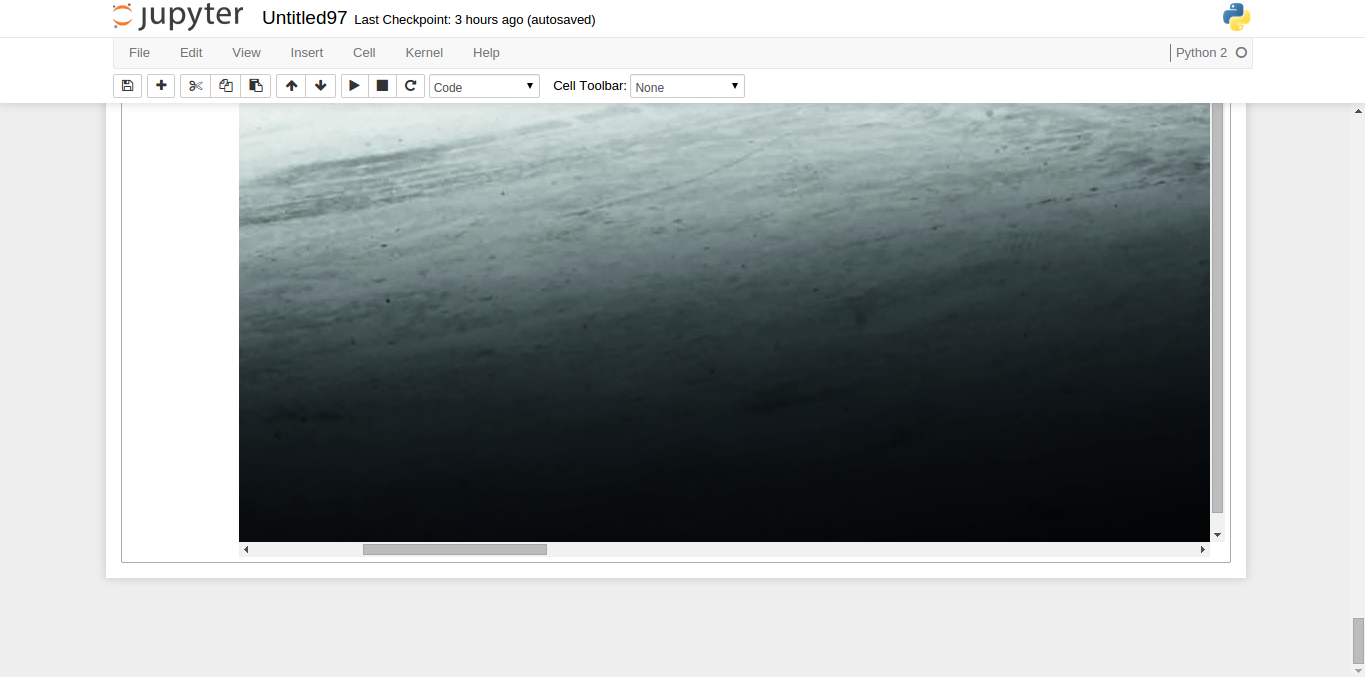
Let me show you:
Notice that the image's height is large enough to require an extremely large cell in the vertical direction. In Chrome, it creates a useless vertical scrollbar:
In Firefox, there is not vertical scrollbar. If the double click feature is useful, obviously I would like to keep it. However, I can't think of a reason to maintain it right now. We would be sacrificing consistency and simpler code, so in my mind, it needs to be really useful to justify its inclusion. |

|
Since the double-click behavior is now reduced to a trivial CSS class toggle ( |
 ghost
mentioned this pull request
- double-click toggles 'raw' size for large image output
- uses max-width on both markdown and output images
- `height: auto` fixes aspect ratio problems caused by using max-width alone
- img.unconfined disables max-width confinement
for Firefox
account for prompt width

allows Image(unconfined=True)
treat markdown the same as output
|
Ahh, got it! It is working now...ok back to this PR...
One question though: what is the default setting of images returned by the matplotlib inline backend? My initial thought is that they should have a max-width so they don't escape. |
|
I am also fine leaving the unconfined class there and dblclick there. If we don't include the dblclick now, would you keep the unconfined class and kwarg? |
Like all images, the default behavior is to be confined by max-width.
Yes, I think being able to request the behavior from the display-side is actually more important than the double-click behavior. |
|
OK, I am fine with merging this with or without the dblclick event - everything else looks fine. |
|
Sorry, I should have mentioned somewhere that I diagnosed the missing schema issue in some tests, and it came down to doing |
|
Yep, that did it for me...thanks! On Sun, Mar 29, 2015 at 3:54 PM, Thomas Kluyver [email protected]
Brian E. Granger |

|
Ok, great let's merge, try and complain :-) |
another stab at confining images to page width

|
Yeah, great work everyone - that one was surprisingly painful... On Sun, Mar 29, 2015 at 4:33 PM, Matthias Bussonnier <
Brian E. Granger |
This PR removes the image resizer for images. Removing the resizer helps a lot to solve the image overflow issue in #7701. Related PR: #8062. Before:  ...



height: autofixes aspect ratio problems caused by using max-width alone (Prevent image outputs from being wider than their container. #7721)overflow-x: autoon markdown (matches output in Disable output contents from overflowing page width. #7718)closes #7701