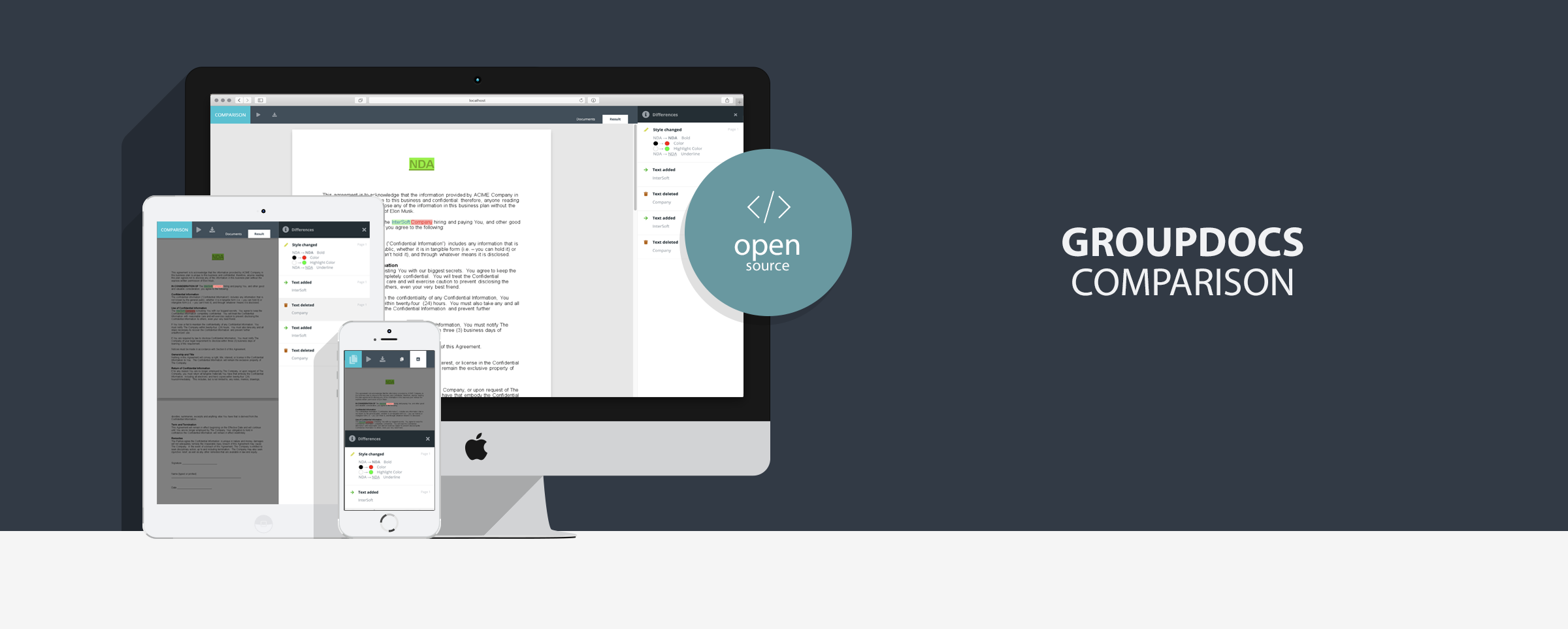
New GroupDocs.Comparison for Java Ktor UI Example

- Java 11+ (JDK 11+)
GroupDocs.Comparison for Java is a library that allows you to compare PDF, DOCX, PPT, XLS, and over 90 other document formats. With GroupDocs.Comparison for Java you will be able to compare two or more files, perform style and text comparison and generate a detailed report with changes.
This application allows you to compare multiple documents and can be used as a standalone application or integrated as part of your project.
Note: without a license application will run in trial mode, purchase GroupDocs.Comparison for Java license or request GroupDocs.Comparison for Java temporary license.

- Clean, modern and intuitive design
- Easily switchable colour theme (create your own colour theme in 5 minutes)
- Responsive design
- Mobile support (open application on any mobile device)
- HTML and image modes
- Fully customizable navigation panel
- Compare documents
- Multi-compare several documents
- Compare password protected documents
- Upload documents
- Display clearly visible differences
- Download comparison results
- Print comparison results
- Smooth document scrolling
- Preload pages for faster document rendering
- Multi-language support for displaying errors
- Cross-browser support (Safari, Chrome, Opera, Firefox)
- Cross-platform support (Windows, Linux, MacOS)
You can run this sample by one of following methods
Download source code from github or clone this repository.
git clone https://github.com/groupdocs-comparison/GroupDocs.Comparison-for-Java.git
cd GroupDocs.Comparison-for-Java/Demos/Ktor
Open project in IDE. Open Application.kt file and run main method inside it. Then open http://localhost:8080/comparison/ in your favorite browser.
Download source code from github.
Alternatively you can clone this repository using next command
git clone https://github.com/groupdocs-comparison/GroupDocs.Comparison-for-Java.gitRun sample from Windows PowerShell or Linux Terminal using next commands
cd GroupDocs.Comparison-for-Java/Demos/Ktor
.\gradlew.bat :run
Open http://localhost:8080/comparison/ in your favorite browser.
Download source code from github.
Alternatively you can clone this repository using next command
git clone https://github.com/groupdocs-comparison/GroupDocs.Comparison-for-Java.gitRun sample from Windows PowerShell or Linux Terminal using next commands
cd GroupDocs.Comparison-for-Java/Demos/Ktor
.\gradlew.bat :build
After that, go to .\build\distributions\ directory to get distribution files.
Download latest release from releases page.
Note: This method is recommended for running this sample behind firewall.
curl -J -L -o release.tar.gz https://github.com/groupdocs-comparison/GroupDocs.Comparison-for-Java/releases/download/v23.5/groupdocs-comparison-ktor-23.10.0.tar
tar -xvzf release.tar.gz
cd release/comparison-ktor-23.10
## Make `bin/comparison-ktor` file to be runnable
bin/comparison-ktor
## Open http://localhost:8080/comparison/ in your favorite browser.You can adjust settings in /src/main/resources/application.conf. Specify relative/absolute path to license file by setting licensePath value in /src/main/resources/application.conf or by setting up LIC_PATH environment variable
| Option | Type | Default value | Description |
|---|---|---|---|
filesDirectory |
String | DocumentSamples |
Files directory path. Indicates where uploaded and predefined files are stored. It can be absolute or relative path |
tempDirectory |
String | system temp directory | Absolute or relative path to directory to save temporary files |
resultDirectory |
String | ResultFiles |
Result files directory path. Directory must be created before app starts |
The MIT License (MIT).
Please have a look at the LICENSE.md for more details
- Compare documents with Kotlin in Compose Desktop application
- Compare documents with JAVA Dropwizard
- Compare documents with Javalin application
- Compare documents with Spring application
- Compare documents with .NET MVC
- Compare documents with .NET WebForms
Home | Product Page | Documentation | Demos | API Reference | Examples | Blog | Free Support | Temporary License