


Deploy this function on flows.network, and you will get a Slack bot to send you a message when ChatGPT finds an urgent issue from the designed GitHub repo. It helps busy open-source maintainers manage GitHub issues faster!

When a new GitHub issue is created, ChatGPT will review the issue title, description, and comments. If ChatGPT thinks this issue is an urgent matter, you will receive a Slack message.
- Create a bot from a template
- Add your OpenAI API key
- Configure the bot to review issues on a specified GitHub repo
You will need to bring your own OpenAI API key. If you do not already have one, sign up here.
You will also need to sign into flows.network from your GitHub account. It is free.
Click on the Create and Build button.
You will now set up OpenAI integration. Click on Connect, enter your key, and give it a name.
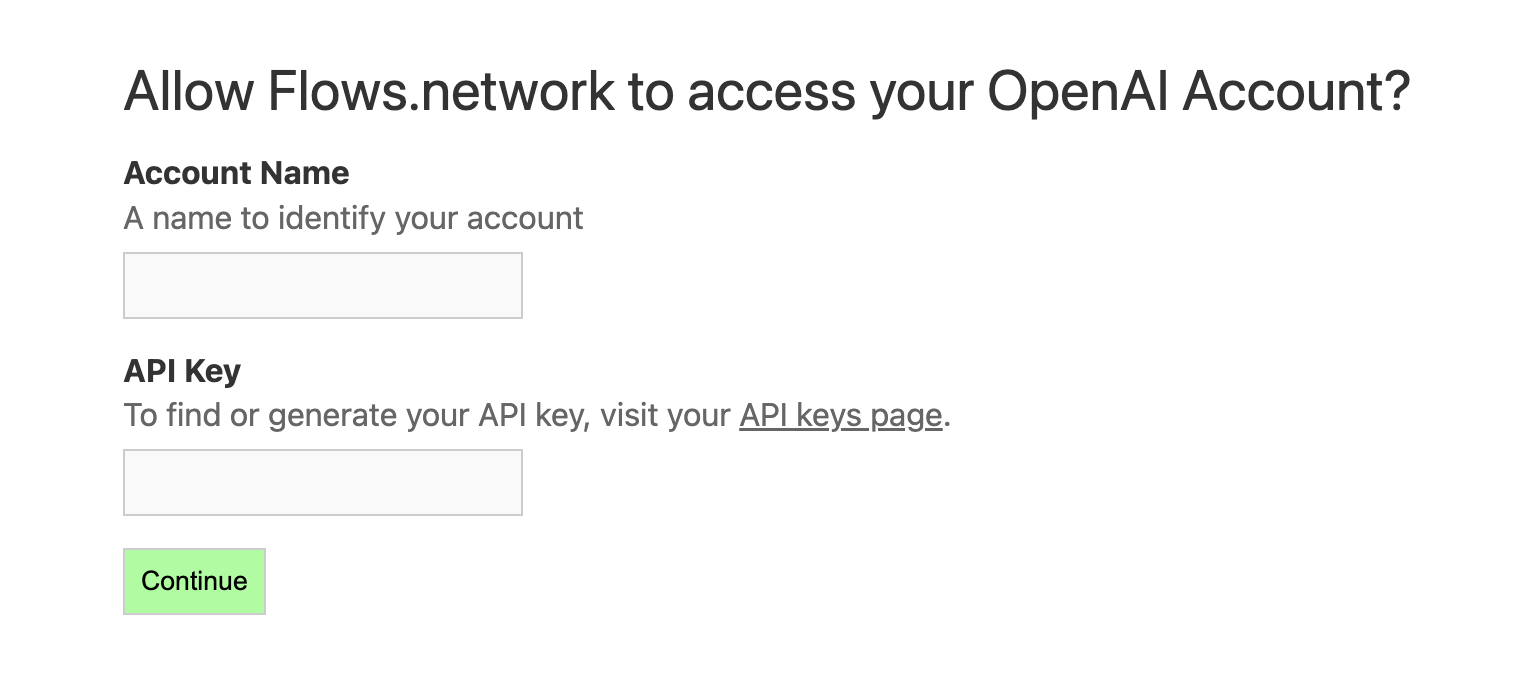
Close the tab and go back to the flow.network page once you are done. Click on Continue.
Next, you will tell the bot which GitHub repo it needs to monitor for upcoming issues to review.
github_owner: GitHub org for the repo you want to deploy the 🤖 on.github_repo: GitHub repo you want to deploy the 🤖 on.
Let's see an example. You would like to deploy the bot to review issues on
WasmEdge/wasmedge_hyper_demorepo. Heregithub_owner = WasmEdgeandgithub_repo = wasmedge_hyper_demo.
Click on the Connect or + Add new authentication button to give the function access to the GitHub repo to deploy the 🤖. You'll be redirected to a new page where you must grant flows.network permission to the repo.

Close the tab and go back to the flow.network page once you are done. Click on Deploy.
This is it! You are now on the flow details page waiting for the flow function to build. As soon as the flow's status became running, the bot is ready to give code reviews! The bot is summoned by every new issue, and every new issue comment.