


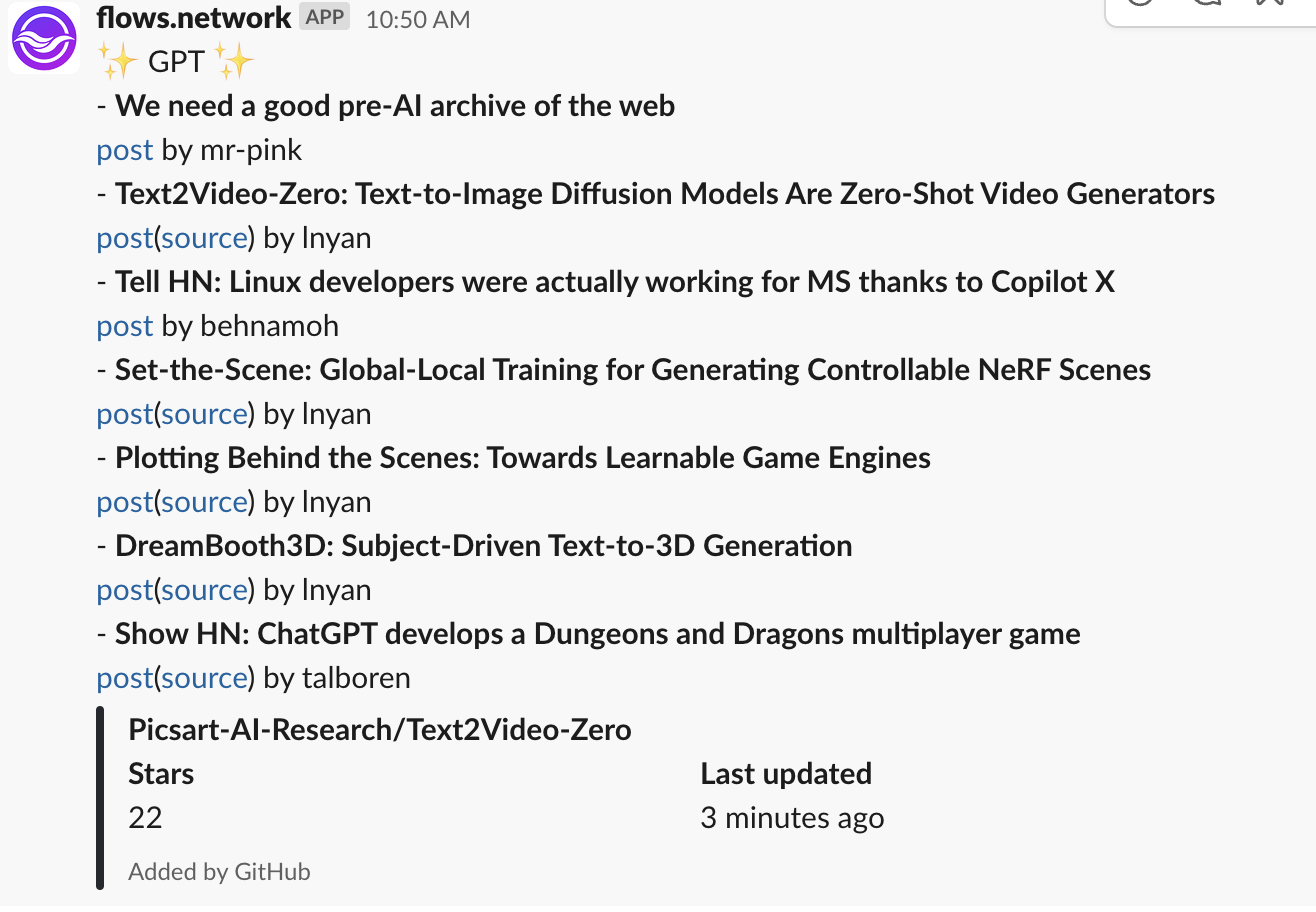
Deploy this function on flows.network, and you will reveice HackerNews post alerts each hour based on a keyword you set. The below screenshot shows alert messages of the keyword "GPT".
- Load the Hacker News alert template
- Configure and authorize your Slack access
You will need to sign into flows.network from your GitHub account. It is free.
Set the KEYWORD variable. It is the word you want to monitor on Hacker News and get alert of. For each bot you can only set one keyword. For more keywords, you can set more a bot for each of them.

Click on the Create and Deploy button.
After that, the flows.network will direct you to configure the SaaS integration required by your flow.
Next, you will tell the bot which Slack channel you want your alert messages to be sent to.
-
slack_channelSlack organization of the Slack channel where you want to deploy the bot. Case sensitive. -
slack_workspaceThe Slack channel where you want to deploy the bot. Case sensitive.

Next, let's grant flows.network to access the Slack channel you just input.
Click the "Connect/+ Add new authentication" button to authenticate your Slack account. You'll be redirected to a new page where you must grant flows.network permission to install the flows-network bot on your workspace. This workspace is the one you entered into the slack_workspace above.
If you have authenticated the workspace before,you can see the purple Connect button turns gray Connected button. Just ingore this step and click Check button.
After that, click the Check button to see your flow details. As soon as the flow function's status becomes ready and the flow's status became running, the Hacker News alert App goes live. You will get a salck message at the 50th minute of every hour !
