An error dialog pop-up when edit the DefaultCellStyle property in DataGridView control #3047


Description

.NET Core Version:
5.0.100-preview.4.20202.8
Have you experienced this same bug with .NET Framework?:
No
Problem description:
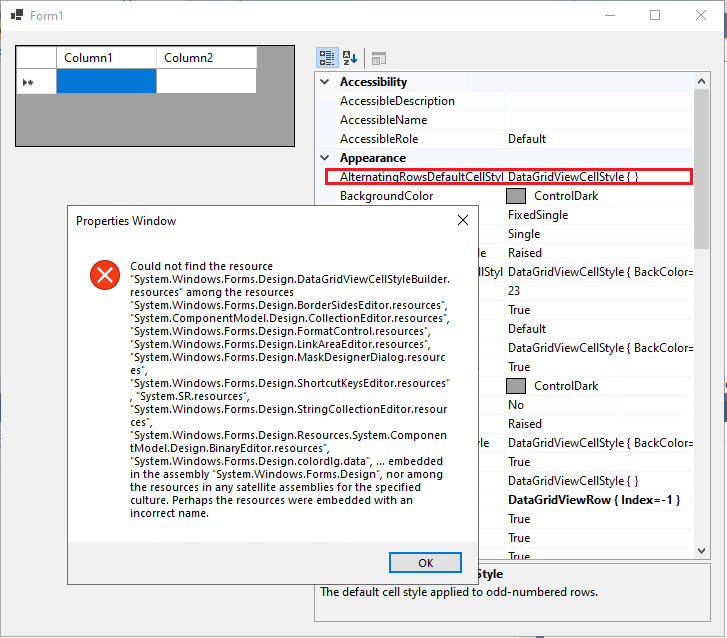
When edit the cell style properties for a DataGridView control in PropertyGrid, an error dialog pop-up.
More info:
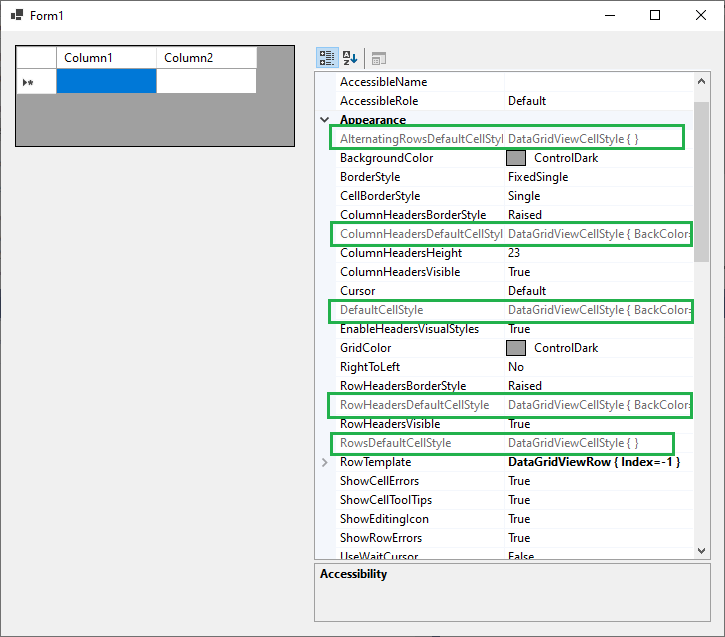
- This issue occurs in all cell style properties: AlternatingRowsDefaultCellStyle, ColumnHeadersDefaultCellStyle, DefaultCellStyle, RowHeadersDefaultCellStyle and RowDefaultCellStyle.
- If target .NET Core project to 3.1, these proprties are grey and cannot edit.
Expected behavior:
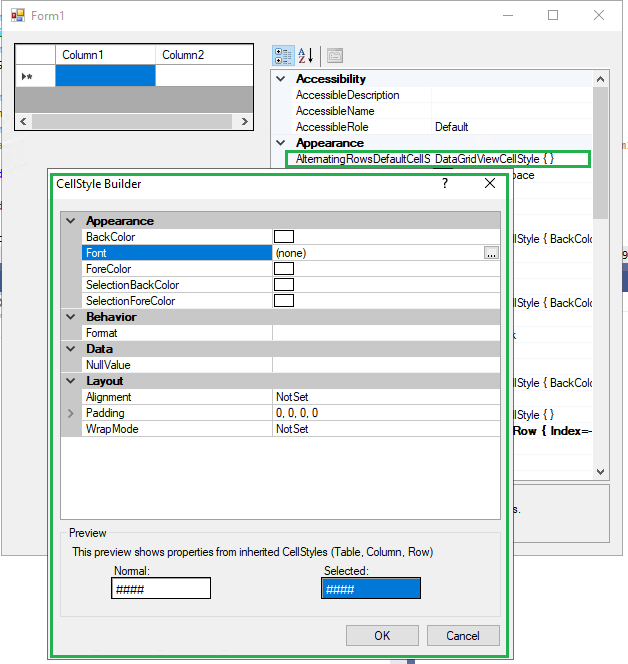
The CellStyle Builder dialog should be opened.
Minimal repro:
- Launch the attached project in VS and run it.
- Click the … edit button for AlternatingRowsDefaultCellStyle property in PropertyGrid.
Core5.0-TestApp.zip