Repository navigation
Invalid cached console cursor position on Unix #77995

Description

Description
Console cursor moves incorrectly from the end of the line to its beginning.
Reproduction Steps
Console.CursorLeft = Console.BufferWidth - 1;
Console.Write("2");

Console.CursorLeft = 0;
Console.Write("1");
Expected behavior
1 should be printed at the beginning of the line
Actual behavior
1 is printed after 2 (resize terminal to see this, 1 may be wrapped to the next line)
Regression?
No response
Known Workarounds
Reset cached cursor position, either with moving cursor to [0, 0], or using reflection to invalidate ConsolePal.s_cursorLeft
Configuration
- .NET 6 macOS 12.6 ARM64
- .NET 7 macOS 12.6 ARM64
- .NET 7 Arco Linux x64
Other information
Somewhere in ConsolePal, in things related to the cached cursor position and its calculation.
I think this is due to cached cursor position is computed like on windows (when cursor reaches end of line, and last char is printed, it moves to the next line), while on my tested configuration this is not.
Check ConsolePal.s_cursorLeft and ConsolePal.s_cursorTop with provided example. Cached position is on 0 row instead of Console.WindowWidth row, so it "thinks" that cursor is already at the beginning of the line and there is no need to move it.
Test code:
using System.Diagnostics;
using System.Reflection;

var ConsolePal = Assembly.Load("System.Console").GetType("System.ConsolePal")!;
var s_cursorLeft = ConsolePal.GetField("s_cursorLeft", BindingFlags.NonPublic | BindingFlags.Static)!;
var s_cursorTop = ConsolePal.GetField("s_cursorTop", BindingFlags.NonPublic | BindingFlags.Static)!;

Console.CursorLeft = Console.BufferWidth - 1;
Console.Write("2");

Debug.WriteLine("[X: " + s_cursorLeft.GetValue(null) + "], [Y: " + s_cursorTop.GetValue(null) + "]");

Console.CursorLeft = 0;
Console.Write("1"); // 1 will be printed after 2 instead of at the beginning of the line (resize terminal to see this, 1 may be wrapped to the next line)

Task.Delay(Timeout.Infinite).Wait();


Activity
tmds commentedon Nov 8, 2022
It happens here:
runtime/src/libraries/System.Console/src/System/ConsolePal.Unix.cs
Lines 1055 to 1059 in f33badf
A reproducer without resizing:
You'd expect the same number of lines to be printed in both cases, but that's not the true.
In the terminal window (on Linux) you see:
And after resizing:
Have you tried what happens on Windows? Can you (or someone with a Windows machine) run the above code on Windows and share the output (before and after resizing the window)?
adamsitnik commentedon Nov 8, 2022
Before resize:
After resize:
Running again after resize:
qt-kaneko commentedon Nov 8, 2022
qt-kaneko commentedon Nov 8, 2022
I think, trying to provide simpler example, I have broke it (due to windows moves cursor to next line, we need to reset it back to the initial line, so
Console.CursorLeftis not enough), sorry.This code should work:
Without invalidation:
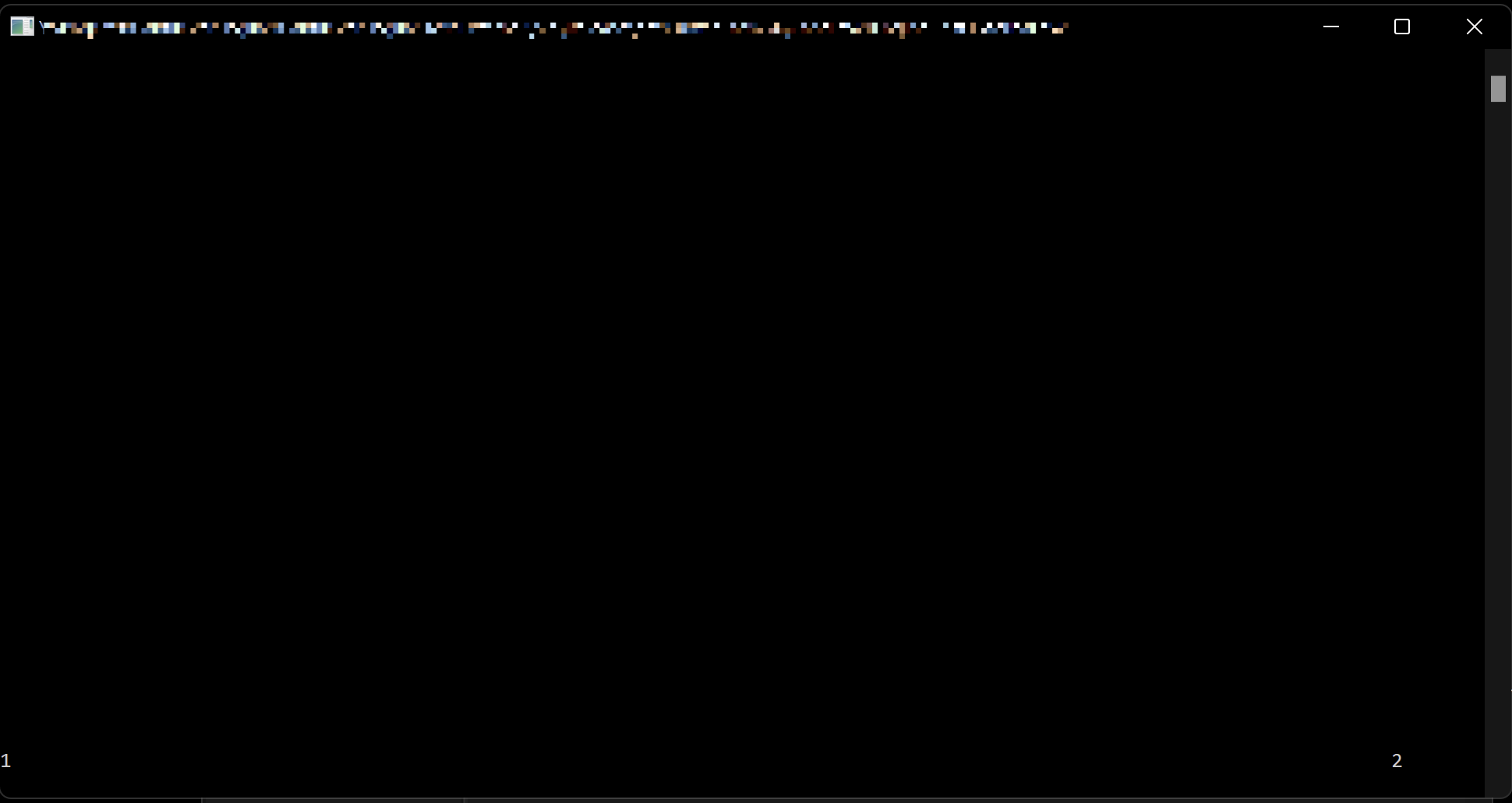
Windows:
Before resizing:
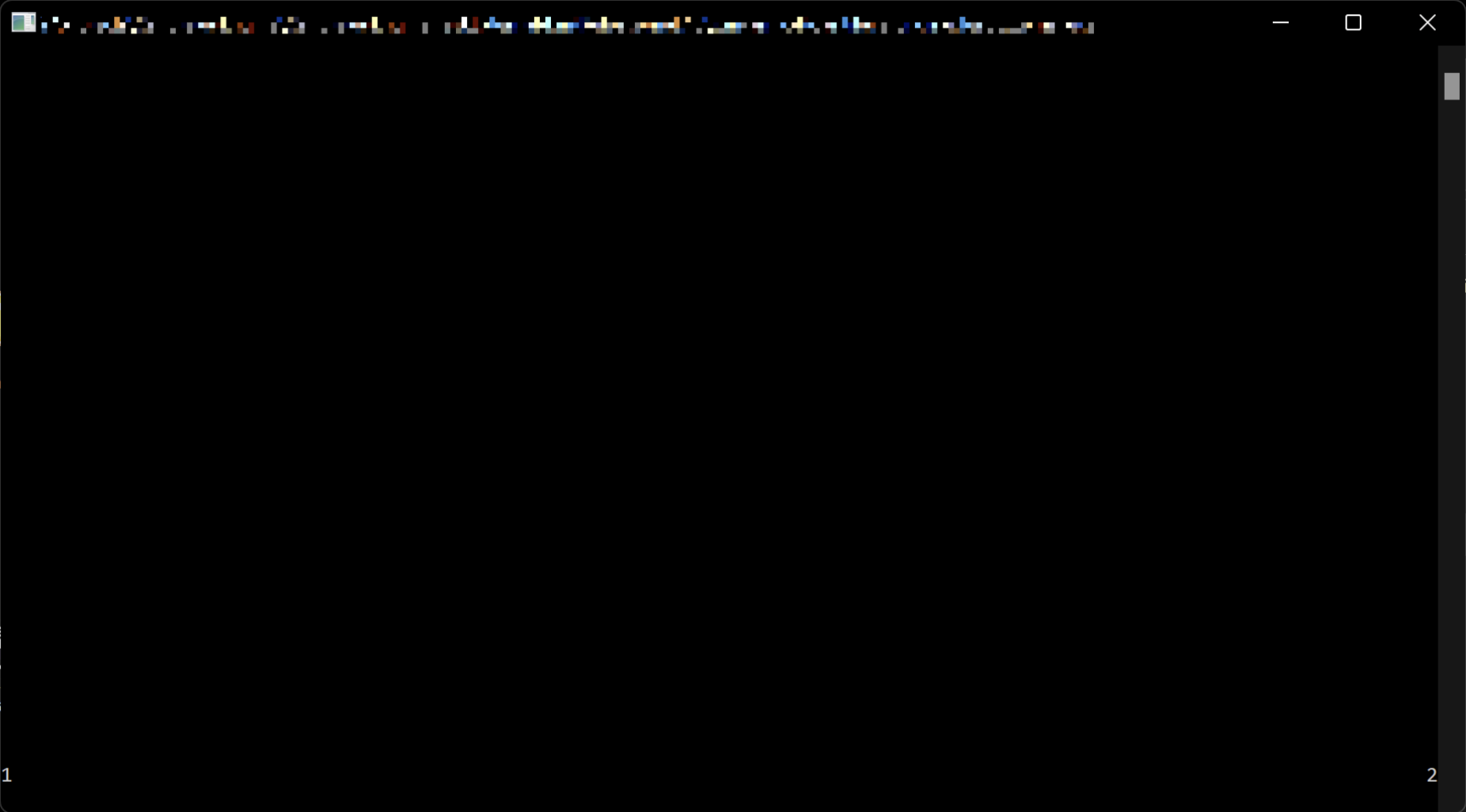
After resizing:
macOS (the same on Arco Linux):
Before resizing:
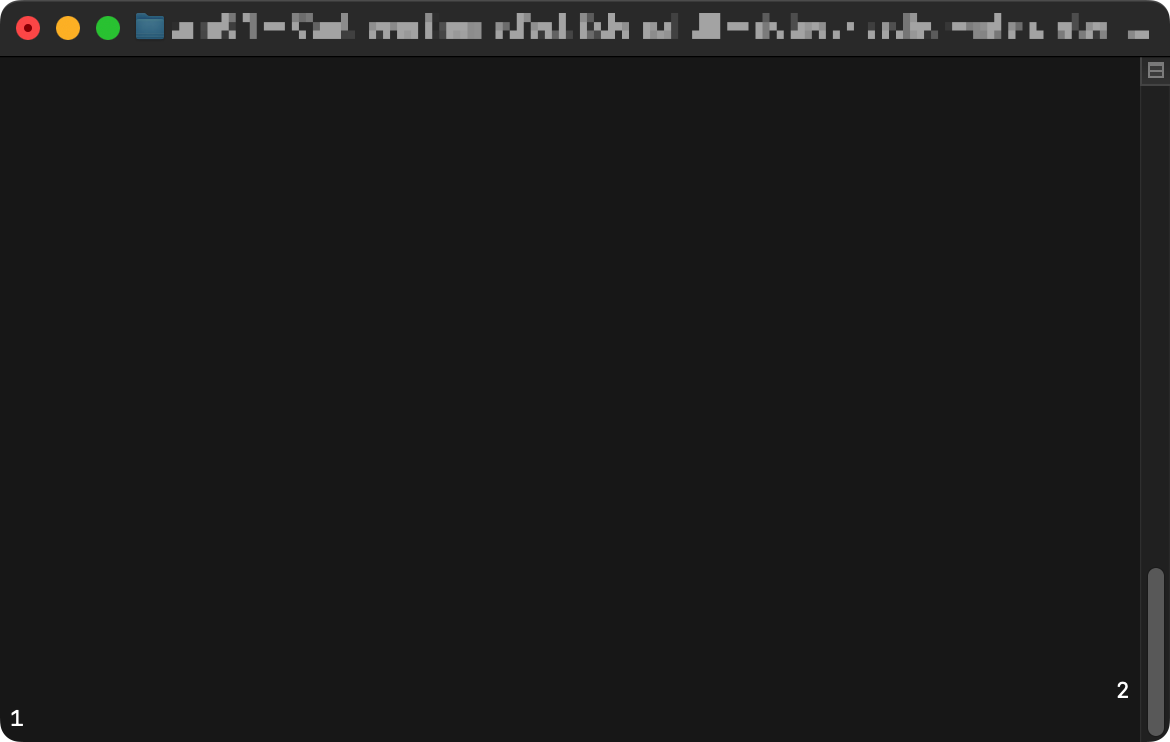
After resizing:

With invalidation:
macOS (the same on Arco Linux):
Before resizing:
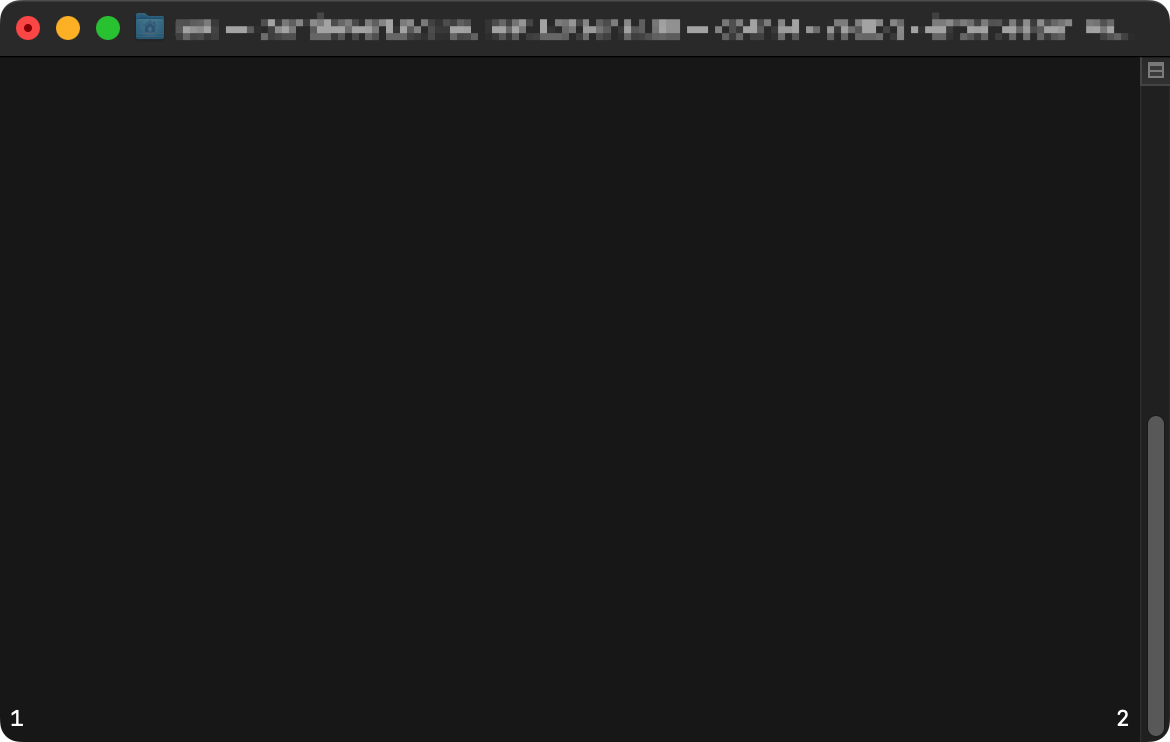
After resizing:
tmds commentedon Nov 16, 2022
On Windows the behavior is the same as for the invalidated character on Linux: even when the characters are printed on the next line due to wrapping, the terminal still considers them to be part of the previous 'logical' line.
As we have no idea of what a 'logical' line is, we should invalidate the cache when we're at the window boundary.