There are two alignments of the Quarkus logo (vertical and horizontal), use either depending on space requirements.
Background Color Notice there are multiple versions of logo coloring for use on different background colors (light and dark options). The "default" logo is for use on a light background while the "reverse" logo is for use on dark backgrounds. The one-color versions are designed for use when you have to present it monochromatically.

Full-color logo in vertical orientation for light backgrounds.


Full-color logo in vertical orientation for dark backgrounds.


One-color black logo in vertical orientation for light backgrounds.


One-color white logo in vertical orientation for dark backgrounds.


Full-color logo in horizontal orientation for light backgrounds.


Full-color logo in horizontal orientation for dark backgrounds.


One-color black logo in horizontal orientation for light backgrounds.


One-color white logo in horizontal orientation for dark backgrounds.


Full-color icon for light backgrounds.


Full-color icon for dark backgrounds.


One-color black icon for light backgrounds.


One-color white icon for dark backgrounds.


The key to keeping the Quarkus brand strong is consistency. We do this by maintaining a uniform way of presenting the logo across all mediums over time. This means we need to respect the spacing requirements and supplied color options.
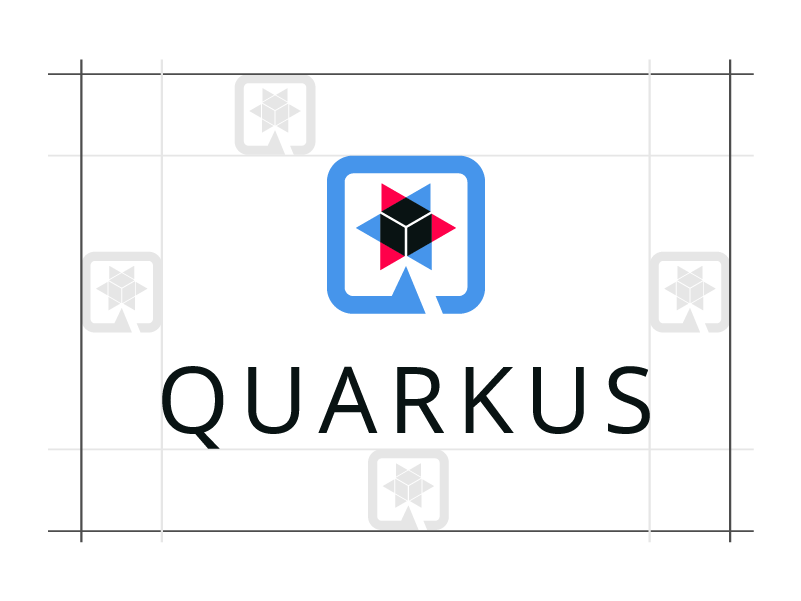

The logo needs space to breath so make sure you leave at least an icon's height and width around it.
Make sure you use the logo correctly and don't do silly stuff like...
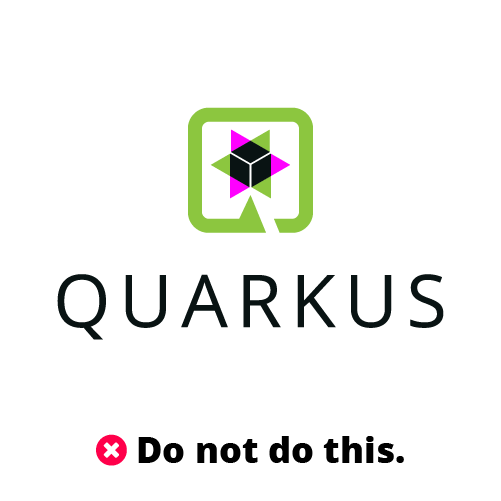
Don't use other colors in the logo.

Don't resize individual elements of the logo.
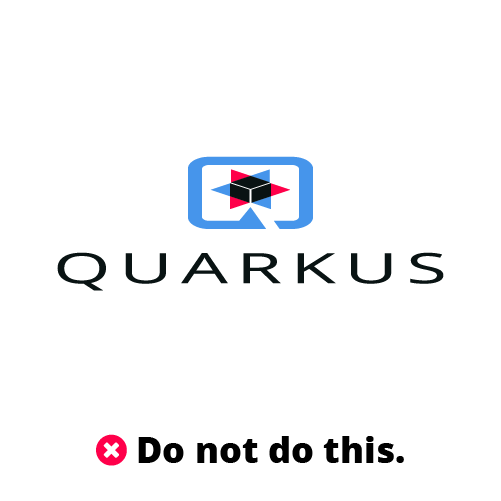
Don't squish or strech the logo to change it's proportions.

Don't add a dropshadow effect on the logo on a white background.

Don't add gradient effects to interior of the logo.

Don't use the logotype by itself.

Facebook profile image (360x360)

LinkedIn profile image (400x400)

Youtube profile image (800x800)

Twitter profile image (800x800)

Open Collective profile image (256x256)

Github profile image (200x200)

The Triad of Quarkus brand colors: Quarkus Blue, Dark Blue and Red. These colors are used most broadly in building visual associations with Quarkus.
- Quarkus Blue (#4695EB) Pantone Process Blue U
- Quarkus Dark Blue (#0D1C2C) Pantone 3035 U
- Quarkus Red (#FF004A) Pantone 032 U

The secondary colors extend the range of colors available for use in graphs, charts and other limited uses.
- Quarkus Orange (#F18F01)
- Quarkus Green (#6AB443)
- Quarkus Purple (#6622CC)