Can no longer use ssh-add: Error connecting to agent #1781

Description

Purpose of the issue
- Bug report (encountered problems/errors)
- Feature request (request for new functionality)
- Question
Description of the issue
Can no longer add ssh keys using ssh-add. Instead I'm thrown the following error:
Error connecting to agent: No such file or directory
I believe this has started happening since the latest Windows update.
My set-up
I'm currently booting an ssh-agent at startup, having un-commented before:
call "%GIT_INSTALL_ROOT%/cmd/start-ssh-agent.cmd"
I'm running:
- Windows 10
- Latest preview/alpha
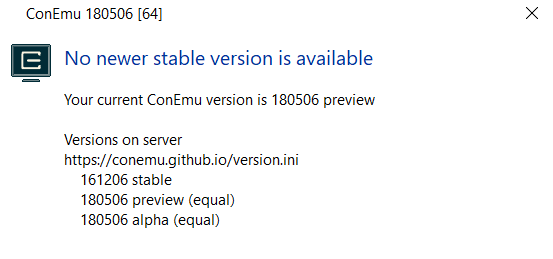
Further debugging
I took a look at the environment variables set:
SSH_AUTH_SOCK & SSH_AGENT_PID
Both are set:
- SSH_AUTH_SOCK: /tmp/ssh-yzpgZ44bVaMU/agent.17940
- SSH_AGENT_PID: 4304
Which correctly creates into:
C:\Users\Dominic\AppData\Local\Temp\ssh-yzpgZ44bVaMU\agent.17940
I tried setting, SSH_AUTH_SOCK to the full windows path above, however at this point I then get:
Could not add identity ".ssh\id_rsa": invalid format
Apologies if this is an issue with ConEmu, I'm not knowledgeable enough to be able to separate the two cleanly.