


A file editor panel for OpenCode Desktop. Files open in their own tabs, edits autosave, and writes never clobber what the agent just changed.
Built on the @opencode/plugin/gui SDK, so it uses the app's own buttons, fields,
tooltips, themes and Markdown renderer instead of its own widgets.
Requires OpenCode Desktop 2.2.5 or newer.
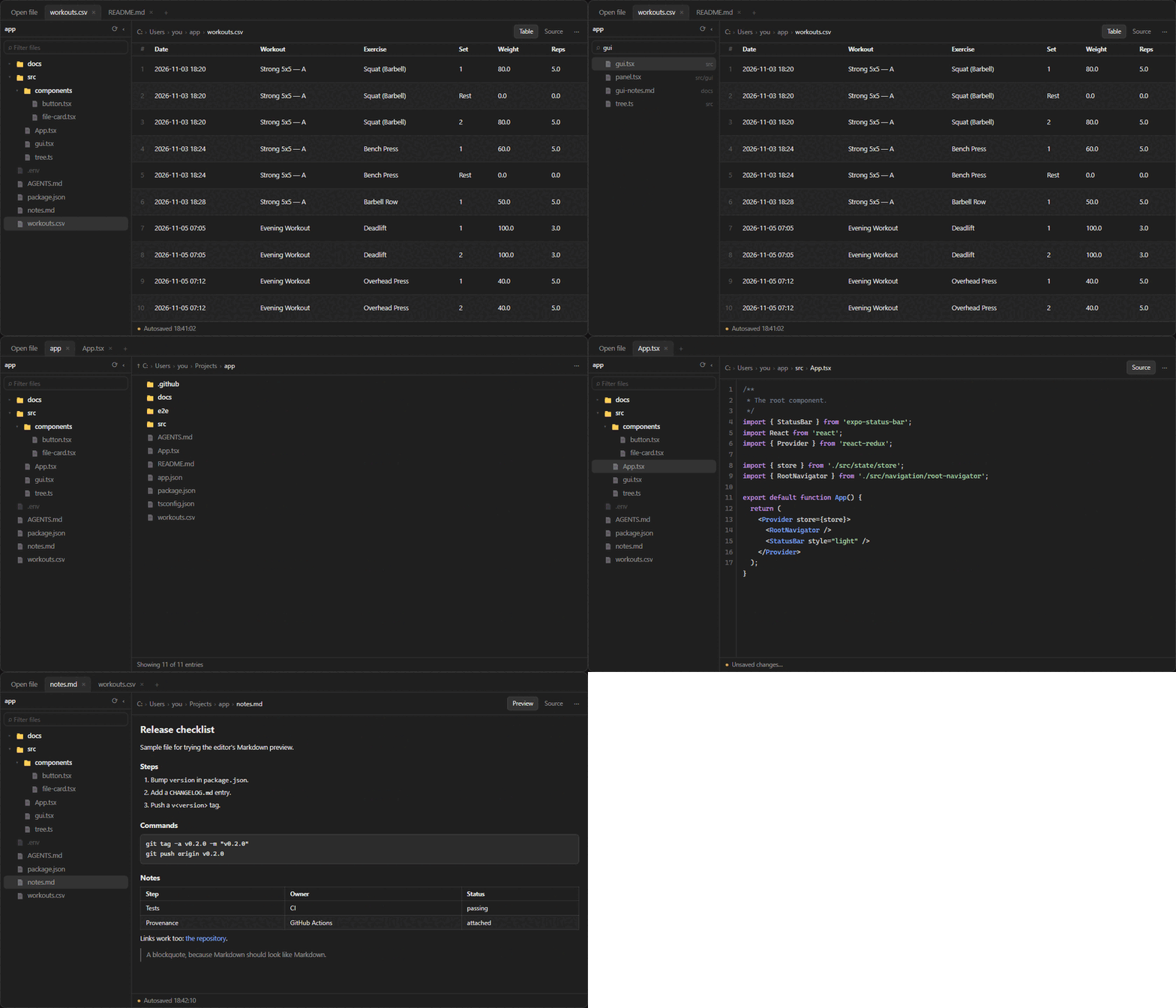
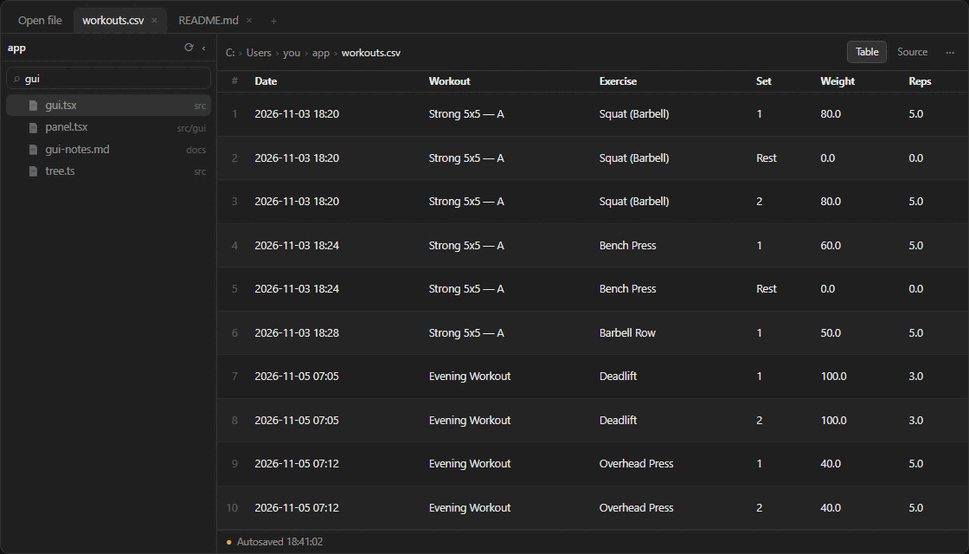
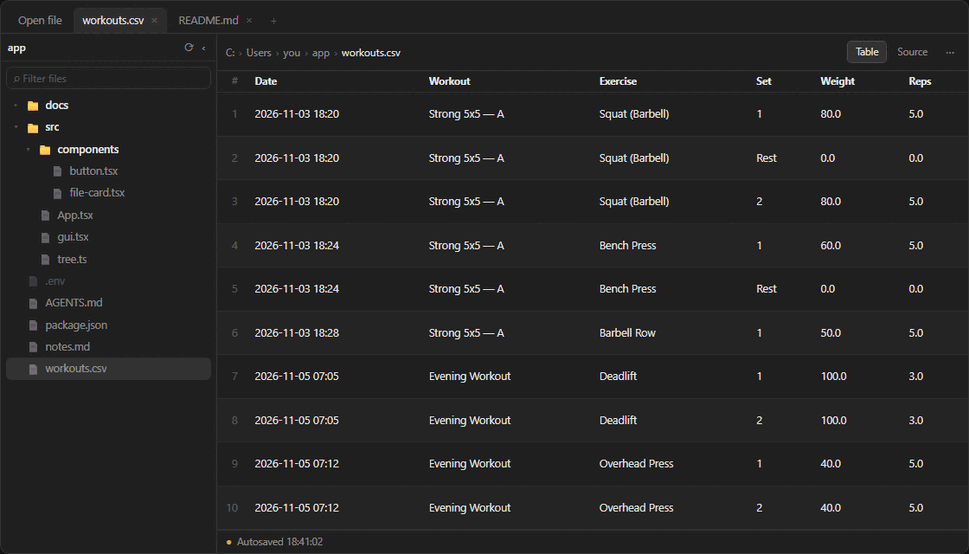
The previews are rendered from docs/preview.html with sample data and follow your OpenCode theme. Sample files live in docs/samples — open them to try the panel.
- Tabs — one per file, restored per session.
●marks unsaved changes. - Autosave with
Ctrl/Cmd+S, undo/redo, and drafts that survive tab switches. - Conflict guard — if a file changes on disk while it is open, autosave stops and asks Reload or Overwrite. It never silently overwrites.
- Compare with disk — a line diff of the disk against your buffer, with both line numbers, so Reload or Overwrite is an informed choice instead of a guess.
- Atomic writes — temp file then rename, so a crash cannot truncate a file.
- Byte-faithful — CRLF and UTF-8 BOM are preserved.
- Markdown preview rendered by the app's timeline renderer, with a Source toggle. Links inside a preview open in another tab.
- CSV/TSV table view with row numbers and zebra rows (RFC 4180 quoted fields).
- Line numbers that follow word wrap, plus wrap and auto-save toggles.
- Syntax highlighting for JavaScript/TypeScript, JSON, CSS, Python, shell, Ruby, SQL, YAML, TOML, the C family, Go, Rust and Lua. Large files and formats without a tokenizer stay plain rather than guessing.
- Find and replace with
Ctrl/Cmd+F: literal, case toggle, match count, wrap-around next/previous, replace one or all. - Tab / Shift+Tab indent, and
Ctrl/Cmd+/toggles a line comment. - New file in the browser, or Create file when a path you open does not exist yet. Save as… moves the tab to a new path.
- Folder browser — click any breadcrumb segment to browse, with folders and files colour-coded. One Browse tab, no tab per folder.
- Workspace tree — the session workspace in a collapsible sidebar, loaded one folder at a time, with ignored files muted. It stays put while you switch tabs.
- Quick open — type in the rail's filter for fuzzy paths;
Up/Downmoves the highlight andEnteropens it. - Recent files on the Open file tab.
- Reveal in file manager and copy relative path.
- Copy diagnostics — the build marker, contract id, platform, file and last status line on the clipboard; Report a problem opens an issue with the same block already filled in.
- Opens file links from chat in a tab instead of the read-only preview.
opencode plugin add opencode-file-editorOr add it to your global config so every window has it:
npm install alone does not install the plugin. It only downloads the files
into the current project's node_modules, and OpenCode never looks there. Use
opencode plugin add, or list the package in plugins as above — OpenCode then
installs it under its own prefix and loads it.
Restart OpenCode Desktop, then open the panel with Ctrl+Shift+E
(Cmd+Shift+E on macOS), /editor, or + → File editor in the session panel.
- Open a file — click a file path in chat, type one in the panel
(
src/App.tsx,C:\...,~/notes.md,../other/file.ts), or pick from Recent / Browse files. - Find a file — expand the tree in the sidebar, or type in its filter to quick-open any path in the workspace.
- Navigate — breadcrumb segments are buttons; each opens the folder.
- Save — autosave after a pause;
Ctrl/Cmd+Ssaves now. Reload re-reads from disk.⋯holds save, discard, reload, copy path, browse, reveal, settings. - Markdown —
.md,.markdown,.mdxopen rendered; toggle to source. - Tables —
.csv,.tsvopen as a table; first 500 rows, then a note.
- 2 MB per file; the panel is not a replacement for a large-file editor.
- UTF-8 only. Invalid UTF-8 and binary files fall back to the app's preview.
- Folder listings cap at 2,000 entries and show the real total.
- The tree covers the session's workspace. A file outside it still opens through Open file or Browse files.
- Quick open returns at most 200 results.
- This editor only exists inside OpenCode Desktop (GUI plugins are desktop-only).
- Everything runs locally: it reads and writes the files you point it at. Nothing is uploaded anywhere.
| opencode-file-editor | OpenCode Desktop | @opencode/plugin |
Launched on |
|---|---|---|---|
| 0.1.x | 2.2.x | ^2.2.5 | Windows |
| 0.2.x | 2.2.5+ | ^2.2.5 | Windows |
Tested against OpenCode Desktop 2.2.6. Each release checks the app's plugin-API
major against the dependency before publishing, so a host upgrade fails the
build instead of breaking users. A nightly job also runs the suite against the
newest published @opencode/plugin, which at the time of writing is 2.2.7.
"Launched on" is the honest column: only Windows has been run with the plugin. Path handling is unit-tested against Windows, macOS and Linux fixtures, and CI runs the whole suite on all three, but that is not the same as opening the app on a Mac. 0.2.1 was broken there for exactly that reason.
Nothing opens when I click a file path. Update to the latest version and restart OpenCode Desktop. If it still happens, open Settings → Extensions → Plugins, find the plugin and press Reload; a failed load is reported there.
The panel shows an error instead of a folder. Restart OpenCode Desktop. The plugin's Ipc contract is registered for the life of the app, so a freshly updated plugin needs the app to reconnect.
Two editor tabs fight over the same file. You have two copies installed.
Remove either ~/.config/opencode/plugins/file-editor or the npm package — both
claim the id file-editor.
npm install
npm run build        # gui-experimental.cjs at the package root
npm test             # builds, then runs every test
npm run typecheck
npm run verify:live  # asks the running desktop app what it actually loaded
The package deliberately has no exports map. OpenCode resolves a plugin's
parts by file name at the package root (index.ts, gui-experimental.cjs). A
package exports entry makes it resolve <name>/gui-experimental through
node_modules, which cannot work for a directory you point at directly.
The pure logic lives in src/paths.ts, src/links.ts, src/tabs.ts,
src/status.ts, src/view.ts, src/recent.ts, src/browse.ts, src/tree.ts
and src/reveal.ts; the filesystem is isolated in src/fs-core.ts; the UI is
src/gui.tsx.
To try a local checkout instead of the published package:
{ "plugins": ["/absolute/path/to/opencode-file-editor"] }AGENTS.md
holds the test matrix, the rules the tests enforce and why each one exists, and
the release procedure.
Maintainer notes live in AGENTS.md.
In short: bump version, add a CHANGELOG.md entry, push a v<version> tag —
.github/workflows/publish.yml publishes over OIDC with provenance, no token and
no one-time password.