feat(anchor): Support better customization with semantic classNames/styles as function#54948
feat(anchor): Support better customization with semantic classNames/styles as function#54948zombieJ merged 1 commit intoant-design:nextfrom meet-student:anchor
Conversation


|
Important Review skippedAuto reviews are disabled on base/target branches other than the default branch. Please check the settings in the CodeRabbit UI or the You can disable this status message by setting the Note Other AI code review bot(s) detectedCodeRabbit has detected other AI code review bot(s) in this pull request and will avoid duplicating their findings in the review comments. This may lead to a less comprehensive review. ✨ Finishing touches🧪 Generate unit tests
Thanks for using CodeRabbit! It's free for OSS, and your support helps us grow. If you like it, consider giving us a shout-out. Comment |

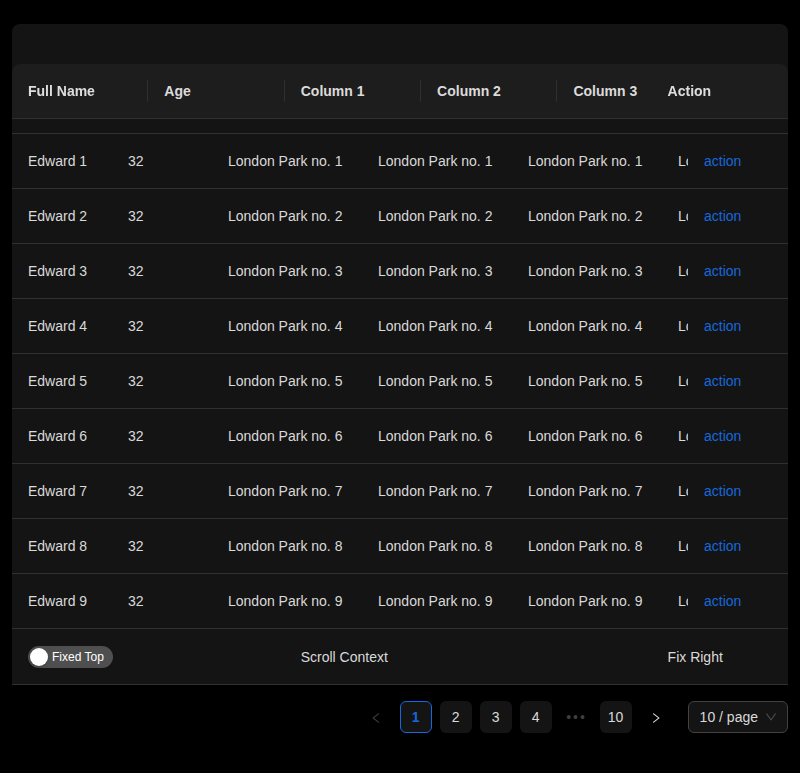
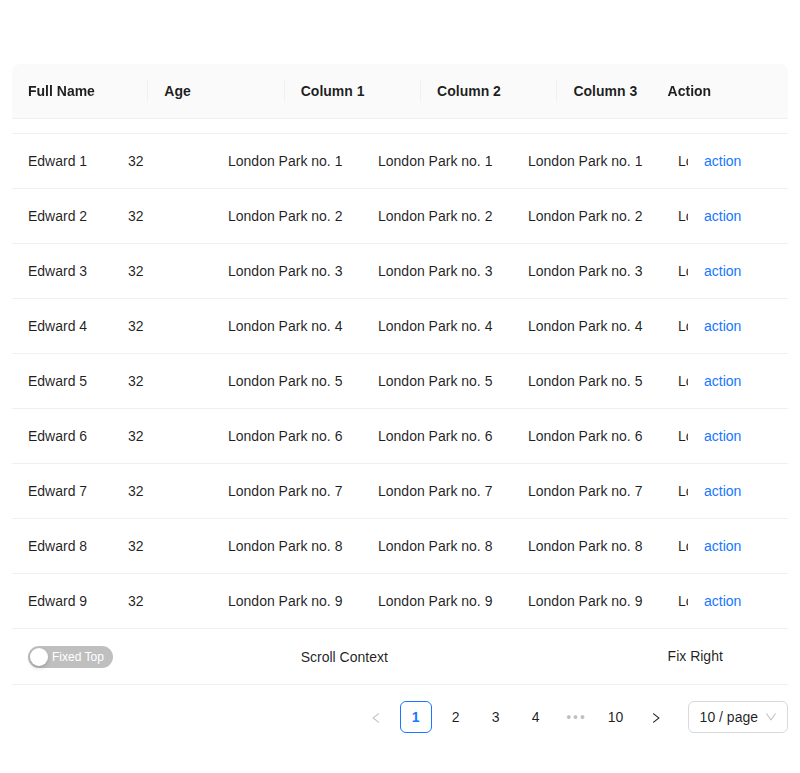
👁 Visual Regression Report for PR #54948 Failed ❌
Important There are 6 diffs found in this PR: 🔄
|







|
|

![gemini-code-assist[bot]](https://avatars.githubusercontent.com/in/956858?s=60&v=4)

There was a problem hiding this comment.
Summary of Changes
Hello @meet-student, I'm Gemini Code Assist1! I'm currently reviewing this pull request and will post my feedback shortly. In the meantime, here's a summary to help you and other reviewers quickly get up to speed!
This pull request significantly improves the customization capabilities of the Anchor component. It introduces the ability to define classNames and styles as functions, enabling developers to apply dynamic styling based on the component's current props. This change provides greater flexibility for adapting the Anchor component's appearance to various contexts and states.
Highlights
- Enhanced Customization for Anchor Component: The
Anchorcomponent now supportsclassNamesandstylesprops that can accept functions, allowing for dynamic styling based on component properties. This provides greater flexibility in adapting the component's appearance. - Integration of
useMergeSemanticHook: A new utility hook,useMergeSemantic, has been introduced and integrated into theAnchorcomponent. This hook efficiently handles the merging of both static and dynamic (function-based)classNamesandstyles. - Updated Type Definitions: The
AnchorPropsinterface has been updated to reflect the new functional capabilities forclassNamesandstyles, ensuring improved type safety and a better developer experience when utilizing these new customization options. - New Demo and Test Coverage: A new demo (
style-class.tsx) and a corresponding test file (style-class.test.tsx) have been added. These additions showcase the new dynamic styling features and validate their correct implementation and behavior.
Using Gemini Code Assist
The full guide for Gemini Code Assist can be found on our documentation page, here are some quick tips.
Invoking Gemini
You can request assistance from Gemini at any point in your pull request via creating an issue comment (i.e. comment on the pull request page) using either /gemini <command> or @gemini-code-assist <command>. Below is a summary of the supported commands.
| Feature | Command | Description |
|---|---|---|
| Code Review | /gemini review |
Performs a code review for the current pull request in its current state. |
| Pull Request Summary | /gemini summary |
Provides a summary of the current pull request in its current state. |
| Comment | @gemini-code-assist | Responds in comments when explicitly tagged, both in issue comments and review comments. |
| Help | /gemini help |
Displays a list of available commands. |
Customization
To customize Gemini Code Assist for GitHub experience, repository maintainers can create a configuration file and/or provide a custom code review style guide (such as PEP-8 for Python) by creating and adding files to a .gemini/ folder in the base of the repository. Detailed instructions can be found here.
Limitations & Feedback
Gemini Code Assist may make mistakes. Please leave feedback on any instances where its feedback is incorrect or counter productive. You can react with 👍 and 👎 on @gemini-code-assist comments. If you're interested in giving your feedback about your experience with Gemini Code Assist for Github and other Google products, sign up here.
You can also get AI-powered code generation, chat, as well as code reviews directly in the IDE at no cost with the Gemini Code Assist IDE Extension.
Footnotes
-
Review the Privacy Notices, Generative AI Prohibited Use Policy, Terms of Service, and learn how to configure Gemini Code Assist in GitHub here. Gemini can make mistakes, so double check it and use code with caution. ↩

|
|

There was a problem hiding this comment.
Code Review
This pull request introduces a valuable enhancement to the Anchor component by allowing classNames and styles props to be functions, providing greater flexibility for dynamic styling. The implementation is well-structured, centralizing the logic in the useMergeSemantic hook. The addition of a new demo and tests is great.
My feedback includes a suggestion to improve the performance and clarity of how mergedProps is created in Anchor.tsx, and a note on a version number inconsistency in the documentation. Overall, this is a solid contribution.

More templates
commit: |

Bundle ReportChanges will increase total bundle size by 7.93MB (211.1%) ⬆️
Affected Assets, Files, and Routes:view changes for bundle: antd.min-array-pushAssets Changed:
|
Codecov Report✅ All modified and coverable lines are covered by tests. Additional details and impacted files@@ Coverage Diff @@
## next #54948 +/- ##
=========================================
Coverage 100.00% 100.00%
=========================================
Files 793 793
Lines 14621 14621
Branches 3889 3889
=========================================
Hits 14621 14621 ☔ View full report in Codecov by Sentry. 🚀 New features to boost your workflow:
|


…tyles as function


| ); | ||
|
|
||
| // =========== Merged Props for Semantic ========== | ||
| const mergedProps = React.useMemo<AnchorProps>(() => { |

There was a problem hiding this comment.
这 useMemo 没意义的,下面 gemini 都给你提示了,结果你直接忽略了
然后社区的贡献者都参考这个 PR,加了一个没意义的 useMemo
There was a problem hiding this comment.
参考pr时注意下这里, 我的问题, 没注意到. 后续我调整下
| const { container, rerender } = render( | ||
| <Anchor items={items} classNames={classNames} styles={styles} />, | ||
| ); | ||
| let root = container.querySelector('.ant-anchor-wrapper')!; |
There was a problem hiding this comment.
直接用 const 就行,rerender 会自动更新 dom,不需要重新 query 一次
3 participants


中文版模板 / Chinese template
🤔 This is a ...
🔗 Related Issues
💡 Background and Solution
📝 Change Log