Payroll Managment

1.Addition of New Employee: The information of the employee such as employee code number, name, address, phone number, joining date (day, month and year), designation, grade and loan are show cased in the public section of the class employee. Besides these, this function also stores record related to employee’s basic salary, house allowance, convense, loan.

- Modify Employee Record: MODIFICATION function in the program is meant to modify the info of the employee. User has to enter employee code for function to work. Modifications that can be made are the employee code number itself, joining date (day, month and year), name, address, phone number, designation, grade, house allowance and loan given to the employee. Employee’s grade is categorized as A, B, C, D and E.

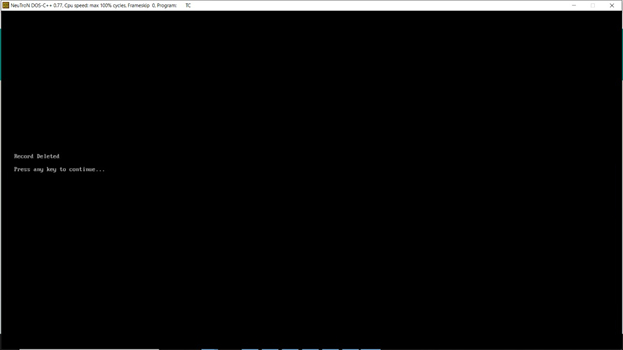
3.Delete Employee Record: User can simply delete an employee record by entering the employee code. A confirmation message is asked stating whether the user really wants to delete the record from the file.

-
Print Employee Salary Slip: This feature asks for the employee code to automatically generate the salary slip. This function lists all the months of the year, and asks for date, employee name, designation and grade from the user. The slip is printed with the current date of the system in which it is run. The slip enlists basic salary, allowance, deductions and net salary of the employee.
-
Display a Employee Record: Providing the employee code number, users can access all the provided information related to a particular employee via this function. The employee record information displayed are the ones provided while adding a new employee record.

-
Display List of Employees The records are displayed in a tabular pattern containing information such as code and name of the employee, phone number, date of joining, designation, grade and salary.
