Description:
Summary
If a channel with unread messages is read in the web version or computer app, it still remains and is shown as unread on mobile app. Reloading, refreshing and cleaning the cache of mobile app doesn't help.
Restarting the app and cleaning the cache doesn't help.
Environment Information:
- Rocket.Chat Server Version: 3.9.0-develop
- Rocket.Chat App Version: 4.12.1.21512
- Device Name: Samsung
- OS Version: Android 9
Steps to reproduce:
- Open mobile app and see that a channel has unread messages.
- Close mobile app.
- Open web version of RC, find the channel from 1 and read all messages there.
- Close web version.
- Open mobile app again.
- See that the channel from 1 still remained as unread with blue timestamp on the right.
Expected behavior:
Channels that have been read on computer, are automatically marked as read in mobile app
Actual behavior:
Screenshot 1 - no unread channels in the web version
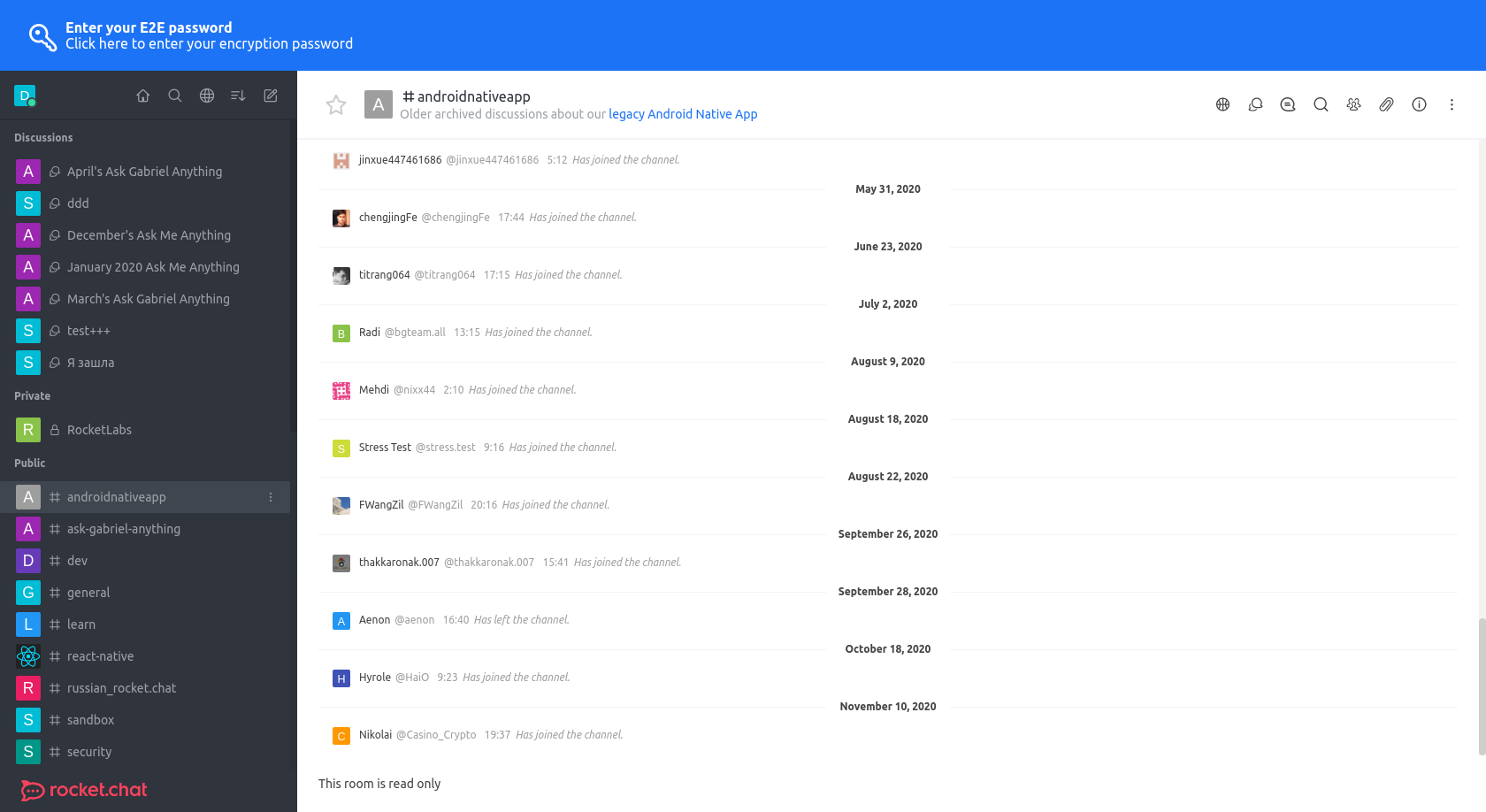
Screenshot 2 - one unread channel (sandbox) on top

Additional context:
Cleaning cache from Android settings doesn't help.
Cleaning local server cache from mobile app settings helps, but is not a solution.

Description:
Summary
If a channel with unread messages is read in the web version or computer app, it still remains and is shown as unread on mobile app. Reloading, refreshing and cleaning the cache of mobile app doesn't help.
Restarting the app and cleaning the cache doesn't help.
Environment Information:
Steps to reproduce:
Expected behavior:
Channels that have been read on computer, are automatically marked as read in mobile app
Actual behavior:
Screenshot 1 - no unread channels in the web version

Screenshot 2 - one unread channel (sandbox) on top

Additional context:
Cleaning cache from Android settings doesn't help.
Cleaning local server cache from mobile app settings helps, but is not a solution.