Directory tab images missing with Rocket Chat installed in subdirectory #17558


Description

Description:
We are using RocketChat install on Docker (Ubuntu). We have installed RC in a sub-directory named "chatrc". Screenshot of docker compose.yml:

Steps to reproduce:
- Download RocketChat 3.1.1
- Install it using Docker.
- In the YML file, set the instance to run inside a subdirectory named "chatrc".
- Run docker-compose.
Expected behavior:
Images in directory>>channels, directory>> users should come:
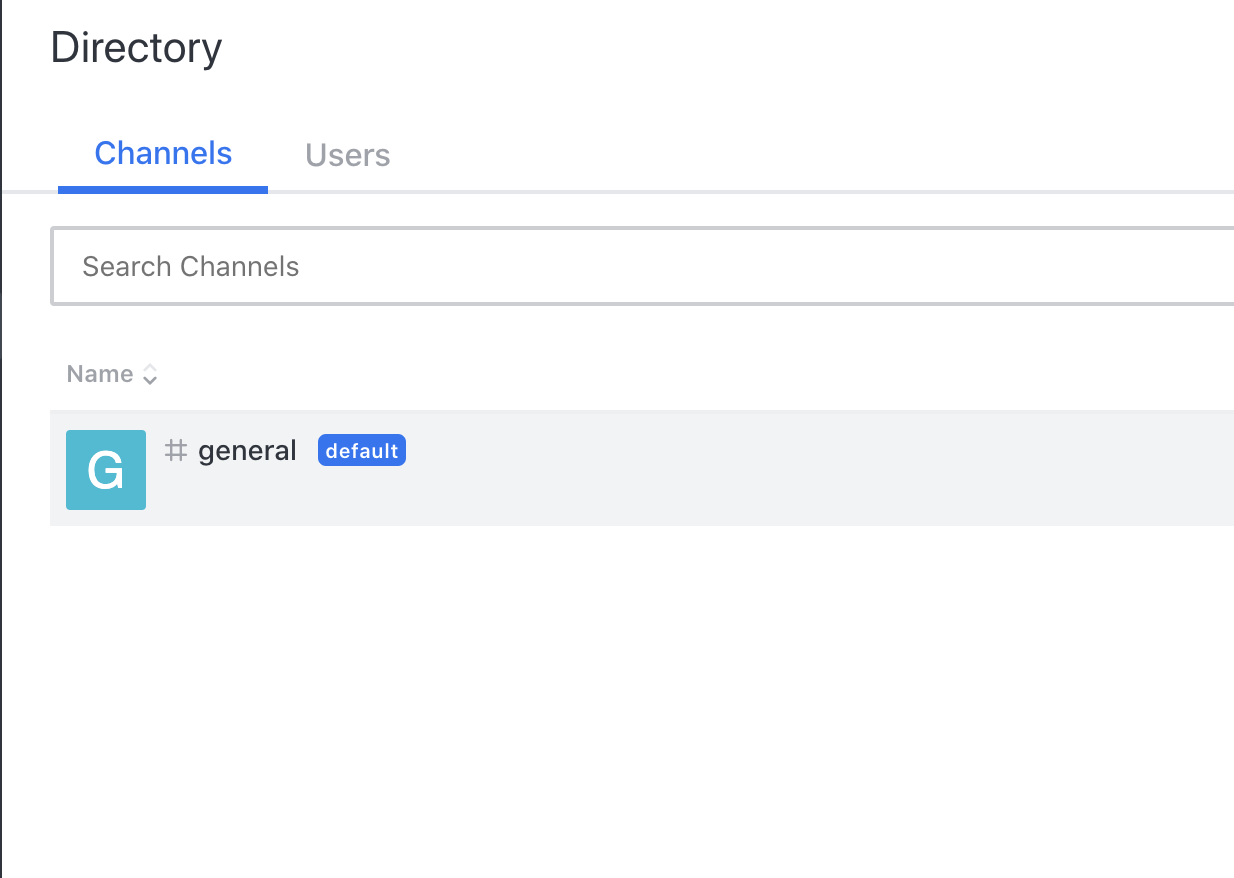
Actual behavior:
Images in directory>>channels, directory>> users are not coming
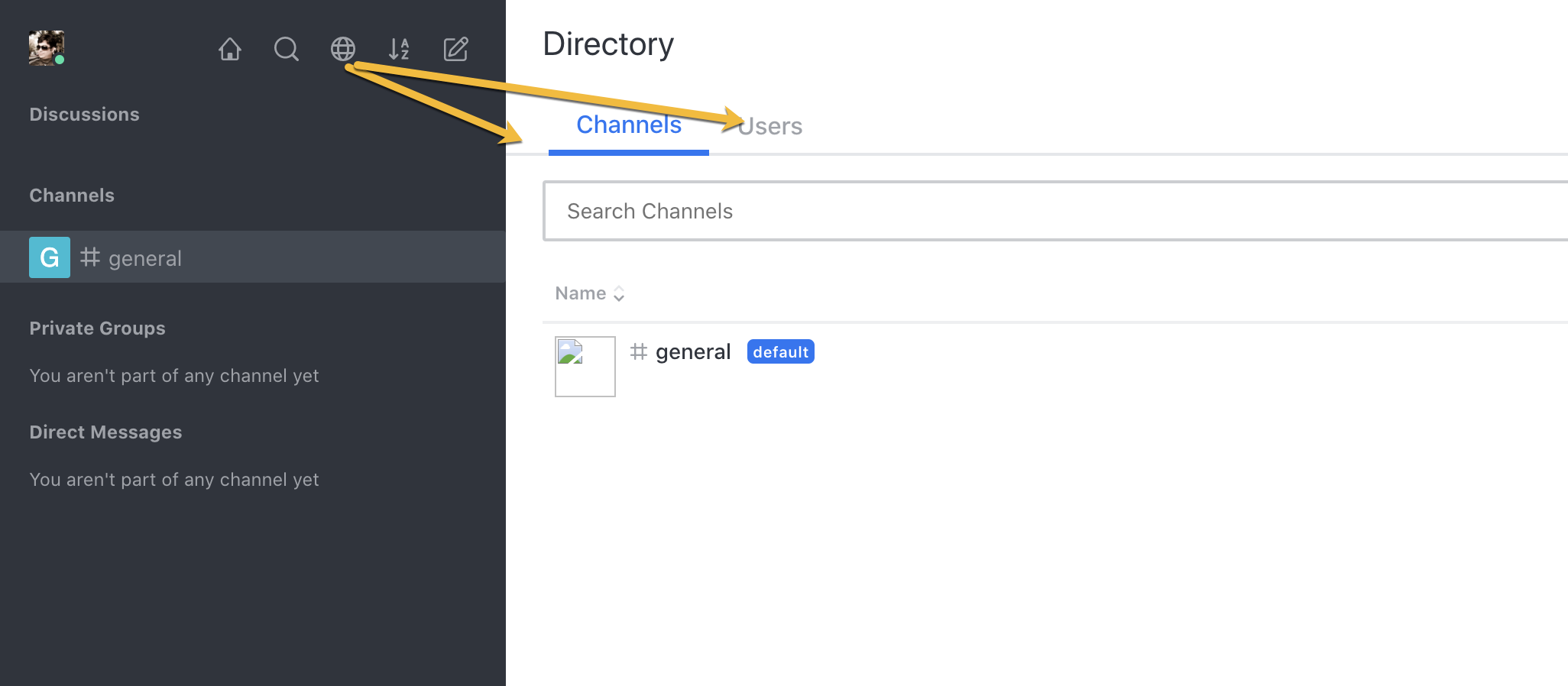
Server Setup Information:
Version of Rocket.Chat Server: 3.1.1
Operating System: Ubuntu 18.04
Deployment Method: Docker
Number of Running Instances: 1
Client Setup Information
Desktop App or Browser Version: Chrome/FF
Operating System: Ubuntu/Windows
Additional context
The issue is that the images are not having a subdirectory path here:

If there had been the subdirectory path in the images then the images should have been working like this:
