

Hands-free computer control: look to point, tap your teeth to click, speak to command.
Byte lets someone use a Windows PC without touching a mouse or keyboard. It uses a standard webcam, a small jaw sensor, and your voice:
- 👀 Look at something, and the cursor goes there (webcam eye tracking).
- 🦷 Tap your teeth to click. A loudness sensor on the jaw, read by an Arduino, picks up the taps.
- 🗣️ Say "byte" and a command, like "open Chrome", "write this down …" or "volume to 30", and a voice agent does it.
It's built for people with limited hand mobility, and for anyone who wants their hands free. Everything runs as one program, python main.py.
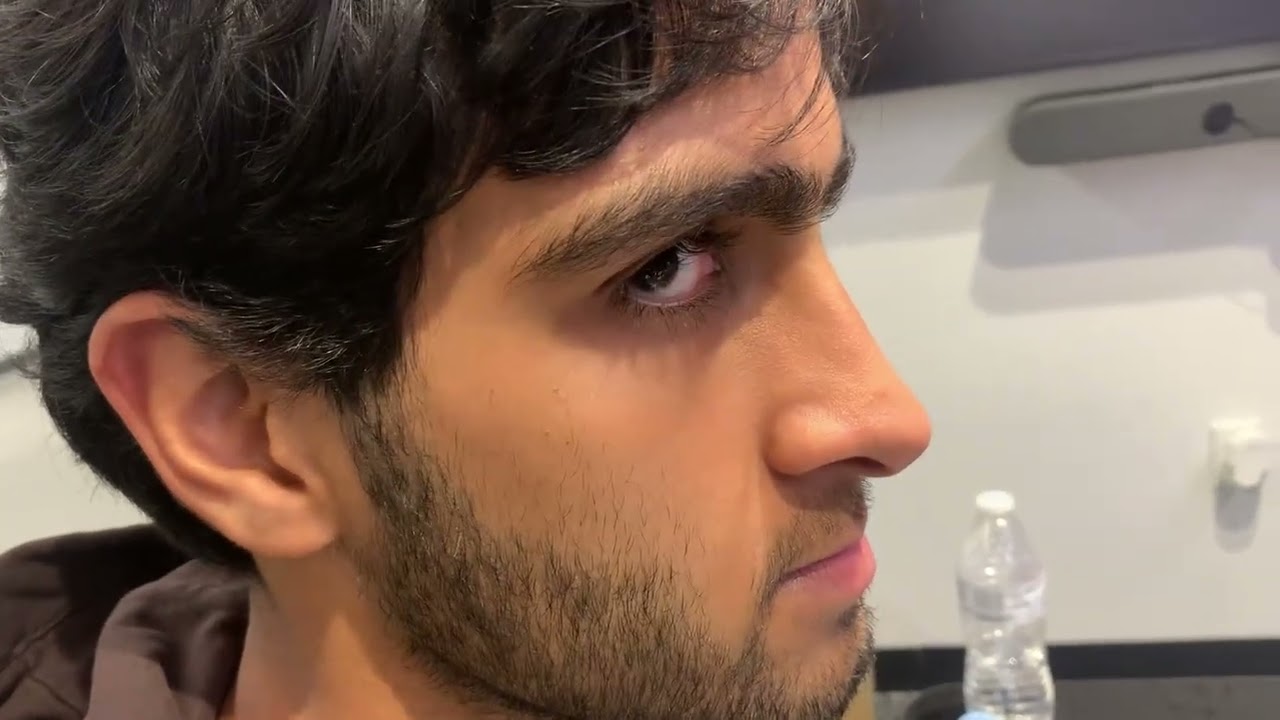
▶ Watch the demo on YouTube
| Eye-tracking cursor | Webcam only, with no eye-tracker hardware. A 13-point calibration and smoothing get to about 1.5–3° of error. |
| Jaw-tap clicks | 1 tap clicks, 2 taps double-click, and 3 taps open an action menu (right click, drag/select, scroll, zoom) that you step through with taps. |
| Snap to targets | The cursor locks onto nearby buttons, links, text boxes, and every window's minimize/maximize/close, so small targets are easy to hit. Snapping holds through jitter but lets go when you look away. |
| Talk-aware clicking | Talking makes the jaw sensor noisy, so taps are ignored while you speak. The cursor keeps following your eyes. Talking is detected with Presage SmartSpectra, with a lip-movement fallback. |
| Voice agent | Wake word "byte" → local Whisper speech-to-text → Claude tool use. It opens apps and sites, searches, controls volume and brightness, switches tabs, and takes dictation that it cleans up and pastes. |
| Built to work together | While the voice agent works on a command, the cursor and clicks pause, so nothing moves under it or clicks focus away from the text box it's typing into. |
flowchart LR
    cam[Webcam] --> face[MediaPipe face landmarks]
    face --> gaze[Gaze model<br/>calibrated regression + One Euro filter]
    face --> talk[Talk detection<br/>Presage SmartSpectra / lip movement]
    gaze --> snap[Snap to UI targets<br/>Windows UI Automation]
    snap --> cursor[Cursor]
    jaw[Jaw loudness sensor<br/>Arduino] --> taps[Tap detector<br/>1 / 2 / 3 taps]
    taps --> actions[Click · double click · action menu]
    talk -. blocks .-> actions
    mic[Microphone] --> agent[Voice agent<br/>wake word → Whisper → Claude tools]
    agent -. pauses .-> cursor
    agent -. pauses .-> actions
    actions --> os[Windows]
    cursor --> os
    agent --> os
- Windows 10/11. It uses Windows UI Automation and Win32 input.
- A webcam, ideally at eye level and with your face lit from the front.
- Arduino (Uno or similar) with a Grove loudness sensor on
A0, worn against the jaw. Optional: without it, you get the eye cursor and voice. - Miniconda. Node.js 20+ is also needed for Presage (optional).
- For the voice agent (optional): Python 3.12, an
ANTHROPIC_API_KEY, and preferably an NVIDIA GPU for fast speech-to-text.
git clone https://github.com/Rai1975/byte.git
cd byte
conda env create -f environment.yml      # creates the "byte" env
conda activate byte
python main.py --no-clicks               # eye cursor only, no Arduino needed
Press F8 to calibrate: sit how you normally will, press SPACE, and follow the dots with your eyes. Cursor control turns on afterwards.
API keys. Put them in a .env file in the repo root. Git ignores it.
PRESAGE_API_KEY=your-presage-key         # talking detection (physiology.presagetech.com)
ANTHROPIC_API_KEY=your-anthropic-key     # voice agent
Presage (talking detection). Without it, the lip-movement detector is used automatically.
cd presage && npm install && cd ..Jaw clicks.
- Connect the loudness sensor to A0.
- Upload
arduino/loudness/loudness.ino. - Close the Arduino Serial Monitor and App Lab, because only one program can use the port at a time.
Byte finds the COM port automatically. Pass --port COMx to choose one.
Voice agent. It has its own environment because of the GPU speech-to-text:
cd voice_agent
py -3.12 -m venv .venv
.\.venv\Scripts\python -m pip install -r requirements.txt
cd ..
python main.py then starts the agent in the background, and stops it when you quit. See voice_agent/README.md for details.
Run everything: python main.py
| Do this | Result |
|---|---|
| Look somewhere | Cursor moves there, and snaps onto a nearby button, link or text box (green box) |
| 1 tap | Left click |
| 2 quick taps | Double click |
| 3 quick taps | Action menu at the cursor (see below) |
| Talk | Taps are ignored. The cursor keeps moving. |
| Say "byte" + a command | The voice agent does it. The cursor and taps pause until it's done, plus 1 s. |
A ring of four options appears, with Right click highlighted. You choose with taps only:
| Taps | In the menu |
|---|---|
| 1 tap | Move the highlight clockwise: Right click → Drag / select → Scroll → Zoom → Cancel → … |
| 2 taps | Choose the highlighted option |
| 3 taps | Cancel. The menu also closes 10 s after your last tap. |
| Option | What happens |
|---|---|
| Right click | Right-clicks where you opened the menu |
| Drag / select | Holds the left button. Move with your eyes, then any tap drops. Use it for drag-and-drop, selecting text, or moving a window. |
| Scroll | Look above or below the menu point to scroll. Looking further scrolls faster. Any tap stops. |
| Zoom | A 3× magnified view. Look at the exact spot: 1 tap clicks, 2 taps double-click, 3 cancel. |
Say "byte" (or "hey byte"), then the command straight away:
- Apps: "open Chrome", "close Notepad"
- Web: "go to youtube.com", "search for the weather", "next tab", "close tab"
- System: "volume to 30", "mute", "brightness 60", "take a screenshot", "minimize everything", "lock the screen"
- Dictation: click into a text box, then say "byte, write this down: …". Claude tidies up the grammar, filler words and self-corrections, then pastes the text.
- Control: "byte, stop listening" / "byte, resume"
The full list is in voice_agent/README.md.
- Clicks land where you were looking just before the tap. The gaze is averaged over the third of a second before the first tap, so the head jolt from tapping doesn't move the click.
- The cursor freezes from the first tap until the click is done.
- Snapping (F4 toggles it):
- It locks onto buttons, links, checkboxes, tabs, menu items, icons, single-line text boxes, and every window's minimize / maximize / close buttons. That includes apps that draw their own title bar (VS Code, Chrome, Discord) and don't report those buttons to Windows.
- In a text box, the cursor slides along the box with your gaze, so you can still put the caret anywhere.
- Big text areas never snap, so selecting text stays free.
- It holds through jitter and quick glances, and lets go when you look about 130 px away for 0.3 s. Moving to a neighbouring button needs a deliberate look.
- Tune it in byte/snap.py (
SNAP_IN_PX,SNAP_OUT_PX,RELEASE_S,SWITCH_DWELL_S).
| Key (global) | Action |
|---|---|
| F4 | Snap to targets on/off |
| F5 | Jaw-tap clicks on/off |
| F6 | Pause-clicks-while-talking on/off |
| F7 | Cursor control on/off |
| F8 | Calibrate |
| F9 | Accuracy check |
| F10 | Quit |
[ / ] |
Less / more cursor smoothing (debug window focused) |
- / = |
Less / more responsiveness during fast moves |
Command-line options: --no-clicks (no Arduino), --no-voice (don't start the voice agent), --port COM10, --camera 1.
The function keys also reach the window you're in (F5 refreshes a browser page, for example). Click the debug window first if that matters.
python main.py --no-clicks
- Your eyes should show cyan outlines with green iris rings. "NO FACE" means you need to fix the lighting or camera angle.
- Press F8 to calibrate (13 dots). An accuracy check (9 dots) follows. Under 3° is good for a webcam.
- F7 turns the cursor on and off. F10 or
qquits.
The calibration is saved to calibration.json and reloaded next time. Recalibrate after you move the laptop or chair, or when the lighting changes.
python tools/sensor_stream.py should show Listening on COMx, a bar that jumps when you tap your teeth, and a readings/s line.
| Problem | Fix |
|---|---|
No Arduino found |
Check the USB cable, or pass --port COMx. |
No data or Access denied |
Close App Lab, the Serial Monitor, and any other running main.py or tap_plot.py. |
python tools/tap_plot.py shows a live graph with no real clicks. Add --click to also send real clicks, which F8 toggles.
- Sit still and quiet for 10 s. The blue signal should stay under the red threshold line.
- Tap once, twice and three times. The label should show
SINGLE,DOUBLEandTRIPLE.
Tuning lives at the top of byte/jaw_clicker.py:
| Symptom | Change |
|---|---|
| Taps fire while you sit still | Raise THRESHOLD (default 15) |
| Real taps are missed | Lower THRESHOLD |
| Doubles come out as two singles | Raise CLICK_GAP_MS (default 250) |
| Two separate clicks merge into a double | Lower CLICK_GAP_MS |
python main.py --no-voice, then talk while tapping.
- You should see a red TALKING - CLICKS PAUSED banner and taps logged as
blocked: talking. - The cursor keeps moving.
- The
talk detect [...]line shows which detector is active (presageorlocal).
- On its own:
voice_agent\.venv\Scripts\python voice_agent\agent.py --text "volume to 30"should change the volume. - Run
voice_agent\.venv\Scripts\python voice_agent\agent.py --test-wakeand say "byte" 10 times. You want about 10 hits, and none while you chat normally. - In the app (
python main.py), say "byte, open Notepad". A magenta VOICE AGENT banner appears, and the cursor and taps pause until Notepad opens.
- Camera view:
- Eye outlines, irises and head direction.
- A green
TAP: …banner for each gesture. - A red border while you're talking (clicks paused).
- A magenta border while the voice agent works (everything paused). It shows
dictation modefor typing commands.
- Screen minimap: red is the raw gaze, green is smoothed, and the white cross is the cursor.
- Status lines:
- fps,
snap:andmode: - Calibration error and smoothing
- Talk detector
- Jaw sensor: port, readings/s, taps, blocked taps, and a mini graph of the signal
- Voice agent state
- fps,
Eye cursor
- MediaPipe FaceLandmarker returns 478 face points, including the irises, plus head pose.
- The features are each iris's position inside its eye (normalized for head tilt and distance), eye openness, and head yaw and pitch.
- A ridge regression fitted from the 13-point calibration maps those features to screen coordinates.
- A One Euro filter smooths the estimate, and a 120 Hz thread glides the cursor toward it.
- The webcam runs at 640×480, because many laptop cameras only give 30 fps at that size.
Jaw clicks
- The Arduino streams loudness readings as fast as it can, from a few hundred to tens of thousands per second.
- The readings are averaged into ~1 ms ticks.
- A fast envelope minus a slow one has to jump above the threshold to count as a tap. Subtracting the slow envelope cancels out humming or a voice.
- Taps within 250 ms of each other form a single, double or triple gesture.
Snapping
- A background thread asks Windows UI Automation what's at the gaze point and at 8 points around it, about 10 times a second.
- For apps that don't report their title bar buttons, minimize/maximize/close are worked out from each nearby window's position and display scaling. They're skipped where another window covers them.
- The cursor locks on after a short dwell, using in/out zones so it doesn't flicker.
Talk detection
- Webcam frames go to a small Node process that runs the Presage SmartSpectra
TALKINGmetric. - It restarts Presage automatically after recoverable errors.
- When Presage isn't available, a detector that counts lip open/close cycles takes over.
Voice agent
- Wake word ("byte") → record until you pause → Whisper on the GPU.
- Common commands run instantly. Everything else goes to Claude, which calls a fixed set of safe tools: apps, URLs, keys, volume, brightness, dictation.
- The agent reports
busyonhttp://127.0.0.1:8765/status. Byte checks it 10 times a second, and pauses the cursor and clicks while it's busy plus 1 s. If the agent ever stops answering, the pause is released, so you can't get stuck.
main.py                    start Byte (eye cursor + jaw clicks + voice agent)
byte/
  app.py                   eye tracking, cursor driver, calibration, debug window; wires it all up
  jaw_clicker.py           jaw-tap detector (reads the Arduino over USB serial)
  actions.py               what taps do: click, double click, action menu, drag, scroll, zoom
  snap.py                  snapping to buttons, links, text boxes and caption buttons
  overlay.py               transparent on-screen layer: menu, snap highlight, zoom view
  talk_detect.py           talking detection (Presage + lip-movement fallback)
  voice_link.py            starts the voice agent and pauses input while it's busy
voice_agent/               wake word, local Whisper, Claude tool use, dictation (own venv)
presage/talk_bridge.mjs    Node bridge to the Presage SDK (the SDK is Node-only)
arduino/loudness/          Arduino sketch that streams the loudness sensor
tools/
  sensor_stream.py         check the Arduino is sending data
  tap_plot.py              live graph of the tap detector, for testing and tuning
models/face_landmarker.task  MediaPipe face model
environment.yml            conda environment ("byte")
MediaPipe · OpenCV · NumPy · pynput · Windows UI Automation · Presage SmartSpectra · Arduino · faster-whisper · sherpa-onnx · Claude (Anthropic API)
- Light your face from the front, and avoid a bright window behind you.
- Put the webcam at eye level if you can, and sit fairly close.
- Calibrate in the posture you'll actually use, and recalibrate if you move.
- Webcam eye tracking reaches about 1.5–3° of error, so snapping and large targets help a lot.
Built at the MakeUC hackathon (MLH).