Hi GEONETCasters!
Please download the latest version of the GEONETCast-Americas Illustrated Product Catalog by clicking at the image below. This updated version contains the newly GOES-16 RGB’s added today and some other minor corrections!


Hi GEONETCasters!
Please download the latest version of the GEONETCast-Americas Illustrated Product Catalog by clicking at the image below. This updated version contains the newly GOES-16 RGB’s added today and some other minor corrections!



Hi GEONETCasters!
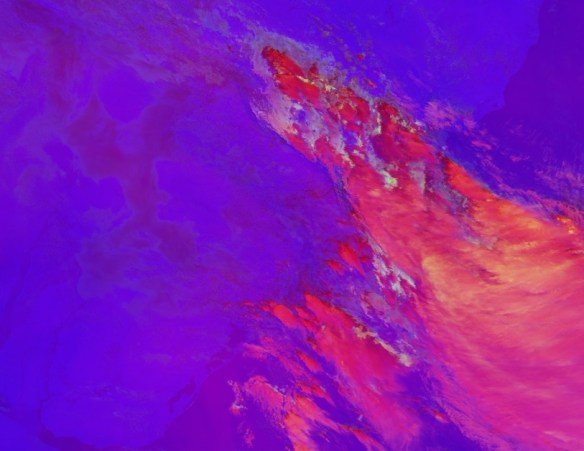
The following GOES-16 RGB Composites (GeoTIFF format) were added to the GEONETCast-Americas broadcast today, June 4th, 2019, 11:20 UTC:
Please find below a sample of each RGB, and their Quick Guides:
— DAY LAND CLOUD RGB —
Naming convention: G16_DLCREG_YYYYMMDDHHMN.tif
Quick Guide (click on the image to access):

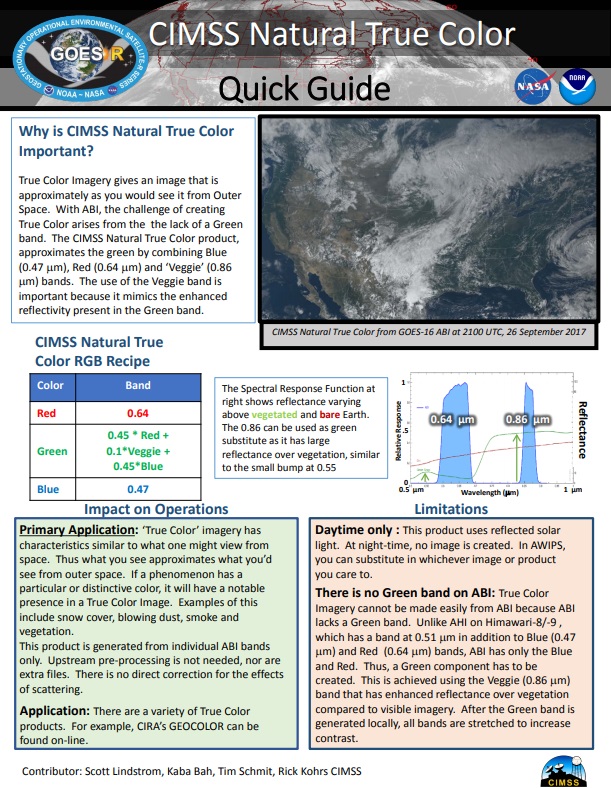
— NATURAL TRUE COLOR RGB —
 Naming convention: G16_NTCREG_YYYYMMDDHHMN.tif
Quick Guide (click on the image to access):
— AIRMASS RGB —
 Naming convention: G16_ARMREG_YYYYMMDDHHMN.tif
Quick Guide (click on the image to access):

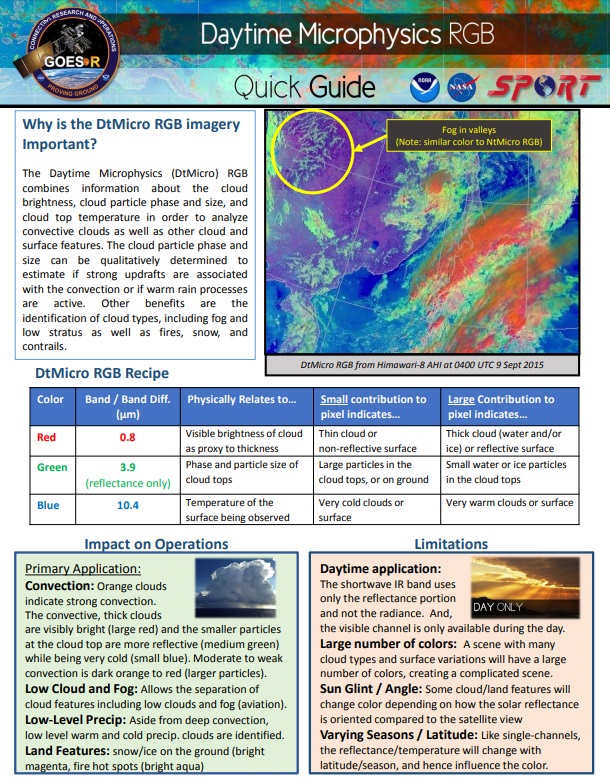
— DAY MICROPHYSICS RGB —
 Naming convention: G16_DMPREG_YYYYMMDDHHMN.tif
Quick Guide (click on the image to access):
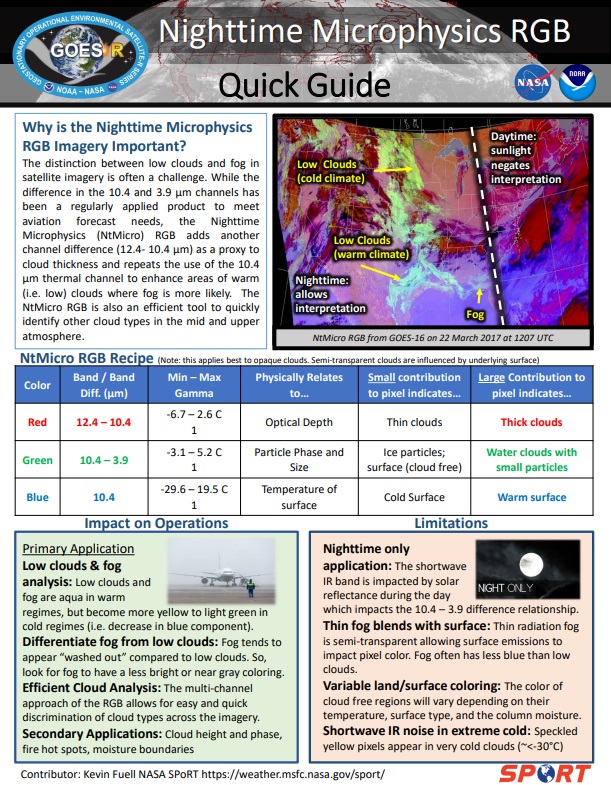
— NIGHT MICROPHYSICS RGB —
 Naming convention: G16_NMPREG_YYYYMMDDHHMN.tif
Quick Guide (click on the image to access):
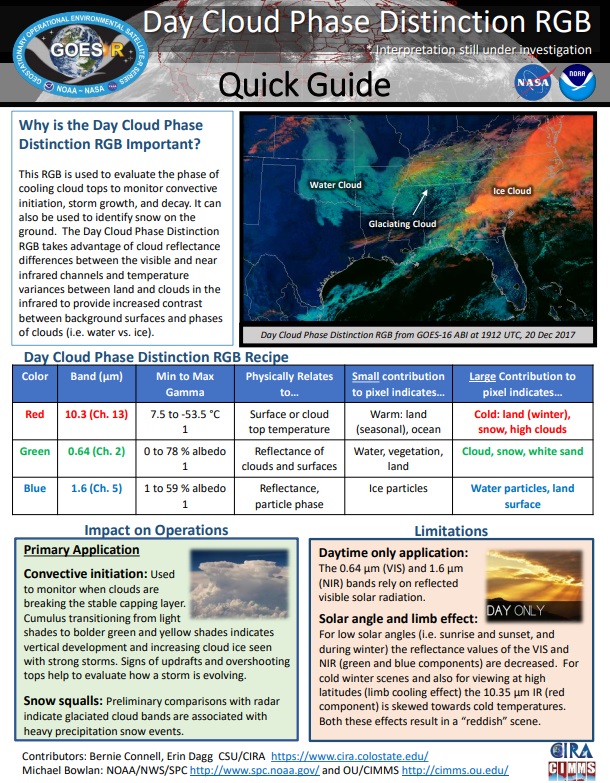
— DAY CLOUD PHASE DISTINCTION RGB —
 Naming convention: G16_DCPREG_YYYYMMDDHHMN.tif
Quick Guide (click on the image to access):
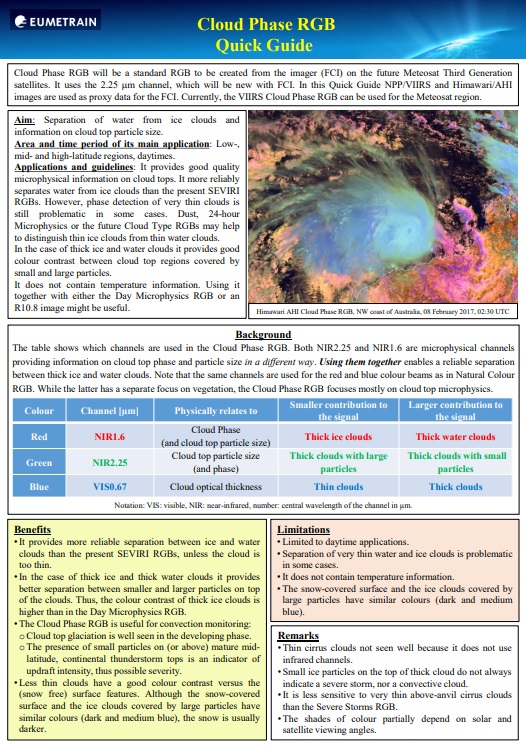
— CLOUD PHASE RGB —
 Naming convention: G16_CLPREG_YYYYMMDDHHMN.tif
Quick Guide (click on the image to access):
— DAY CONVECTION RGB —
 Naming convention: G16_CONREG_YYYYMMDDHHMN.tif
Quick Guide (click on the image to access):

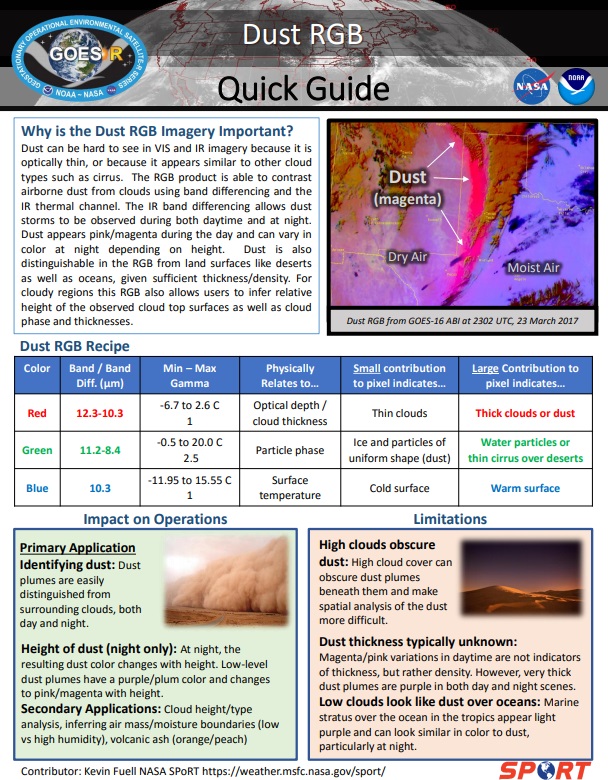
— DUST RGB —
 Naming convention: G16_DSTREG_YYYYMMDDHHMN.tif
Quick Guide (click on the image to access):
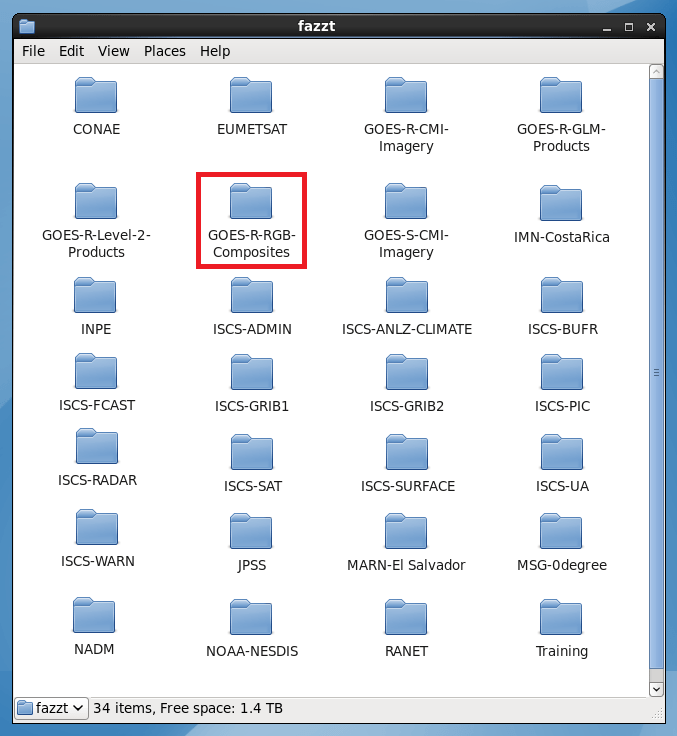
— GNC-A RECEIVE FOLDER —
The RGB’s may be found on the new GOES-R-RGB-Composites GNC-A ingestion folder:
— NAMING CONVENTION AND SECTORS —
The RGB’s naming convention is as follows:
G16_RGBREG_YYYYMMDDHHMN.tif
Where:
YYYYMMDDHHMN: Year, Month, Day, Hour and Minutes (UTC)
RGB:
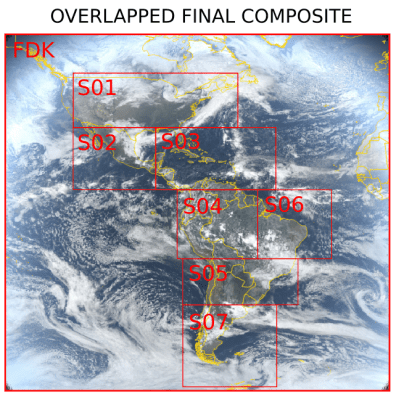
In order to fit the RGB’s in the GNC-A available space, for each time frame, the RGB’s are divided in 8 parts: A Low Resolution Full Disk and 7 higher resolution regions (3 km), as below:
REG:
The table below shows the extent of each sector:

The image below shows the 8 parts of each RGB:

The RGB’s are broadcasted for the following minutes: 00, 20, 30 and 50, each hour.
— JOINING THE SECTORS AND SUBSECT A GIVEN REGION —
Users may join the 8 regions into a single GeoTIFF and subsect it for a given region using a single GDAL instruction, called “gdalwarp”:
gdalwarp FDK.tif* S01.tif* …… S07.tif output.tif -te min_lon min_lat max_lon max_lat -overwrite
Below, an example instruction to join all the Natural True Color RGB sectors, and cut it to the following region:
gdalwarp G16_NTCFDK_201905311400.tif* G16_NTCS01_201905311400.tif* G16_NTCS02_201905311400.tif* G16_NTCS03_201905311400.tif* G16_NTCS04_201905311400.tif* G16_NTCS05_201905311400.tif* G16_NTCS06_201905311400.tif* G16_NTCS07_201905311400.tif* G16_NTC_201905311400.tif -te -120 0 -75 35 -overwrite
The result GeoTIFF, called G16_NTC_201905311400.tif, is seen below:

Alternatively, you may use the following Python code:
# Required libraries
from osgeo import gdal, osr, ogr  # Import GDAL
import os 			  # Miscellaneous operating system interfaces

# Desired Extent
extent = [-120, 0, -75, 35]

# Define KM_PER_DEGREE
KM_PER_DEGREE = 111.32

# Calculate the total number of degrees in lat and lon
deg_lon = extent[2] - extent[0]
deg_lat = extent[3] - extent[1]

# Calculate the number of pixels
resolution = 2
width = (KM_PER_DEGREE * deg_lon) /  resolution
height = (KM_PER_DEGREE * deg_lat) /  resolution

# Create the mosaic
grid = gdal.BuildVRT('tmp.vrt', ['s8.tif', 's1.tif', 's2.tif', 's3.tif', 's4.tif', 's5.tif', 's6.tif', 's7.tif'])
ds = gdal.Translate('output.tif', 'tmp.vrt', projWin = [extent[0], extent[3], extent[2], extent[1]], width = width, height = height)
grid = None
ds = None

 GNC-A Blog