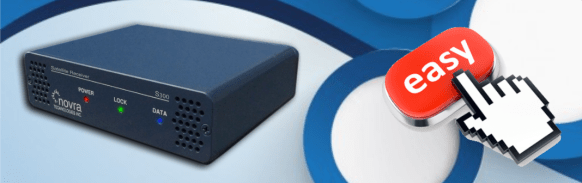
This blog post has a brief summary on how to configure the S300D DVB-S2 receiver. For additional information, please visit the links below:
- NOVRA S300D Description and Technical Specs: Link
- NOVRA S300D Receiver User Manual: Link
If you’re using a NOVRA S300D receiver in your GNC-A station, there is a very easy way to configure it to ingest GNC-A data, with just one command. Just follow the steps below:
1-) Download the CMCS (Central Management and Control Software) utility from NOVRA’s website here (for Windows click at “cmcs300 Windows” and for Linux click at “cmcs300 Linux“).
2-) Download the GNC-A configuration file for the S300D here. It is a simple text file called “novra_gnc-a.txt”.
3-) On Windows, run the CMCS software, clicking at the “cmcs.exe” file. The CMCS command line interface will be started. On Linux, there’s no need to start it after the installation.
4-) Enter the configuration command:
Windows: In the CMCS command line interface (where you see “CMCS>“), type:
login 192.168.0.11 -pw “Novra-S2” -load novra_gnc-a.txt -reboot
Linux: In the terminal, type:
cmcs -ip 192.168.0.11 -pw “Novra-S2” -load novra_gnc-a.txt -reboot
And that’s it!
The image below shows the procedure done in one of the operational stations (click to enlarge):

Your receiver is ready to ingest GEONETCast-Americas data. If your antenna is correctly pointed, the “LOCK” light should be on. If the ingestion software is correctly configured, the “DATA” light should be blinking.


Note: If you want to use a different network setting than 192.168.0.11, just change the “NETWORK” line in the text file.
You may find more details about receive station set-up on the INSTALLATION AND MAINTENENCE blog session.


 GNC-A Blog