


Free AI Video Generator
Turn text prompts and photos into short video clips. Create a free account for starter credits, review the model and cost, then generate an MP4.
New accounts receive 30 welcome credits. Starter video allowance: 1, at 30 credits per 5-second 480p clip with Seedance 1.0 Pro Fast. Sign-in is required to generate. Premium models use purchased credits.
How do you turn an idea into a video?
Start with a text prompt, photo or animation idea, then choose a model and settings before generating.


Which video recipes can you try?
Burning Bridges AI Video Generator
Turn one photo into the viral Burning Bridges party-walk trend video
Aura Farming AI Video Generator
Turn one photo into the viral aura farming K-drama classroom trend video
Head Bop AI Video Generator
Turn one pet photo into a head-bobbing AI video
Rain Dance AI Video Generator
Animate one shared photo into a rain dance video
Zombie AI Video Generator
Make the zombie love story trend with original characters — a 10-second AI zombie video in two steps
What can you make with AI video tools?
Use Text to Video for a written scene, Image to Video for a photo, or Animation Maker for a stylized clip.
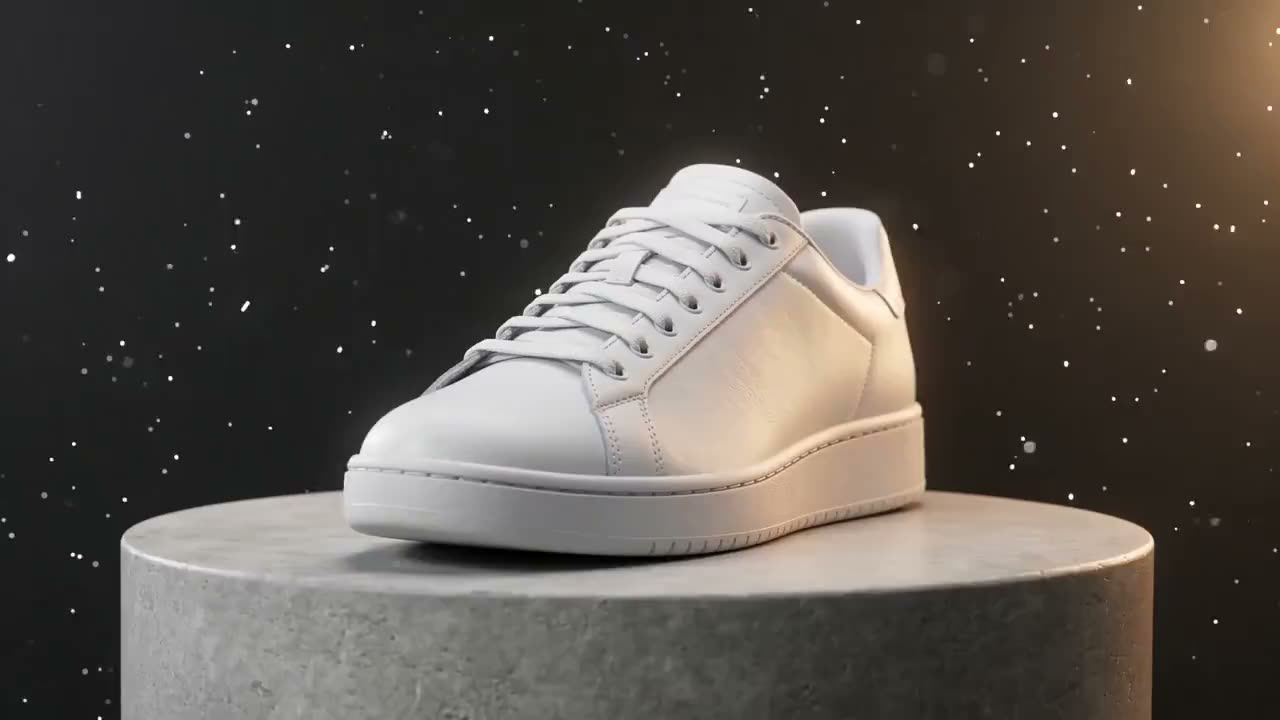
Image to Video
Animate one or more photos into a short video with first-frame control.
Try now
Text to Video
Describe a scene in words and get a video clip back.
Try now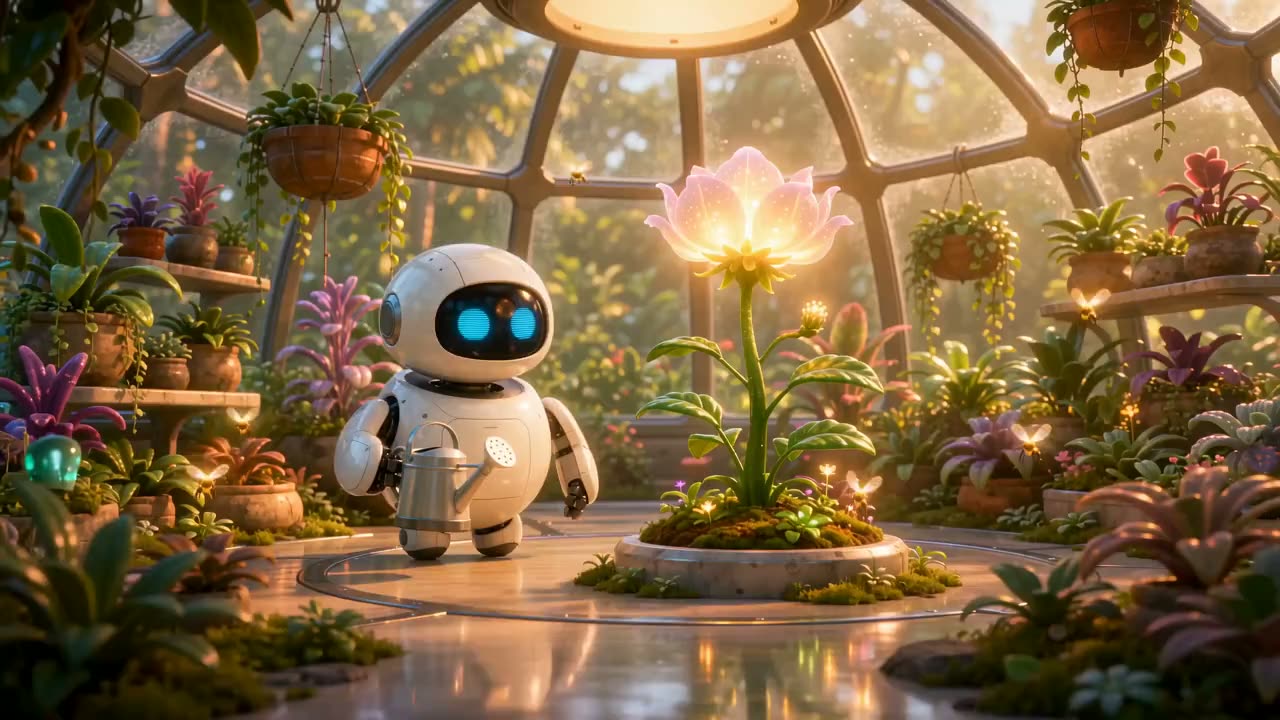
Animation Maker
2D, anime and 3D-style animated clips from text or images.
Try now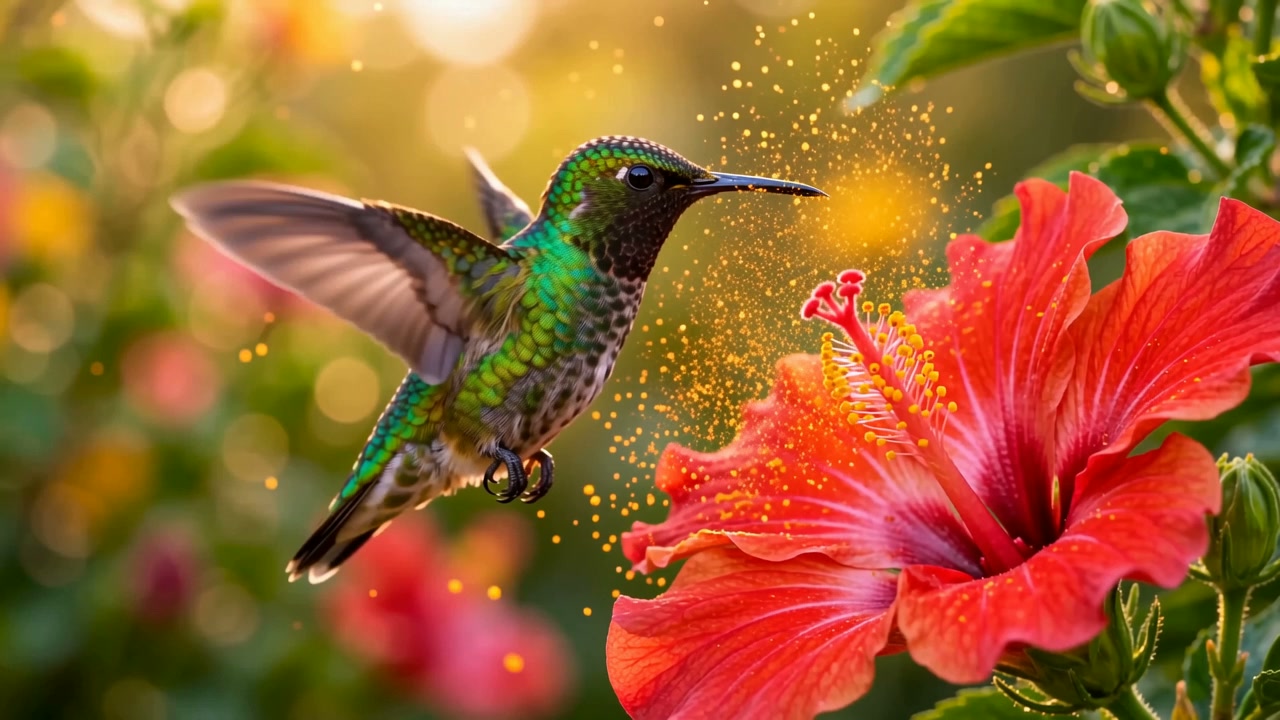
Sora 2
Supplier-listed Sora 2 text-to-video route. Read the model page’s availability notice before buying credits.
Try now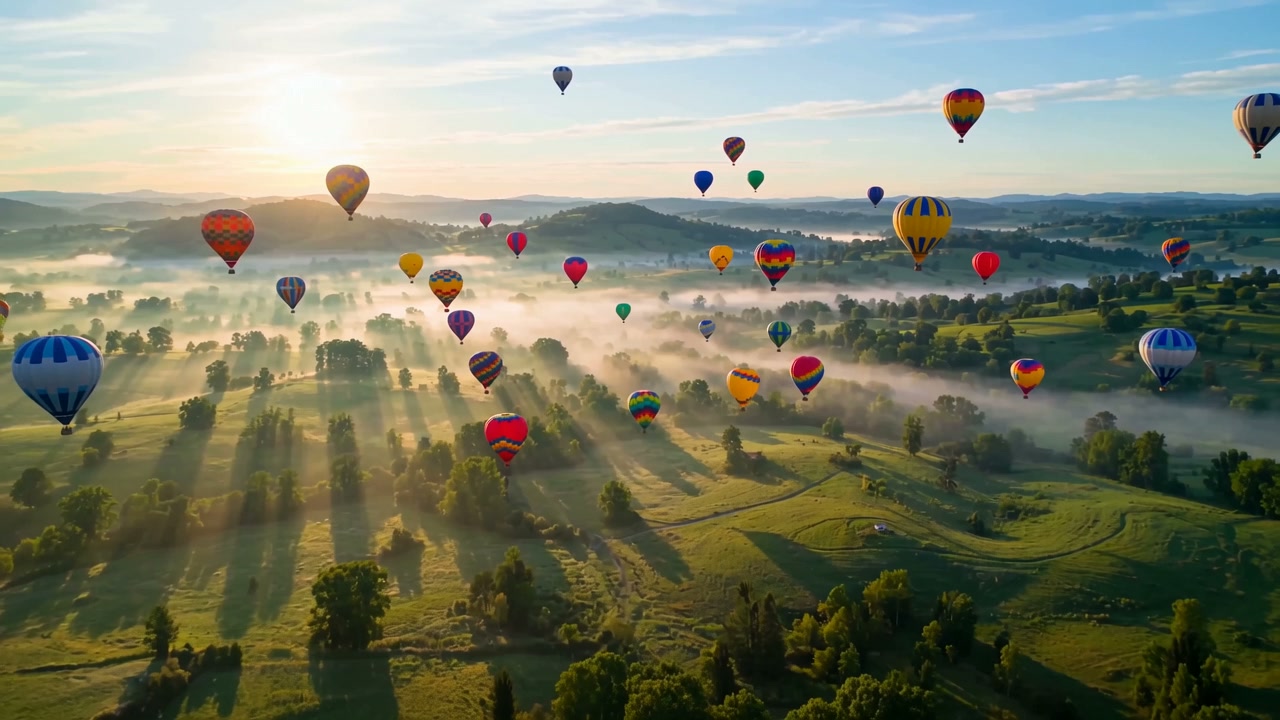
Veo 3
Google model with text and image inputs. Standard generation here is silent; check the available settings and credit quote.
Try nowWhich AI video models can you use?
Compare the video models available here by input, duration, resolution and credit cost.


Seedance 1.0 Pro Fast
ByteDance model. Fast, budget-friendly 5 or 10 second clips — the model behind the free starter credits.

Hailuo 02
MiniMax model. Compact 6 second clips with smooth, natural motion — text or image to video.

MiniMax H3 Max Turbo
MiniMax model. Turbo preset balancing speed and quality in 5 or 10 second clips.

Seedance 2.0 Fast
ByteDance model. Newer-generation Seedance with richer motion in 5 or 10 second clips.
What do the model developers document?
ByteDance describes Seedance 1.0's text and image inputs in its original model documentation:
“A model that supports multi-shot video generation from both text and image.”
Provider documentation covers model families and their limitations. Check our model directory for the versions, inputs, durations, resolutions and credit costs available here.
How can AI speed up video creation?
Choose a creation tool, add a prompt or photo, then generate a short clip without editing a timeline.


What should you know before you start?
Is this AI video generator really free?
New accounts receive 30 welcome credits. Starter video allowance: 1, at 30 credits per 5-second 480p clip with Seedance 1.0 Pro Fast. Sign-in is required to generate. Premium models use purchased credits.
Which AI video models can I use?
The generator runs Sora 2, Veo 3.1 Fast, Wan 3.0, Seedance, Hailuo and MiniMax models through one interface, so you can compare styles without switching tools.
Can I turn a photo into a video?
Yes. Upload one or more photos in the Image to Video tool, write an optional motion prompt, and the AI animates them into a short clip.
Does FreeVideoGenerator add a visible watermark?
FreeVideoGenerator does not add its own visible watermark to downloaded MP4 clips. Model providers may include invisible AI provenance signals.
Do I need to sign up to generate videos?
You can browse every tool, gallery and sample clip without an account. Rendering a clip needs free starter credits, which come with a free account — sign-up takes seconds and never asks for a credit card.
How do I make my first AI video?
Choose Text to Video for a written scene or Image to Video for a photo. Add a prompt, select the model and settings, check the credit quote, then generate and download the finished MP4. Generation requires an account and credits.
What kinds of videos can I create?
Social shorts, product promos, anime scenes, photo animations, funny clips and cinematic b-roll. Start from a text prompt, or upload a photo in the Image to Video and Photo to Video tools to animate it.
Which AI video model should I choose?
Choose by input, duration, resolution and cost. Seedance 1.0 Pro Fast accepts welcome credits. Compare the other models and their current settings in the model directory; output quality varies with the prompt.
