

Description
WooCommerce is the open-source ecommerce platform for WordPress.
Notre plateforme centrale est gratuite, flexible et amplifiée par une communauté mondiale. La liberté de son caractère open-source signifie que vous conservez à jamais la pleine propriété du contenu et des données de votre boutique.
Que vous lanciez une activité, basculiez un magasin physique en ligne ou développiez des sites pour vos clients, WooCommerce permet d’obtenir une boutique qui allie puissamment contenu et commerce.
- Create beautiful, enticing storefronts with themes suited to your brand and industry.
- Increase revenue with an optimized shopping cart experience that converts.
- Customize product pages in minutes using modular product blocks.
- Présentez des produits physiques et numériques, des variantes de produits, des configurations personnalisées, des téléchargements instantanés et des articles affiliés.
- Sell subscriptions, bookings, or memberships, with our developer-vetted extensions.
- Monter en haut des résultats de recherche en tirant parti des qualités SEO de WordPress.
- Build on a platform that scales. Get flexible ecommerce for high-volume stores.
TOUS LES OUTILS DONT VOUS AVEZ BESOIN POUR VENDRE
Built-in tools and popular integrations help you efficiently manage your business operations. Many services are free to add with a single click via the optional Setup Wizard.
- Choose how you want to get paid. Conveniently manage payments from the comfort of your store with WooPayments (Available in the U.S., U.K., Ireland, Australia, New Zealand, Canada, Spain, France, Germany, and Italy). Securely accept credit cards, mobile wallets, bank transfers, and cash thanks to 100+ payment gateways – including Stripe, PayPal, and Square.
- Configure your shipping options. Print USPS labels right from your dashboard and even schedule a pickup with WooCommerce Shipping (U.S.-only). Connect with well-known carriers such as UPS and FedEx – plus a wide variety of delivery, inventory, and fulfillment solutions for your locale.
- Simplify sales tax. Add WooCommerce Tax or similar integrated services to make automated calculations a reality.
Développez votre activité, ajoutez des fonctionnalités et surveillez votre boutique où que vous soyez
WooCommerce est synonyme de business. Suivez vos indicateurs de rendement les plus importants grâce à un tableau de bord central puissant et flexible intégré à WooCommerce.
Expand your audience across marketing and social channels with Google Ads, HubSpot, Mailchimp, and Facebook integrations. You can always check out the in-dashboard Marketing Hub for fresh ideas and tips to help you succeed.
Enhance store functionality with hundreds of free and paid extensions from the WooCommerce Marketplace. Our developers vet each new extension and regularly review existing extensions to maintain Marketplace quality standards. We are actively looking for products that help store builders create successful stores.
Manage your store from anywhere with the free WooCommerce mobile app (Android and iOS). Spoiler alert: Keep an ear out for the slightly addictive « cha-ching » notification sound each time you make a new sale!
Détenez et contrôlez les données de votre boutique à vie
Avec WooCommerce, vos données vous appartiennent. Toujours.
If you opt to share usage data with us, you can feel confident knowing that it’s anonymized and kept secure. Choose to opt-out at any time without impacting your store.
Unlike hosted ecommerce solutions, WooCommerce store data is future-proof; you’re free to export all your content and take your site to any platform you choose. No restrictions.
Pourquoi les développeurs choisissent (et aiment) WooCommerce
Developers can use WooCommerce to create, customize, and scale a store to meet a client’s exact specifications, making enhancements through extensions or custom solutions.
- Leverage hooks and filters to modify or create functionality.
- Integrate virtually any service using a robust REST API and webhooks.
- Concevez et créez des blocs de contenu personnalisés avec React.
- Inspect and modify any aspect of the core plugin code.
- Speed up development with a lightning-fast CLI.
La plateforme centrale fait l’objet de tests rigoureux et fréquents. Ils sont exécutés par une équipe de développement dédiée qui travaillent sur différents fuseaux horaires. La documentation complète est mise à jour à chaque version afin de vous apporter les outils requis pour créer en tout point la boutique dont vous avez besoin.
Rejoignez notre communauté internationale grandissante
WooCommerce compte une communauté importante et passionnée qui contribue à la réussite des commerçants et qui s’agrandit rapidement.
There are WooCommerce Meetups in locations around the world that you can attend for free and even get involved in running. These events are a great way to learn from others, share your expertise, and connect with like-minded folks.
WooCommerce participe également régulièrement aux WordCamps organisés dans le monde entier. Nous serions ravis de vous rencontrer.
Contribution et traduction
WooCommerce est développé et pris en charge par Automattic, les créateurs de WordPress.com et Jetpack. Nous avons également des centaines de contributeurs indépendants, et il y a toujours de la place pour plus. Dirigez-vous vers le Dépôt WooCommerce GitHub pour découvrir comment vous pouvez participer.
WooCommerce est traduit en plusieurs langues, dont le danois, l’ukrainien et le persan. Aidez à localiser encore plus WooCommerce en ajoutant vos paramètres régionaux – visitez translate.wordpress.org.
Connexion à WooCommerce.com
You can connect your store to WooCommerce.com to manage your subscriptions on WooCommerce Marketplace and receive product updates without leaving WordPress admin. Connection also enables installation of purchased products right from WooCommerce.com and streamlines access to technical support. If you’d like to learn about what data is gathered and how it is used, please refer to our Privacy Policy.
Captures d’écran
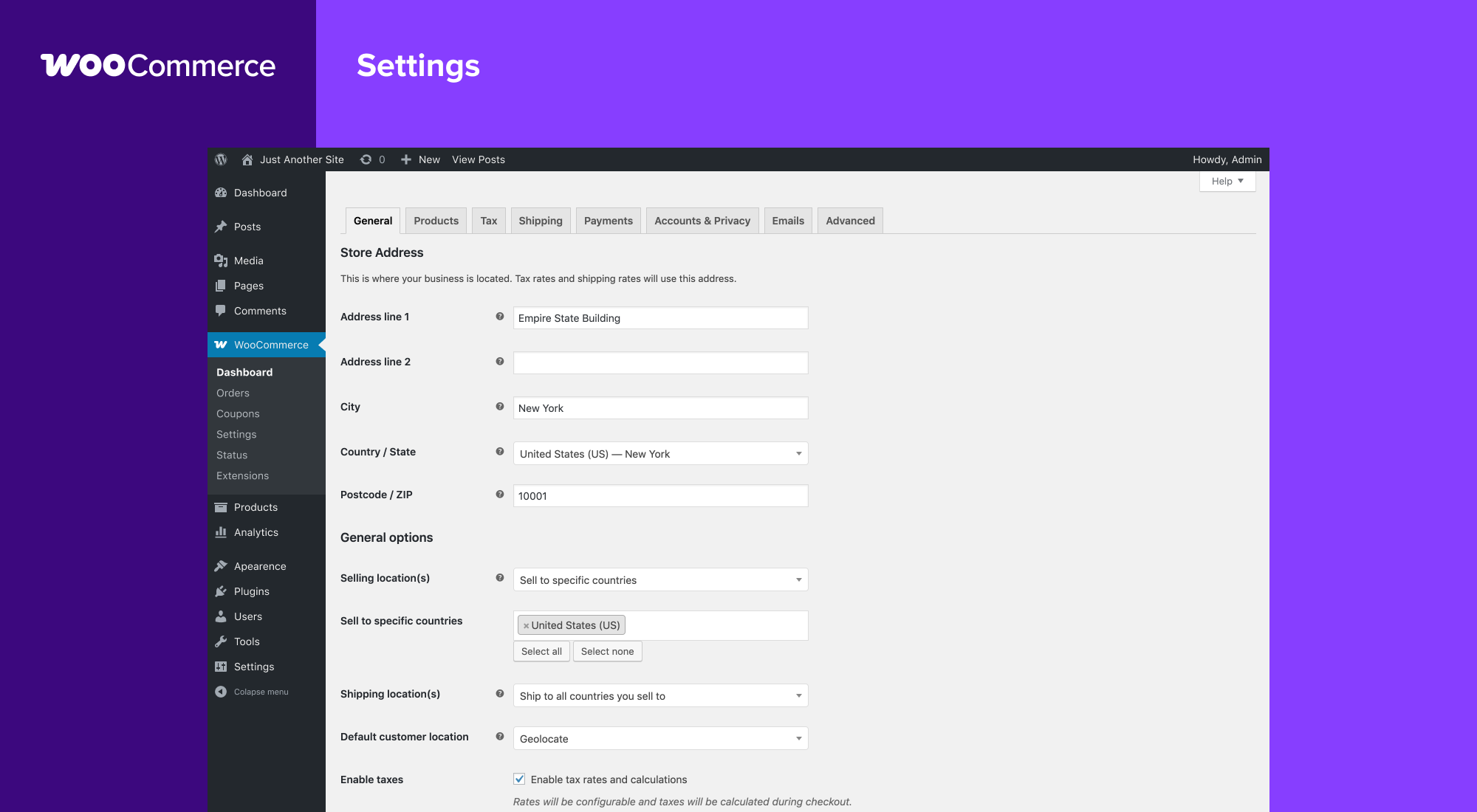
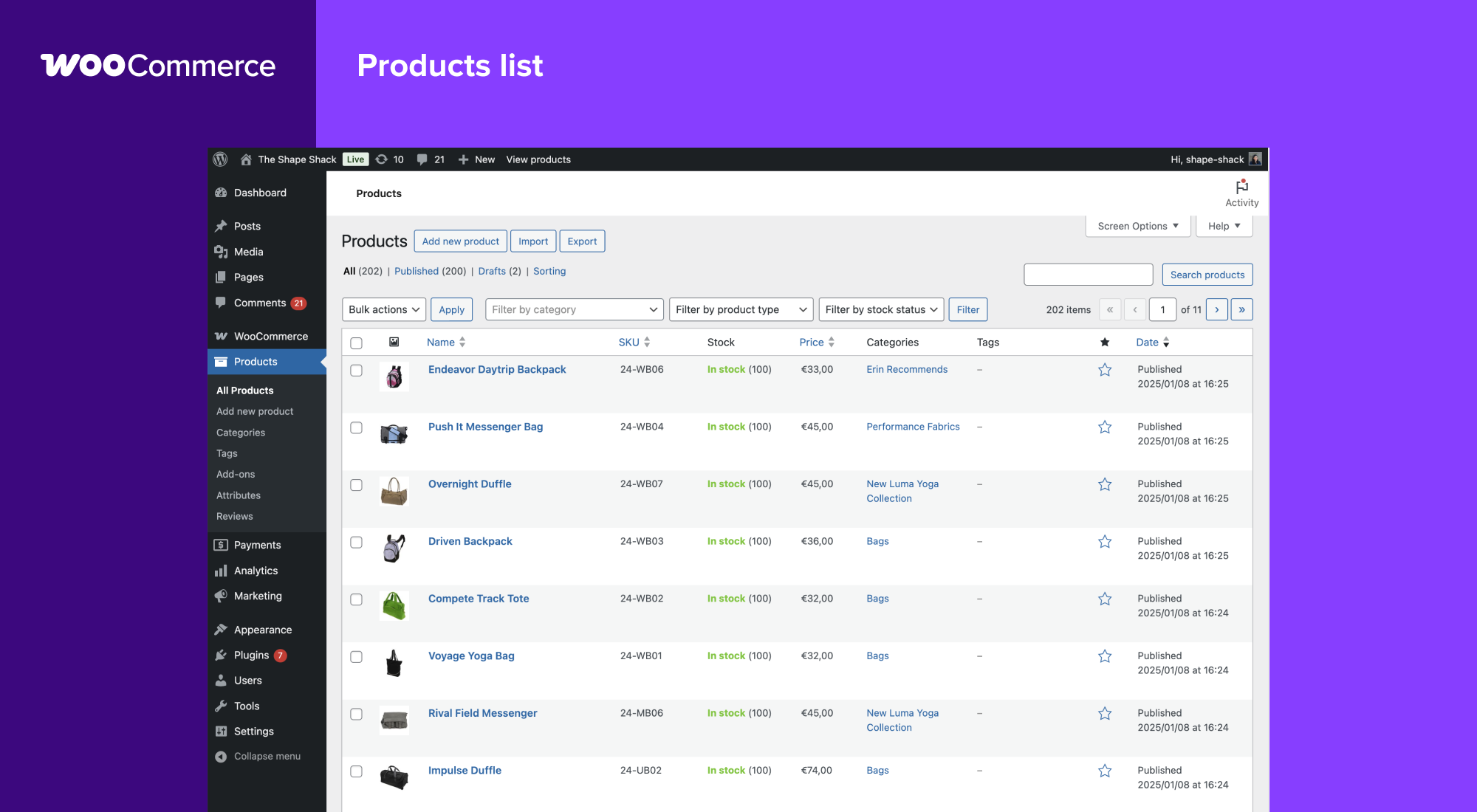
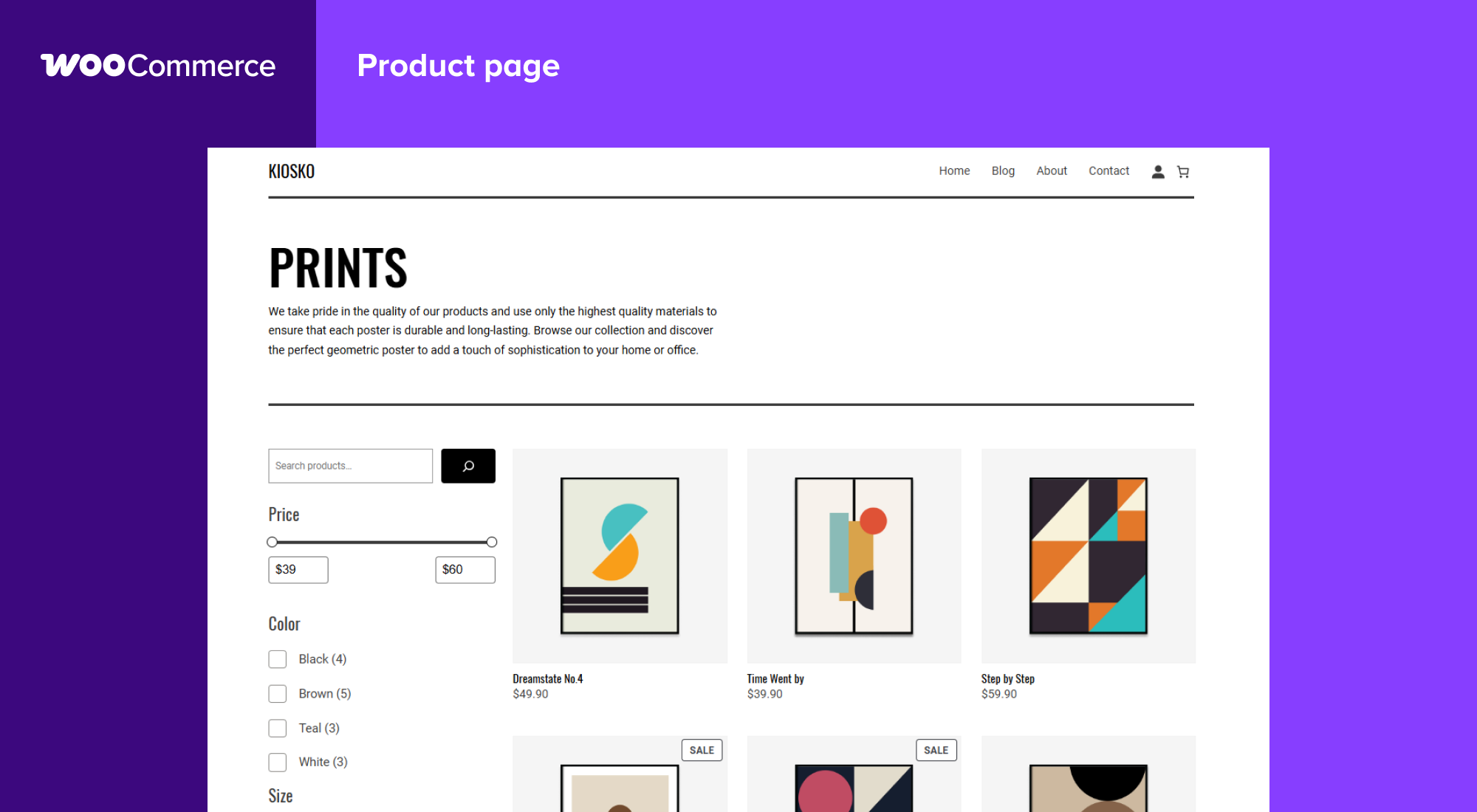
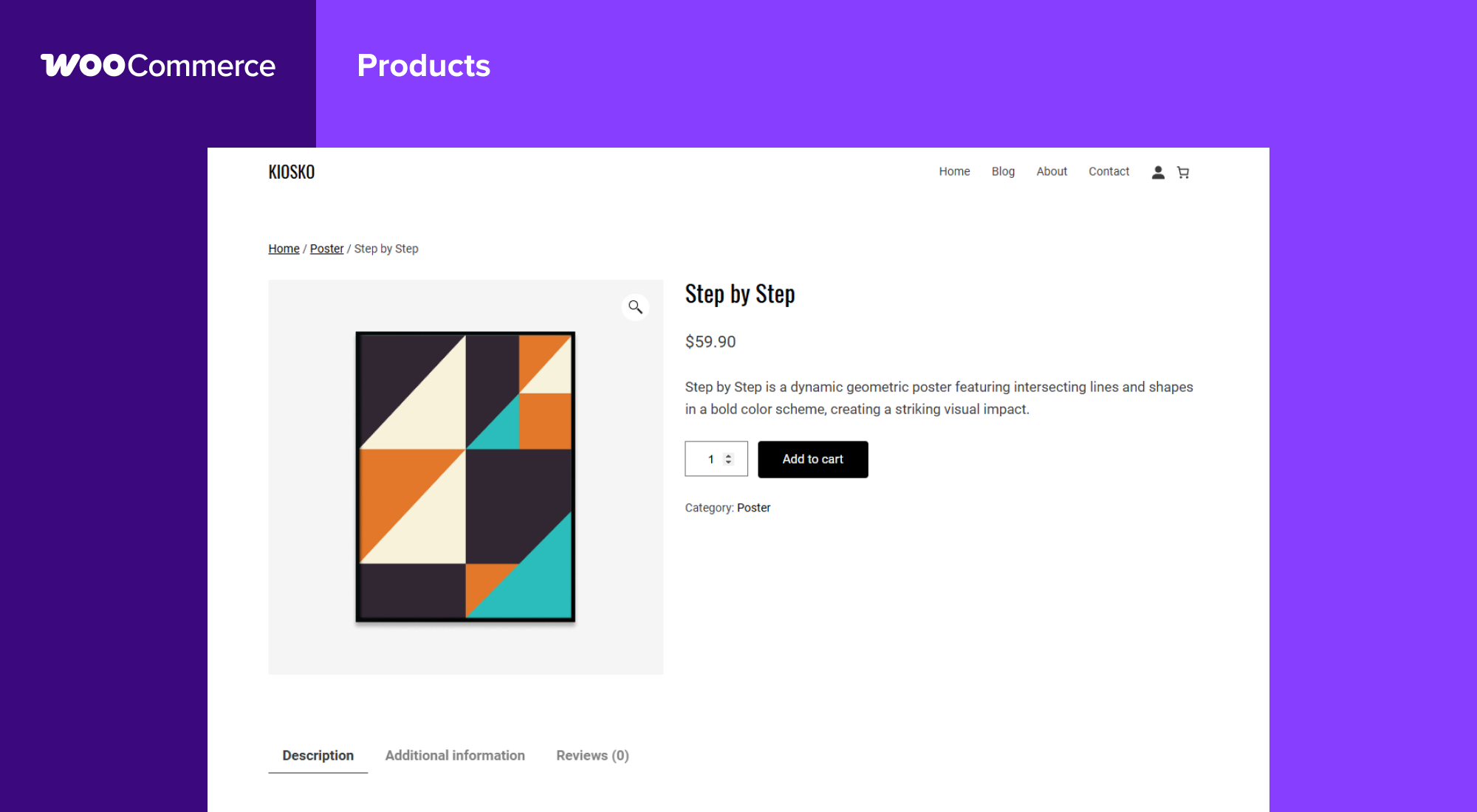
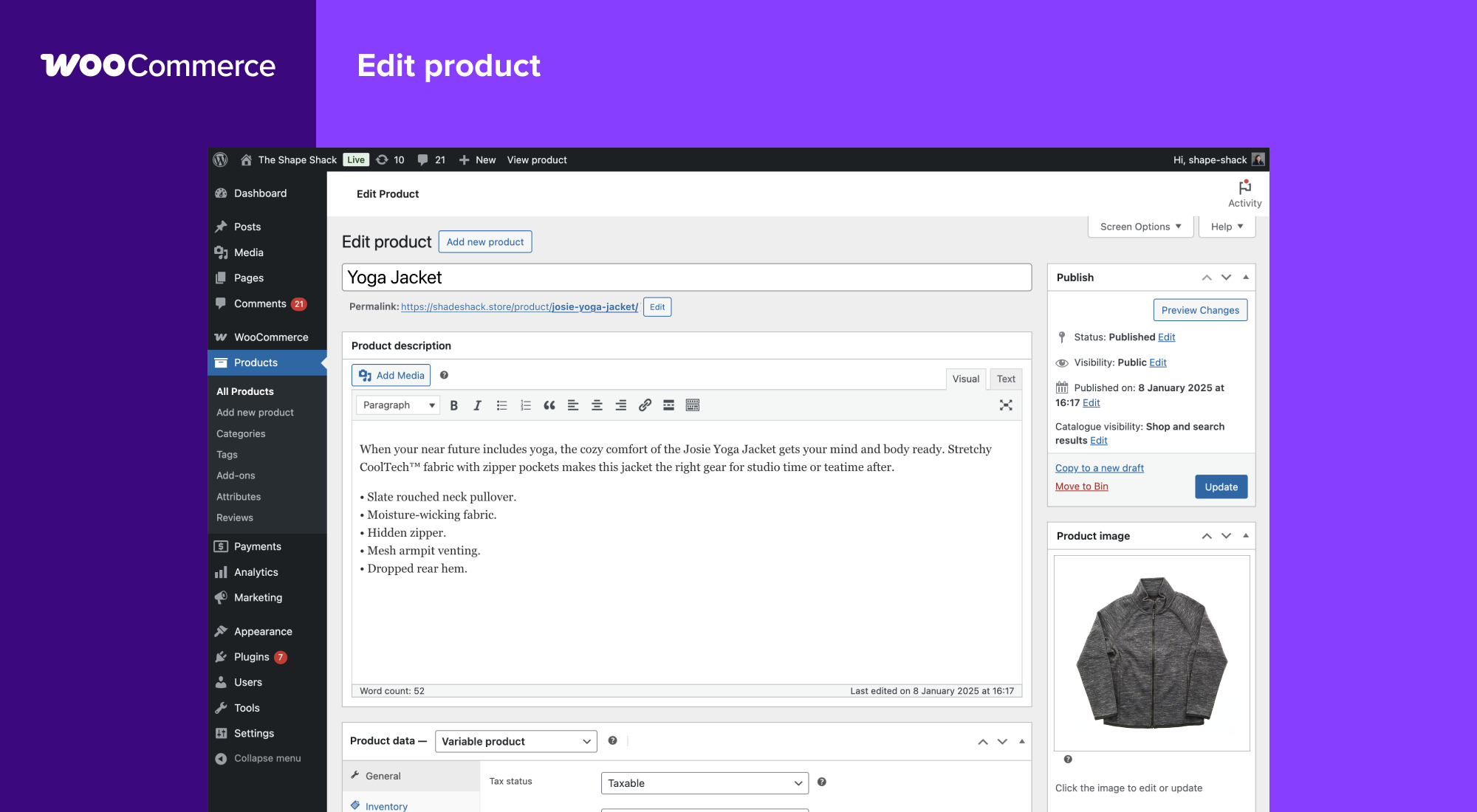
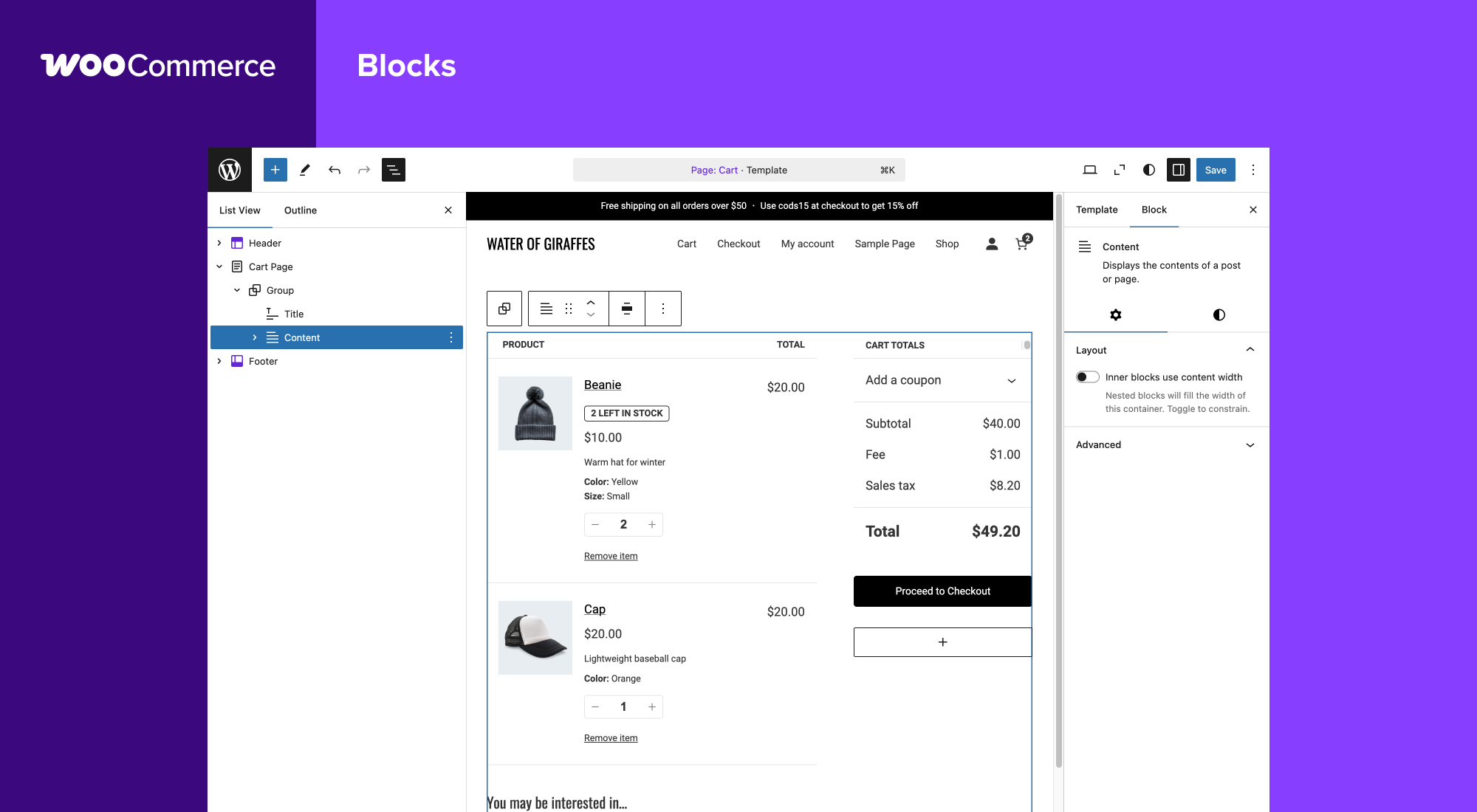
Blocs
Cette extension offre 1 bloc.
- Coming Soon
Installation
Configuration minimale
- PHP 7.4 or greater is required (PHP 8.0 or greater is recommended)
- MySQL 5.5.5 or greater, OR MariaDB version 10.1 or greater, is required
- WordPress 6.8 or greater
- (Recommended) WordPress memory limit of 256 MB or greater.
- (Recommended) HTTPS support.
Installation automatique
L’installation automatique est l’option la plus simple, car WordPress gère le transfert des fichiers sans que vous n’ayez à quitter votre navigateur. Pour effectuer une installation automatique de WooCommerce, connectez-vous à votre tableau de bord WordPress, accédez au menu « Extensions » et cliquez sur « Ajouter ».
Dans le champ de recherche, saisissez « WooCommerce », puis cliquez sur « Rechercher des extensions ». Une fois que vous l’avez trouvée, vous pouvez voir les détails la concernant comme la version intermédiaire, l’évaluation et la description. Mais surtout, vous pouvez l’installer en cliquant simplement sur « Installer maintenant ». WordPress s’occupera alors de la suite.
Installation manuelle
La méthode d’installation manuelle consiste à télécharger l’extension WooCommerce et à la téléverser sur votre serveur Web via votre application FTP préférée. Le codex de WordPress contient des instructions pour se faire ici.
Mise à jour
Les mises à jour automatiques ne devraient pas poser de problème, mais nous vous recommandons tout de même de sauvegarder votre site.
Si par malchance vous recontrez des problèmes avec les pages de la boutique / catégorie après une mise à jour, il vous suffit de regénérer les permaliens en allant sur WordPress > Réglages > Permaliens puis en cliquant sur « sauvegarder. » Cela devrait régler ces problèmes.
Exemple de données
WooCommerce comes with some sample data you can use to see how products look; import sample_products.xml via the WordPress importer. You can also use the core CSV importer or our CSV Import Suite extension to import sample_products.csv
FAQ
-
Où puis-je trouver de la documentation et des guides de l’utilisateur pour l’extension WooCommerce ?
-
For help setting up and configuring WooCommerce, please refer to Getting Started and the New WooCommerce Store Owner Guide.
For extending or theming WooCommerce, see our documentation, as well as the Plugin Developer Best Practices.
-
Où puis-je trouver de l’aide ou discuter avec d’autres utilisateurs à propos de WooCommerce Core ?
-
If you get stuck, you can ask for help in the WooCommerce Support Forum by following these guidelines, reach out via the WooCommerce Community Slack, or post in the WooCommerce Community group on Facebook.
-
Où puis-je obtenir de l’aide pour les extensions que j’ai achetées sur le marché WooCommerce ?
-
For assistance with paid extensions from the WooCommerce Marketplace: first, review our self-service troubleshooting guide. If the problem persists, kindly log a support ticket via our helpdesk. Our dedicated Happiness Engineers aim to respond within 24 hours.
-
I’m having trouble logging in to WooCommerce.com – what now?
-
First, troubleshoot common login issues using this helpful step-by-step guide. Still not working? Get in touch with us.
-
Est-ce que WooCommerce fonctionnera avec mon thème ?
-
Yes! WooCommerce will work with any theme but may require some additional styling. If you’re looking for a theme featuring deep WooCommerce integration, we recommend Storefront.
-
Comment puis-je mettre à jour WooCommerce ?
-
We have a detailed guide on How To Update WooCommerce.
-
Mon site ne fonctionne plus. Que dois-je faire ?
-
Start by diagnosing the issue using our helpful troubleshooting guide.
Si l’erreur est apparue après la mise à jour d’un thème ou d’une extension, des problèmes de compatibilité peuvent exister entre ce thème/cette extension et WooCommerce. Si le problème est apparu après la mise à jour de WooCommerce, un conflit peut exister entre WooCommerce et un thème ou une extension obsolète.
In both instances, we recommend running a conflict test using Health Check (which allows you to disable themes and plugins without affecting your visitors) or troubleshooting the issue using a staging site.
-
Où puis-je signaler des bugs ?
-
Signaler des bogues sur Dépôt WooCommerce GitHub. Vous pouvez également nous en informer via notre support – assurez-vous de rechercher les forums pour confirmer que l’erreur n’a pas déjà été signalée.
-
Où puis-je demander de nouvelles fonctionnalités, des thèmes et des extensions ?
-
Request new features and extensions and vote on existing suggestions on our official feature request board. Our Product teams regularly review requests and consider them valuable for product planning.
-
WooCommerce est génial ? Puis-je y contribuer ?
-
Rejoignez notre dépôt GitHub et suivez le blog de développement pour rester informé de tout ce qui se passe dans le projet.
-
Où puis-je trouver la documentation pour l’API Rest ?
-
Une documentation complète de l’API REST WooCommerce est disponible sur GitHub.
-
Ma question n’apparaît pas dans la liste. Où puis-je trouver d’autres réponses ?
-
Check out Frequently Asked Questions for more.
Avis


Contributeurs & développeurs
« WooCommerce » est un logiciel libre. Les personnes suivantes ont contribué à cette extension.
Contributeurs-
Automattic
-
WooCommerce
-
Mike Jolley
-
James Koster
-
Claudio Sanches
-
Rodrigo Primo
-
Peter Fabian
-
Vedanshu – Urumi.AI
-
Julia Amosova
-
obliviousharmony
-
Néstor Soriano Vilchez
-
sadowski
-
Ron Rennick
-
royho
-
Barry
-
Claudiu Lodromanean
-
Tiago Noronha
-
Kelly Choyce-Dwan
-
levinmedia
-
Albert Juhé Lluveras
-
Darren Ethier (nerrad)
-
Joshua Wold
-
Nadir Seghir
-
Rua Haszard
-
Michael P. Pfeiffer
-
Niels Lange
-
Raluca
-
tjcafferkey
-
danielwrobert
-
patriciahillebrandt
-
albarin
-
Tung Du
-
Manish Menaria
-
Karol Manijak
-
sunyatasattva (a11n)
-
Alexandre Lara
-
Luigi Teschio
-
danieldudzic
-
Sam
-
Alex Florisca
-
opr18
-
tarunvijwani
-
Paulo Arromba
-
Saad T.
-
Boro Sitnikovski
-
Gerhard Potgieter
-
Corey McKrill
-
Jorge A. Torres
-
Leif Singer
-
Ján Mikláš
“WooCommerce” a été traduit dans 71 locales. Remerciez l’équipe de traduction pour ses contributions.
Traduisez « WooCommerce » dans votre langue.
Le développement vous intéresse ?
Parcourir le code, consulter le SVN dépôt, ou s’inscrire au journal de développement par RSS.
Historique des changements
10.5.2 2026-02-13
WooCommerce
- Fix – Fix variable products add-to-cart button appearing disabled in some stores #63262