
Description
The SEO Dashboard plugin by WebsiteCrawler.org analyzes on page SEO elements and
generates dedicated reports for the elements so that you can quickly find out the pages that needs to be optimized. The plugin invokes the crawler programmatically, which handles the crawling, page rendering, and analysis task without putting any load on your server i.e. the plugin connects your WordPress site with the WebsiteCrawler platform.
It provides full access to the free/basic plan of the platform which supports processing of up to 25 pages of a website via the WebsiteCrawler API and brings important reports such as page size, redirect chains, robots.txt status, h1 to h6 tags, etc to the WordPress dashboard.
The plugin itself is fully functional and does not restrict or disable features after installation.
Users may choose to upgrade their plan outside of WordPress.org to access pro features and unlock higher crawl limits.
External services
This plugin uses the WebsiteCrawler API to initiate crawls remotely.
The crawl task is run and handled by the WebsiteCrawler servers.
The plugin gets the status of the crawl until the crawl job is complete and fetches the data once the crawl is completed.
Only the site URL, API Key, the WebsiteCrawler generated token and the crawl limit is passed to the API endpoints.
Once the API key is authenticated, a token is received by the plugin and the same is saved to the database.
The token is sent to the endpoints for every subsequent API endpoint calls along with the site url.
Please see our Privacy Policy to know what data we collect about websites.
Captures d’écran

The settings page 
Images report 
Meta Description report 
Page size report 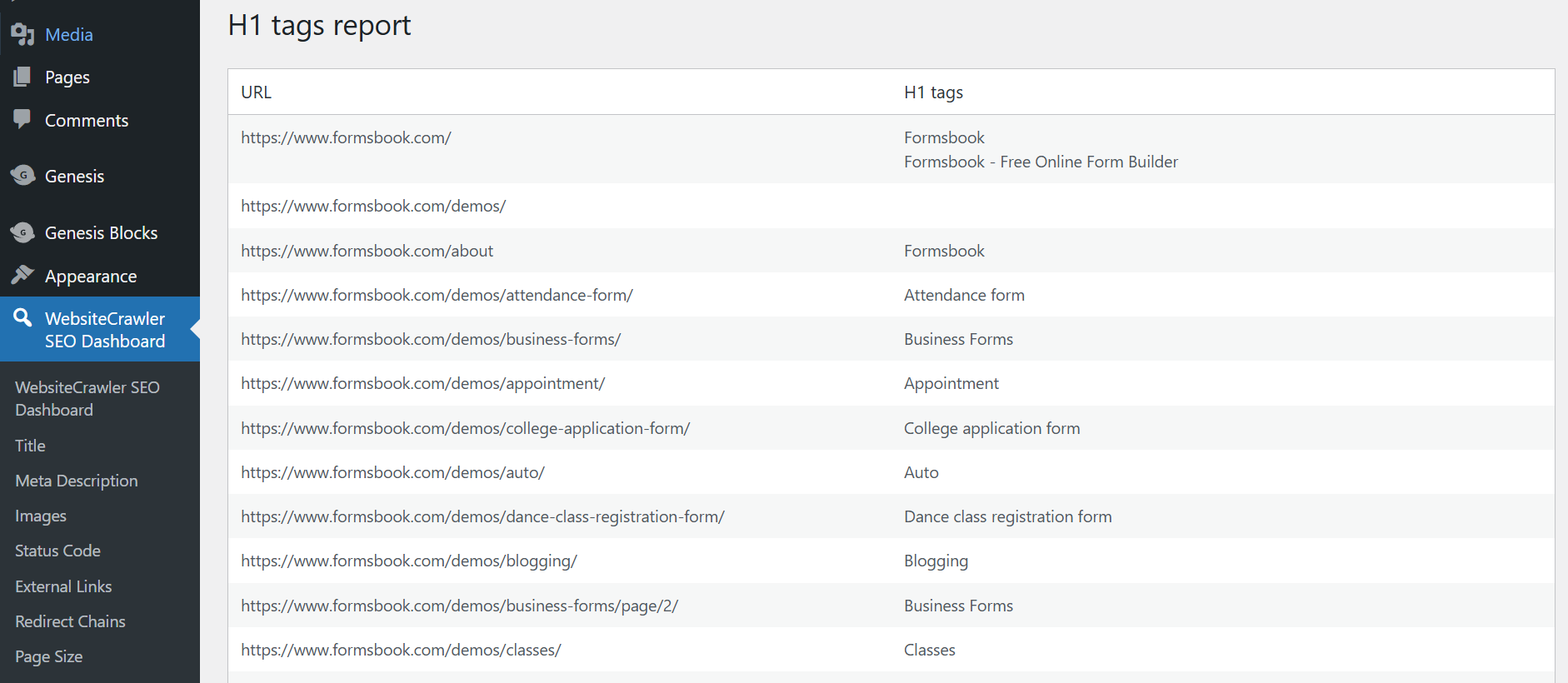
H1 tags report 
HTTP Status Code report
Installation
- Upload the plugin files to the
/wp-content/plugins/directory, or install via the WordPress Plugins screen directly. - Activate the plugin through the ‘Plugins’ page in the WordPress admin page.
- Navigate to Settings > SEO Dashboard settings to configure your API key.
- Get your free API key from the WebsiteCrawler.org settings page and enter the key in the SEO Dashboard settings page.
- Follow the instructions on the settings page to initiate the crawl.
FAQ
-
Is this plugin trialware?
-
No. The plugin is fully functional and connects to the free plan of WebsiteCrawler via the API.
Any limitations are part of the SaaS free plan, not restrictions in the plugin code. -
Do I need a paid account?
-
No. You can use the free/basic plan. If you want more features or higher limits, you can upgrade your plan.
-
Where do I get an API key?
-
You can sign up for a free account at WebsiteCrawler.org and generate an API key from our settings page.
Avis
Il n’y a aucun avis sur cette extension.
Contributeurs & développeurs
« WebsiteCrawler SEO Dashboard » est un logiciel libre. Les personnes suivantes ont contribué à cette extension.
Contributeurs
Traduisez « WebsiteCrawler SEO Dashboard » dans votre langue.
Le développement vous intéresse ?
Parcourir le code, consulter le SVN dépôt, ou s’inscrire au journal de développement par RSS.
Historique des changements
1.0.0
- Initial release with full free plan integration.