

Description
Slider Factory helps you create attractive slideshows for your WordPress website. Whether you need an image slider for your homepage, a photo carousel for your portfolio, or a video slideshow for product demos, this plugin offers 12 ready-to-use layouts to get you started quickly.
View Free Demo: Slider Factory | View Pro Demo: Slider Factory Pro
Learn More: Slider Factory Pro Features | Purchase Pro: Buy Slider Factory Pro
The plugin works with a simple drag-and-drop interface. Upload your images, arrange them in your preferred order, adjust the settings, and place the shortcode on any page or post. Your slider will automatically adapt to different screen sizes, looking sharp on desktops, tablets, and mobile phones.
Watch Video Tutorial
Each slider supports titles, descriptions, and alt text for images, which helps with accessibility and search engine optimization. You can upload multiple images at once and rearrange them easily. The admin dashboard is built with Bootstrap 5, making it intuitive to navigate and configure your sliders.
Slider Factory integrates smoothly with popular page builders including Elementor, Visual Composer, WPBakery Page Builder, and the Gutenberg block editor. It also works with WPML for multilingual websites.
How It Works
- Navigate to Slider Factory in your WordPress admin
- Click « Add New Slider » and choose a layout
- Upload your images using the bulk uploader
- Drag and drop to arrange the slide order
- Configure settings like autoplay, width, and height
- Copy the generated shortcode
- Paste the shortcode into any page, post, or widget
To embed a slider directly in a theme template, use:
<?php do_shortcode('[sf id=1 layout=1]') ?>
The shortcode [sf id=1 layout=1] contains the slider ID and layout number.
Free Version Features
- 12 Slider Layouts – Choose from image sliders, carousels, photo galleries, team sliders, testimonial sliders, and more
- Responsive Design – Sliders adapt to all screen sizes automatically
- Bulk Image Upload – Add multiple images at once with the built-in uploader
- Drag and Drop Sorting – Arrange slides in your preferred sequence
- Customizable Dimensions – Set custom width and height for each slider
- Autoplay Control – Enable or disable automatic slide transitions
- Title and Description – Add text overlays to each slide
- SEO Friendly – Alt text support for all slider images
- Widget Ready – Use sliders in sidebar widgets
- Bootstrap 5 Dashboard – Clean, modern admin interface
Pro Version Features
Upgrade to Slider Factory Pro for additional layouts and advanced features:
- 21 Slider Layouts – Nine additional layout designs for more variety
- Video Slides – Add YouTube and Vimeo videos to your slideshows
- Transition Effects – Fade, slide, and CSS3 animation effects
- jQuery Easing – Smooth easing effects for slide transitions
- Speed Control – Adjust transition speed and autoplay intervals
- Pause on Hover – Pause slideshow when visitors hover over it
- Fullscreen Mode – Display sliders in fullscreen view
- Mouse Wheel Control – Navigate slides with mouse scroll
- Touch Swipe – Swipe gestures for mobile devices
- Thumbnail Navigation – Show clickable thumbnails below the slider
- Dots Pagination – Add navigation dots for slide control
- Arrow Navigation – Previous/next arrows for manual navigation
- Loading Bar – Visual progress indicator during slide transitions
- Image Links – Add clickable links to each slide image
- Two Link Buttons – Add multiple call-to-action buttons per slide
- Slide Sorting – Sort by title, ascending, descending, or random
- Adaptive Height – Slider height adjusts to image dimensions
- Gap Between Slides – Control spacing in carousel layouts
- Slider Cloning – Duplicate existing sliders with one click
- Custom CSS – Add your own styling for complete customization
- RTL Support – Right-to-left language support
- Translation Ready – Compatible with WPML and multilingual plugins
Captures d’écran

Layout 1: Image Slider – Showcase images with customizable settings. 
Layout 2: Video Slider – Embed videos seamlessly. 
Layout 3: Carousel Slider – Display multiple items in a carousel format. 
Layout 4: Photo Gallery – Create stunning photo galleries. 
Layout 5: Team Slider – Highlight team members. 
Layout 6: Testimonial Slider – Showcase customer testimonials. 
Layout 7: Content Slider – Display text and images together. 
Layout 8: Hero Slider – Create full-width hero banners. 
Layout 9: Product Slider – Showcase WooCommerce products. 
Layout 10: Event Slider – Display upcoming events. 
Layout 11: Blog Slider – Feature latest blog posts. 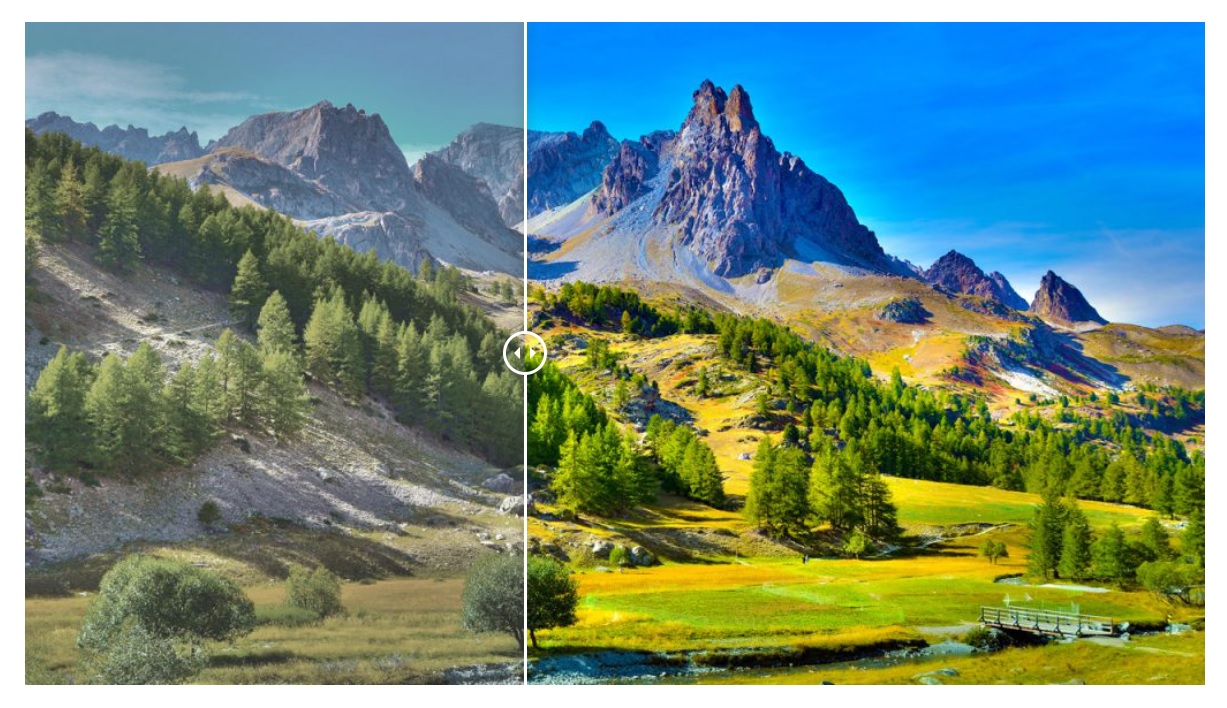
Layout 12: Custom Slider – Build fully customizable sliders.
Installation
- Upload plugin files to your plugins folder, or install using WordPress built-in Add New Plugin installer.
- Activate the plugin.
- Navigate to Slider Factory in your admin menu.
- Click « Add New Slider » to create your first slideshow.
For detailed instructions, see the Plugin Documentation.
FAQ
-
How do I install the plugin?
-
Upload the plugin through WordPress Plugins > Add New, or use FTP to upload to /wp-content/plugins/. Then activate from the Plugins page. See the installation guide for details.
-
How do I create a slider?
-
Go to Slider Factory > Add New Slider. Select a layout, upload your images, configure settings, and save. Copy the shortcode and paste it where you want the slider to appear. See the creation guide.
-
How do I add the slider to a page?
-
Copy the shortcode from your slider (e.g., [sf id=1 layout=1]) and paste it into any page or post using the WordPress editor. See publishing guide.
-
Is it compatible with Elementor and Gutenberg?
-
Yes, the plugin works with Elementor, Gutenberg, Visual Composer, WPBakery Page Builder, and other major page builders.
-
How many sliders can I create?
-
There is no limit. You can create unlimited sliders with unlimited images in each.
-
How many layouts are available?
-
The free version includes 12 layouts. The Pro version offers 21 layouts total.
-
Can I add videos to the slider?
-
Video support is available in the Pro version. You can embed YouTube and Vimeo videos as slides.
-
Can I use multiple sliders on the same page?
-
Yes, you can place multiple slider shortcodes on the same page. Each slider operates independently.
-
How do I change the slider speed?
-
Autoplay speed and transition duration settings are available in the slider configuration panel. Advanced speed controls are available in the Pro version.
-
Is the plugin translation ready?
-
Yes, the plugin supports translation. The Pro version includes WPML compatibility for multilingual websites.
-
How do I add links to slider images?
-
Image linking is a Pro feature. You can add clickable links and call-to-action buttons to each slide in the Pro version.
-
Can I customize the slider styling?
-
You can adjust width, height, and other settings in the free version. The Pro version includes custom CSS support for complete styling control.
-
Does it work with all WordPress themes?
-
Yes, Slider Factory is designed to work with any properly coded WordPress theme. If you experience compatibility issues, please contact support.
-
Is the slider mobile responsive?
-
Yes, all slider layouts are fully responsive and adapt to different screen sizes including phones and tablets.
-
How do I get support?
-
For support, visit the plugin documentation at wpfrank.com or use the WordPress.org support forum.
-
What license is the plugin released under?
-
This plugin is released under the GPL v2 or later license.
Avis


Contributeurs & développeurs
« Slider Factory for Images and Videos » est un logiciel libre. Les personnes suivantes ont contribué à cette extension.
Contributeurs


“Slider Factory for Images and Videos” a été traduit dans 1 locale. Remerciez l’équipe de traduction pour ses contributions.
Traduisez « Slider Factory for Images and Videos » dans votre langue.
Le développement vous intéresse ?
Parcourir le code, consulter le SVN dépôt, ou s’inscrire au journal de développement par RSS.
Journal
1.3.12
- Readme updated for WordPress.org guidelines compliance
1.3.11
- Regular update and maintenance
1.3.10
- Manage slider interface updated
- Tested on Latest WordPress 6.0.3
1.3.9
- PHP v7.4.x tested
1.3.8
- Tested on Latest WordPress version.
1.3.7
- More security issues fixed.
1.3.5
- Settings saving issue fixed.
1.3.4
- Typos fixed
- Security issue patched.
1.3.3
- Security issue patched.
1.3.2
- Security issue fixed.
1.3.1
- Compatible with 5.8.1 and tested with regular update.
1.3.0
- Layout 12 – Image loading issue on page load, fixed
- Security issue on data saving, patched
- Compatible with on WordPress version 5.8
1.2.0
- Layout 7 – Error in shortcode fixed
- Layout 4 – Image fit issue resolved
- Layout 5 – Page scroll issue resolved
- Enhanced the code security as per WordPress guidelines
- Layout 12 – Image quality issue resolved
1.1.1
- Layout 1 – image loading issue fixed on page load
- Layout 1 – image height issue for different shortcodes on same page fixed
- Version number added on All Slider Layouts page
1.1.0
- New layouts 10, 11 & 12 added
- Layout 10 height issue fixed
- Disabled PRO features added to layout settings part
- Layout 11 description font issue and default height issue fixed
- Layout 5 default size issue fixed
- Layout 2 height in px issue fixed